


Quick Summary:
- A clear voucher screenshot is usually accepted, but bring the email too.
- Agents check your name, booking reference, and pick-up location details carefully.
- Save a PDF offline, because airport signal can be unreliable.
- Bring licence, payment card, and ID; the voucher is not enough.
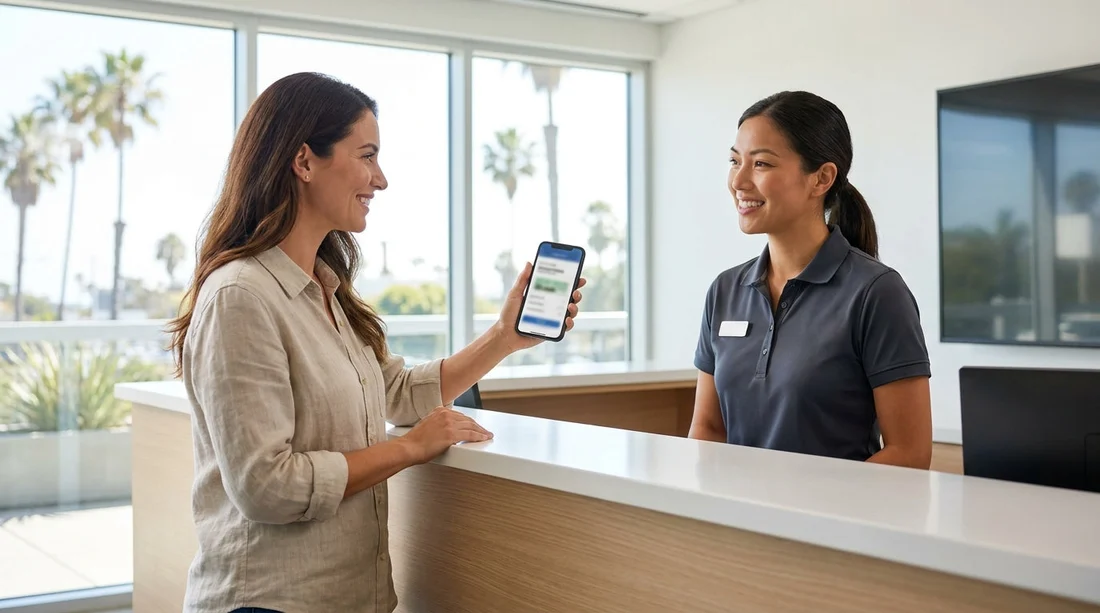
If you are collecting a car hire vehicle in Los Angeles, it is common to wonder whether a screenshot of your voucher will be accepted at the counter. In most cases, yes, a screenshot is usually fine, provided the key booking details are readable. That said, acceptance can depend on the rental brand, the location, and how the booking was issued, so it is wise to carry more than one form of proof.
At Los Angeles International Airport, queues, bright lighting, and patchy mobile reception can make it surprisingly hard to pull up an email at the exact moment you need it. Having a screenshot or an offline copy speeds up check-in, but it should support, not replace, the documents the agent must verify.
If you want a sense of how pick-up typically works at LAX, the general guidance for car hire at Los Angeles LAX is a helpful reference point, because it reflects what most desks ask for, regardless of provider.
What the desk usually accepts as proof of booking
Most rental counters in Los Angeles accept several types of booking proof, as long as the information matches the reservation in their system. Commonly accepted options include your voucher shown on your phone, a screenshot, a PDF saved to your device, or a printed copy.
A screenshot works best when it shows the essential details on one screen, such as your full name, confirmation or reservation number, pick-up location, pick-up time and date, and vehicle category. If your screenshot only captures the top of an email, with no reference number, the agent may ask you to open the full voucher instead.
Even when your booking proof is accepted, the agent will still pull up the reservation on their terminal. Your voucher helps them find the booking quickly, and it helps you confirm the agreed terms, but it is not a substitute for the required ID and payment checks.
When a screenshot may not be enough
There are situations where a screenshot is less likely to be accepted as the only proof. The most common issue is missing information. If the desk cannot see a reservation number, or if your surname is cut off, it can slow things down.
Another issue is when the voucher contains special instructions that the agent needs to read in full, for example, details about pre-paid fuel, after-hours collection, or a note about an additional driver. A single screenshot may not include those details. In that case, an offline PDF or the original email is better.
Finally, if you are collecting from a specific brand desk, the agent may prefer the supplier confirmation number rather than a broker reference. For example, if you are picking up from an Alamo counter at LAX, it helps to have the details shown on the relevant page for Alamo car hire in Los Angeles LAX so you know what number format to look for on your voucher.
What you must bring in addition to booking proof
For car hire pick-up in Los Angeles, proof of booking is only one piece. The desk will typically require the main driver’s driving licence, a payment card in the main driver’s name, and identification, depending on your circumstances and the supplier’s policy.
International travellers should check whether an International Driving Permit is recommended or required alongside their licence. Rules vary by licence type and issuing country. Even where it is not required, it can reduce friction if your licence is not in English.
Your payment card matters because the deposit and any additional charges must usually be secured at the counter. A voucher does not guarantee a vehicle is released without a qualifying card. If your booking includes extras, like an additional driver or child seat, you may be asked to confirm those at the desk.
If you are collecting from a specific operator, you can expect similar checks. For instance, the pick-up process is comparable for National car hire in Los Angeles LAX, where the agent uses your booking reference to locate the reservation, then verifies ID and payment eligibility.
How to store your voucher offline for a smoother check-in
Offline access is the simplest way to avoid delays at LAX, where terminal basements, shuttle areas, and crowded networks can affect reception. Aim to store two offline versions: a screenshot for speed, and a PDF for completeness.
Start by saving the voucher email as a PDF on your phone, then store it in a files app that works without data. Rename it with something obvious like “LAX car hire voucher” so you can find it quickly while at the desk. Next, take a screenshot of the section showing your name, booking reference, and pick-up details. If the voucher is long, take two or three screenshots so every key line is captured.
Keep your voucher accessible without logging in. If your email requires a two-factor code, it may be difficult to access while roaming. Downloading the PDF in advance bypasses this.
What to show first at the counter in Los Angeles
To keep things fast, show the simplest proof that contains the most useful details. A clean screenshot is often the quickest, because the agent can immediately read the reservation number and your name. If they ask for more, open the PDF.
Be ready to provide your driving licence and payment card at the same time. Many delays happen because travellers focus on the voucher, then need to dig around for their wallet or passport. If you have an additional driver, have their licence ready too.
If you arranged your rental through a specific operator at LAX, knowing the desk brand can help the agent route you correctly. For example, the process aligns closely with Enterprise car rental in Los Angeles LAX, where the voucher helps find the reservation, but the licence and payment checks determine whether the vehicle can be released.
Extra tips for avoiding voucher-related issues at LAX
First, check that your pick-up date and time match your flight arrival and that you are going to the correct location. Los Angeles has multiple pick-up points, and LAX rental facilities can be separate from the terminal. Second, confirm the driver name is exactly as shown on the driving licence, including middle names if your voucher includes them.
Third, keep your phone charged. A screenshot is only useful if your screen turns on. Consider a small power bank for travel days. Fourth, avoid relying on cloud storage alone, because sign-in prompts and network issues can slow you down.
Finally, if you have any special inclusions such as pre-paid coverage or a second driver, read your voucher before you travel. Knowing what is included helps you understand what the agent is offering at the desk and whether it matches your reservation.
FAQ
Is a screenshot of my car hire voucher accepted at pick-up in Los Angeles? Usually yes, if it clearly shows your name, reservation number, and pick-up details. Bring the original email or PDF as backup.
What if I cannot access my email at LAX due to poor signal? Save the voucher as a PDF for offline use and keep one or two clear screenshots. This avoids needing mobile data or roaming to check in.
Does the voucher replace my driving licence or payment card? No. The counter will still require the main driver’s licence and a qualifying payment card, and may request ID depending on your situation.
What details must be visible on the voucher or screenshot? Your full name, booking reference, pick-up location, dates and times, and vehicle category. If possible, include the supplier confirmation number too.
Should I bring a printed copy as well? It is optional, but helpful if your phone battery fails or the screen is damaged. A printed voucher can also make it easier to review the terms at the desk.





























































































