


Quick Summary:
- Digital booking confirmations are usually accepted at Miami rental counters.
- Save your voucher, reservation number, and supplier phone number offline.
- Bring your driving licence, passport, and the payment card used.
- Keep a backup plan if your phone dies after landing.
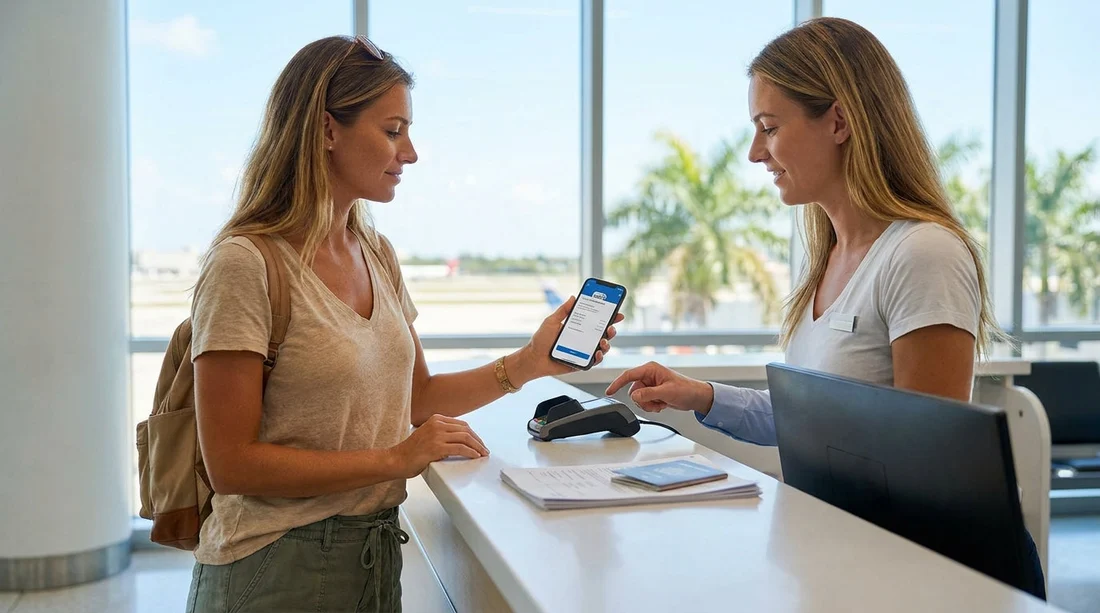
Most travellers collecting a vehicle for car hire in Miami do not need a printed booking confirmation. In most cases, the desk agent only needs your reservation number and your identity and payment documents. A digital voucher shown on your phone is normally fine, particularly at major airport and city locations.
That said, printing can still be helpful in a few situations, for example when mobile data is patchy, your email app will not load, your battery is flat, or the desk needs to check inclusions quickly. The safest approach is simple, keep your confirmation accessible offline, and bring the core documents the rental company must see.
Is a digital voucher enough to pick up car hire in Miami?
In general, yes. A digital voucher or confirmation email is typically accepted for car hire pickup in Miami. Staff usually type in your reservation number, confirm the name matches your ID, then verify licence and payment card details. If your booking is with a well known supplier, the reservation is often already visible in their system as soon as you provide your details.
If you are collecting at a busy hub such as Miami Airport and Doral car hire, being ready with the right details can save time in the queue and reduce the chance of a desk agent needing to step away to investigate your booking.
When a printed confirmation can still help
You usually do not need to print, but there are practical cases where paper helps you avoid delays.
1) Your phone dies at the worst moment. This is the classic issue after a long flight. If your boarding pass, hotel details, and car hire confirmation are all on one device, you can end up stuck.
2) You cannot access your email. Password prompts, two factor login codes, or roaming issues can keep you locked out.
3) The desk needs to verify inclusions. If there is confusion about prepaid fuel, additional driver, or the deposit amount, it can be quicker to show a clear summary.
4) You are changing locations. If you reserved for one area and end up collecting elsewhere, having your confirmation details on hand helps staff find or rebuild the booking. For example, you might switch from a suburban branch like Coral Gables car rental to a different desk depending on your plans.
What to have offline, so you are not reliant on signal
The goal is to be able to prove and retrieve your booking without internet access. Before you travel, make sure you have these items saved offline.
Reservation number and supplier name. Write the reservation number in your notes app and on a small card in your wallet. Also note the brand you are collecting from, because the counter area can have several companies close together.
A screenshot of the voucher summary. Screenshot the page that shows your name, pickup date and time, location, vehicle category, and what is included. Screenshots are fast to open and do not require a signal.
Pickup address and opening hours. This helps if you are collecting away from the airport. If you are going to a branch in Doral, it helps to know whether you are heading to car rental in Doral or another nearby desk, especially if you have multiple reservations or are travelling with colleagues.
Supplier contact number. If there is a flight delay or you are running late, calling ahead can protect your reservation. Save the number in contacts so it works offline.
Proof of payment or booking email PDF. Many email apps allow you to save an email as a PDF to your files app. Do this in advance, and store it in a folder you can access without logging in again.
Documents the rental desk will always ask for
Whether you show a printed voucher or a digital one, the desk will focus on your eligibility and payment. For car hire in Miami, expect to provide your driving licence, passport or additional ID, and the payment card needed for the deposit.
If you are arranging a larger vehicle for a group, the same rules apply. A booking confirmation alone does not replace documents. If you are collecting a people carrier or similar from van rental in Downtown Miami, have all drivers present if you want them listed on the agreement.
How to avoid delays if your phone battery dies
A dead phone is common after landing. Carry a charged power bank and the right cable, and save screenshots or a PDF of your confirmation so it opens without a signal. If needed, print or write a one page summary with your reservation number, pickup location, and supplier name.
What the desk actually uses your confirmation for
It helps to understand why the confirmation matters. At pickup, the agent uses it to locate your reservation and confirm the rate and inclusions. They do not usually need the full voucher text, but they may need your reservation number, pickup time and location, and the vehicle category booked.
If you are renting with a specific brand, it can help to have that brand name handy, so you join the right queue. For example, if your booking is with Enterprise, having the booking details ready can speed things up at Enterprise car rental in Miami.
FAQ
Do I need to print my booking confirmation for car hire in Miami? Usually not. A digital voucher or confirmation email is typically accepted, as long as you can show your reservation number and details clearly.
What is the minimum I should save offline before pickup? Save your reservation number, supplier name, pickup location, and a screenshot or PDF of the voucher summary, so you can access it without data.
Will a printed voucher replace my driving licence or credit card? No. The desk still requires the original driving licence and the payment card needed for the deposit, in the main driver’s name.
What should I do if my phone is dead at the counter? Use a printed note or card with the reservation number, then ask the agent to search by name and dates. Charge with a power bank if possible.
Can I pick up if I cannot access my email account? Often yes, if you know your reservation number and have valid ID and payment. Offline screenshots or a saved PDF avoid relying on email access.































































































