


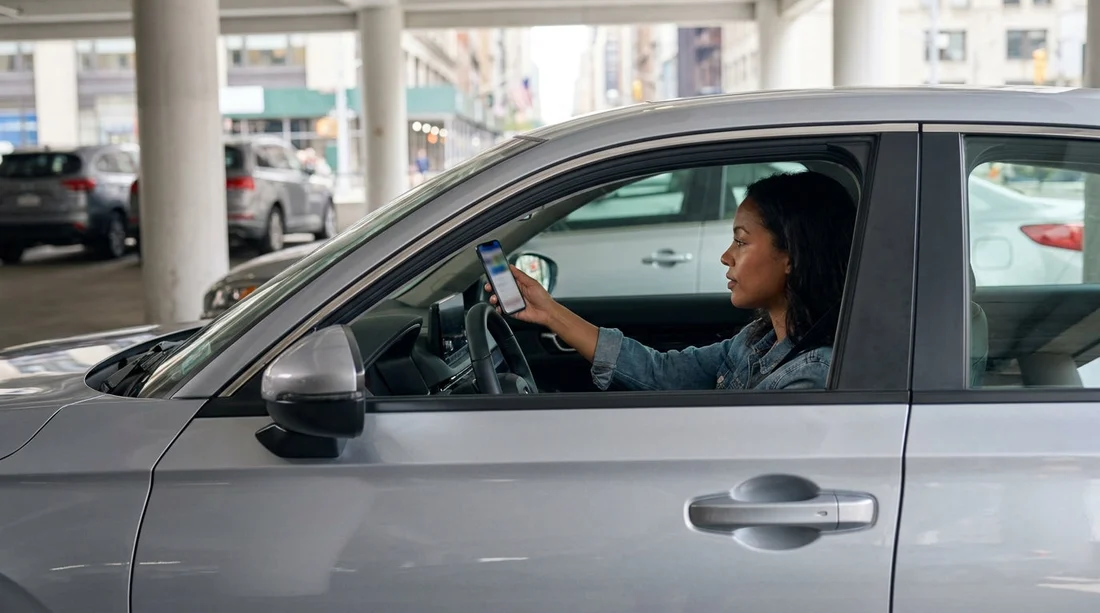
Quick Summary:
- Download a meter-parking app used in NYC neighbourhoods you will visit.
- Confirm your rental toll programme, or set up an E-ZPass alternative.
- Install a garage-parking app, then save vehicle details and payment.
- Enable notifications and receipts to track tolls, sessions, and disputes.
Picking up a car hire in New York can feel straightforward until you meet the city’s everyday realities: kerbside rules that change by block, parking sessions that expire mid meeting, and toll crossings that stack up quickly. The best way to remove friction is to set up the right apps before you collect the keys. That means having your payment card verified, location services enabled, and notifications switched on so you do not miss a session ending or a toll confirmation.
New York State tolling is mostly cashless on major crossings, and New York City parking is a mix of meters, pay stations, garages, and heavily regulated street spaces. Rental companies often provide toll coverage through their own programmes, but that convenience can come with daily fees, per-toll admin charges, or both. Apps can help you understand what you are paying, keep receipts together, and avoid accidental overstay penalties.
If you are planning a one-way itinerary that begins outside New York, it can also help to standardise your approach. Even if you are comparing destinations like Boston or Las Vegas, having parking and toll tools already set up keeps your driving days consistent.
Core toll apps and accounts to consider first
For most drivers, tolls are the bigger “unknown cost” than parking because you can cross a bridge or enter a toll road without noticing a sign. In and around New York City, cashless tolling is common, so your rental agreement and your account setup matter.
E-ZPass is the dominant tolling system across the New York region and much of the US Northeast. If you already have an E-ZPass transponder and a personal account, check the rules before attaching it to a rental. Some agencies allow it if the transponder is properly mounted and you disable their toll programme. Others may still bill you if their toll device is active. Do not assume.
Pay-By-Plate tolling is the fallback on many crossings, where cameras read the number plate and the toll is billed later. With a rental car, that bill typically goes to the rental company, then is passed to you with added fees. Your goal is to minimise surprises by clarifying, in advance, which method will apply to your trip.
What to set up before pickup is less about a single perfect toll app and more about choosing one of two clean paths. Path one is to use the rental company’s toll programme, then track tolls carefully so you can reconcile charges. Path two is to use your own compatible toll account, where permitted, and make sure the rental toll device is not also billing you. If you are touring beyond New York, that same habit helps when you drive elsewhere, for example if you later arrange transport after flying into Salt Lake City.
Parking apps that work best for New York City driving
In New York City, the most practical parking apps are the ones that let you start and extend a session without returning to the car. This matters because meetings run long, and the cost of a parking ticket can dwarf the cost of the parking itself.
Meter-parking apps are designed for on-street spaces and municipal lots that support mobile payment. In NYC, support varies by area and by the physical meter or pay station installed, so you should be prepared to have more than one app available. Before you travel, download the likely candidates, create accounts, add a card, and enable Face ID or fingerprint login so you can extend a session in seconds.
Garage and lot apps are ideal when you prefer predictable pricing and you do not want to circle for street parking. Many garages in Manhattan and busy parts of Brooklyn and Queens use reservation-style platforms, while others only accept drive-up payment. The useful features to look for are entry and exit instructions, the ability to save your vehicle registration temporarily, and clear cancellation terms in case your plans change.
Map and navigation apps are not parking-payment tools, but they are part of the same workflow. Before you set off, use your navigation app to identify toll crossings and likely parking areas, then compare walking time versus driving time. In New York, a short distance can take much longer than it looks on a map, and garages that appear close may require a one-way detour.
How to avoid double charging on tolls in a rental
Double charging happens when both your personal toll setup and the rental company’s toll device are effectively “on”. To avoid it, decide on one primary method and align everything to that choice.
Check the rental toll policy at checkout, not after you drive away. Ask whether the vehicle has an integrated toll tag, whether it can be disabled, and how fees are calculated. Some programmes charge a daily convenience fee only on days you use tolls, while others charge for every rental day if the programme is activated. Also ask how quickly tolls post, because late-arriving tolls can appear after you have already reconciled your trip.
If you are using your own transponder, confirm where it should be placed in the windscreen and whether the rental tag must be in a shielded pouch. If the agent cannot give a clear process, default to using the rental programme and focus on tracking rather than improvising.
Keep evidence by turning on app notifications and saving email receipts. If a toll dispute arises, timestamps and crossing names are useful. This is one reason to do setup while on Wi-Fi before pickup, rather than in the car park under time pressure.
When paying for parking without an app still makes sense
Even with every tool installed, there are moments when paying at the meter or choosing a staffed garage is the easiest option. Some kerbside spaces use older hardware, some garages do not integrate with reservation platforms, and mobile reception can be inconsistent in underground facilities.
If you do pay without an app, keep receipts and note the location. Pairing that information with your timeline helps if you later question a ticket or want to match a charge. The broader principle is the same whether you drive in New York or elsewhere on a multi-city trip, such as after a flight into Washington Dulles or when comparing options like Portland.
FAQ
Do I need an E-ZPass app for a car hire in New York? Not necessarily. What you need is a clear toll-payment method: either the rental company’s toll programme or, where allowed, your own E-ZPass account and transponder.
Can I just rely on pay-by-plate tolling with a rental car? You can, but it often leads to added admin fees and delayed charges routed through the rental company. It is usually better to understand the rental toll programme upfront.
Should I download more than one parking app for NYC? Yes. Different boroughs, meters, and garages support different systems. Having a backup reduces the risk of being unable to start or extend a session.
Will a parking app prevent me getting a ticket? No. Paying does not override street signs, time limits, or restrictions like no standing zones and street cleaning. Always check signage near your space.
What is the fastest way to add a rental car to a parking app? Create your account in advance, then at pickup add the number plate and vehicle nickname. Save payment details and enable alerts so you can manage sessions quickly.






























































































