


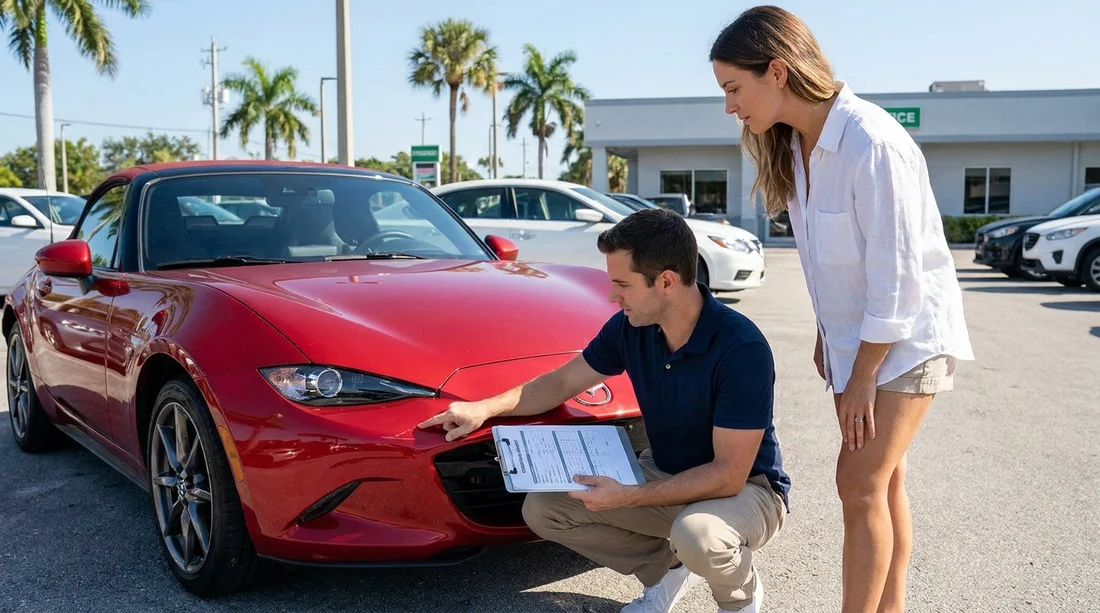
Quick Summary:
- Match every scratch, dent, and crack to the report diagrams.
- Confirm fuel level and mileage match the dashboard before signing.
- Verify keys, toll tag, accessories, and documents are listed accurately.
- Take clear photos and request added notes before you leave.
In Florida, the rental car condition report is the paperwork that links the car you receive to the charges you might face later. It usually includes a damage diagram, written notes, fuel level, mileage, and a list of accessories. Before you sign, you want the report to match the car in front of you, not an idealised version of it.
If you are collecting from a busy airport or downtown location, it can feel rushed. Still, you are allowed to inspect the vehicle and ask for corrections. Whether you arranged car hire through a Miami airport location such as car rental Florida MIA or you are picking up near the cruise ports and hotels, the goal is the same, make the paperwork accurately reflect the car before you leave.
1) Start with the basics on the report header
Before you even look at the damage markings, check the top section for the details that identify the vehicle and your agreement. Make sure the name on the rental matches your driving licence and the primary driver is correct. Confirm the vehicle class or model, licence plate, and vehicle identification reference (if shown). If the report or tablet screen shows a different plate than the car, stop and get it corrected.
Also verify the pick-up location and date and time. Florida locations can be near-identical in name, for example Miami airport versus downtown Miami. If you are collecting in the city, pages like Payless car hire downtown Miami DWN highlight how many pick-up points there are.
2) Check damage markings, diagrams, and written notes
The most important part of a condition report is the damage record. Many reports use a car outline with boxes or panels you can tick, plus a key for types of damage such as scratch, dent, crack, chip, scuff, or curb rash. Your job is to ensure every visible issue is captured, even if it seems minor.
Walk around the car slowly and compare each panel to the diagram. Focus on areas that often get missed, bumpers, lower door edges, wheel arches, wing mirrors, roofline, and the boot lid. In Florida sun, light scratches can disappear until you change angle.
Do not ignore the wheels and tyres. Many disputes come from alloy scuffs or rim damage that is hard to see when the car is parked close to a kerb. Check all four wheels. If you spot a mark that is not on the report, ask for it to be added with a clear note, for example “scratch, rear bumper, right side, 6 cm”.
Also inspect the glass and lights. Chips in the windscreen, cracks in headlamps, and broken tail light lenses can be expensive. If the report only has a general “OK” for glass, but there is a chip, insist it is logged. Do the same for the interior.
3) Confirm fuel level and the fuel policy match
Fuel is a common source of surprise charges, so check the report for the recorded fuel level and compare it to the gauge. The report may show fractions such as 8/8, 6/8, or “full”, or it may show a bar count. Take a photo of the instrument cluster with the engine on so the gauge is accurate.
Then confirm the fuel policy in your rental agreement. Many Florida rentals are “full to full”, but some are “pre-purchase” or “return as received”. If the report says the car is full but the gauge shows three quarters, get the report corrected or ask the agent to note the actual level.
4) Verify mileage and timing, including return expectations
Next, check the odometer reading on the condition report and compare it to the dashboard. Even small differences matter, because mileage can influence maintenance warnings and, on some agreements, distance limits. Most Florida rentals are unlimited mileage, but not all.
Check the “out” time as well. If the report shows you collected earlier than you did, it can create confusion if you later query a charge. If you are using a supplier page such as Hertz car hire Fort Lauderdale FLL, ensure the condition report aligns with the pick-up record.
5) Make sure keys, toll devices, and accessories are listed
Condition reports often include an accessories checklist. In Florida, this can include the number of keys or key fobs, an electronic toll device, parking permit, sat nav (if provided), USB cables, child seats, booster seats, and sometimes a tyre inflator kit. The report should state what is included, because missing items can trigger fees at return.
Check the glovebox and boot for required items that the supplier expects to be present, such as registration and insurance documents (where applicable), a breakdown contact card, and the car manual. If the report says “two keys” but you only received one, get it corrected immediately. If you are travelling to theme parks with a larger group and using a people carrier, these checks are especially relevant. A page like minivan hire Disney Orlando MCO is a reminder that larger vehicles may have extra removable parts or accessories that should be listed clearly.
6) Look for pre-existing warning lights and functional issues
A condition report may not always include “mechanical condition”, but you should still protect yourself. Before leaving, start the engine and check for warning lights that remain on after start-up, such as tyre pressure, engine, ABS, airbag, or battery. If any warning light stays on, take a photo and report it straight away.
Test basic functions quickly, headlights, indicators, brake lights (use reflections or ask a companion), windscreen wipers, horn, air conditioning, and the fuel door release. Florida rain can be sudden and heavy, so wipers and lights are not optional. If something does not work, ask for it to be logged or request another car.
7) Take photos and video that support the report
Even with a perfect condition report, your own evidence helps if there is a later dispute. Take a short walkaround video and a set of photos. Capture each side, the roofline, bumpers, wheels, and close-ups of any existing damage. Photograph the dashboard showing fuel level and mileage.
Do this before you drive away, ideally while still in the pick-up bay. If you discover damage only after leaving the facility, report it immediately and ask for written confirmation that it is logged.
8) Understand what you are signing and ask for a copy
When you sign the condition report, you are confirming the recorded condition at check-out. Read the fine print for wording such as “customer acknowledges no additional damage” or “vehicle received in good order”. If you had items added, confirm they are reflected in writing.
Keep your copy until after the final invoice is settled. If you arranged car hire through a Miami airport brand page such as Budget car rental Miami MIA, store the agreement, condition report, and your photos together so you can reference them easily if questions arise after return.
FAQ
Do I need to inspect the car if the report says “no damage”? Yes. “No damage” can simply mean no damage was recorded, not that the car is perfect. Inspect and get any marks added before signing.
What if the fuel gauge does not match the fuel level on the report? Ask for the report to be corrected or for a note to be added stating the actual gauge reading. Take a clear photo of the dashboard as evidence.
Should I note minor scratches that look like normal wear? Yes. If you can see it, log it. Minor scratches can be interpreted differently at return, so it is safer to have them recorded at check-out.
What accessories should be on the condition report in Florida? Keys, toll device or tag, child seats if supplied, and any optional equipment. If the checklist exists, ensure each item is marked correctly and matches what you received.
What if I notice damage only after leaving the rental location? Report it immediately to the rental company and ask for written confirmation that it has been logged. Send your photos and keep copies with your agreement.






























































































