


Quick Summary:
- Follow “Ground Transportation” and “Terminal Link” signs after arriving in Terminal C.
- Ride Terminal Link to the A and B complex, then follow “Rental Cars”.
- Allow 15 to 25 minutes total, depending on luggage and queues.
- Have documents ready before the desk to speed up vehicle pick-up.
Orlando International Airport (MCO) can feel big, especially if you arrive into the newer Terminal C and need to reach the rental car centre for car hire pick-up. The good news is that the route is designed for passenger flow, and the signs are generally consistent once you know which phrases to follow.
This guide breaks down the quickest route options from Terminal C, realistic walking times, and the exact sign words that matter, so you can get to the rental car centre smoothly and start your Orlando trip without unnecessary laps around the terminal.
Where is the rental car centre relative to Terminal C?
At MCO, most on-airport rental car desks and the main rental car car park are located at the rental car centre serving Terminals A and B. Terminal C is connected to the A/B complex by the Terminal Link automated train, which is the fastest, most straightforward way to transfer.
If you are arranging car hire through Hola Car Rentals, you can compare options for MCO here: Orlando Airport car rental and car rental at Orlando MCO.
Quickest route option: Terminal Link to A/B, then follow “Rental Cars”
Best for: most travellers arriving at Terminal C, including families and those with hold luggage.
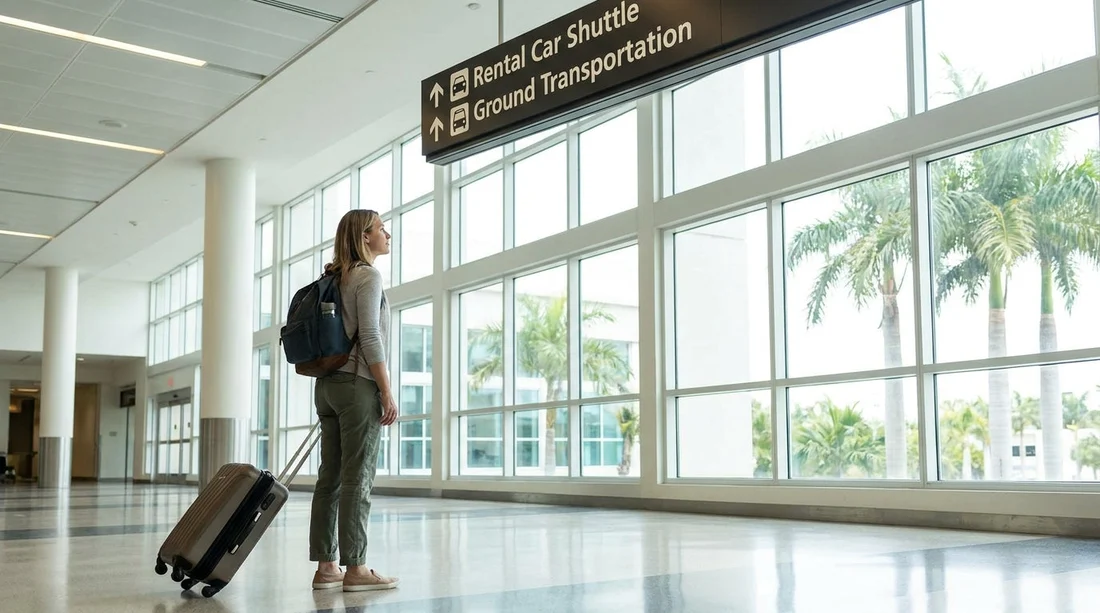
Step 1, arrive and orient yourself: After you exit the secure arrivals area in Terminal C, look up for the overhead wayfinding signs. The terms you want to lock onto are “Ground Transportation” and “Terminal Link”. In many places you will also see “Rental Cars”, but the most reliable first waypoint in Terminal C is Terminal Link.
Step 2, follow signs for Terminal Link: Keep walking in the direction of the Terminal Link station. This is an automated train that runs between Terminal C and the main A/B terminal complex. It is designed to be intuitive, with repeated overhead signs at decision points.
Step 3, ride Terminal Link to the A/B side: The ride itself is short, but timing depends on whether a train is waiting and how busy it is. Even at peak times, the system moves steadily, and it is usually quicker than trying to piece together alternative ground options.
Step 4, exit and follow “Rental Cars” in Terminal A/B: Once you arrive in the A/B complex, switch your focus to “Ground Transportation” and “Rental Cars”. You are now in the part of the airport where the rental car centre directions are most prominent. Keep following the overhead “Rental Cars” signs towards the rental car desks and the walkway into the rental car centre area.
Typical timing: what to expect from Terminal C to the rental car desks
Walking and transfer times vary depending on mobility, luggage, lift use, and how crowded the concourses are. These are practical planning ranges for most visitors:
Terminal C arrivals to Terminal Link station: often 5 to 10 minutes on foot, depending on where you exit the arrivals flow.
Terminal Link wait and ride: typically 5 to 10 minutes total, including short waits.
Terminal Link exit to rental car centre signs and desks: usually 5 to 10 minutes, particularly if you need lifts or have buggies.
Total: allow 15 to 25 minutes from Terminal C to the rental car centre area. If you are travelling at a very busy time or stopping for refreshments, a 30 minute buffer is sensible.
Which signs to follow, and which words matter most
When you are tired after a flight, “following the signs” can still feel vague. At MCO Terminal C, the most helpful approach is to follow a short hierarchy of sign terms:
First: “Terminal Link”. This reliably gets you from Terminal C to the A/B complex.
Second: “Ground Transportation”. This keeps you aimed at exits, transport hubs, and the rental car routing.
Third: “Rental Cars” or “Rental Car Center”. Once in A/B, these become frequent and consistent.
If you see “Hotel Shuttles”, “Taxis”, or “Ride Share”, treat those as different branches. They are useful only if you are not collecting a vehicle immediately.
Picking up your vehicle at the rental car centre: practical tips
Once you reach the rental car centre, the process is usually: find your company desk, present documents, then head to the assigned aisle or zone in the car park. To keep your car hire pick-up smooth:
Have documents ready: Passport or ID, driving licence, and the card used for the deposit are commonly requested. If you have additional drivers, bring them to the desk if your rental terms require it.
Know your vehicle type needs: Larger groups often find it easier to choose a people carrier. If that is your plan, see options like minivan hire at Orlando MCO.
Plan for your first drive: Before you pull out, set up navigation while parked. Orlando road layouts are straightforward, but the first few minutes leaving an airport can be busy.
Choosing the right Orlando car hire for your trip
Terminal logistics are one piece of the puzzle. The other is picking a car hire option that fits your passengers, luggage, and itinerary. For general comparisons at MCO, Hola Car Rentals has dedicated pages that focus on different needs, including Enterprise car rental at Orlando MCO and budget car hire for Disney-area trips from MCO.
Whichever provider you select, the airport routing from Terminal C is broadly the same, get to Terminal Link, transfer to A/B, then follow Rental Cars to the rental car centre.
Common mistakes to avoid on the way from Terminal C
Skipping Terminal Link signs: If you follow general exits without aiming for Terminal Link, you can end up in the wrong ground transport zone and lose time.
Assuming the rental car centre is in Terminal C: Terminal C is connected, but most rental car desks are accessed via the A/B complex and the rental car centre.
Not budgeting for queues: Even if you walk quickly, desk queues can add 10 to 20 minutes at peak periods. If you are landing late, check operating hours for your chosen company so you are not rushed.
FAQ
How long does it take to get from Terminal C to the rental car centre at Orlando Airport? Most travellers take about 15 to 25 minutes from Terminal C to the rental car centre area, including the Terminal Link transfer and walking.
Which signs should I follow from Terminal C to reach car hire pick-up? Follow “Terminal Link” first, then “Ground Transportation” and “Rental Cars” once you arrive in the A/B terminal complex.
Do I have to go through security again when transferring from Terminal C to the rental car centre? No, you are moving through public landside areas after arrivals. The Terminal Link transfer for this route does not require re-clearing security.
Is the Terminal Link train suitable if I have lots of luggage or a pushchair? Yes, it is designed for passengers with luggage. Allow extra time for lift use and train boarding during busy arrival periods.
What if my car hire provider uses an off-airport shuttle? Check your confirmation for the correct pick-up point. Some shuttles depart from designated ground transportation bays, and airport staff can direct you if the instructions are unclear.






























































































