


Quick Summary:
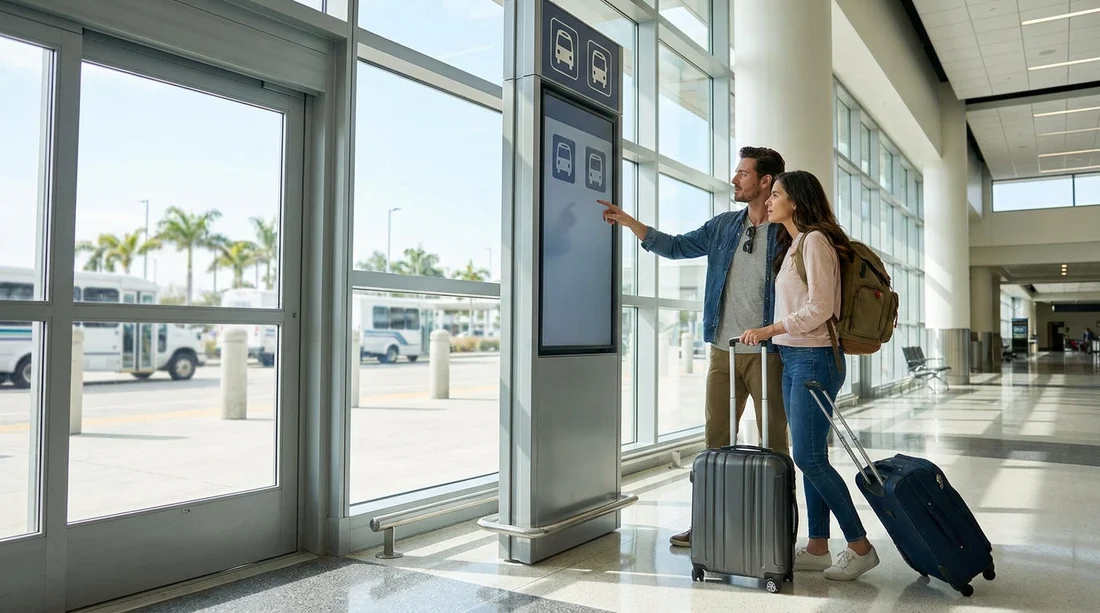
- Follow Ground Transportation and Courtesy Shuttle signs from baggage claim.
- Use airport Wi-Fi or an information desk to confirm the shuttle bay.
- Check vehicle branding, then verify the driver and destination before boarding.
- If unsure, use a terminal courtesy phone or kiosk for assistance.
Arriving at Miami International Airport (MIA) without US mobile data can make airport pick-ups feel harder than they should. The good news is that you do not need a working SIM or roaming to locate the correct shuttle for your car hire. Miami Airport is designed for passengers who are offline, in a rush, or unfamiliar with the terminals, and there are multiple layers of wayfinding that will get you to the right pick-up point.
This guide focuses on what you can do using airport signs, staff help points, and simple checks that confirm you are getting on the correct shuttle. It is written to work even if your phone has no signal, no maps, and no access to emails.
Before you land: set yourself up while you still have service
If you have any connectivity before boarding or while in the air on Wi-Fi, take two minutes to save key details offline. Screenshot your Hola confirmation page, including supplier, pick-up instructions, and booking reference. Save a note with the words “Miami Airport, car rental shuttle” plus the brand or supplier name shown on your voucher. Even if you cannot access it later, the screenshot is usually enough to show airport staff exactly what you need.
If you are planning onward driving, it can also help to review the general pickup area for Miami locations you might be staying near, such as car hire airport Miami Beach, so you recognise place names and neighbourhoods on signs.
Step 1: get to the correct starting point, baggage claim level
At MIA, most shuttle directions begin at baggage claim or the arrivals level of your terminal. Once you collect your luggage, look for overhead signs pointing to “Ground Transportation”, “Rental Cars”, or “Courtesy Shuttles”. These signs are consistent throughout the airport and do not require a phone to follow.
If you are uncertain, ask an airport employee a very specific question: “Where are the courtesy shuttles for off-airport rental cars?” This wording matters, because Miami also has the on-airport Rental Car Centre, and you want to be directed to the appropriate place for your provider.
Step 2: follow signs for “Courtesy Shuttle” and check the bay numbers
Once you are in the ground transportation zone, you should see marked pick-up points, often with lane or bay numbers and labelled categories. Your goal is to find the section used by off-airport rental and partner shuttles. Different providers may use different bays at different times, so focus on the structure, not just one sign.
If you are collecting a car hire for a specific district after your trip, it can help to recognise those names on vans and paperwork. For example, Coral Gables and Doral are common areas for pick-ups and returns. If you want to familiarise yourself with those local references, see car hire Coral Gables or Hertz car rental Doral for location context.
Step 3: use free airport Wi-Fi only if you need it
You do not need mobile data, but you may have access to free airport Wi-Fi. If you can connect, use it for one job only: confirm the shuttle pick-up description on your voucher, or pull up a saved screenshot if your phone sorts images by date.
Keep your usage minimal. Airports can have patchy Wi-Fi in busy periods. If the connection fails, do not lose time troubleshooting. Move to the next offline options below.
Step 4: use information desks and ground transport staff
Miami Airport has information points, and ground transportation areas usually have staff or security nearby. Show your printed voucher or screenshot and ask: “Which bay does this rental shuttle pick up from?” Even if you cannot show a barcode, the supplier name and the phrase “rental car shuttle” is normally enough.
If you do not have any paperwork, tell them you are picking up a vehicle arranged through Hola Car Rentals and that you need the shuttle for the named supplier on your reservation. If you booked a specific brand, such as Dollar, it can be helpful to know that name and say it clearly. You can also familiarise yourself with common supplier options at MIA, such as Dollar car rental Miami, so you know what branding you are looking for on the shuttle.
Step 5: identify the right shuttle without relying on a phone
In a busy airport, several similar vans can arrive within minutes. Use a simple three-point check before boarding.
1) Branding on the vehicle: Look for logos, partner names, or a placard in the front window. Some shuttles are operated by a third party and display multiple brands. If you see your supplier listed, that is a good sign.
2) Driver confirmation: Ask the driver, “Is this the shuttle for [supplier name] car rentals?” Wait for a clear yes. If the driver looks unsure, step back and ask ground staff.
3) Destination confirmation: Ask where the shuttle is going next, for example “rental office” or a specific facility. You want to hear a destination that matches a car hire pick-up location, not a hotel route or cruise transfer.
Step 6: if you cannot find the shuttle, use a courtesy phone
If your phone does not work and Wi-Fi is unreliable, look for a courtesy telephone in the ground transportation area. Many airports provide phones for transport services, and the signage near them often includes instructions. If you find one, call the rental provider number on your voucher. If you do not have the number, ask an information desk to help you find the correct contact point for the supplier name on your booking.
When you get through, use a short script: your full name, booking reference if available, “Miami Airport”, and “I am at the courtesy shuttle area, which bay should I stand at?” This usually produces a quick, practical answer.
Step 7: keep timing and safety in mind
Shuttles often run on short loops, but waits can increase at peak arrival times. Stand where you are visible to drivers, stay with your luggage, and avoid walking into unmarked pick-up lanes. If you are travelling with children or lots of bags, position yourself near the posted signs so you can double-check details as vehicles approach.
If you miss one shuttle, do not panic. Confirm the operator again and wait for the next vehicle. It is better to wait five extra minutes than to take the wrong shuttle and lose half an hour.
Common offline problems, solved
You cannot access your email: Use screenshots, or check your arrival hall for business centres or staff who can guide you to information points. Many travellers arrive with no data and no email access, and airport staff are used to it.
You only know “Hola Car Rentals”: Hola is the platform, and your booking will list a supplier or partner responsible for the vehicle. Ask staff to help you identify the supplier name on your confirmation or payment record. If you remember the vehicle type and area, mention it. For example, saying you need a van can help narrow down the correct shuttle stream, similar to options outlined for van hire Brickell.
You are in the wrong terminal exit: Do not walk outside and start guessing. Go back to the nearest “Ground Transportation” sign and follow it again. Miami Airport wayfinding is designed around those repeated sign families.
FAQ
Do I need US mobile data to find the Hola rental car shuttle at Miami Airport? No. Use airport signs for Ground Transportation and Courtesy Shuttles, then confirm the bay and operator with staff or the driver.
Where should I go first after baggage claim to find the shuttle? Head to the Ground Transportation area for your terminal, then look for Courtesy Shuttle pick-up points and posted bay information.
How can I confirm I am boarding the correct shuttle? Check vehicle branding, ask the driver to confirm the supplier name, and verify the next stop is the rental office.
What if airport Wi-Fi does not work and I cannot open my booking? Use an information desk or ground transport staff, and look for a courtesy phone in the transport area to call the rental supplier.
What should I do if I accidentally take the wrong shuttle? Tell the driver immediately, get off at the next safe stop, then return to the courtesy shuttle area and re-check the bay and operator.






























































































