


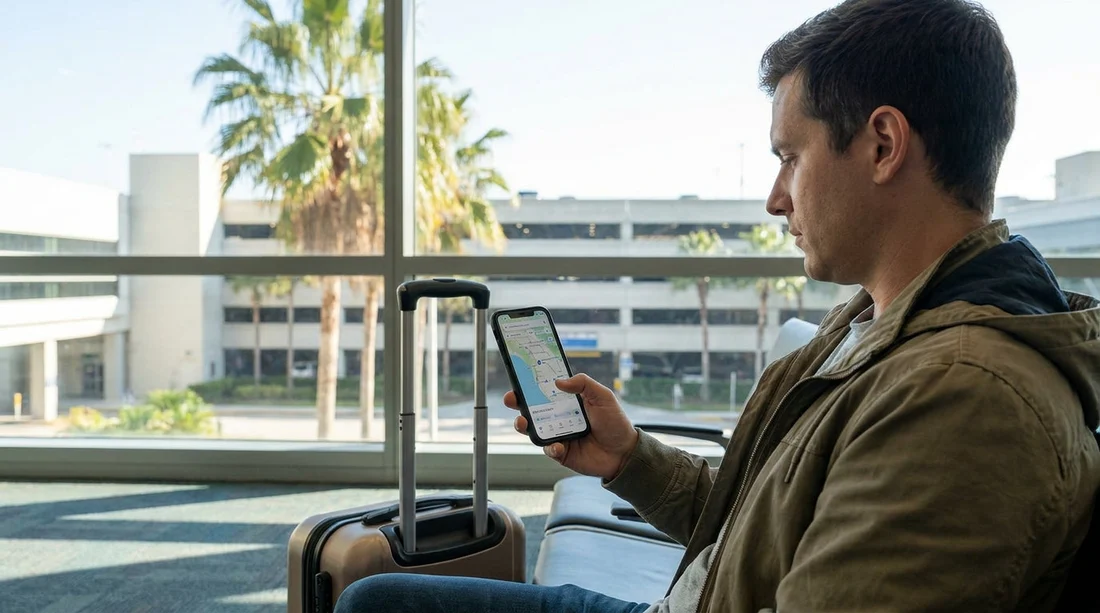
Quick Summary:
- Open Waze, go to Settings, then Navigation, and enable Avoid toll roads.
- Turn on Avoid toll roads again after updates, it can reset.
- Check route details for “Tolls” and switch to a no-tolls alternative.
- Confirm your car hire has toll transponder terms before leaving Florida airport.
Florida roads can feel straightforward until you hit toll plazas and cashless express lanes. If you would rather keep costs predictable, set up Waze to avoid toll roads before you collect your car hire. Doing it ahead of time also helps you compare routes calmly, rather than fumbling with settings while queuing at the rental counter or leaving the airport.
This guide shows the exact Waze settings to avoid tolls and paid express lanes, plus the quick checks to do before you drive off in Florida. The steps are slightly different depending on whether you use iPhone or Android, but the menu names are similar.
Set Waze to avoid toll roads, exact steps
First, make sure Waze is updated. Settings can move slightly between versions, and an update can sometimes toggle preferences back to defaults. Connect to Wi-Fi before travel if you can.
On iPhone (iOS):
1) Open Waze.
2) Tap My Waze (usually bottom left).
3) Tap the Settings icon.
4) Tap Navigation.
5) Find Avoid toll roads and switch it On.
On Android:
1) Open Waze.
2) Tap My Waze.
3) Tap Settings.
4) Tap Navigation.
5) Toggle Avoid toll roads to On.
Once enabled, Waze should prefer toll-free routing where practical. In Florida, that often means more local roads, a longer drive time, and potentially more junctions. Decide what matters more for your trip: the fastest ETA or avoiding toll charges that might be billed later through a toll programme tied to the vehicle.
How to confirm a route is truly toll-free
Even with “Avoid toll roads” turned on, you should confirm each route before setting off. Some areas have complex managed lanes or short tolled connectors. Do this check whenever you plan a new drive, especially from airports and major tourist zones.
1) Enter your destination and start route planning.
2) Before tapping “Go”, open the route overview and look for any toll label. Waze typically marks “Tolls” on a suggested route card or in the route details.
3) If you see a toll marker, select an alternate route that clearly shows no tolls.
4) If all options show tolls, zoom in and inspect where the toll segment is. Sometimes it is a short shortcut you can avoid with a minor detour, but other times the toll road is the only practical high-speed option.
This is particularly useful around Miami, Fort Lauderdale, and Orlando where expressways and tolled connectors can appear unexpectedly if you are unfamiliar with the network.
Avoiding paid express lanes, what Waze can and cannot guarantee
Florida has tolled expressways and also paid express lanes on some corridors. In practice, “Avoid toll roads” should steer you away from toll facilities, but there are cases where a route might include a brief tolled section due to map data, temporary closures, or because the alternative is dramatically slower.
To improve your chances of avoiding paid lanes:
Use route previews every time, not just the global setting. If Waze proposes an expressway, check the route card carefully for toll indicators.
Watch lane guidance near on-ramps. Some express lanes are separated by barriers, while others are simply marked lanes. If signage indicates a tolled option, keep to the general-purpose lanes.
Be cautious with “fastest route” habits. Waze is optimised for time. The avoid-tolls setting changes priorities, but real-time traffic can still influence suggestions, so always verify.
Plan the first drive from the airport while still parked. Airport exits are a common place to accidentally commit to a tolled ramp, especially in unfamiliar cities.
Do this before collecting your car hire in Florida
Setting Waze correctly is only half the job. The other half is understanding how tolls are handled for your specific car hire, because charges can appear days after your trip if the car is registered to a toll account or the rental company processes toll invoices later.
Before you reach the counter, take a minute to shortlist your pickup location and read any local guidance on the rental page. For example, you can compare options around Miami and nearby areas via car hire options in Florida and review practical pickup tips for car hire near Airport Doral.
At pickup, ask these neutral, practical questions so you understand the toll setup without committing to anything you do not need:
1) Does the vehicle have a toll transponder already installed? If yes, ask whether it is active by default.
2) What happens if I drive through a cashless toll without enrolling? Some rentals charge the toll plus an administration fee.
3) Are there daily caps, minimum fees, or automatic activation rules? This matters if you plan to avoid tolls but might accidentally use one ramp.
4) How are express lanes treated? In some areas, express lanes are tolled even when the general lanes are free.
Knowing these details helps you decide how strict you need to be with Waze routing. If fees are high, you may prefer longer toll-free routes for peace of mind.
Common Florida routes where tolls surprise visitors
Even careful drivers get caught out in Florida because tolling is often electronic and signage comes quickly. A few scenarios to watch for:
Airport exits and connectors. It is easy to follow the flow of traffic onto an expressway ramp that later becomes tolled.
Theme park corridors. Around Orlando, routes serving tourist zones can include tolled options that look like the obvious fastest way. If your plans include the parks, it can help to browse local rental guidance such as car hire near Disney Orlando so you can plan your first few journeys.
Beach and downtown approaches. In dense areas, Waze may offer a quicker tolled segment to bypass congestion. If you are staying by the coast, review where you are collecting from, for example car hire in Miami Beach, and pre-plan the route to your accommodation using the avoid-tolls setting.
Troubleshooting, when Waze still sends you onto tolls
If Waze continues to suggest toll routes, work through these checks:
Re-check the toggle. After app updates, phone migrations, or logouts, “Avoid toll roads” can revert.
Clear and rebuild the route. Cancel navigation, close the app, reopen it, then plan again. Sometimes a route card is cached.
Verify the destination pin. A slightly different destination entrance can change the last mile and trigger a tolled connector road.
Compare alternatives. If the only toll-free route is much slower, Waze may still show toll options prominently. Select the option that explicitly shows no tolls.
Use common-sense signage. If signs say “TOLL” or show an electronic toll symbol, assume it will be charged even if Waze is quiet. Stay in general lanes and avoid ramps marked for express or managed lanes.
Final pre-drive checklist before leaving the pickup location
While still parked at the rental location, take 60 seconds to reduce mistakes:
1) Confirm “Avoid toll roads” is on.
2) Plan your route to the hotel and check for toll labels.
3) Switch to a toll-free alternative if any segment shows tolls.
4) Ask the desk agent how toll charges are processed for this car hire.
5) Start navigation only when you are ready to exit, so you do not miss a turn.
FAQ
Will Waze completely prevent toll charges in Florida? Waze can greatly reduce toll exposure when “Avoid toll roads” is enabled, but it cannot guarantee it. Always check the route details for toll indicators and follow road signs near ramps and express lanes.
Where exactly is the “Avoid toll roads” setting in Waze? Open Waze, go to My Waze, then Settings, then Navigation, and toggle “Avoid toll roads” on. The wording is consistent on iPhone and Android, though the layout may vary slightly by version.
Do paid express lanes count as toll roads for Waze? Often yes, because express lanes are typically tolled. However, mapping and local rules can be complex, so use route previews and avoid entering lanes marked as tolled by roadside signage.
Why does Waze show a toll route even after I turned avoidance on? The setting may have reset after an update, the route may be cached, or the toll-free option could be significantly slower. Re-check the toggle, rebuild the route, and select an alternative that clearly displays no tolls.
Should I sort toll settings before or after collecting my car hire? Do it before pickup so you can leave the lot with a confirmed toll-free route. Also clarify how tolls are billed on your rental agreement, as fees can apply even for one accidental cashless toll.




























































































