


Quick Summary:
- Assume no phone holder is included, pack a compact mount.
- Ask at the counter whether a mount is available or chargeable.
- Choose a holder that fits Florida heat and dashboard materials.
- Set navigation before driving, and keep screens below eye level.
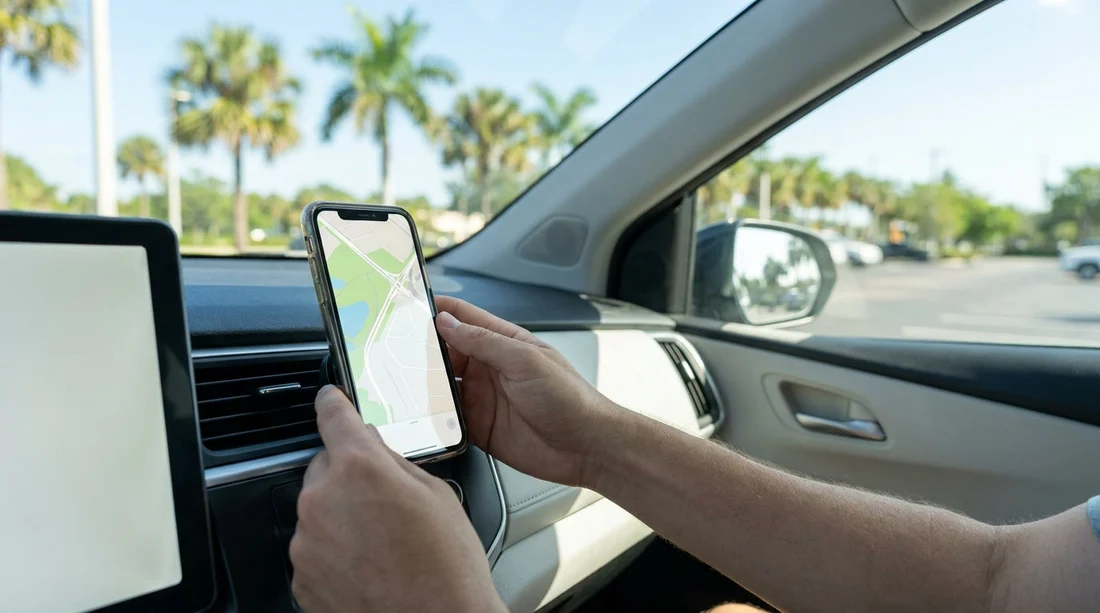
When you pick up a car hire in Florida, it is sensible to plan as if the car will not come with a phone holder. Some vehicles may have built-in navigation, and a few might have a previous renter’s leftover mount, but you cannot rely on either. Because a secure mount affects both safety and convenience, the simplest approach is to pack your own small holder and treat any supplied option as a bonus.
This matters more in Florida than many travellers expect. Trips often combine airports, toll roads, and multi-lane highways, with long stretches between exits. Glancing down at a loose phone on the passenger seat is distracting, and it can slide out of reach during sharp turns. A stable mount keeps your route visible without taking your focus off the road for longer than necessary.
If you are collecting at Miami Airport car rental (MIA), you may be straight onto busy expressways and causeways. At Fort Lauderdale Airport car rental (FLL), you can hit fast-moving traffic quickly, especially at peak flight times. In Orlando area collections like National car hire Orlando (MCO) or Dollar car hire Disney Orlando (MCO), routes often involve complex junctions and hotel zones. In all cases, arriving prepared reduces stress at pick-up.
Are phone holders typically supplied with Florida car hire?
In most cases, no. A phone holder is not usually considered standard equipment in a rental vehicle. The core kit tends to be items required for safe operation and legal compliance, such as seatbelts, mirrors, lights, and basic safety labels. Accessories that touch the windscreen or dashboard vary widely because they can be damaged, removed, or replaced often.
Even if the fleet includes vehicles with integrated infotainment, that does not replace a mount. Apple CarPlay or Android Auto can mirror maps to the dashboard screen, but you still need somewhere safe for your phone to sit while it connects and charges, especially if you rely on wired USB. Some drivers prefer to keep the phone out of sight once connected, but you will still need to handle it at the start and end of each journey.
Occasionally, you may see a mount in the vehicle. That can be leftover from a previous renter or installed by a branch for specific models. Treat it cautiously. If it looks damaged, loose, or blocks your view, remove it and use your own. Do not assume it is permitted in that position.
What to check at the counter before you drive away
Because policies vary by location and supplier, it is worth asking a few quick, practical questions at pick-up. First, ask whether a phone holder is included, available as an add-on, or not offered. If it is offered, clarify what type it is and where it attaches. A holder that suction-cups to the windscreen may not be ideal if the glass is tinted near the top or if it restricts visibility.
Next, check the charging options in the car. Navigation drains batteries quickly, especially with a bright screen and mobile data. Confirm whether the vehicle has USB-A, USB-C, or a 12V socket, and whether the ports are in the centre console or hidden inside an armrest. Then make sure you have the right cable length to reach your chosen mounting position without pulling tight across the dashboard.
Finally, confirm the local rules or guidance the desk staff follow about windscreen attachments. Some companies prefer mounts to be placed on the dashboard rather than the glass, particularly if they have had issues with suction marks, damaged tint film, or residue. This is not about making your trip difficult, it is about protecting the vehicle condition at return.
Choosing a holder that works in Florida heat
Florida heat and humidity can be tough on cheap mounts. A suction cup that works in a cool climate may soften and lose grip after the car has been parked in the sun. Likewise, adhesives can melt or leave marks. For a reliable car hire set-up, choose a mount designed for hot interiors and quick removal.
Here are the main types, with Florida-specific considerations:
Vent mounts: Easy to pack and quick to fit. They can be less stable on heavier phones, and some vents are awkwardly positioned. If the air conditioning blasts directly onto the phone, it can prevent overheating, but it can also fog screens in humid conditions.
Dashboard suction mounts: Usually more stable than vent clips. They need a clean surface, and textured dashboards can reduce grip. Many include a small dashboard disc, but discs can leave marks, so avoid permanent adhesives for a rental.
Windscreen suction mounts: Common and stable when fitted well. However, windscreen placement can interfere with your view. If the sun warms the glass quickly, poorer suction cups may fail. Also, avoid blocking cameras or sensors near the mirror.
Magnetic mounts: Convenient, but they often require a metal plate on your phone or case. If you do not want to stick anything to your phone, this can be a deal-breaker. They can be excellent if your case already supports a plate.
A practical approach is a compact vent mount plus a spare option if you are road-tripping for a week or more. If you only pack one, prioritise a mount you have used before. Travel days are not the moment to learn a new mechanism.
Built-in navigation vs phone navigation
Some travellers hope the car’s built-in sat nav will make a phone holder unnecessary. In reality, built-in systems vary by vehicle trim and can be outdated or slower to search. Phone-based maps can be better for live traffic, lane guidance, and quick reroutes around incidents.
If your car supports CarPlay or Android Auto, you can run maps on the vehicle screen. That can reduce the need to look at a phone, but it does not remove the need for safe phone placement. You will still connect the device, accept prompts, and sometimes re-authorise after stops. A holder keeps the phone from sliding around while tethered by a cable, and makes it easier to handle quickly when parked.
Safer set-up: placement, glare, and distraction
Even with a holder, how you set up matters. Position the phone low enough not to block the road, but high enough that you are not looking far down. For most vehicles, that means near the centre stack or slightly to the driver’s side, without covering air vents you rely on in Florida heat.
Glare is another issue. Bright sun can make a screen hard to read, which leads to longer glances. Turn on auto-brightness and consider a matte screen protector before you travel. Also, set your route before you leave the car park. If you need to change it, pull over safely rather than tapping the screen in moving traffic.
Audio guidance helps too. Pair Bluetooth or use the car’s audio system so that you can rely on spoken directions instead of constant visual checks. If you are travelling with a passenger, let them handle route changes and toll road decisions.
Pack list for navigation on a Florida car hire trip
If you want a simple, reliable set-up, pack these essentials:
A phone holder you trust: Preferably one that attaches without permanent adhesive.
Charging kit: A 12V adapter plus USB-A and USB-C cables covers most cars.
Backup plan for signal: Download offline maps for areas with patchy coverage.
Windshield-friendly cleaning wipe: Useful for suction cups, but avoid harsh chemicals.
With these items, you are prepared regardless of whether your pick-up location provides any accessories. It also helps you switch vehicles easily if your assigned car changes at the last minute.
FAQ
Do Florida rental cars come with a phone holder as standard? Usually not. Most car hire providers treat phone holders as personal accessories, so bringing your own is the safest plan.
Can I ask for a phone mount at the rental counter? Yes, you can ask, but availability varies by location and supplier. If one is offered, confirm the attachment type and any charges before accepting it.
Is it better to use CarPlay or mount my phone? If the car supports CarPlay or Android Auto, using the car screen can be easier. A mount is still helpful for keeping the phone secure while it charges and connects.
Where should I place the holder in the car? Place it where it does not block your view, typically low on the dashboard near the centre. Avoid areas that interfere with airbags, sensors, or essential ventilation.
Will Florida heat affect suction cup mounts? It can. High cabin temperatures may loosen weaker suction cups, so choose a quality mount and fit it to a clean surface before driving.





























































































