


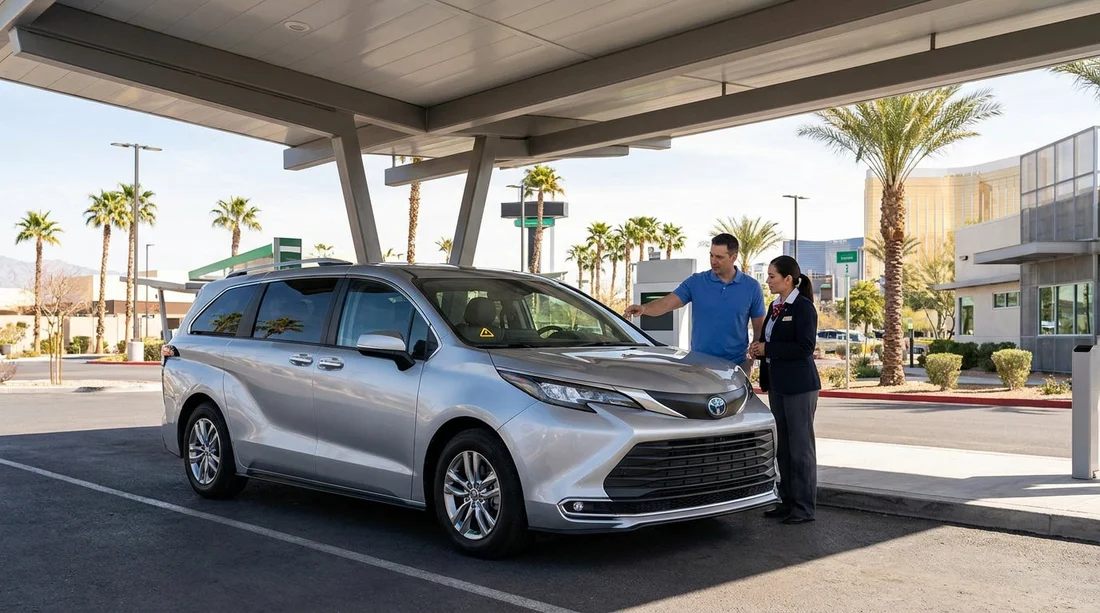
Quick Summary:
- Do not drive off, photograph the dashboard, and note the mileage.
- Check fuel level, tyre pressures, and cap closures before reporting.
- Report the warning light at the bay or counter immediately.
- Request a like-for-like swap in writing before signing paperwork.
Yes, you can usually swap your car hire vehicle if a warning light is on at pick-up in Las Vegas, but the key is timing and documentation. The best moment to sort it is while you are still at the rental facility, before you sign final acceptance and before you exit the car park. Once you have driven away, it can become a roadside assistance issue rather than a simple exchange.
If you are collecting at the airport facility, it helps to know where the desk and vehicle bays are located, and to allow a few extra minutes for checks. If you are planning your collection point, see car hire at Las Vegas airport for general pick-up context, then use the steps below to protect your time, your deposit, and your peace of mind.
What to check immediately when you see a warning light
Start by turning the ignition on and watching the dashboard sequence. Many lights briefly illuminate and then turn off as part of a normal self-test. You are looking for any light that stays on after the engine is running for a few seconds, or any flashing warning. If the light goes off and stays off, still note it mentally, but a persistent light is the trigger to stop and report.
Take clear photos and a short video showing the warning light, the ignition state (engine running if possible), and the instrument cluster including mileage. This is useful even if staff can see it themselves, because it timestamps what you observed at handover.
Next, do a fast, practical walkaround that relates to common warning-light causes:
Fuel and range: Confirm the fuel gauge matches what your paperwork says (full-to-full, or pre-purchase). Low fuel can sometimes coincide with other alerts, and it is best to avoid arguments later.
Tyres: Check for an obviously soft tyre and look at the tyre-pressure monitoring system reading if displayed. A tyre pressure warning can be triggered by temperature changes, and sometimes it is resolved by a quick top-up, but you should not be expected to fix that at pick-up.
Caps and closures: Ensure the fuel flap and cap are properly shut, and check the bonnet and boot are fully latched. A loose fuel cap can trigger an engine light on some vehicles, and a boot ajar light is simple to verify.
Brakes, steering, airbags: Any brake, power steering, ABS, or airbag warning should be treated as non-negotiable. Do not accept the vehicle, because these are safety systems and may affect drivability.
Temperature and fluid alerts: If you see an overheating warning, low oil pressure, or coolant alert, switch off and report immediately. Do not idle the car to see if it clears.
Who to tell at the bay versus the counter
Rental facilities vary, but the most efficient route is often to speak to staff in the vehicle bay first, because they can physically verify the issue and authorise a swap quickly. If there is no bay attendant available, return to the counter with your photos and explain you have not left the facility. Being clear that you are still on-site matters.
Keep your report factual and specific. Say what light is showing, whether it is steady or flashing, and whether any message text appears. For example, “The check engine light is steady and stays on after start, with message ‘engine service required’.” Avoid diagnosing the cause, you just need to report symptoms.
If you are organising your rental through a Las Vegas location page, it can help to have your booking details handy on your phone. Hola Car Rentals provides booking and supplier information, and you can reference your confirmation details while you speak to the desk. For local overview, see car hire in Las Vegas.
How to request a like-for-like swap before you sign off
The easiest swap is one that happens before you sign the final agreement, or before you leave the gate if the facility uses an exit booth. If you have already accepted keys and paperwork, you can still request a change, but make it clear you are rejecting the vehicle due to an active warning light and you have not driven off-site.
Use the phrase “like-for-like” and define what you mean. Like-for-like can refer to the same category (for example, midsize SUV) rather than the exact make and model. If the exact category is unavailable, ask what alternatives they can offer and whether the price or deposit changes. If you are travelling with family, luggage, or accessibility needs, be explicit about non-negotiables like seat count, luggage space, or required features.
Ask for the swap to be noted on the paperwork, or to receive updated paperwork showing the new vehicle registration, mileage, and fuel status. Before you leave, repeat your quick checks on the replacement vehicle as well.
If staff say the light is “normal” or “just a sensor”, you can calmly insist that you are not comfortable accepting a vehicle that displays an active warning at pick-up. You are not asking for a free upgrade, you are asking for the contracted class in roadworthy condition.
What if they only offer a different class or a different supplier brand?
At busy times, the facility may have limited stock in your exact category. If the desk offers a larger vehicle at the same price, confirm fuel policy and whether there are any extra local fees. Larger vehicles can use more fuel, and parking on the Strip can be tighter. If they offer a smaller class, ensure you are not paying the higher rate for less space.
Sometimes you may be served by a specific brand at the facility. If you want to understand typical expectations by brand, these pages can help you orient yourself: Hertz car hire in Las Vegas, Dollar Car Rental in Nevada, and Alamo Car Rental in Nevada.
What not to do when a warning light is on
Do not leave the facility to see if it goes away. Once you are off-site, you may be routed to breakdown support, asked to visit a service location, or told to return later. Handling it at the bay is usually faster.
Do not reset anything yourself. Avoid disconnecting anything, clearing codes, or attempting to fix a tyre pressure alert at a nearby forecourt. You could be blamed for interference, and it complicates liability.
Do not accept verbal assurances only. If they say it is fine, ask them to put that in writing and to note the dash warning status at handover. In practice, it is often simpler for them to swap the car.
FAQ
Can I refuse the car if a warning light is on at pick-up in Las Vegas? Yes. If a warning light stays on after start-up, you can decline the vehicle and ask for a replacement in the same category before you leave the facility.
Which warning lights mean I should not drive off? Brake, airbag, ABS, power steering, overheating, oil pressure, and any flashing engine light should be treated as reasons to stop and request a swap immediately.
What evidence should I collect before requesting a swap? Take photos and a short video of the dashboard light, any message text, the mileage, and the vehicle registration or bay label, then keep them with your booking details.
What does “like-for-like” mean in car hire swaps? It usually means the same booked vehicle category and seating, not necessarily the exact make or model. Confirm any changes to fuel policy, deposit, or features before accepting.
Will swapping the car change my price? It should not if you receive the same category. If only a different class is available, ask for the price to stay the same for an equal or better vehicle, or to be adjusted if downgraded.





























































































