


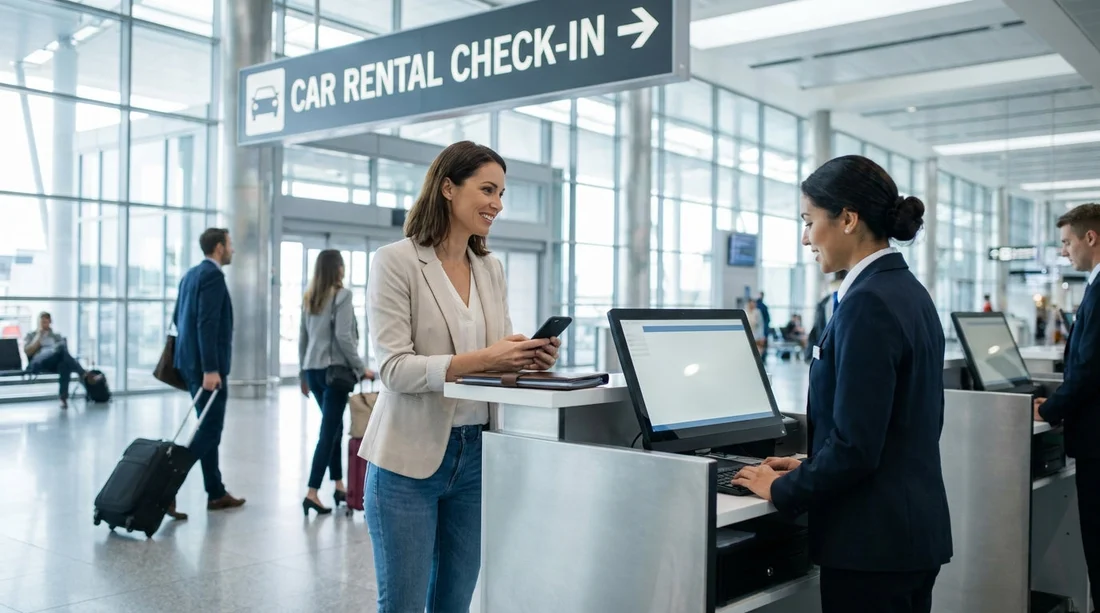
Quick Summary:
- Check your voucher for supplier name, terminal details, and counter directions.
- Follow Ground Transportation, then Rental Cars signs to reach desks.
- Match desk branding to your voucher supplier before joining a queue.
- If terminals change, confirm pick-up location using your voucher notes.
JFK is busy, spread across multiple terminals, and rental car pick-up can involve either an on-airport desk or a quick transfer to a consolidated facility. The fastest way to confirm you are heading to the right counter for Hola car hire at JFK Airport in New York is to treat your voucher as your primary source of truth, then use terminal signage to navigate to the correct “Rental Cars” area, and finally verify supplier branding and details before you queue.
This guide focuses on practical checks that prevent a common mistake at JFK, joining the wrong line because several companies operate from the same terminal area and many desks look similar after a long flight.
Start with your voucher, it is the counter “map”
Your Hola voucher (sometimes called a rental confirmation) normally contains three critical pieces of information you should read before you leave arrivals: the supplier name, the pick-up instructions, and any terminal or shuttle guidance. At JFK, those details matter because some suppliers have terminal counters, while others direct you to a shuttle or the AirTrain to reach the car collection point.
Supplier brand name: This is the logo you should see on the counter signage. The desk you need is the supplier shown on your voucher, not “Hola”. Hola is the booking platform, while the counter is run by the rental company listed in your confirmation.
Pick-up address or location note: If you see a street address, “Rental Car Center”, or instructions referencing shuttles, you will likely be collecting the vehicle off-terminal. If it mentions “Arrivals level” or a terminal desk, you are looking for an in-terminal counter.
Hours and after-hours process: If your flight lands late, the voucher may specify a different location for key collection or a night window. Reading this early can save a long walk to a closed desk.
If you want to cross-check what to expect at JFK generally, the Hola landing page for car rental at New York JFK Airport summarises typical pick-up patterns, which helps you interpret whether your voucher suggests a desk, a shuttle, or a consolidated facility.
Use terminal signs correctly, go step by step
Once you have your voucher open, follow airport signage in the same sequence JFK uses. From arrivals, signs will often direct you first to “Ground Transportation”. From there, look for “Rental Cars” or “Car Rentals”. Do not follow only a brand logo unless it matches your voucher, because some advertising signs appear before you reach the actual counters.
1) Get to arrivals or baggage claim level: Collect bags first if you checked luggage, because some routes to transport links are easier from baggage claim. Also, having your bags with you makes it easier to judge whether a shuttle or AirTrain transfer will be comfortable.
2) Follow “Ground Transportation” signs: These lead to the correct exits and transport corridors, including shuttles and the AirTrain. The wording is consistent, even when terminals differ in layout.
3) Then follow “Rental Cars”: This is the key decision point. When you see “Rental Cars”, follow it until you reach either a bank of desks, a help point, or a shuttle boarding area.
4) Only then look for your supplier brand: At the desks or pick-up point, match the supplier name on the voucher to the desk signage and branding.
If you are landing in a terminal that has several counters close together, it can help to know your likely vehicle category too, because some suppliers route larger vehicle collections differently. For example, an SUV booking may be directed to a specific row or zone after check-in, and Hola’s SUV rental at JFK page is useful for understanding typical collection expectations once you reach the correct supplier desk.
Confirm you are at the right desk before you queue
At busy times, the biggest delay is standing in the wrong queue. Before joining any line, do a fast “desk match” using three checks.
Check 1, brand and wording: Ensure the supplier brand on the counter matches your voucher exactly. Some groups have similar-sounding brands, and partner desks may display multiple logos. If the sign shows several brands, confirm your voucher’s brand is listed, not just a parent company name.
Check 2, pick-up location note: Many counters show a small sign with terminal notes or “Shuttle to pick-up lot”. Compare this with your voucher instructions. If the desk is telling people to go to a different terminal or an off-site address that your voucher does not mention, pause and verify with staff.
Check 3, contract requirements: Some suppliers post requirements at the queue entrance, such as needing a passport, driving licence, and a card in the lead driver’s name. If your voucher notes any special requirement, match it now so you do not reach the desk unprepared.
When your voucher shows a specific supplier, you can also review the relevant supplier page for JFK to recognise the right branding. For instance, if your confirmation is with National, the National car hire at New York JFK page helps you align the supplier name you will see on signs and paperwork.
What to do if you cannot find the counter in five minutes
If you have followed “Ground Transportation” and “Rental Cars” signs and still cannot find the desk, do not keep walking further away from arrivals at random. Instead, use a controlled troubleshooting routine that gets you the answer quickly.
Step 1, re-check your voucher for the supplier name: Make sure you are searching for the correct brand. If you are thinking “Hola desk”, you are searching for the wrong thing. The desk is the supplier shown on the voucher.
Step 2, look for the airport information desk: Ask: “Where is the rental car desk area for [supplier name]?” This is more effective than asking for “car hire”, because staff can point you to the exact counter bank or the correct shuttle.
Step 3, confirm whether you need a transfer: If you are told the supplier is off-site or at a central facility, ask where the shuttle or AirTrain connection starts from your terminal. Then match that with your voucher instructions to ensure you are going to the right pick-up point.
Step 4, confirm the supplier’s operating hours: If you arrive outside desk hours, your voucher should mention the after-hours process. If it does not, you will need to speak to airport staff or the supplier help point before leaving the terminal area.
Also, be aware that some suppliers serve multiple airports and their helplines may reference a different location if you do not specify “JFK”. Always state “JFK Airport” and your terminal when asking for directions.
Common causes of confusion at JFK, and how to avoid them
Assuming “Hola” is the desk name: Hola is the platform. Your voucher’s supplier name is the counter you need to find.
Following a logo too early: Advertising signage can appear before the actual desk area. Follow “Rental Cars” until you reach the official counters or transfer point, then look for your supplier.
Mixing up similar brand groupings: Some desk areas show multiple brands on one sign. Read the exact brand name on your voucher and match it carefully.
Not preparing documents before queuing: Having your driving licence, payment card, and voucher ready reduces time at the desk and avoids being sent out of line to find details.
Forgetting vehicle size impacts pick-up instructions: Larger vehicles can involve specific parking zones. If your booking is for a people carrier, comparing general procedures can help, and the Alamo car hire at New York JFK page is a useful reference for recognising supplier branding and typical pick-up steps at this airport.
FAQ
Is there a Hola car hire counter at JFK? Hola is the booking platform, so the counter is operated by the supplier shown on your voucher. Use that supplier name to find the correct desk.
What should I check on my voucher to confirm the right counter? Check the supplier name, pick-up instructions, and any terminal or shuttle notes. Then match the supplier branding at the desk before you queue.
Which airport signs should I follow from arrivals? Follow “Ground Transportation” first, then “Rental Cars”. Only start looking for your supplier logo once you reach the rental desk area or transfer point.
What if I arrived at a different terminal than expected? Use your voucher instructions as the priority, then ask airport staff where the rental car desks or transfers are from your current terminal. Confirm your supplier’s location before leaving the terminal area.
How do I avoid joining the wrong queue? Before queuing, match the desk branding to your voucher’s supplier name and verify any posted pick-up location notes. If the desk lists multiple brands, ensure yours is included.

























































































