


Quick Summary:
- Many Orlando desks still ask for the physical card for verification.
- Apple Pay receipts rarely replace card-present checks for security deposits.
- Bring a physical credit card in the main driver’s name, if possible.
- If you only have a digital wallet, expect extra checks or a declined pick-up.
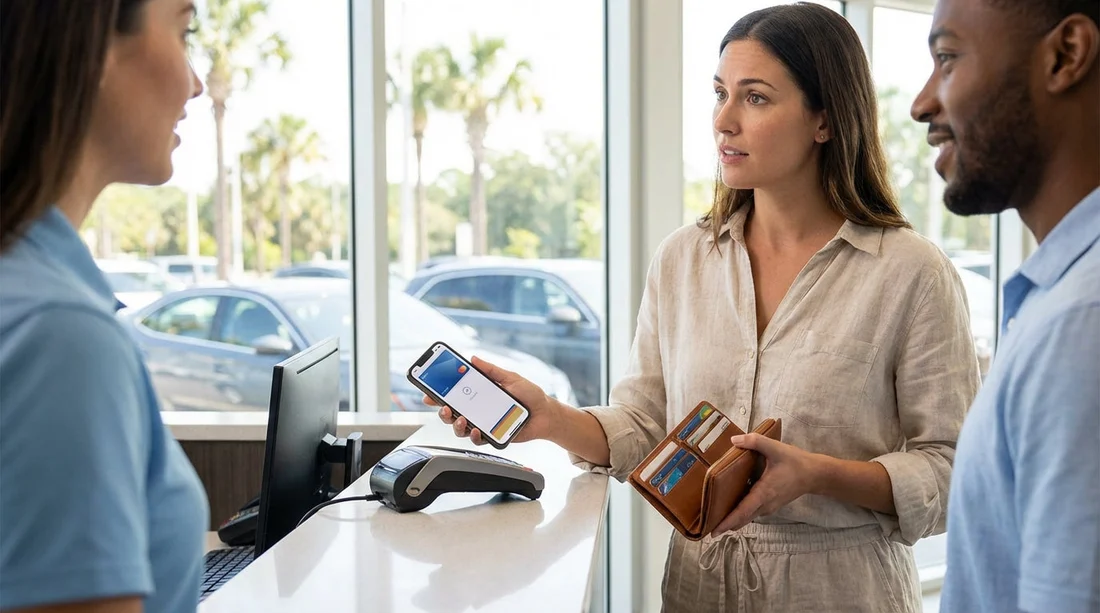
Paying with Apple Pay feels like the end of the payment story, but car hire pick-up in Orlando has an extra step: the rental desk must validate who is taking financial responsibility for the vehicle, and place a security deposit. That often brings the conversation back to a physical card, even if the booking was prepaid.
The key point is that “paid online” and “authorised at the counter” are two different transactions. Apple Pay can work for the online charge, but the counter process may require a chip-and-PIN or card-present credit card for the deposit, plus an ID match to the lead driver. Whether you need the original card depends on the supplier, the payment method behind Apple Pay, and what the counter is allowed to accept for deposits.
Why rental desks ask for the original card
At pick-up, most suppliers need to do at least three checks: confirm identity, confirm driving entitlement, and secure funds for potential charges. That last part is what usually triggers a request for the physical card.
Even if you prepay the rental price, the desk may need a separate authorisation for a refundable deposit, tolls, fuel, damage excess, upgrades, or additional driver fees. Many counters are set up to take that deposit using a traditional “card present” process, which is easier to evidence if there is a later dispute.
Another common requirement is that the card must be in the main driver’s name. This helps prevent third-party or fraudulent payments and keeps liability clear. A digital wallet can obscure the underlying card number, and staff cannot always confirm it matches the booking record, especially if the original booking was processed through a tokenised payment.
When Apple Pay is accepted, and when it is not
Apple Pay is not a card type, it is a way of presenting an underlying Visa, Mastercard, or Amex through tokenisation. Acceptance therefore varies by terminal capability and by policy.
Apple Pay can be accepted for the final payment at some desks, but deposits are stricter. Deposits are often limited to physical credit cards, sometimes excluding debit cards, prepaid cards, and virtual or tokenised cards. Even where a terminal technically supports Apple Pay, staff may still be required to follow a rulebook that says “physical card only” for deposits.
This matters in Orlando because airport locations process high volumes, and policies tend to be enforced consistently to keep queues moving. If your Apple Pay payment was made with a debit card, the desk may additionally restrict it, because deposits on debit can be higher or not permitted depending on supplier and renter profile.
Typical Orlando pick-up scenarios and outcomes
Scenario 1: You prepaid online with Apple Pay, and you have the physical credit card. This is usually the smoothest. Even if the prepaid charge is already settled, the desk can take the deposit from the same physical credit card and proceed.
Scenario 2: You prepaid with Apple Pay, but only have the phone. Expect one of three outcomes: the desk accepts Apple Pay for the deposit, the desk asks for a different physical credit card, or the desk declines the pick-up. Declines happen when the deposit policy explicitly excludes digital wallets or virtual cards.
Scenario 3: You prepaid with Apple Pay using a card that is not in the driver’s name. This often fails at the counter. Many suppliers require the main driver to present a card in their own name for the deposit, regardless of how the prepaid amount was settled.
Scenario 4: You have a physical debit card only. Some suppliers accept debit in certain conditions, but deposits may be larger, and additional verification like proof of return travel can be requested at airport desks. If debit acceptance is limited, a credit card is the safer choice.
What to do before you travel to Orlando
First, separate “payment” from “deposit” in your planning. Your Apple Pay receipt confirms the rental price payment, but it does not guarantee the deposit method will be accepted at the counter.
Second, check what you can realistically present at pick-up: passport or photo ID, driving licence, and a physical payment card. If you are travelling as a couple or group, ensure the person who will be the main driver can also present the qualifying card. Switching the main driver at the counter can change pricing and may introduce extra checks.
Third, consider the location. Orlando International Airport desks are used to a wide range of visitors, but they also follow strict compliance processes. If you are arranging pick-up around MCO, reviewing supplier notes and pick-up expectations ahead of time can prevent delays. For orientation on airport collections, see car rental at Orlando MCO and car hire in Orlando MCO.
If you arrive with only a digital wallet
If you reach the desk with only Apple Pay available, stay calm and ask a precise question: “Can you take the security deposit using Apple Pay, or do you require a physical credit card?” The deposit is the deciding factor.
If Apple Pay is not accepted for deposits, ask what alternatives are permitted. Some desks may allow a different physical card, but it typically needs to be in the main driver’s name. If someone else in your party has a physical credit card, that person may need to become the main driver, which can have insurance and age-related implications.
If there is no acceptable card, the desk may refuse to release the vehicle. This can be frustrating, but it is usually not negotiable because it is a risk policy, not a preference of the staff member.
Practical tips to avoid card issues at pick-up
Carry a physical credit card if you can. For Orlando car hire, a chip-enabled credit card in the main driver’s name is the most widely accepted deposit method.
Do not assume Apple Pay equals “card present”. Even when Apple Pay is secure, some desks treat it as a virtual credential and exclude it for deposits.
Match driver details carefully. The name on the reservation, the driving licence, and the deposit card should align, or you may face refusal or rebooking.
Plan for vehicle type needs. Larger vehicles can carry higher deposits. If you are collecting a people carrier, it is even more important to have a compliant card. For family travel context, see minivan hire at Orlando MCO and van hire at Orlando MCO.
Keep funds available. A deposit is an authorisation hold, not a charge, but it reduces your available credit. Make sure your limit covers the hold plus your trip spending.
Know that policies vary by supplier. Even within the same airport, rules differ. If your rental is with a named brand, it helps to understand typical desk expectations for that operator. For a reference point, see Enterprise car rental at Orlando MCO.
Why this matters more for airport car hire in Orlando
Orlando is a high-demand market with many international travellers, late arrivals, and family groups. Desks are designed for standardised processing, and the most standard deposit method is still a physical credit card. Digital wallets are improving acceptance, but car hire deposits remain a frequent exception because they are tied to liability and potential post-rental charges.
If you want the simplest experience, treat Apple Pay as convenient for the prepaid part, but not as a guaranteed replacement for the card you would normally present at pick-up.
FAQ
Do I always need the physical card if I paid with Apple Pay? Not always, but many Orlando desks still require a physical credit card for the security deposit. Apple Pay payment alone may not satisfy deposit rules.
Can the deposit be taken from the same card in my Apple Wallet? Sometimes, if the terminal and policy allow Apple Pay for deposits. If policy requires a card-present transaction, you will need the physical card.
What if the Apple Pay card belongs to someone not travelling? That commonly causes issues because the deposit card usually must match the main driver’s name. The desk may refuse the rental or require a different main driver with a qualifying card.
Is a debit card in Apple Pay treated differently from a credit card? Yes. Debit cards can be restricted for deposits, and some suppliers require credit cards only. If debit is accepted, additional checks or higher holds may apply.
What should I bring to make pick-up smoother? Bring your driving licence, passport or photo ID, and a physical credit card in the main driver’s name with sufficient available limit for the deposit.

























































































