


Quick Summary:
- Check the speed unit reads mph before leaving the car park.
- Use the steering wheel menu to switch distance units to miles.
- Confirm navigation and trip screens show miles, not kilometres.
- Restart once to ensure settings do not revert to metric.
UK travellers picking up car hire in Florida often assume the display will already be set to miles and mph. Most of the time it is, but if the last driver changed settings, or the vehicle was prepped for an international customer, you can end up with kilometres on the dash. That is easy to miss in bright daylight, then confusing once you merge onto a fast road.
This quick pre-drive checklist is designed to be done while you are still at the car hire location, with the vehicle safely parked. If you are collecting near Orlando, Miami, Fort Lauderdale, or Tampa, the steps are the same: find the units setting for the driver display and, if fitted, the infotainment navigation.
If you are arranging car hire around Orlando airport areas, these pickup points tend to be busy and it helps to have a plan before you roll away. The pickup guidance on car rental at Orlando MCO is a good reminder to do your checks before joining traffic.
Before you touch settings: know what you are changing
In most modern rentals there are up to three places that can show distance and speed.
1) The instrument cluster, the speedometer and driver information display behind the steering wheel. This is the priority because it affects how you read your speed.
2) The infotainment screen, where navigation distances and trip stats can appear.
3) Secondary readouts, such as the head-up display or cruise control set speed, which may be set independently.
Your aim is simple: mph for speed and miles for distance. In the US, road signs and speed limits are in mph, so that is what you want to match.
Quick pre-drive checklist in the car park
Step 1: Start the car and look for an obvious “km/h” label. On a digital cluster you may see “km/h” beside the speed. On an analogue dial you might see two scales, mph larger and km/h smaller. If the digital readout shows km/h, change it before moving.
Step 2: Check the trip units. On the driver display, open the trip computer screen and look at average speed and distance travelled. If you see “km” or “L/100km”, you are on metric settings. Florida fuel is sold in gallons, so you will usually prefer miles and MPG for familiarity.
Step 3: Check navigation. If you will use built-in nav, type a nearby destination and confirm distance units. If you will use your phone, confirm your phone’s maps is set to miles.
Step 4: Cycle ignition once. Turn the car off, wait a few seconds, then restart. In some models, a user profile loads after a short delay, and the units can revert.
How to switch units on common dashboards
Because your exact model will vary, use these patterns. They cover most cars you are likely to get with car hire in Florida.
Pattern A: Steering wheel buttons and driver display menu
This is the most common. Look for arrow keys, an “OK” or “Menu” button, or a small scroll wheel on the steering wheel.
1) Open Settings on the driver display. You are looking for “Settings”, “Vehicle settings”, or a small gear icon.
2) Find Units, sometimes under “Display” or “General”.
3) Set Distance and Speed to miles and mph. Some cars offer separate toggles for distance and fuel consumption.
If you are collecting in Miami Beach, it is worth doing this while still in the pickup area because traffic can be intense right outside. Information on local pickup patterns is covered on car hire in Miami Beach.
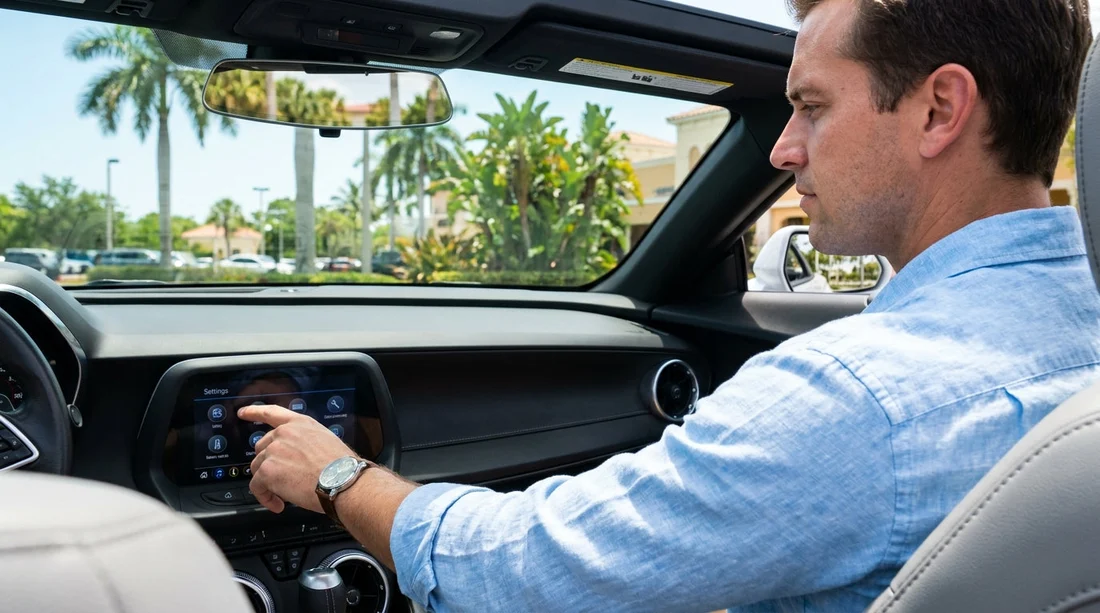
Pattern B: Infotainment “Settings” then “Units”
Some cars keep the units inside the centre screen, even for the driver display.
1) Tap Settings on the home screen.
2) Look for General, then “Units”, “Language and Units”, or “System”.
3) Choose English (US) if language options are tied to units. This often flips miles automatically.
4) Save and return to the main screen, then check the instrument cluster again.
Pattern C: Physical button sequence on the cluster
Older or simpler rentals sometimes use a “TRIP” or “SETUP” button near the instrument panel. You may see a small button at the end of the indicator stalk, or a button labelled “ODO/TRIP”.
1) Press and hold SETUP until a settings screen appears.
2) Tap to scroll through options until you see “Units”, “km/miles”, or “km/h mph”.
3) Press and hold again to switch and confirm.
Do not do this while rolling, pull over if you have already left the lot. It only takes a moment, but it is not worth dividing your attention in Florida traffic.
When to ask staff, and what to say
If you cannot find the unit setting within two minutes, ask at the desk or the exit booth. A clear question helps: “Can you show me where to switch the dash from km/h to mph and kilometres to miles?” Staff see this often, especially with international drivers.
This is particularly useful at high-throughput pickup points like Fort Lauderdale. If you are comparing providers, details on location logistics can be found on car rental at Fort Lauderdale FLL and also on Thrifty car hire at Fort Lauderdale FLL.
Final check before you leave the forecourt
Before selecting drive, do one last confirmation with the car stationary. Ensure the digital speed reads mph, trip distance shows miles, and navigation distance shows miles for a quick test destination.
FAQ
Q: My rental car shows mph on the dial, do I still need to change anything?
A: Yes, check the digital speed readout, trip computer, and navigation. Some cars show mph on the physical dial but keep trip distance or the HUD in kilometres.
Q: I changed to miles, then it switched back after I restarted.
A: That usually means a different driver profile loaded. Select “Guest” or the active profile, then change units again within that profile and recheck after an ignition cycle.
Q: Can I drive away and change units at the first stop?
A: It is safer to do it before leaving the lot. If you must change it later, pull into a safe parking area and adjust settings while stationary.
Q: Will Apple CarPlay or Android Auto automatically use miles in Florida?
A: Usually yes, because most mapping apps use the phone’s regional settings. Still, confirm your phone maps shows miles, and align the car’s built-in navigation units if you plan to use it.
Q: Do all car hire vehicles in Florida have a units setting?
A: Almost all do, but the location varies. If you cannot find it in the driver display or infotainment settings, ask staff to show the exact menu path for that model.





























































































