


Quick Summary:
- Match the licence plate across the car, agreement, and registration card.
- Confirm the registration is current, readable, and stored in the vehicle.
- Check plates, decals and stickers are present, secure, and not expired.
- Photograph the plate, VIN area, and paperwork before leaving the lot.
Picking up a car hire in Florida can feel quick, especially after a flight, but the registration and licence plate checks are worth a focused minute. They protect you if you are stopped by law enforcement, help you avoid toll and parking mix ups, and reduce the chances of being incorrectly charged for another vehicle’s fines.
Below is a practical checklist of what to verify on the rental car’s registration documents and on the physical licence plate before you drive away, plus what to do if anything does not match.
Start with the paperwork: registration present, current, and readable
In Florida, as elsewhere in the US, vehicles must carry proof of registration. In most rental cars you will find a registration card, often in the glovebox, centre console, or a document wallet. Before you leave the lot, locate it and make sure it is legible. A faded, torn, or water damaged card can create delays if you are pulled over and the officer cannot read it clearly.
Look specifically for the registration validity dates. If the registration is expired or close to expiring during your rental period, raise it immediately at the counter or exit booth. Do not assume rental cars are always up to date, fleet vehicles are processed in volume, and admin errors happen.
Match the licence plate number across car and contract
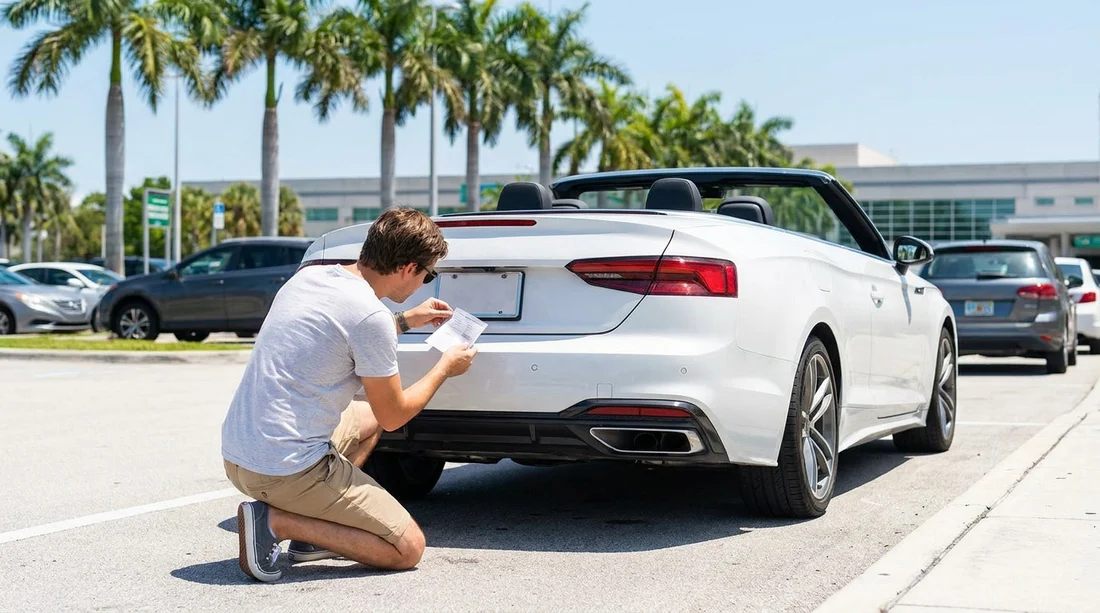
The simplest, most important check is a three way match: the licence plate physically on the car, the plate number printed on your rental agreement, and the number shown on the registration card. If even one character differs, get it corrected before you drive off.
This matters for several reasons. Florida tolling frequently uses pay by plate, so the correct plate on your contract helps prevent misbilled tolls. Parking facilities and hotel garages may capture plate numbers at entry, and roadside assistance often uses the plate as a key identifier.
When you compare numbers, watch for easy mistakes such as O and 0, I and 1, and transposed letters. If the plate is dirty or partly obscured, ask for it to be cleaned or clean it yourself before taking your photo evidence.
If you are arranging a car hire through Hola Car Rentals for a Florida trip that starts elsewhere in the US, it is still worth keeping this habit. You can review pickup planning information on pages like car rental at Portland Airport (PDX) or car rental at San Francisco Airport (SFO), then apply the same documentation checks at any location.
Verify the state, plate type, and that it is securely fitted
Florida plates typically show Florida at the top, but your rental vehicle might be registered in another state if the fleet is moved around. Out of state plates are not automatically a problem. What matters is that the plate is valid, matches your paperwork, and is properly displayed.
Inspect both the rear and, if present, the front plate area. Florida generally requires only a rear plate, so a missing front plate on a Florida tagged car is normal. However, if the car has out of state plates from a state that issues two plates, it should have both fitted. If a required plate is missing, ask for another vehicle.
Also check the plate is firmly attached and not dangling or cracked. A loose plate can fall off on the motorway, which creates an immediate legal issue and a paperwork headache.
Check decals and stickers: registration, validation, and parking permits
Many US states use windshield or plate decals to show registration validity. You are not trying to interpret every code, but you should check that any visible stickers appear current and not obviously expired.
Do not remove stickers yourself. Even if one looks incorrect, altering vehicle documentation can create more trouble. Instead, ask the rental staff to confirm the car is compliant and to swap you into another vehicle if needed.
Confirm the Vehicle Identification Number matches the registration
The Vehicle Identification Number, or VIN, is the unique fingerprint of the vehicle. The registration card will list it. You can usually see the VIN through the lower corner of the windscreen on the driver’s side, and often on a door jamb label.
Match at least the last six characters from the registration to the VIN visible on the car. If the VIN does not match, do not drive away. A mismatch could be a simple paperwork mix up, or it could be a more serious issue that you should not be involved in.
Ask how tolls are handled for that specific plate
Florida’s toll network includes systems where the plate is photographed and billed later. Rental companies and third party toll programmes may charge tolls plus administrative fees. Before you leave, ask how tolls are associated with your rental, and whether the programme is based on transponder, plate billing, or a mix of both.
If the vehicle uses a built in transponder, confirm whether it is active, where it is located, and what happens if you choose not to use it. If tolls are pay by plate, the accuracy of the plate number on your contract becomes even more critical.
If you are comparing providers or pickup areas for a broader itinerary, Hola Car Rentals publishes location specific pages that can help you plan what to ask at the counter, such as Enterprise car rental in Doral (DRL) or Dollar car rental in Brickell (BRK).
Take time stamped photos before leaving the pickup area
Once you have confirmed the plate and registration match, take a clear photo of the rear plate, the front plate if present, and the registration card. If your agreement shows the plate, photograph that line too. These images help if a toll posts incorrectly, if a parking ticket is issued to the wrong plate, or if you later need to prove which vehicle you had at a specific time.
Keep the photos in a dedicated album. If you are travelling as a couple or group, share them with the other driver so anyone can access them quickly during a stop.
What to do if something does not match
If the registration card is missing, expired, or unreadable, return to the desk or exit booth and request a replacement document or a different vehicle. If the plate number on the car does not match the agreement, ask the agent to reprint the contract with the correct plate or swap vehicles so the paperwork aligns.
If the VIN does not match, treat it as a non negotiable problem. Do not drive the car, and do not accept verbal assurances. Ask for a different vehicle and corrected paperwork.
FAQ
Q: Is it normal for a Florida rental car to have out of state plates? A: Yes, it can be normal due to fleet movements. The key is that the plate matches your contract and the registration card, and the stickers appear current.
Q: Where should the registration document be kept in the car? A: Most rental cars keep it in the glovebox or a document wallet. Make sure you can find it quickly before leaving the lot.
Q: Do I need to check the VIN if the licence plate matches? A: Yes. A plate can be moved or paperwork can be misassigned. Matching the VIN on the car to the registration reduces the risk of a serious mismatch.
Q: What happens if the plate number on my agreement is wrong? A: Tolls, parking charges, or notices could be linked incorrectly. Ask for a corrected agreement or a vehicle swap before you drive off.
Q: Should I worry if there is no front licence plate? A: For Florida plates, no front plate is typical. If the car has plates from a two plate state, ask the rental staff to resolve any missing plate.





























































































