


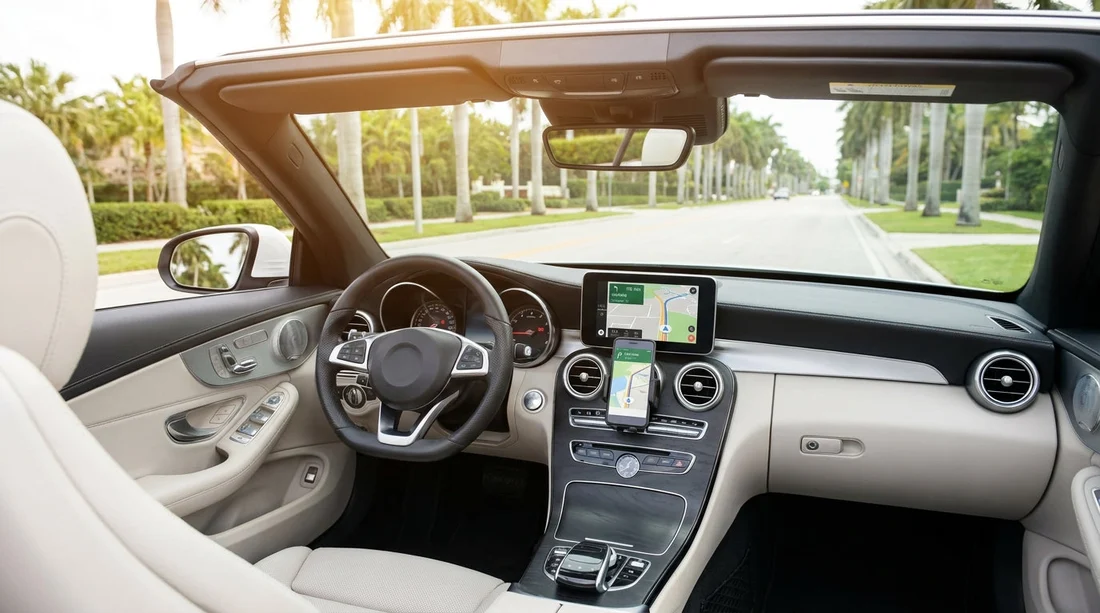
Quick Summary:
- Use phone maps with offline downloads and a secure dash mount.
- Choose rental sat nav for guidance without mobile data or roaming.
- Set up an eSIM or roaming plan and test data before arrival.
- Bring a car charger and cable, then save routes before pick-up.
When you arrange car hire in Miami, navigation is one of the few choices that affects every single mile. You can either add an optional sat nav device or rely on your phone, typically using Google Maps, Apple Maps, or Waze. Both work well around Miami, but the best option depends on your data access, battery management, comfort with handling a phone in the car, and the type of driving you will do.
Miami has multi-lane highways, fast-changing exits, express lanes, and frequent roadworks. You may be switching between I-95, I-395, SR 836, the MacArthur and Julia Tuttle causeways, plus local streets where one-way sections can appear quickly. Clear, timely voice prompts matter. So does a setup that stays powered, visible, and safe.
If you are collecting a vehicle at the airport, start with the pick-up location and your first destination already saved. For travellers collecting from Miami Airport car rental, that first ten minutes, leaving the airport roads and joining expressways, is the moment when navigation confusion most often happens.
Phone navigation in Miami, strengths and weaknesses
Your phone is usually the smarter navigator in a big city. It updates quickly, reroutes around traffic, and understands new addresses, hotel entrances, and attractions. In Miami, live traffic can be the difference between a smooth drive and sitting in congestion near Downtown, Wynwood, or the causeways at peak times.
Cons are mostly practical. Phones can overheat on sunny dashboards, lose battery quickly when using GPS and data, and become awkward if you do not have a proper mount. The biggest risk is losing service or data at the wrong time, for example, if you do not have US roaming enabled, or you hit a coverage dip in a concrete-heavy area.
If your trip includes Miami Beach, note that slower local streets and heavy pedestrian areas can prompt frequent reroutes. If you are planning to stay around the beach, it is worth considering where you will pick up and return. Some travellers choose a location closer to the coast, such as Miami Beach car hire, to reduce immediate navigation stress after landing.
Rental sat nav in Miami, when it makes sense
A rental sat nav is a dedicated device with preloaded maps. Its biggest advantage is independence from your mobile data plan. If you are travelling from abroad and do not want to think about eSIMs, roaming settings, or signal, sat nav can feel simpler. It also avoids draining your phone battery, which you might prefer to keep for messages, boarding passes, and photos.
Where sat nav can fall short is live traffic sensitivity and search. Some devices have traffic services, but these can be less responsive than phone apps. Also, entering addresses can be slower than using your phone keyboard or voice search, and some newer venues may not be recognised as easily.
Sat nav can still be the right choice if you have multiple drivers who do not want to connect personal devices, or if you are handing the vehicle to someone who is not comfortable managing phone settings. It is also a useful backup if you expect inconsistent data access, especially if your itinerary includes longer drives beyond Miami.
Offline maps, the best compromise for phone users
If you want the advantages of a phone but worry about data, offline maps are your friend. Before you fly, download an offline map area for Miami and any surrounding regions you will visit. In Google Maps, offline downloads support driving directions for many routes, but features like live traffic and some rerouting depend on data. In Apple Maps, offline maps are also available in many areas, but you should confirm downloads complete while you still have reliable Wi-Fi.
Do this at least a day before travel, so you can test it. Put your phone in airplane mode, start a practice route, and confirm you still receive turn-by-turn prompts. Offline navigation is not perfect, but it can stop a minor connectivity issue from becoming a wrong-exit situation at a busy interchange.
If you are driving a larger vehicle, remember that tight parking areas are common. Some travellers opt for more spacious vehicles and plan routes to easier parking zones, particularly when using van rental in Miami for groups or luggage-heavy trips.
Roaming and eSIM prep, avoid surprises
Many navigation problems are actually data problems. If you are visiting from the UK or Europe, check your plan’s US roaming costs and limits. If roaming is expensive, set up an eSIM for the United States before you depart, or at least before you pick up your vehicle. You want data active the moment you step outside the terminal, not after you are already in the driver’s seat.
Confirm your phone is unlocked for eSIM use. Install and activate the eSIM while on Wi-Fi, then test that mobile data works. Turn on data roaming only if required by your provider. Disable app updates on mobile data to avoid wasting your allowance.
Mount and charging essentials before pick-up
A good mount and reliable charging matter more than the navigation app choice. In Miami sun, a phone running GPS, brightness high, and data streaming will drain quickly and may overheat. Bring a quality cable and a car charger that matches common ports, typically USB-A or USB-C. If you have multiple devices, a dual-port charger is useful.
Before you drive away from the car hire location, take 60 seconds to do a setup check: mount position, cable reach, volume level, and that voice guidance is working. If you are collecting around Doral, which has busy junctions and quick merges, a calm setup helps. Some travellers choose a Doral-based collection point such as car hire in Doral near the airport where you can take a moment to configure devices before entering heavier traffic.
Safety and legality, keeping it simple
Regardless of whether you use a phone or sat nav, set your destination before moving off. Avoid holding your phone while driving. Use voice commands where possible, and keep the screen at a glanceable height. If you miss an exit in Miami, do not panic or attempt a last-second lane change. Continue, let the system reroute, and take the next safe option.
If you are using toll roads or express lanes, navigation apps can sometimes route you onto tolled routes. Decide in advance whether you are comfortable with that, then check your map settings for toll preferences. Sat nav devices vary in how clearly they communicate toll segments, so phone apps can be easier to configure.
So, which should you choose for car hire in Miami?
Rely on your phone if you can guarantee data access, can download offline maps as backup, and will bring a proper mount and charger. This is the best fit for most visitors staying in the city, because traffic conditions change quickly and phone apps adapt better.
Consider booking sat nav if you want a dedicated device that works without any mobile plan, you are not confident with eSIM setup, or you need a consistent interface for multiple drivers. It can also be reassuring as a backup, particularly if you expect your phone to be needed for other tasks and you want to keep it charged.
FAQ
Is phone navigation accurate enough for driving in Miami? Yes. Google Maps, Apple Maps, and Waze are generally very accurate in Miami and handle lane guidance well on major interchanges.
Can I navigate in Miami without mobile data? Yes, if you download offline maps in advance. You will still get guidance for many routes, but you may lose live traffic and the best rerouting.
Will my phone overheat using maps in Miami? It can, especially in direct sun. Use a shaded mount position, keep the phone ventilated, and run a charger so the battery stays stable.
Should I get an eSIM for the US just for navigation? If your roaming is costly or unreliable, an eSIM is often worth it. Even a small data plan can cover maps, traffic, and route changes.
What should I set up before leaving the car hire location? Fit the mount, connect charging, set the first destination, and confirm voice volume. A one-minute check can prevent missed turns.





























































































