


Quick Summary:
- Confirm hotspot availability, daily price, deposit, and what the fee includes.
- Ask about data caps, throttling rules, coverage areas, and device limits.
- At the counter, power it on, note the name, and test connections.
- Record SSID, password, support number, and return instructions before leaving.
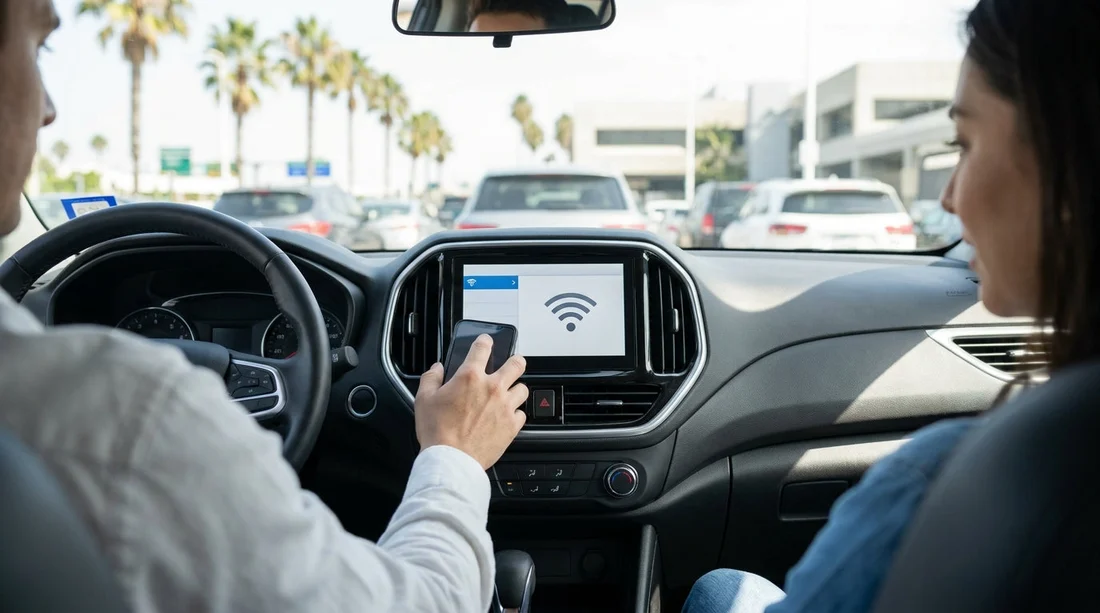
Landing in Los Angeles and heading straight to the motorway is easier when your connectivity is sorted before you roll out of the car hire facility. A rental car Wi‑Fi hotspot can keep maps live, help passengers work, and reduce reliance on roaming, but only if you understand the plan, limits, and setup steps while staff are available to help.
This guide covers what to ask at pick-up, what to check on the device, and how to connect phones, tablets, and laptops before you drive off. If you are collecting around the airport area, it can help to know your collection details in advance, such as at Los Angeles LAX airport car rental locations, where queues and busy periods make quick, clear questions valuable.
1) Confirm whether a hotspot is actually available for your rental
Start by asking whether the Wi‑Fi hotspot is a physical device you collect, an in-car system built into the vehicle, or a partner service added to your agreement. Availability can vary by supplier, vehicle class, and even the time of day if devices are limited.
Is the hotspot available today for my vehicle class? If not, ask whether you can switch to a vehicle with built-in Wi‑Fi, or collect a standalone unit.
Is it optional or bundled? Sometimes connected car features are bundled with certain SUVs or premium categories. If you are comparing options, see what is typically offered with categories such as SUV hire in California near LAX.
What comes in the box? For portable units, confirm it includes a charging cable, plug, and any pouch or mount. Missing accessories are common causes of frustration later.
2) Get the price and billing rules in writing, not just verbally
Hotspot pricing can be per day, per rental, or based on a data package. Before you sign, ask the agent to point out the exact line items on your agreement. This avoids surprises such as per-day charges that add up over longer trips.
What is the daily cost and maximum charge? Some add-ons cap at a certain number of days, others do not.
Is there a deposit or hold? Portable devices may require a refundable deposit. Clarify how long the hold remains after return.
What is the replacement fee? You should know the cost if the unit is lost, damaged, or not returned with cables.
Does it include taxes and facility fees? In Los Angeles, add-ons may be taxed, and it is better to understand the total.
If you are selecting among suppliers, it can be helpful to review typical add-on expectations for different brands, for example via Thrifty car rental at Los Angeles LAX, as add-on structures vary.
3) Clarify data limits, speed rules, and coverage before you connect
Unlimited can still have fair use policies. Your goal at the counter is to understand how the hotspot behaves after heavy usage and where it is likely to work.
Is data truly unlimited, or is it capped? If capped, ask for the exact GB amount and whether you can top up.
Is there throttling after a threshold? Throttling means speeds drop after you use a certain amount of data, which affects video calls and streaming.
How many devices can connect at once? Confirm the maximum and whether extra devices are blocked or simply slower.
What is the coverage area? In Los Angeles, coverage is usually strong, but if you are driving to national parks or desert areas, ask whether the hotspot uses a specific carrier and whether dead zones are common on your route.
Is streaming restricted? Some plans block high-bandwidth use. If you need it for work calls, ask whether video conferencing is supported.
4) Set it up at the counter: the fastest, safest workflow
Do not wait until you are in the exit lane. Ask for a minute to power the device on and test it while the agent can still assist. Your aim is to leave with confirmed connectivity and the right credentials written down.
Step A: Identify what you have
For a portable hotspot, locate the power button, screen, and any SIM slot. For in-car Wi‑Fi, ask where the network name and password are displayed, for example on the infotainment screen or a label in the glovebox.
Step B: Power and charge check
Turn the hotspot on and confirm the battery level. If it is low, plug it in immediately and ask whether it charges from USB, a 12V socket, or both. Confirm the cable is included and fits your vehicle ports.
Step C: Find the SSID and password
Most devices show the SSID and password on the screen, on a sticker under the battery cover, or in a menu. Ask the agent to show you where it is stored so you can find it again later.
Step D: Connect at least two devices and run a quick test
Connect your phone first, then a second device such as a passenger’s phone or a laptop. Load a map and try a quick web page refresh to confirm it is passing data.
5) Avoid common connection problems before you leave the garage
Most issues are simple, but you want them solved while help is nearby.
Problem: Device shows signal bars but no internet
Ask whether it needs activation, or whether it is region-locked and needs a reset. Confirm the account is linked to your rental agreement.
Problem: Your phone connects but says no internet
Try forgetting the network and reconnecting. Disable any VPN temporarily.
Problem: Passengers cannot join
Confirm the device limit and whether a whitelist is enabled. If there is a device list, ask how to remove old devices from previous rentals.
6) Security and privacy checks worth doing at pick-up
Public travel connectivity should be treated like any other network. A few quick checks reduce risk without slowing you down.
Use WPA2 or WPA3 if offered
Confirm the hotspot uses WPA2 or WPA3 encryption, not open Wi‑Fi. If it is open, ask for an alternative setup.
Ask what happens to your data at return
For in-car systems, ask whether paired devices are cleared automatically. Before returning the car, remove paired phones from Bluetooth lists and clear personal data from infotainment profiles.
7) Know the support path and return rules before you drive away
Hotspots are small, easy to misplace, and easy to return incorrectly. Clarify return logistics now.
Get the support number and hours
Ask whether support is the rental counter, roadside assistance, or the hotspot provider. Save the number and confirm operating hours, especially if you are driving late.
Confirm where it must be returned
Some rentals require the device handed back at the counter, not left in the car. If your trip ends at an airport location, it helps to be clear on the process at car rental in Los Angeles near LAX.
Check the inventory list
Make sure the agreement notes the hotspot and accessories. Before leaving, confirm you have the hotspot, cable, and any plug adaptor that is meant to be returned.
If you are flying out of Orange County instead, compare pick-up and return expectations at car hire in Santa Ana (SNA) locations, as counter procedures can differ.
FAQ
Do I need to set up the hotspot at the counter, or can I do it later? You can do it later, but setting it up at the counter lets staff confirm activation, correct password details, and resolve faults before you drive off.
How many devices can usually connect to a rental car Wi‑Fi hotspot? It depends on the device and plan, but many support around 5 to 10 devices. Always confirm the exact limit on your agreement or the hotspot screen.
Will the hotspot work everywhere around Los Angeles? It should work well in most of greater Los Angeles, but coverage can drop in canyons, remote desert stretches, or some mountain roads. Ask which carrier network it uses.
What should I do if the hotspot stops working mid-rental? Restart it, check it is charging, and confirm your device has not switched back to mobile data. If it still fails, call the support number provided at pick-up.
Do I have to return the hotspot separately from the car? Sometimes yes. Confirm the return method at pick-up, and follow the stated process to avoid non-return or missing accessory charges.





























































































