


Quick Summary:
- Follow “Ground Transportation” and “Rental Cars” signs from Terminal A arrivals.
- Take the tram to the main terminal, then head down to Level 1.
- Allow 30 to 60 minutes from gate to counter in most cases.
- Keep licence, payment card, and booking details ready before joining queues.
Orlando International Airport (MCO) is designed so that reaching the rental car centre from Terminal A is mostly about following the right signs and choosing the correct route from where you land. Terminal A serves many domestic and international arrivals, and the airport’s car rental counters are not out in a separate off-site depot for most major brands. Instead, you typically head into the main terminal area where the rental car desks sit together, then go to the garages to collect your vehicle.
This guide walks you through what to look for, where the decision points are, and how much time to allow from arrivals to the car hire counter, so you can plan calmly even if you have bags, children, or a tight schedule.
Step-by-step route from Terminal A arrivals
1) Arrive at your gate and follow “Tram to Main Terminal” if you are in an airsides concourse. At MCO, most flights arrive at an Airside (a concourse). From your gate, follow the signs for the tram (often labelled “Tram to Main Terminal” or simply “Tram”). This automated people mover takes you into the main terminal building. Trams run frequently and the ride is short, but walking to the platform and waiting a moment can add time if you are travelling at peak periods.
2) In the main terminal, aim for Level 1 for rental car counters. Once you enter the main terminal from the tram, follow overhead signage for “Ground Transportation” and “Rental Cars”. The rental car counters are generally on Level 1. If you find yourself at ticketing (often Level 3) or security, look for lifts, escalators, or stair signs down to Ground Transportation and Rental Cars.
3) Keep an eye on the “A” and “B” side indicators, but do not panic. MCO’s main terminal is split into A and B sides. Terminal A arrivals will naturally funnel you to the A side, but rental car signage is clear on both sides. If you accidentally drift toward the wrong side, you can usually cross within the main terminal rather than going back through security.
4) Locate your company counter, then follow “Rental Car Pick-Up” to the garages. After you complete paperwork at the counter, you will be directed to the lift or walkway leading to the rental car pick-up area and garages. Read the printed slip or app instructions carefully because different companies use different rows or levels.
If you want a general overview of options at the airport before you arrive, see car rental at Orlando Airport (MCO) for a clear starting point.
Which signage to follow, and what it typically says
In practice, you will be looking for three sign phrases in sequence:
“Tram to Main Terminal” or “Main Terminal” while still in the airside concourse. This gets you out of the gates area and into the main terminal hub.
“Ground Transportation” once you are in the main terminal. This is the umbrella category that includes rental cars, hotel shuttles, ride-share, and buses.
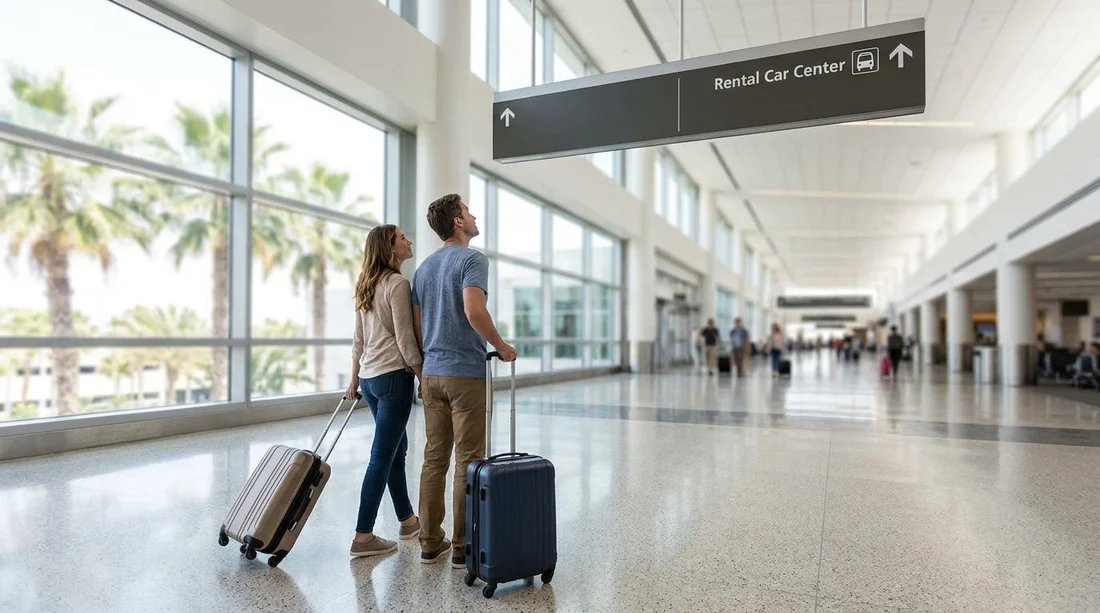
“Rental Cars” to take you to the counters on Level 1. When you see “Rental Car Return”, ignore it unless you are dropping off a vehicle.
A useful tip is to mentally separate the airport into two stages: get to the main terminal first (tram stage), then get to the counters (ground transportation stage). That prevents you from hunting for a rental car desk too early while still in the concourse.
Shuttle vs train vs walking, what actually applies at Terminal A
For Terminal A, most travellers use the automated tram from the airside concourse to the main terminal. It is not a shuttle bus, and you do not need to go outdoors. Once in the main terminal, it is then mostly walking plus escalators or lifts down to Level 1.
So where do shuttles come in? They can apply in a few specific situations.
Off-airport suppliers. Some companies operate off-site locations and run their own shuttle. In that case, you still head to Ground Transportation, but you follow signs for shuttle pick-up zones rather than the main rental car counter area.
Hotel shuttles and other transport. These share parts of the ground transport area, so you may see mixed signage. Keep following “Rental Cars” specifically to avoid ending up at the wrong curb.
Peak congestion or mobility needs. If anyone in your party has mobility concerns, ask airport staff about the most accessible lift routes from the tram arrival level down to the rental car counters and then into the garages.
For a supplier-focused overview of Orlando Airport pickup basics, the Hola Car Rentals page on car rental at Orlando MCO can help you confirm what to expect on arrival.
How much time to allow, gate to counter and counter to car
Time estimates vary more because of queues than because of distance. The tram and walk are usually straightforward, but the counter line can be long in busy arrival banks.
Typical timing from Terminal A gate to rental counter:
30 to 45 minutes is a sensible planning figure if you have carry-on only and queues are average. This includes getting off the plane, walking to the tram, riding to the main terminal, and reaching Level 1.
45 to 60 minutes is more realistic if you are checking bags, arriving on a busy afternoon, or travelling with children. Baggage claim waits can be unpredictable, and a short delay there quickly eats into your counter arrival time.
60 to 90 minutes can happen during holiday surges when multiple flights land together and the car hire counters are heavily staffed but still busy. If you have a fixed appointment in Orlando, build in the buffer rather than assuming best-case timing.
Counter to vehicle pick-up: after your documents are checked, allow another 10 to 25 minutes to reach the garage, find the right aisle, inspect the vehicle, and exit the facility.
Pre-pick-up checklist to avoid delays at the desk
Many counter delays are avoidable if you have the right items ready and understand what the agent will ask for. Before you join the queue, quickly confirm you have your driving licence, the payment card you intend to use, your booking confirmation, and any additional driver details.
Choosing the right vehicle type can also reduce friction. If you know you will have multiple suitcases or are driving beyond Orlando into parks or beaches, it may be worth reviewing options such as SUV rental at Orlando MCO or van rental at Orlando MCO so the class you expect matches your needs at pick-up.
Common navigation mistakes from Terminal A, and how to fix them
Mistake: following “Ground Transportation” but stopping at the wrong curb. Fix: keep scanning for “Rental Cars” specifically. If you see ride-share pick-up, hotel shuttles, or taxis, you are close but not quite there.
Mistake: assuming the rental car centre is in the concourse. Fix: you must take the tram to the main terminal first. If you do not see retail, baggage claim signage, or main terminal wayfinding, you are still in the airside area.
Mistake: heading to “Rental Car Return”. Fix: “Return” is for drop-offs. Turn back and follow signs for “Rental Cars” or “Rental Car Pick-Up”.
FAQ
Is the rental car centre at MCO in the same building as Terminal A? Yes, most rental car counters are in the main terminal complex, reached from Terminal A via the tram and then a walk to Level 1.
Do I need a shuttle bus from Terminal A to the rental car counters? Usually no. The typical route is tram to the main terminal, then walk and take escalators or lifts to the counters and garages.
How long should I allow from arriving at Terminal A to reaching the car hire counter? Plan 30 to 60 minutes in normal conditions, longer if you are collecting checked bags or arriving during holiday peaks.
What signs should I follow to avoid getting lost? Follow “Tram to Main Terminal” first, then “Ground Transportation”, then “Rental Cars”. Avoid “Rental Car Return” unless you are dropping off.
What should I have ready at the counter to speed things up? Have your driving licence, the payment card for the deposit, booking confirmation, and additional driver details ready before you queue.





























































































