


Quick Summary:
- Bring a genuine Apple or MFi cable, plus a USB-A adapter.
- Check the car has CarPlay enabled, and locate the correct USB port.
- Pack a backup cable and a 12V charger for reliable power.
- Ask whether the vehicle supports wireless CarPlay, before leaving the counter.
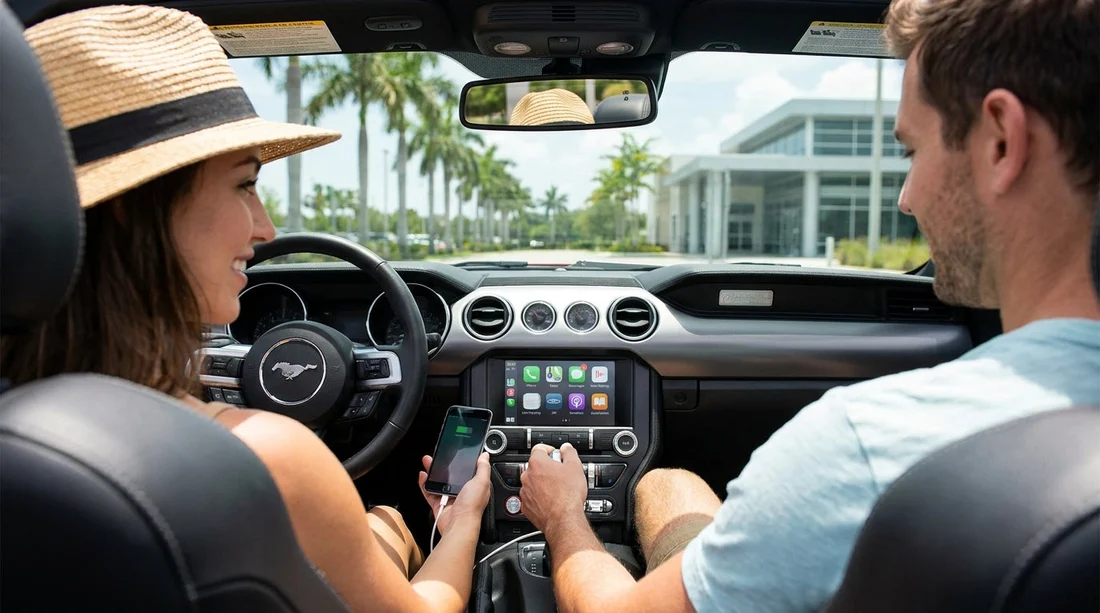
If you are picking up a car hire in Orlando and want Apple CarPlay working immediately, it is safest to bring your own cable. Some rental vehicles have cables in the glovebox, some do not, and even when a cable is present it can be worn, charge-only, or the wrong connector for your iPhone. A reliable cable and a couple of small adapters remove most of the uncertainty, especially after a long flight when you just want maps, calls, and music to work.
CarPlay itself is common across many rental fleets around Orlando, but the connection method varies by model year and trim. You might find a single USB-A port for wired CarPlay, a newer USB-C port, or wireless CarPlay that still benefits from a cable for charging. The easiest approach is to pack for wired CarPlay and treat wireless as a bonus.
Before you travel, it also helps to know where you are collecting. If you are planning car hire at the airport, you can check typical vehicle categories and pickup expectations via car hire at Orlando MCO and keep your CarPlay kit in your hand luggage for quick access on arrival.
Do you need your own USB cable for CarPlay in a rental car?
In practice, yes, you should bring your own USB cable for Apple CarPlay when collecting a rental car in Orlando. CarPlay requires a data-capable connection for many vehicles, and rental counters do not consistently supply cables. Even if a previous renter left one behind, it may not be certified, may have intermittent data pins, or could be the wrong end for the car’s port.
Think of the cable as part of your travel essentials, like a phone charger. It is small, inexpensive, and it removes a common cause of “CarPlay not available” messages that are actually just poor cabling.
What cable should you pack for your iPhone?
The right cable depends on your iPhone’s connector and the car’s USB port type. Most current iPhones use Lightning, while iPhone 15 and later use USB-C. Rental cars in Orlando commonly have USB-A ports, but newer models increasingly include USB-C.
Pack the cable that matches your iPhone first, then add a small adapter for the car side. As a rule, choose a genuine Apple cable or an MFi-certified equivalent because CarPlay can be picky about data quality. A “charging only” cable can power your phone while failing to launch CarPlay, which is confusing when you are in a hurry.
Adapters and extras that prevent last-minute problems
For a smooth first drive after pickup, a minimal CarPlay kit can be:
1) USB-A to USB-C adapter (or cable variant): Useful if the car only has USB-A and your cable is USB-C based, or if your iPhone is USB-C and the car expects USB-A. A short, robust adapter is easier to manage than a long tangle of cables.
2) A backup cable: Cables fail at the worst time. A second, shorter cable takes up little space and can save you a stop at a convenience store.
3) 12V car charger: Even with CarPlay, some cars deliver weak power from the USB port. A 12V charger keeps the phone topped up while you run navigation and streaming audio. You can still use CarPlay for data while charging from 12V if needed, depending on the vehicle’s port configuration.
4) A compact phone mount (optional): CarPlay reduces the need to handle your phone, but a mount helps if you must use the phone screen briefly when parked. Keep it simple and do not block vents or sensors.
What to check at the counter so CarPlay works straight away
Before you leave the rental facility, do a quick compatibility check. It is much easier to swap vehicles in the pickup area than after you have reached International Drive or the theme parks.
Ask whether the car supports Apple CarPlay and whether it is wired, wireless, or both. Some infotainment systems support Android Auto but not CarPlay, or only support CarPlay on certain trims. If CarPlay is important to you, make it part of your requirements when confirming your car hire in Orlando.
Confirm which USB port enables CarPlay. Many vehicles have multiple USB ports, but only one supports data. The “charge-only” ports often sit in the rear or inside the centre console, while the CarPlay port may be labelled with a smartphone icon or “USB” near the dashboard. If the vehicle has both USB-A and USB-C, test the port you intend to use.
Check for wireless CarPlay pairing restrictions. Wireless CarPlay can require Bluetooth and Wi‑Fi to be enabled on your iPhone, and some vehicles only allow a limited number of paired devices. If the previous renter’s phone is still stored, ask staff to clear it or show you how to reset the infotainment connections.
Do a two-minute test before driving off. Plug in your phone (or pair wirelessly), accept the CarPlay prompts, and start Apple Maps. Verify audio plays through the speakers and that the steering wheel buttons work for volume and track changes.
If you are collecting at the airport and want to know typical pickup flow, the Orlando MCO pages can help set expectations. See car rental at Orlando MCO for a general overview, and car hire in Orlando MCO for another pickup option reference.
Common reasons CarPlay fails in rental cars, and quick fixes
Wrong port: Try a different USB port. Many cars have one data port and several charge-only ports.
Bad cable: Swap to your backup cable. If CarPlay appears and disappears, the cable is often the culprit.
iPhone restrictions: Ensure CarPlay is allowed in Screen Time settings and that Siri is enabled, as CarPlay relies on Siri functionality for voice control.
Bluetooth and Wi‑Fi off: Even for wired CarPlay, some systems expect Bluetooth to be on for initial handshake. Turn both on, then reconnect.
Infotainment needs a reset: Restart the car or reboot the head unit if the option exists. If the car was recently started and stopped repeatedly, systems can glitch.
Existing paired devices: Delete old phones from the vehicle’s settings. Rental cars may store several prior connections.
Vehicle type considerations, especially for families
If you are travelling as a family and choosing a larger vehicle, CarPlay becomes even more useful for hands-free calls and clear navigation prompts while managing passengers and luggage. In people carriers, USB ports can be spread across rows, but only one may support CarPlay, so it is worth identifying it immediately.
For those comparing larger options, you can browse category expectations on minivan hire at Orlando MCO. Regardless of vehicle size, the same principle applies: bring a reliable cable and verify the data port before you leave.
Best practice packing list for Orlando CarPlay readiness
To make your first drive stress-free, pack these in an easy-to-reach pouch:
One main data cable matched to your iPhone (Lightning or USB-C), preferably genuine or MFi certified.
One backup cable, ideally shorter and sturdier for glovebox storage.
One USB-A or USB-C adapter to match whatever port the rental vehicle has.
One 12V charger for consistent charging on long drives.
This setup covers nearly every scenario you will meet in Orlando car hire vehicles, from older models with USB-A only to newer cars with USB-C and wireless CarPlay.
FAQ
Will every Orlando car hire vehicle have Apple CarPlay? No. Many do, but it varies by model, trim, and year. Confirm at pickup and test before leaving.
Can I use any USB cable for CarPlay? Not reliably. CarPlay needs a data-capable cable. Choose a genuine Apple or MFi-certified cable and avoid charge-only leads.
My phone charges but CarPlay will not start, what should I do? First try the correct data USB port, then swap cables. If it still fails, enable Bluetooth and Wi‑Fi and remove old paired phones.
Is wireless CarPlay guaranteed if the car advertises Bluetooth? No. Bluetooth alone does not mean wireless CarPlay. Wireless CarPlay requires compatible infotainment hardware and typically uses both Bluetooth and Wi‑Fi.
Should I buy a USB-C cable for newer rental cars? If your iPhone supports USB-C, bring a USB-C cable plus a USB-A adapter. That combination works with most vehicles you will encounter.





























































































