


Quick Summary:
- Many fast chargers accept contactless cards, but some still need apps.
- Set up two or three charging apps, and add payment details.
- Confirm connector type and whether an adaptor is included.
- Check pick-up kit includes cables, instructions, and return charge policy.
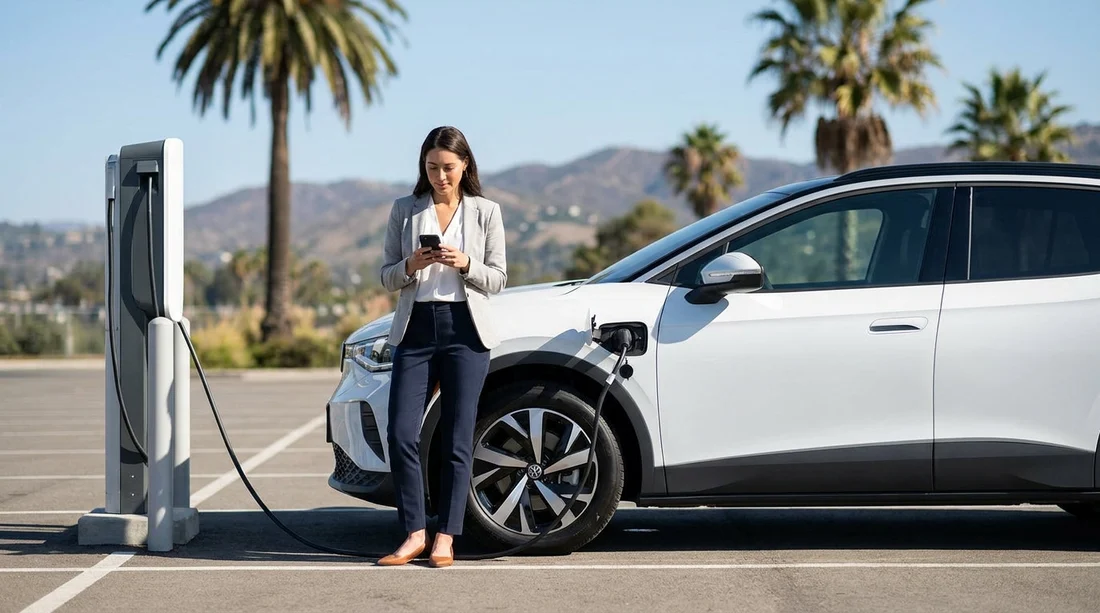
When you choose electric car hire in California, charging is usually straightforward, but the “do I need an app?” question depends on where you charge and which networks you use. California has a dense mix of public chargers, hotel and destination charging, and workplace points, and each operator has its own rules for activation and payment.
In practice, you can often charge without an app by using contactless payment at newer rapid chargers. However, relying on that alone can be risky if you arrive at a site where the terminal is out of order, the operator only supports app start, or pricing and session limits are shown in-app. The easiest approach is to plan for both: be ready to pay by card, and have a small set of apps set up as a backup.
If your trip involves airport pick-up, you might be collecting your vehicle at a major hub with good charging access nearby. For example, travellers arranging car rental at Los Angeles LAX often find plenty of public charging options, but the exact payment experience varies by charger and operator.
Do you actually need an app to charge an electric rental car?
You do not always need an app, but you should expect to need one sometimes. Most drivers encounter three common situations:
1) Tap-to-pay works. Many modern DC fast chargers allow you to start a session with a contactless credit or debit card. This is the closest experience to a traditional fuel pump. It is ideal for visitors because there is no account setup. That said, some sites have card readers that are temporarily offline, or the reader is available only on certain units.
2) App required to start charging. Some networks, and some older or high-demand sites, require you to initiate the session in the operator app. In these cases, you scan a QR code, select the stall number, and start the charge. The app also helps if you need to end a session, access a receipt, or report a fault quickly.
3) Membership helps with pricing and reliability. Even if card payment is available, app accounts can unlock member rates, show real-time availability, and provide troubleshooting tools. For a short stay it may not matter, but if you will fast charge frequently, a membership can pay off.
The simplest rule for EV car hire is this: plan as if you will need an app at least once, especially on road trips, late-night arrivals, or busy holiday travel days.
Charging networks in California that may need apps
California’s public charging landscape includes several well-known networks plus regional providers. Policies change over time, and even within one network the experience can differ by station, but these patterns are common:
DC fast charging hubs often support card payments, yet still encourage app use for stall selection, pricing, and support. If a station is busy, the app may show which stalls are functioning before you arrive.
Level 2 destination charging (shopping centres, hotels, car parks) is more likely to use app-based activation or RFID membership cards, particularly when the charger is installed by a property manager or managed service. These chargers can be slower, so you may be leaving the car for longer, and the app helps monitor progress.
Tesla Superchargers are a special case. If your rental is a Tesla, charging is typically seamless through the vehicle, with billing handled by the rental provider’s process. If your rental is not a Tesla, access depends on whether the site supports non-Tesla vehicles and whether your vehicle has the correct connector or adaptor. In those situations, app setup may be required. Because rental fleet rules vary, confirm the charging method and billing arrangement at the counter.
If you are comparing routes between cities, you may be picking up in Northern California. Travellers looking at van hire in San Francisco SFO or an EV from the same area should be especially mindful that larger vehicles and some EV SUVs can have different connector standards or charging speeds, which affects where you can charge comfortably.
How to set up payment by credit card in advance
Even when you hope to use contactless, it is worth setting up app payment before your flight. Doing it on airport Wi-Fi while tired, or with limited mobile data, is when problems happen. Here is a practical preparation checklist that works well for visitors.
Install a small set of charging apps. Aim for two or three major networks you are most likely to encounter in California, plus any brand-specific app if your rental model needs it. The goal is coverage, not collecting every possible app.
Add a payment card and verify it. Many apps require card verification or a small authorisation hold. Complete this at home so you can start charging immediately on arrival. Use the same credit card you plan to use on the trip to reduce fraud flags.
Enable location and notifications. Location helps you find nearby chargers, and notifications can alert you when charging is complete or interrupted. This is useful at destination chargers where idle fees may apply after a grace period.
Save login details securely. A password manager helps, but at minimum ensure you can access email or SMS messages used for two-factor authentication. If you change SIMs on arrival, consider how you will receive verification codes.
If you are flying into the state capital, you may be collecting a vehicle for regional driving. Information for arrivals and local driving can be found on car rental at Sacramento SMF, which can help you anticipate the first charging stop and the type of roads you will be on.
What to confirm at pick-up: cables, adaptors, and charging guidance
At the rental desk or vehicle bay, take two minutes to confirm your charging kit and the billing approach. This is the single best way to avoid surprise fees or wasted time later.
1) Connector type and charging compatibility. Ask which connector the car uses for fast charging and for slower AC charging. In the US you may encounter NACS, CCS, and J1772 depending on vehicle and adaptor. Knowing this determines which public chargers you can use without extra equipment.
2) What cables are included. Many EVs do not carry a loose cable for public stations because most public DC fast chargers have tethered cables attached. But for Level 2 charging, some locations also have tethered connectors, while others may require a specific cable. If the car includes a portable charging cable for standard outlets, confirm it is in the boot and that it matches typical US sockets.
3) Adaptors in the vehicle. If the EV needs an adaptor to use certain networks, confirm it is included and where it is stored. Also ask whether you will be charged if it is missing on return, and inspect it for damage at pick-up.
4) How charging is billed. Some rentals charge you for energy used through certain networks, some pass through fees, and some include a separate charging convenience structure. Ask whether any sessions are billed back automatically through the car, and what happens if you use a personal app instead.
If you are collecting from Silicon Valley area locations, you may see a dense mix of chargers across different operators. Details for local collection can be found via Alamo car hire San Jose SJC, which is useful when planning your first charge after pick-up.
For broader statewide context on planning routes and comparing pick-up points, car rental California LAX can be a helpful reference when you are building an itinerary that includes multiple cities and charging stops.
FAQ
Do I need a US phone number to use charging apps in California? Not always, but some apps prefer SMS verification. If you will not have a US number, set up accounts before travel, and ensure you can receive verification via email or your existing number.
Can I rely on contactless card payment at chargers without downloading apps? Sometimes, especially at newer DC fast chargers. For EV car hire, it is safer to have at least one or two apps ready in case the card reader is unavailable or the station is app-only.
Will my rental include a charging cable and adaptor? It varies by provider and model. Confirm at pick-up what is included, where it is stored, and any replacement fees if items are missing on return.
How do I know which chargers fit my rental EV? Check the connector type at pick-up and use the in-car navigation or a network app to filter compatible plugs. If an adaptor is provided, ask which networks it enables you to use.





























































































