


Quick Summary:
- Match the fuel gauge and odometer to the written agreement.
- Photograph fuel level, mileage, and warning lights before leaving the bay.
- Ask staff to amend the contract and initial corrected figures.
- Keep receipts and contact details in case charges appear later.
In New York, it is common to collect a rental vehicle straight from a busy airport garage or city lot, then merge immediately into heavy traffic. That makes it even more important to pause at the counter and again at the car to confirm two details that can trigger unexpected charges later: the fuel level and the mileage (odometer reading). If the paperwork says “full” but the gauge shows three quarters, or the recorded mileage is clearly wrong, you should treat it as an agreement discrepancy that needs fixing before you drive off.
This checklist is written from the counter-side viewpoint, the small, repeatable steps you can take while staff can still correct the contract. It applies to any car hire in New York, including airport collections where multiple suppliers operate and staff are dealing with constant vehicle turnarounds. If you are collecting at JFK, the pick-up flow can be especially fast paced, so plan a few extra minutes before you exit the garage. For practical pick-up information and supplier options, see car hire at New York JFK.
Why fuel and mileage mismatches matter
Most disputes after return come down to what was agreed at pick-up. Fuel and mileage are easy to misrecord because they are often prefilled in a system template, copied from a prior rental, or assumed by an agent who did not physically inspect the vehicle. When the recorded fuel level is higher than reality, you can be blamed for missing fuel on return, even if you refill properly. When the recorded mileage is lower than the odometer, you can be pushed into an “excess miles” situation sooner, or questioned about unauthorised use.
New York driving also increases the chance you will not want to sort it later. Once you have left the facility, returning to the counter can be impractical, and customer service lines can take time. It is far easier to correct a contract while the keys are still on the counter and the vehicle is still in the bay.
Counter-side checklist before you sign
1) Ask to see the fuel policy in writing. Fuel policies vary, even within the same brand. The agreement should state whether you are receiving the car full-to-full, same-to-same, prepaid fuel, or another arrangement. If the agent explains something verbally that does not match the written terms, request that the written terms be corrected. Do not rely on “it will be fine”.
2) Confirm how fuel level is recorded. Some agreements use fractions (1/8, 2/8), others use bars, and some use “F” or “Full”. Ask the agent what their system means, then confirm it matches what you will see on the dashboard. If the form has a checkbox for “Full” and the vehicle is not full, it must be changed now.
3) Check mileage terms and the start reading field. Even if your rental includes unlimited miles, the starting odometer should still be accurate because it is part of the vehicle condition record. If you have a mileage cap, accuracy matters even more. Ask the agent to point to the exact line where the start mileage is recorded, and verify it is not blank, duplicated, or implausibly low.
4) Clarify what counts as proof if there is a later dispute. Ask whether the company accepts time-stamped photos taken at pick-up, and whether an agent can note “customer reports fuel at 3/4” on the agreement. The best outcome is always an amended agreement, but knowing the supplier’s preferred evidence helps you document properly.
If you are collecting from nearby Newark and crossing into New York State, the same checks apply. Different lots and shuttle flows can mean different staffing and inspection routines, so treat each pick-up as unique. Background on pick-up locations can be found on Newark EWR car rental and car hire in New Jersey at EWR.
At-the-car checklist in the garage, before you exit
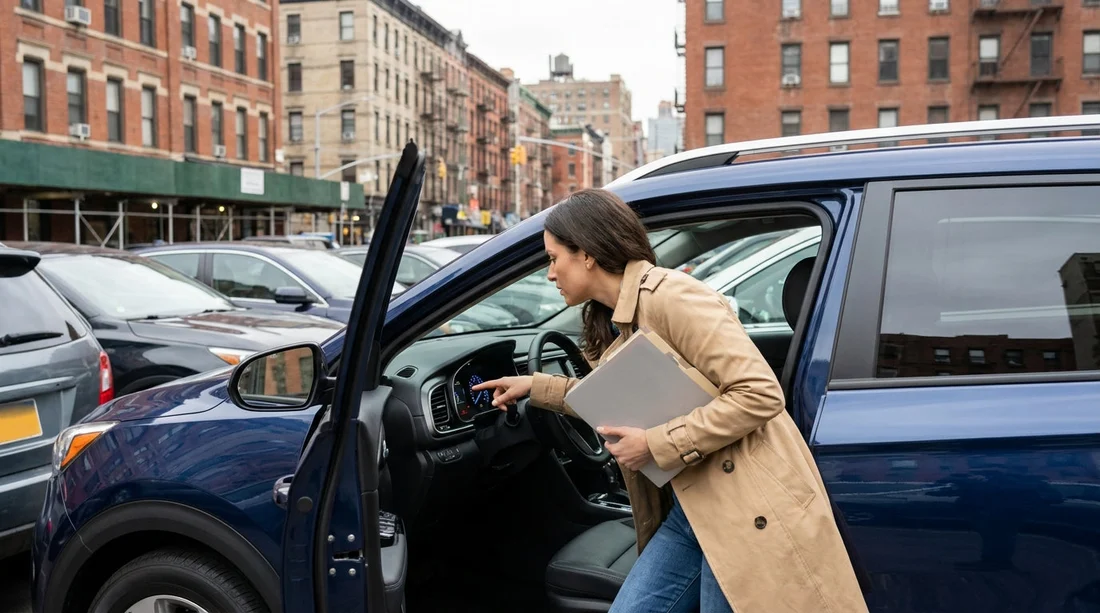
1) Start the car and wait for the dashboard to settle. Some vehicles update fuel range and gauge readings after a few seconds. Take note of the exact fuel level shown, including bars or fractions. If the car has a digital fuel percentage, capture that.
2) Photograph the odometer clearly. Take a close photo of the mileage with the ignition on, ensuring the digits are readable and not blurred. Then take a wider photo showing the dash and some identifiable context. If the car has a trip meter that resets, do not rely on it, the odometer is the authoritative record.
3) Capture any warning lights or messages. Low fuel warnings, “service” notices, or tyre pressure alerts can complicate later discussions. A quick photo helps show the condition at pick-up.
4) Cross-check against the agreement immediately. Compare your photos to the printed or emailed contract. If the agreement differs, do not leave the facility. Drive back to the return lane or walk back to the counter, whichever the location instructs, and ask for a corrected contract.
5) Do not accept “we will update it later” without a written note. In high-volume facilities, later updates can be missed. Ask for a reprinted agreement, an emailed addendum, or an agent’s note with initials and time. The goal is a record that will be available to billing staff after the rental ends.
How to get it corrected quickly at the counter
Be calm, specific, and ready with evidence. Say what you see, and what the contract says, then request the precise fix. For example: “The agreement shows fuel as full, the gauge is at seven eighths. Please change the fuel-out to seven eighths and reissue the contract.” If the mileage is wrong: “The contract start mileage is 12,140, the odometer is 12,410. Please correct the start mileage and initial it.”
If staff want to inspect the car themselves, accompany them so the reading is observed together. If they cannot reprint, ask them to write the corrected figures on the agreement, initial and date it, and provide a copy or photo of that marked document. Keep your own photos as back-up.
If you are picking up a larger vehicle such as an SUV, fuel gauges can be less intuitive, and range estimates can fluctuate more. That makes the “wait for the dash to settle” step even more important. If it helps, review the supplier and vehicle options on SUV hire at Newark EWR before your trip so you know what to expect at collection.
What to do if you only notice after leaving
If you have already exited the facility, pull over somewhere safe as soon as practical and document what you see. Take time-stamped photos of the fuel gauge and odometer, plus a screenshot of your rental agreement on your phone. Then contact the supplier immediately using the contact method on the agreement, and ask them to record a case note confirming the discrepancy was reported right away.
When you call, provide your rental agreement number, pick-up time, and the exact readings. Ask for written confirmation by email.
FAQ
What if the agreement says “full” but the fuel gauge is not full? Ask for the fuel-out level to be changed to match the gauge and get a revised contract or written note. Photograph the gauge before leaving.
Is a photo of the dashboard enough proof? It helps a lot, especially if time-stamped and clearly readable, but the strongest proof is an amended agreement or agent-initialled note matching your photos.
What mileage figure should be corrected, the odometer or the trip meter? The odometer. The trip meter can be reset and is not used for billing or condition records in the same way.
Should I accept a different car instead of correcting the paperwork? If a corrected contract cannot be issued promptly, switching cars can be simpler. Still document the replacement car’s fuel and mileage before you depart.
What if I reported the mismatch but still get charged later? Reply promptly with your agreement, photos, and any written confirmation or case number. Ask for an itemised explanation and removal of the incorrect fuel or mileage charge.































































































