


Quick Summary:
- Ask your card issuer whether your credit card has a purchase PIN.
- Carry a backup credit card in the main driver’s name.
- If a PIN prompt appears, request a signature-required credit transaction.
- Confirm your name, address, and credit limit match the booking.
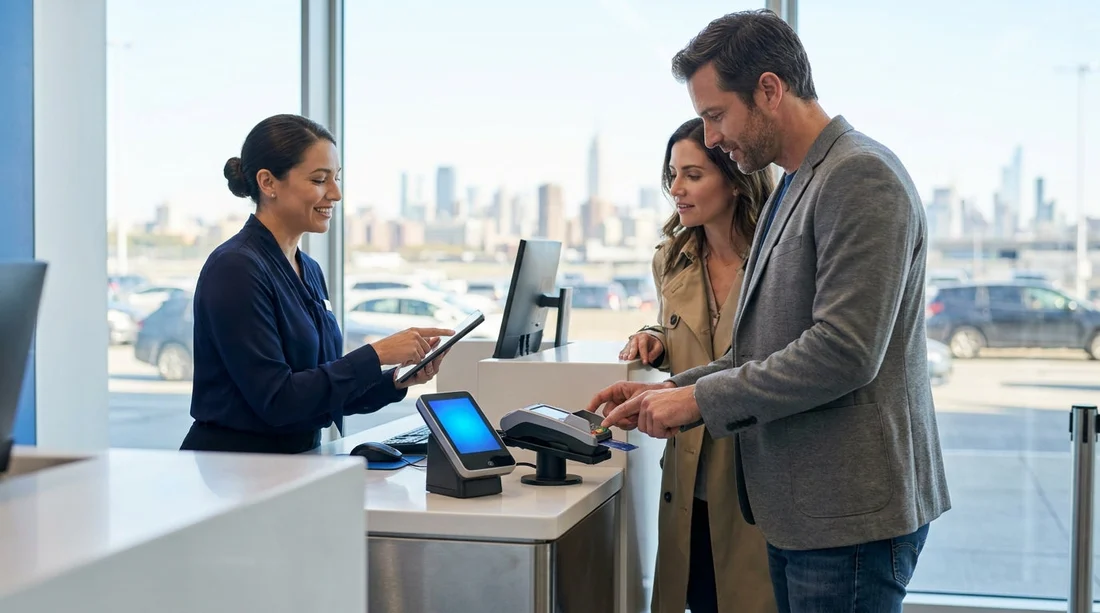
Arriving for car hire in New York is usually straightforward, but payment at the counter can occasionally slow down if the card terminal requests a PIN. This can be confusing, especially for travellers used to chip-and-signature prompts or contactless payments. The good news is that a PIN prompt does not automatically mean your card will fail. It often reflects how the terminal is configured, how the card is programmed, or how the transaction is being routed.
This guide explains what chip-and-PIN and signature prompts really mean at a rental counter, what to do if a PIN is requested, and how to avoid delays when Hola accepts credit card only.
Why a New York rental counter might ask for a PIN
A PIN request can happen for several reasons, and not all of them indicate a problem with your card. In the US, many credit card transactions are still completed as “chip and signature”, but modern terminals can support chip-and-PIN as well. Depending on the network settings, the merchant category, and the issuer’s rules, the terminal may attempt to verify the cardholder using a PIN.
It is also common for confusion to arise because the same plastic card can support different verification methods. Some cards have a cash-advance PIN only, some have a purchase PIN enabled for certain regions, and some will never accept a PIN for credit purchases even if the terminal asks. The result is a prompt that feels definitive, even though it may be bypassed or completed differently.
Chip-and-PIN vs chip-and-signature at the counter
Chip-and-PIN means the terminal expects you to insert the card and enter a PIN to verify you are the cardholder. In many countries this is the standard for card-present credit purchases. The verification happens at the terminal and can reduce fraud, but it only works if your issuer supports a purchase PIN for credit transactions.
Chip-and-signature means the terminal verifies the chip, then completes the transaction with a signature prompt, or sometimes no signature at all for lower-risk approvals. Even though the US is increasingly chip-based, signature-style verification still appears frequently, especially when the issuer does not support a credit purchase PIN.
At car hire pick-up, the counter usually runs a transaction in one of two ways: a payment for the rental charges (sometimes including prepayment confirmation), and a separate authorisation hold for the security deposit. Both can be affected by card verification settings. A PIN prompt may appear during either step, even if you have previously used the same card in shops without a PIN.
What to do if the terminal requests a PIN
If a PIN request appears, start with calm, practical steps that keep you moving towards a successful payment. First, confirm whether the card is being processed as credit rather than debit. Some terminals default to a route that behaves like debit, which tends to require a PIN. Politely ask the agent to process it as a credit transaction and, if possible, to use a signature-required verification method.
If you do have a PIN, enter it carefully. Many cards will lock after repeated incorrect attempts, which can create a bigger issue than a single declined transaction. If you are unsure of the PIN, do not guess. Ask for a different verification method or use a different credit card.
If the terminal cannot proceed without a PIN and you do not have one, switch to a backup credit card in the same driver’s name. This is often the fastest fix at the counter. Where possible, choose a card from another network (for example, a second Visa if your first is Mastercard, or vice versa), because network routing can influence whether a PIN is demanded.
Lastly, if the agent suggests using a debit card, remember that Hola accepts credit card only. If you only have debit available, the safest option is to resolve the credit card issue with your issuer before attempting pick-up.
Preventing payment delays before you travel
The easiest way to avoid a PIN surprise is to prepare before you fly. Contact your card issuer and ask two specific questions: whether your card has a PIN for credit purchases, and how to retrieve or set it. Some issuers can provide the PIN instantly via an app, while others require postal delivery. Also confirm whether your card supports chip-and-PIN internationally, because some US-issued cards behave differently abroad, and some non-US cards behave differently in the US.
Check your available credit limit, because car hire transactions can involve a deposit hold in addition to the rental amount. Even if you have enough for the rental itself, a separate hold may push you over your limit and lead to a decline that looks like a PIN problem. If you are picking up near major hubs, you can also review location information for context around airport counters, for example car hire at JFK with Dollar or SUV car hire options at JFK.
Make sure the name on the booking matches the name on the credit card exactly, including middle initials where relevant. A mismatch can prompt extra checks, and in busy New York pick-up periods that can feel like a “payment issue” when it is actually an identity verification delay. Likewise, ensure your billing address details are consistent, as some issuers use address verification signals even when the terminal is chip-based.
How deposits and pre-authorisations affect verification
Car hire counters commonly place a pre-authorisation on your credit card as a security deposit. This is not a charge, but it reduces your available credit until released. Some banks display it as “pending”, and some show it as a separate line item. If a PIN prompt occurs during the deposit step, it can be because the terminal is treating the transaction differently from a standard purchase.
If you experience repeated PIN prompts or declines, ask whether the agent can try the authorisation again with a different verification path. In some cases the first attempt routes one way and a second attempt, when set explicitly to credit, routes another. If you are picking up at Newark, it helps to be familiar with the location you are using, such as car hire at Newark EWR or Avis car hire at Newark EWR.
FAQ
Why did the terminal ask for a PIN if my card is a credit card? Some terminals attempt PIN verification by default, or route the transaction in a way that prefers PIN. Your issuer may also support PIN for certain card-present credit transactions.
What should I say to the counter agent if I do not know my PIN? Ask to process the transaction as credit and to use a signature-required method. If the system still demands a PIN, use another credit card rather than guessing.
Is a PIN request the same as a decline? No. A PIN prompt is a verification step. A decline is the issuer refusing approval, often due to limits, fraud checks, or mismatched details.
Can I use a debit card instead if my credit card PIN does not work? If you only have debit available, that may not be suitable here, as Hola accepts credit card only. Bring a second credit card as a fallback.
How can I reduce the chance of a payment delay at pick-up? Confirm your card’s purchase PIN with your issuer, check available credit for deposit holds, and ensure the booking name matches your credit card exactly.































































































