


Quick Summary:
- Check the voucher transmission line, it should clearly say Automatic.
- Match the reserved car class code, and confirm it means Automatic.
- Review confirmation emails for car group wording like Automatic or AT.
- Verify contract details at pick-up, including category and transmission, before signing.
At Los Angeles International Airport (LAX), the most common “surprise” at pick-up is not the price, it is the transmission. In the UK, many drivers assume an automatic is the default abroad, while in the United States automatics are widespread but not guaranteed on every booking. The good news is that your paperwork usually contains several clear clues. The key is knowing exactly where to look, what wording counts as a confirmation, and which abbreviations can be misleading.
This guide shows what to check on your voucher, confirmation email, and car class codes so your car hire at LAX in Los Angeles matches what you expect. For general LAX pick-up details and supplier information, see car rental Los Angeles LAX or, for UK travellers, car hire California LAX.
Start with the voucher, it is usually the most precise
Your voucher is the document the counter agent can use to validate what was reserved. Open it and look for the line that describes the vehicle, often near “Vehicle”, “Car group”, “Category”, or “Rate includes”. You are looking for an explicit transmission indicator such as “Automatic”, “Auto”, “AT”, or “Automatic transmission”. If it says “Manual”, “Stick”, “MT”, or “Manual transmission”, you have not reserved an automatic.
Also scan the voucher for a separate field labelled “Transmission”. Some systems list it on its own line, which is the clearest confirmation. If your voucher only lists a vehicle example, such as a model name, do not assume the transmission from the model. The model shown is typically illustrative, and the actual vehicle can vary.
Finally, check any “Important information” block on the voucher. Some brokers add a sentence like “Automatic transmission not guaranteed unless stated” or “Vehicles may be manual unless specified”. If you see wording like that, treat it as a prompt to confirm the transmission via the car group and class code, not as reassurance.
Check the confirmation email, especially the “car group” wording
Your confirmation email often mirrors the voucher, but it can include extra descriptors. In many confirmations, the car group line is the giveaway, for example “Intermediate Automatic”, “SUV Automatic”, or “Fullsize Automatic”. If the email simply says “Intermediate” with no transmission, you must look deeper at the class code or the detailed itinerary attachment.
In the email, look for these common places where transmission is stated:
Vehicle details section: Sometimes lists “Transmission: Automatic” along with seats and doors.
Rate inclusions or add-ons: An automatic can appear as part of a package descriptor, although this is less common.
Special requests or notes: Some systems store “Automatic requested” as a note. A request is not the same as a guarantee, so you still need “Automatic” tied to the reserved category.
If your booking is for a larger category, you can cross-check typical availability. For instance, the pages for SUV hire Los Angeles LAX and minivan rental Los Angeles LAX reflect categories where automatics are very common. Even then, rely on what your documents say, not what is typical.
Understand class codes, they are the best “translation”
If your paperwork includes a class code, it is the most reliable way to confirm transmission because it is tied to the supplier’s inventory system. Class codes can look like a short letter code (for example, “ICAR”) or a longer standardised code used in global distribution systems. You do not need to memorise every code, you just need to recognise where transmission is encoded and ensure the description next to it confirms automatic.
1) Find the code and its plain-English description on the same line. Do not rely on the code alone if the description contradicts it. Your goal is “code plus description” that clearly states Automatic.
2) Look for “A” or “Auto/AT” indicators. Many codes include an “A” that corresponds to automatic transmission, but coding standards vary. If your document shows “Manual” anywhere, treat it as manual even if you see an “A” elsewhere.
3) Confirm fuel policy and mileage are separate issues. “Full to full” or “unlimited miles” does not indicate transmission. Keep your check focused on transmission wording.
4) Be careful with “or similar”. “Automatic or similar” still points to automatic, but “Vehicle determined at pick-up” or “transmission subject to availability” weakens the guarantee. In that case, you should resolve it before you travel rather than at the counter.
What exactly counts as a confirmed automatic booking?
For car hire at LAX in Los Angeles, a booking is confirmed as automatic when at least one of the following is true, and none contradict it:
Voucher explicitly states “Automatic” in the vehicle or transmission field.
Confirmation email states “Automatic” next to the reserved car group or category.
Class code is shown with a matching description that includes “Automatic” or “AT”.
If the only place you see “automatic” is in a “request” line or in a generic travel note, treat it as not confirmed. You want it tied to the reserved category.
Common red flags that lead to pick-up surprises
Red flag 1, category without transmission. “Economy”, “Compact”, or “Intermediate” alone is incomplete. At LAX, it might still be automatic, but you are relying on luck instead of a contract term.
Red flag 2, mixed wording across documents. If your email says “Automatic” but the voucher says “Manual” (or vice versa), assume the stricter interpretation applies until corrected. You should have consistent paperwork.
Red flag 3, last-minute edits or reissues. If you changed times, drivers, or suppliers, you may have received an updated voucher. Always check the newest attachment, not the earlier email thread.
Red flag 4, supplier counter scripts. At pick-up, an agent might offer an automatic “upgrade” even if you already booked one. Your defence is having the voucher line ready to show, so you can keep the discussion factual.
What to check at the LAX counter before signing
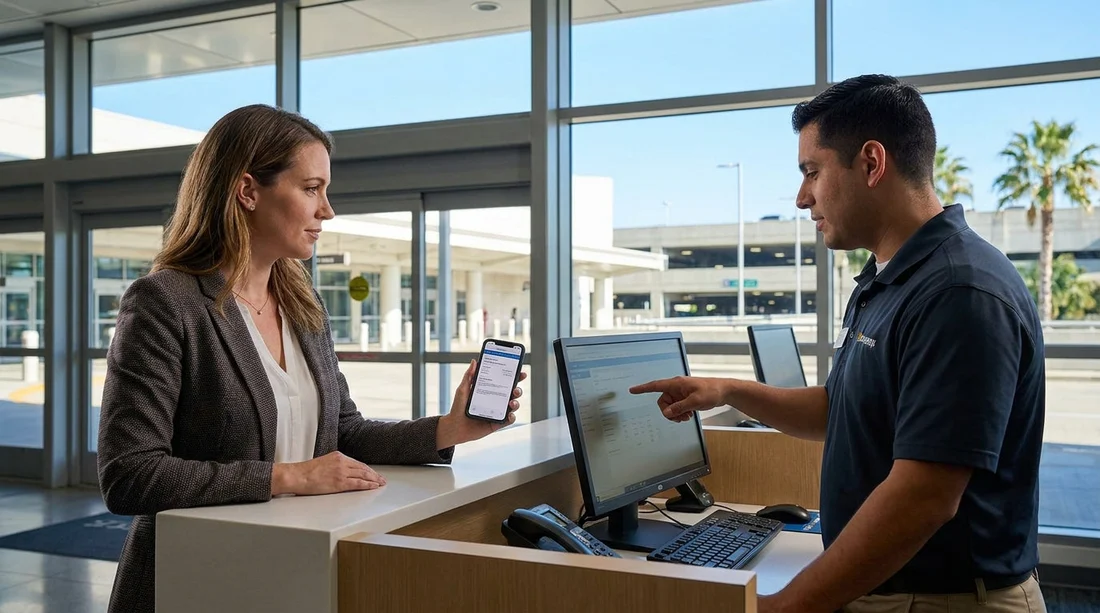
Even with the correct voucher, take thirty seconds to verify the contract on screen or on paper before you sign. Look for the vehicle category and transmission field. If the contract lists “Manual”, stop and ask for it to be corrected to match your voucher. Once you sign, it becomes harder to dispute.
Also check that the vehicle you are assigned aligns with the category. The make and model can differ, but the category should match, and transmission should be automatic. If you are directed to choose a car in a specific aisle, confirm with the attendant that the row is automatic, especially if you see any manual gear levers in the cars available.
If your documents do not clearly confirm automatic, fix it early
If you cannot find “Automatic” anywhere, do not wait until you land at Los Angeles. Before travel, get the booking reissued so the voucher or confirmation clearly states automatic transmission for the reserved category. This is particularly important when prices look unusually low, since the cheapest groups are the most likely to be ambiguous on transmission.
If you booked with a named supplier, it can help to understand how they label categories. For example, pages such as Alamo car hire California LAX can be useful context when comparing category naming, but your own voucher wording is still the final reference for what you reserved.
FAQ
Q: If my voucher shows a car model example, does that confirm an automatic?
A: No. Model examples are usually “or similar” and do not confirm transmission. You need a line that states “Automatic” or “Transmission: Automatic” for the reserved category.
Q: My confirmation email says “Automatic requested”. Is that enough?
A: A request is not a guarantee. You should see “Automatic” tied to the reserved car group or transmission field on the voucher or the booking details, not only in notes.
Q: What does “AT” mean on car hire paperwork?
A: “AT” typically stands for automatic transmission. Confirm it appears in the vehicle description or transmission field, and check there is no conflicting “Manual” wording elsewhere.
Q: The voucher is unclear and only lists a class code. What should I do?
A: Look for a plain-English description next to the code. If the description does not clearly state automatic transmission, ask for the documents to be reissued with “Automatic” explicitly shown.
Q: At LAX, can the counter change my transmission type at pick-up?
A: They can offer alternatives if availability is tight, but your contract should match what you reserved. Check the rental agreement before signing and ensure it states automatic if that is what you booked.






























































































