


Quick Summary:
- Complete online check-in to pre-fill details and reduce counter questions.
- Keep licence, passport, and payment card ready for quick verification.
- Expect document checks, deposits, and key policy explanations at the desk.
- Bring flight details and booking reference to speed up staff lookup.
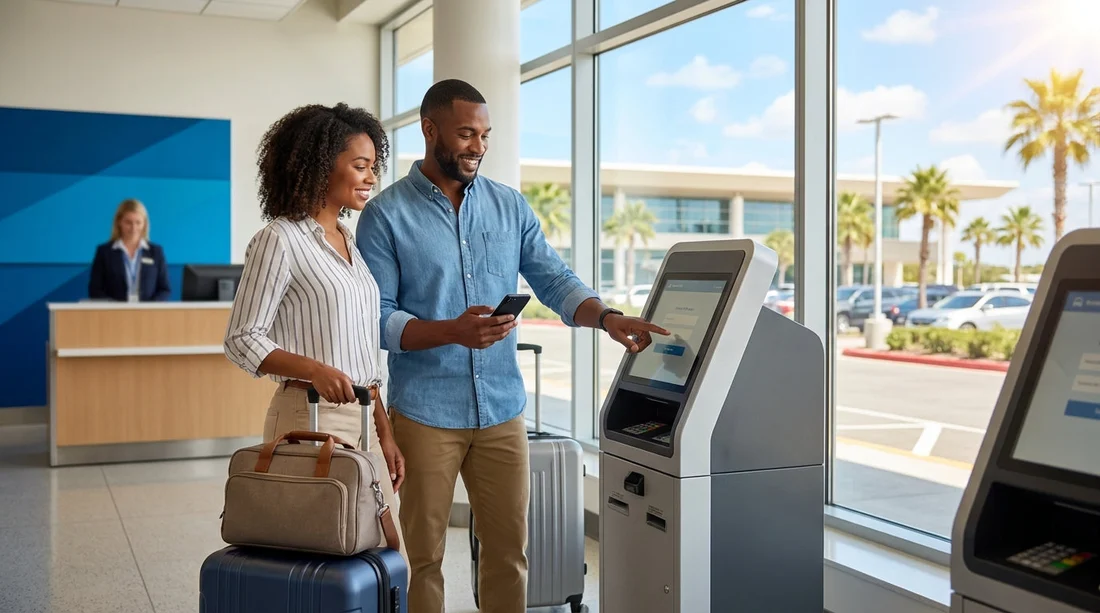
Online check-in for car hire at Orlando Airport in Orlando is designed to reduce the amount of time you spend repeating information at the rental desk. It can be genuinely helpful, especially after a long flight, but it is not a magic fast-track that eliminates all checks. Knowing what it speeds up, and what it cannot speed up, is the difference between a smooth collection and a frustrating queue.
Orlando International Airport (MCO) can be busy at peak times, with many families arriving at similar hours. Anything that reduces form filling at the counter helps, but the biggest delays usually come from verification steps that must still happen in person. If you are comparing providers and processes for car hire at Orlando MCO, it is worth treating online check-in as a time saver for administration rather than a way to avoid the counter entirely.
What online check-in typically does speed up
Most online check-in tools exist to capture key information before you arrive. When the rental agent opens your booking, much of the detail is already completed, so they can move straight to verification and key handover. These are the areas it usually speeds up.
1) Pre-filling personal and contact information
Expect to enter names, address, email, phone number, and sometimes your flight number. Doing this in advance can cut down the repetitive questions at the desk and reduce typing time, which matters when multiple customers are waiting.
2) Adding additional drivers in advance
If your booking allows additional drivers, online check-in often lets you add their details ahead of time. This can save several minutes, but note that extra drivers commonly still need to present their driving licence at the counter. The time saving comes from reducing data entry, not removing document checks.
3) Confirming preferences and optional extras
Some systems allow you to select extras like child seats, toll programmes, or fuel options. Even if you decide to keep things basic, confirming no extras online can speed up the conversation. It also reduces the chance of misunderstandings when you are tired and the terminal is noisy.
What online check-in usually does not speed up
Even with online check-in completed, several steps are normally required before the keys can be issued. These steps exist to manage risk, comply with policies, and ensure the right person is taking the car.
Identity and licence verification
The desk team typically must inspect your driving licence and confirm you meet age and licence-holding requirements. Some providers also check that the licence is valid for the country of issue. Online check-in does not replace the need to physically verify documents.
Payment card and deposit handling
Deposits are a common source of delays. The agent may need to confirm the card type, ensure the cardholder is present, and run a pre-authorisation. Online check-in may let you store a card, but many rentals still require the physical card at the counter for security.
Understanding the rental agreement
You will usually be asked to accept the terms, including fuel policy, mileage rules, and what happens in the event of an incident. Even when much of this is digital, the agent may still summarise key points and confirm your choices.
Vehicle allocation and locating the car
At busy times, the delay is not always at the desk. It can be in the handover process, where cars are being cleaned, assigned, or queued for collection. Online check-in cannot create availability if the fleet is under pressure.
Peak-time queues
Online check-in can shorten the time per customer, but it cannot always shorten the line itself. If you arrive at a high-volume window, you may still wait. Your goal is to reduce your own transaction time so you move through faster once you reach the front.
The key documents to have ready at the counter
To collect a car hire quickly at Orlando Airport in Orlando, prepare a small counter pack that you can access immediately. Avoid having to dig through checked baggage receipts, multiple wallets, or a phone with low battery.
Driving licence for the main driver
Bring the physical licence and ensure it is valid and legible. If you have any paper counterpart or additional documentation relevant to your licence type, keep it with you. If an additional driver is listed, they should also have their licence ready to show.
Passport or acceptable photo ID
International travellers are commonly asked for a passport. Having it open at the photo page can save seconds that add up when counters are busy.
Payment card in the main driver’s name
A card that supports deposits is crucial. Ensure you know your PIN if required and that the card has enough available funds for the pre-authorisation. If the cardholder is different from the named driver, that can slow things down or cause a refusal, so align these details before you fly.
Booking confirmation and reference
Keep the booking reference available offline, such as a screenshot, in case mobile data is slow inside the terminal. If you are arranging your trip around airport collection, you might also compare options on car hire from Orlando Airport for Disney-area stays, but the reference is what speeds up the actual counter lookup.
Proof of return travel where applicable
Some rentals ask for flight or travel details. If your online check-in requested a flight number, make sure it matches your arrival. Inconsistencies can trigger extra questions.
How to use online check-in for the biggest time saving
Online check-in works best when you treat it as a process, not a single form. The following steps are practical and directly reduce handover time.
Complete it 24 to 48 hours before arrival
Doing it too early risks entering outdated flight details. Doing it at the last minute risks technical issues, low battery, or poor Wi-Fi. A day or two before travel is usually the sweet spot.
Match names exactly to documents
Use the same full name order and spelling as your passport and driving licence. Small differences can cause the agent to pause and clarify, which slows you down and increases queue pressure.
Decide on extras before you reach the desk
If you need a larger vehicle for luggage or a bigger group, decide in advance to avoid debating categories at the counter. For example, if you already know you want more space, reviewing minivan hire options at Orlando MCO can prevent a last-minute change request. Changes at the desk often take longer than a straightforward pickup.
To reduce time on arrival, choose a clear provider plan
If you want simpler pricing and fewer surprises, you can compare budget car hire options near Orlando MCO or review Alamo car rental at Orlando MCO before you travel, then stick to your choice at the desk.
Screenshot your completed check-in confirmation
If the system provides a QR code or confirmation page, save it. If your phone struggles to load the email at the desk, a screenshot keeps things moving.
Is online check-in worth doing for car hire at MCO?
Yes, in most cases. Online check-in is one of the few steps you can complete calmly before travel that directly reduces the amount of typing and explaining needed at the counter. It is most valuable for families and groups, where multiple drivers, addresses, and preferences can otherwise turn into a long desk interaction.
However, it is important to set expectations. You should still plan for document checks, deposits, and a brief review of the rental agreement. The best approach is to combine online check-in with well-prepared documents and clear decisions about drivers and extras, so your in-person portion is short and smooth.
FAQ
Does online check-in let me skip the counter at Orlando Airport in Orlando?
Usually not. Most car hire providers still require you to visit the desk to verify identity, inspect documents, and process the deposit before releasing the vehicle.
What should I keep in my hand luggage to collect the car faster?
Keep your driving licence, passport, and the payment card for the deposit together, plus your booking reference and a screenshot of any online check-in confirmation.
If I add an additional driver online, do they still need to be present?
Commonly yes. Even if their details are pre-filled, the counter team often must see the additional driver’s physical licence before adding them to the agreement.
Will online check-in reduce the deposit amount?
No. Online check-in typically affects administration time, not the deposit rules. Deposit amounts depend on the provider, vehicle class, and your chosen cover options.
What is the quickest way to avoid delays once I reach the desk?
Have documents ready, ensure the main driver and cardholder match, confirm your extras choices in advance, and keep your booking reference accessible offline.






























































































