


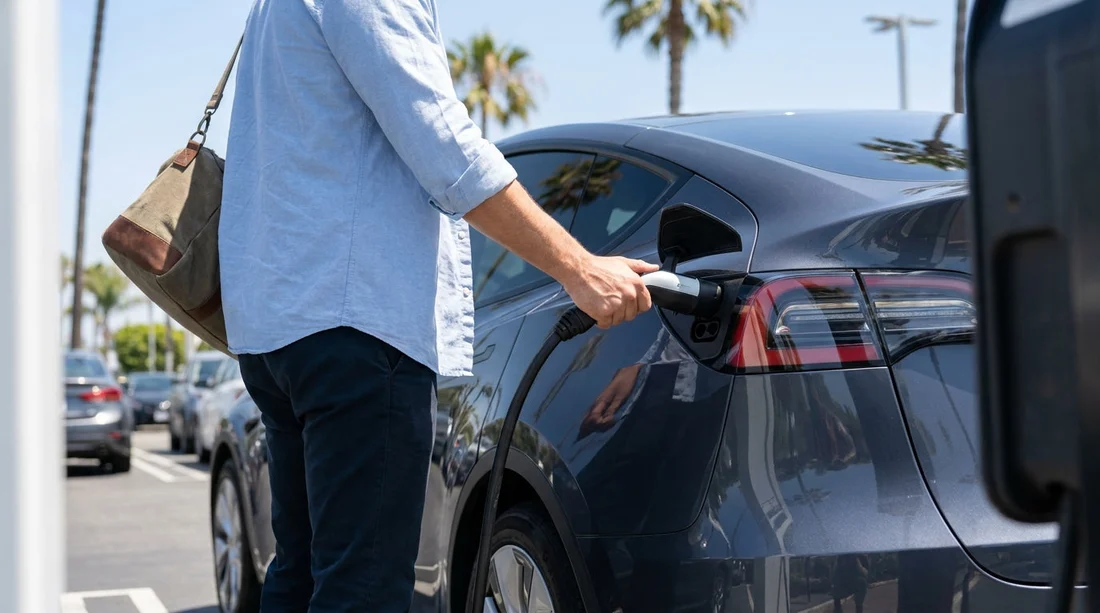
Quick Summary:
- You usually do not need a Tesla account for most public chargers.
- Supercharger access depends on the rental setup, so ask at pick-up.
- Install key charging apps and add a payment method before travelling.
- Plan hotel charging and fast-charge stops to avoid last-minute detours.
Electric car hire in California is straightforward once you understand how charging access works. The short version is that you rarely need a personal Tesla app or Tesla account to charge, but it depends on where you plug in and how the rental company has configured the vehicle. California has a dense network of public charging, yet delays can happen at pick-up if you are unsure about payment, connectors, or whether Supercharging is enabled.
This guide covers what to set up before you travel, typical payment methods you will see at charging networks, and practical steps to avoid charging delays from the moment you collect your rental.
Do you need a Tesla app or account to charge?
For most charging in California, you do not need a Tesla app or a Tesla account. Many public chargers are operated by networks where you pay by contactless card, via the network’s app, or with an RFID membership card. These options work regardless of whether your electric rental is a Tesla or another brand.
The main exception is the Tesla Supercharger network. Whether you personally need Tesla login details depends on the vehicle and the rental provider’s policies. Many rental Teslas are set up so Supercharging is billed to the owner account, then recharged to you later, similar to how tolls are handled. In that common arrangement, you can plug in at a Supercharger without signing into anything, but you should confirm how the charges are passed on and what fees may apply.
Some rentals may require you to initiate Supercharging from the car’s screen and the account is already linked. Others may restrict Supercharging or require the rental company to enable it. Because set-ups vary, the best way to avoid surprises is to ask a few specific questions at pick-up.
What to check at pick-up to avoid charging delays
Charging delays usually come from missing access, missing adapters, or uncertainty about billing. Before you leave the car park, confirm these points:
1) Which networks can I use easily? Ask whether the car includes network access, such as a provided RFID card, or whether you should rely on pay-as-you-go payment. If you will be doing longer drives, make sure fast charging is practical for your route.
2) Is fast charging enabled, and are there any restrictions? For a Tesla, confirm Supercharging access and how it is billed. For non-Tesla EVs, ask if DC fast charging is enabled and whether any charging credits apply.
3) What connectors does the car support? In California you will see Level 2 AC chargers and DC fast chargers. For non-Tesla cars, CCS is common for DC fast charging. Tesla vehicles use Tesla connectors, and may need an adapter if you plan to use non-Tesla chargers. Do not assume an adapter is in the boot, confirm it is included.
4) What is the return battery policy? Some rentals ask you to return at a similar state of charge to collection, others specify a minimum, and some offer a prepaid charging option. Knowing the rule affects where and when you charge on your final day.
If you are collecting near major airports, it can help to review location information in advance. Hola Car Rentals has guides for key hubs, including National car hire California LAX and Budget car hire Los Angeles LAX, so you can plan arrival timing and nearby charging options.
What to set up before you travel to California
Even if you do not need a Tesla account, it is smart to prepare for charging like you would prepare for toll roads or parking. A few minutes of setup at home can save a lot of time at a charger.
Install a few major charging apps and add your payment method. Many networks allow contactless card payment, but app payment is still common, especially at older sites. If you wait until you are at the charger, you may find weak mobile signal in a car park or spend time verifying your card.
Set up Apple Pay or Google Pay. Contactless wallets often work when physical cards or foreign-issued cards trigger extra verification.
Check your bank’s travel settings. Quick card blocks can happen when charging sessions look like repeated small authorisations. Letting your bank know you are travelling can reduce friction.
Planning ahead is also helpful if you are starting in Northern California. If you are collecting near the Bay, the car rental San Francisco SFO page can help you think through pick-up logistics and time your first charge.
Typical payment methods you will see at charging networks
California charging payment is not one-size-fits-all, but most options fall into a few categories. Knowing them helps you avoid getting stuck at a charger that needs a specific method.
Contactless card terminals. Increasingly common at newer fast chargers. You tap your card, start charging, and get a receipt in the app or by email if offered. This is usually the easiest option for visitors.
Network apps. Some chargers require you to start the session in an app and select the stall number. Apps may also show real-time availability, pricing, and idle fees. Add a payment card before your trip to avoid delays.
RFID membership cards. Frequent users in the US often carry RFID cards linked to an account. Rentals rarely include these unless specifically arranged, but it is worth asking if you expect to rely on a particular network.
Tesla Supercharging billing. For a rental Tesla, Supercharger sessions are often billed to the vehicle owner account, then passed to you. Confirm timing, any administrative fees, and whether idle fees apply if you leave the car plugged in after it finishes charging.
Planning for airport pick-ups in California
Airports are busy, and it is common to drive straight into traffic after a flight. The best approach is to leave the airport area with enough battery to reach your first planned stop, then do your first full charge somewhere calmer. If your rental is not at a high state of charge at pick-up, ask where the nearest reliable fast charger is, and confirm which connector you need.
For travellers landing in San Diego, it is worth reviewing Thrifty car rental San Diego SAN for location context, and for Sacramento trips the car hire airport Sacramento SMF page can help you plan your first charging stop after arrival.
So, should you create a Tesla account anyway?
If you are renting a Tesla specifically, having the Tesla app can be helpful for locating Superchargers and monitoring charging when supported. However, you should not rely on it as the only way to charge. In many rental scenarios you may not be able to fully pair the vehicle to your personal Tesla account, and that is normal. For non-Tesla EVs, a Tesla account is generally irrelevant unless the vehicle has approved access to selected Tesla sites.
The most reliable approach for car hire in California is to prepare a mix of options: a couple of charging apps with payment ready, a contactless card, and a clear understanding at pick-up of what is enabled on the vehicle and how you will be billed.
FAQ
Can I use Tesla Superchargers without the Tesla app in a rental? Often yes, if the rental company has Supercharging enabled and billing is linked to their account. Confirm the billing method and any added fees at pick-up.
Do non-Tesla electric cars need a Tesla account to charge in California? No. Non-Tesla EVs typically use public networks with card or app payment. Tesla accounts are mainly relevant to Tesla-branded charging access.
What payment method is best to avoid charger rejection? A contactless credit card plus Apple Pay or Google Pay is a good combination. Also add a card inside major charging apps before travelling.
What should I ask when collecting an electric car hire vehicle? Ask about fast-charging capability, connector type, included adapters, Supercharger access if it is a Tesla, and the return battery policy.
How do I avoid wasting time finding a working charger? Use apps that show live availability, choose sites with multiple stalls, and avoid trying to charge to 100% unless necessary for your route.






























































































