


Quick Summary:
- Bring your physical driving licence, many Florida desks reject phone-only ID.
- Use a digital licence as backup, not your only pick-up document.
- Carry passport and a matching payment card to pass checks quickly.
- Download your voucher and confirm the lead driver details beforehand.
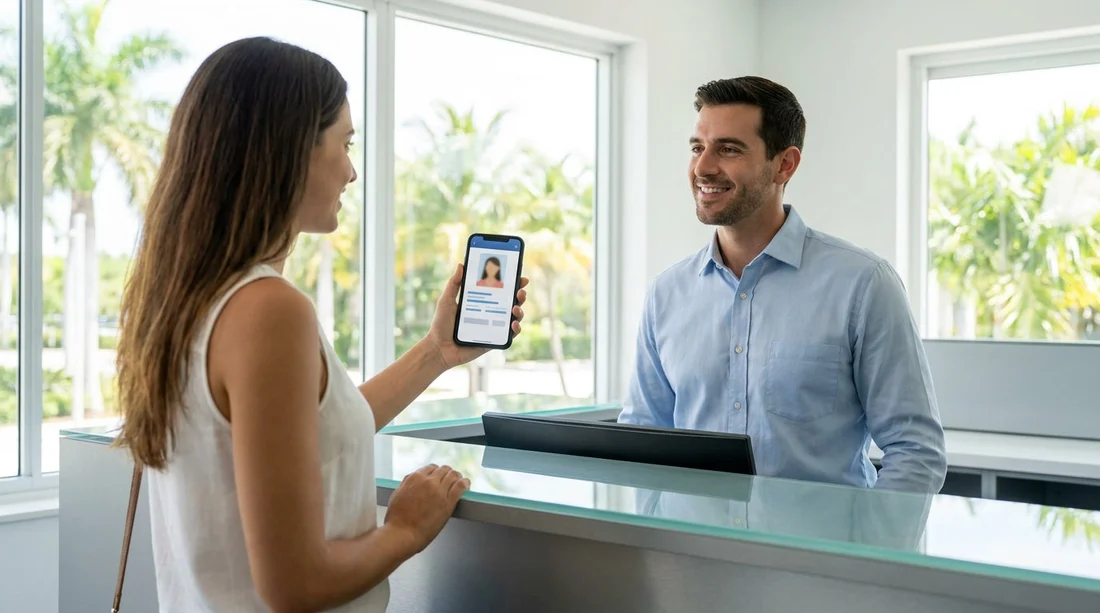
Digital driving licences and mobile ID apps are becoming more common, but car hire pick-up rules in Florida are still largely built around physical documents. The practical answer is that you should not rely on a digital driving licence on your phone as your only proof of driving entitlement when collecting a rental car. Even if your state-issued digital credential is legitimate, many rental desks follow national and brand-wide policies that require a physical, government-issued driving licence to be presented at the counter.
That does not mean a digital licence is useless. It can help you confirm your details, speed up some checks, or support your identity if something is misplaced. However, if you want to avoid delays, secondary checks, or a refused pick-up, it is safer to arrive prepared with the physical documents that Florida car hire counters typically request.
Are digital driving licences accepted for car hire pick-up in Florida?
In Florida, acceptance of a digital driving licence at a car hire counter is not guaranteed. Some states and platforms provide digital credentials that are intended for limited use cases, and not every private company is set up to validate them. Rental companies also have fraud prevention procedures, and many still require a physical card to be inspected, scanned, and photographed according to their internal processes.
Even where a digital licence is legally recognised for certain interactions, a rental desk can still set its own requirements for releasing a vehicle. In practice, you should assume the desk will ask for a physical driving licence and treat any digital version as supplementary.
If you are flying into Orlando or Miami, you will often be collecting your vehicle after a long journey, possibly with queues and time pressure. That is exactly when a phone-only licence creates risk, for example if your battery dies, your device is lost, or the app will not load without a signal.
What to bring to avoid delays at the counter
To collect car hire in Florida smoothly, bring a small set of documents that match your booking and can be checked quickly.
1) Physical driving licence
Bring the original plastic photocard licence for the lead driver. If you are a UK licence holder, ensure it is current, readable, and not damaged. If your licence has been renewed recently, confirm the issue and expiry dates are visible. A digital driving licence on your phone should be treated as a backup only.
2) Passport (or acceptable ID)
For international travellers, a passport is commonly used as the primary identity document. The name on your passport should match the name on the booking and the driving licence. If you have multiple surnames or a middle name on one document and not another, be ready to explain it and, if possible, carry any supporting documentation you have.
3) Payment card in the lead driver’s name
Most Florida car hire suppliers require a payment card for the security deposit, and it normally must be in the lead driver’s name. Make sure you have the physical card with you. Mobile wallets can be convenient for purchases, but they are not always accepted for deposits because the desk may need to verify the card details, the cardholder name, and in some cases the signature or chip verification.
4) Booking confirmation or voucher
Have your confirmation accessible offline, such as a downloaded PDF or a printed copy. It helps when the desk needs to locate your reservation, verify inclusions, or check any prepaid elements. It can also reduce misunderstandings about pick-up time, return time, or included mileage.
5) Additional driver documents
If you have added extra drivers, they should also bring their physical driving licence and passport or ID. Do not assume one person’s documents will be sufficient, as additional drivers often need to be present at pick-up for verification.
If you are planning to collect at a major hub, it can help to review the pick-up location details in advance, such as car hire at Orlando Airport (MCO) or car hire at Miami Airport (MIA), so you know what to expect on arrival.
When a digital licence might help, and when it can cause problems
A digital driving licence can be useful as a reference if you need to confirm your licence number, address, or date of birth, or if you need to show a second form of ID while you retrieve your physical card. It may also help if your wallet is temporarily inaccessible, for example stored in luggage while you queue.
However, phone-based credentials can cause problems at pick-up in several common scenarios.
Battery or device issues
If your phone dies, you cannot access the credential. Bring a charger and consider a power bank, but do not depend on them as your sole plan.
Connectivity and app access
Some apps require a connection or re-authentication. Airport Wi-Fi can be unreliable, and roaming can be expensive if you have not arranged it.
Verification limitations
Not every rental desk has the equipment or training to validate a digital licence. If staff cannot verify it quickly, you can be pushed into a manual review process or refused until you provide the physical card.
Florida-specific context: visitors, IDs, and realistic expectations
Florida welcomes a high volume of international visitors and domestic travellers. Car hire counters are geared for speed and standardisation, which usually means sticking with documents that are familiar and easy to validate. That is why the safest approach is to treat the digital licence as a convenience, not a replacement.
If you are travelling across South Florida, you might also compare pick-up points, for example Avis car hire at Fort Lauderdale (FLL) can be a good option depending on your flight and itinerary.
Tips to prevent document-related delays
Check the lead driver details before travel
Make sure the lead driver name on the reservation matches the driving licence and the payment card. If you booked using a nickname or abbreviated name, correct it ahead of time where possible.
Keep documents together and accessible
Store your passport, driving licence, and payment card in a secure place you can reach quickly at the counter. If you are travelling as a family, decide who is carrying which documents so nothing is left in checked luggage.
Be cautious with screenshots
Screenshots of IDs are rarely accepted for car hire. A live digital credential might be more credible than a screenshot, but neither is a reliable substitute for the physical licence.
For travellers combining airport arrival with theme park plans, it can help to understand the desk and shuttle arrangements shown on pages such as Payless car hire near Disney and Orlando MCO, since pick-up logistics can add time if you need to return with additional documents.
What if you forgot your physical licence?
If you arrive without your physical driving licence, you may be refused the vehicle, even if you can show a digital version. Some desks may allow a solution such as having someone bring the physical licence to you, but you should not count on being able to complete pick-up without it.
As a general rule for car hire in Florida, the simplest way to avoid problems is to travel with your physical driving licence, passport, and a payment card that matches the lead driver, plus your booking confirmation.
FAQ
Q: Can I collect car hire in Florida using only a digital driving licence on my phone?
A:Usually not. Many rental desks require the original physical driving licence, and a phone-based licence may not be accepted as the only document.
Q: If I have a digital licence, should I still bring my plastic photocard?
A:Yes. Bring the physical licence to avoid delays, and use the digital version only as a backup reference.
Q: What documents do I typically need to pick up a rental car in Florida?
A:Bring your physical driving licence, passport (or approved ID), a payment card in the lead driver’s name, and your booking confirmation or voucher.
Q: Will Apple Pay or another mobile wallet work for the security deposit?
A:Not always. Many suppliers prefer or require a physical payment card for deposits, so carry the actual card even if you use a mobile wallet for purchases.
Q: What happens if my phone dies and my licence is only digital?
A:You may not be able to complete pick-up. A dead battery or app access issue can prevent verification, so rely on your physical licence instead.






























































































