


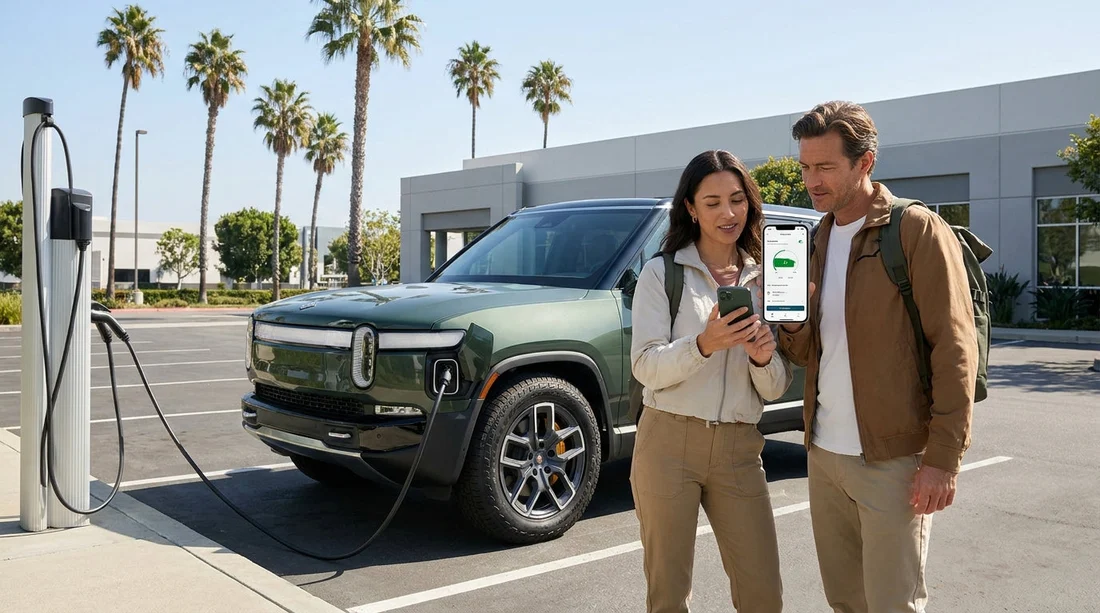
Quick Summary:
- Install ChargePoint, Electrify America, EVgo and Tesla apps before you arrive.
- Create accounts, verify email, and save a payment method in advance.
- Enable location, Bluetooth, and notifications to start charging sessions faster.
- Save airport, hotel, and return-area chargers as favourites in each app.
Picking up an electric car hire in California is easy, but your first charge can be surprisingly slow if you arrive without the right apps, logins, and payment details. Many rapid chargers need an app, an account, or a tap-to-pay card that is already authorised. The best time to sort this is before you land, while you have reliable Wi-Fi and time to confirm verification emails.
This checklist covers the key charging networks you are likely to meet across California, what to set up in each app, and the device settings that help you start a session quickly.
If you are collecting near major hubs, having the essentials ready matters because queues can form at peak times. This is particularly true around San Francisco Airport car hire, Los Angeles LAX car hire, Santa Ana Airport car hire, and Sacramento Airport car hire.
First, understand what you are driving and what plug it uses
Before downloading everything, confirm what connector your rental EV supports. In California you will most commonly see CCS (common on many non-Tesla EVs), NACS (Tesla-style plug), and J1772 for slower AC charging. Your car’s navigation screen or charge port flap usually shows the type, but it is worth asking at pick-up so you can prioritise apps that match your plug and charging speed needs.
Also check whether your rental includes access to a specific network, a key fob for public chargers, or instructions for activating a charge. Even if it does, having your own apps set up is still useful as a backup when the provided method fails or the site is busy.
The must-have charging apps for California
California has a dense charging ecosystem, but no single app covers everything. These are the most useful to install in advance.
ChargePoint
ChargePoint is one of the most widespread networks for both slower destination charging and some rapid charging, and it also aggregates access to many roaming partner stations. It is common in city car parks, shopping centres, and near workplaces, which can make it handy for “top up while you do something else” charging.
Set-up tips: create your account, add a payment card, and enable location. In the app, practise finding a station, filtering by plug type, and starting a session. ChargePoint often uses either an app start, an RFID card, or tap-to-pay, depending on site, so make sure you can log in quickly without needing to reset your password.
Electrify America
Electrify America is a major rapid-charging network on key routes and around bigger cities, making it relevant for longer drives between regions. It is a good one to have ready even if you think you will mostly charge at your accommodation, because it can rescue a day trip when you misjudge range or hit traffic.
Set-up tips: add a payment method and consider saving your vehicle connector preference in the app so you can quickly see compatible stalls. Enable notifications so you receive session updates and avoid idle fees. If the app offers it, enable plug-and-charge only if your rental vehicle supports it, otherwise rely on app start or contactless payment.
EVgo
EVgo has strong coverage in metro areas and is often present in retail locations, which fits well with holiday driving patterns. You may find EVgo particularly useful for quick DC charging in and around city suburbs.
Set-up tips: add a payment method and verify your phone number if requested, as some networks use SMS for security. Practise scanning a QR code from within the app, because QR-start is common on EVgo units. Make sure your phone’s camera permission is enabled for the app.
Tesla app (even if you are not sure you will get a Tesla)
If your car hire ends up being a Tesla, the Tesla app is essential for managing charging and using Superchargers smoothly. If you receive a non-Tesla EV with NACS access, the Tesla app can still be useful where Supercharger access is available to other brands, which is becoming more common.
Set-up tips: install the app and create an account in advance. Add a payment method and ensure your bank allows foreign transactions if you are visiting from abroad. If you are given a Tesla, you may need the rental company’s process to link the vehicle, so do not panic if you cannot add a car before pick-up.
Account set-up checklist, do this before you travel
Each network has slightly different steps, but the following preparation works across the board.
1) Create accounts on reliable Wi-Fi. Use an email address you can access easily, and complete any verification step.
2) Save a payment method in every app. Even if you prefer contactless at the charger, in-app payment can help when app start is required.
3) Set up biometric login. Face ID or fingerprint login can save time when you are at a charger with poor reception.
4) Confirm permissions. Location helps show nearby chargers accurately, and notifications help you move the car promptly when charging completes.
Payment prep, how to avoid awkward declines at the charger
Payment issues are one of the biggest causes of wasted time. Rapid chargers can pre-authorise a larger amount than your final session cost. If your bank is strict, it may flag the transaction, especially if you have just arrived in the US.
Before you travel, tell your bank you will be in the United States, and ensure your card has enough available balance for pre-authorisations. Carry at least one physical card that supports contactless. Some chargers accept Apple Pay or Google Pay, but not all do, so treat digital wallets as a convenience rather than your only option.
Day-of pick-up routine, a five-minute check
Right before you leave the airport or depot, do a quick practical check while you still have support nearby.
Open each app and confirm you remain logged in. Turn on location services and confirm your phone has mobile data. If you have patchy reception, switch briefly to airport Wi-Fi to complete any pending verifications. Then locate the nearest fast charger on at least two apps, so you have a backup option if one site is busy or out of order.
FAQ
Do I really need multiple charging apps for an electric car hire in California? Yes. Coverage varies by network and location, and some chargers only start via their own app. Having two to four apps reduces the chance of being stranded by a single outage or payment issue.
Which apps should I prioritise if I only install a few? Start with ChargePoint, Electrify America, EVgo, and the Tesla app. Together they cover a large share of common public charging situations across California.
Can I just tap my card at the charger instead of using an app? Sometimes, but not always. Many chargers accept contactless payment, yet app start is still common and can be more reliable when card readers are faulty or site rules require app activation.
What should I do if an app will not accept my UK payment card? Try a different card, enable international transactions with your bank, or use a digital wallet option if the app supports it. If it still fails, rely on a charger that offers contactless payment at the unit.
Will my rental EV include free charging or charging credits? It depends on the provider and vehicle. Ask at pick-up whether any charging package is included, which networks it applies to, and whether you must activate it in a specific way.




























































































