


Quick Summary:
- Follow purple “Rental Car Center” signs from baggage claim to exits.
- Use the MIA Mover station, not a roadside shuttle, for car hire.
- Ask any information desk for “RCC, MIA Mover” if unsure.
- Keep your booking name and company printed for counter assistance.
Losing mobile data after landing can make Miami International Airport (MIA) feel confusing, especially when you just want to reach your car hire pick-up. The good news is that MIA is designed for people who are not using their phones. The route from arrivals to the Rental Car Center is signposted, staff can confirm it quickly, and the transport link is a dedicated airport system called the MIA Mover.
This guide gives offline-friendly, step-by-step directions and clear signage cues from arrivals all the way to the place you collect your vehicle. It also includes a couple of no-data backups, so you can keep moving even if your phone is in airplane mode, has no SIM, or the network is down.
Understand what you are looking for at MIA
At Miami Airport, most major car hire companies are based at the Rental Car Center (often shortened to RCC). You do not usually pick up a car directly outside your terminal. Instead, you travel from the terminal area to the RCC on the MIA Mover, an elevated people-mover train. When you are offline, remember this phrase, “Rental Car Center, via MIA Mover”. That is the key wording used on signs and by staff.
If you are comparing locations after your trip, Hola Car Rentals also serves nearby areas such as Brickell and Coral Gables, but for arrivals at MIA you should first aim for the Rental Car Center route.
Step-by-step: from arrivals to the MIA Mover station
Step 1, clear immigration and collect bags. After passport control, you will reach baggage claim. Take a moment to check the overhead monitors for your carousel number. If you are travelling with others, agree a meeting point now, such as a specific carousel pillar, because messaging may not work without data.
Step 2, look for purple “Rental Car Center” signs. MIA uses coloured wayfinding. The quickest offline method is to ignore brand names and follow the generic direction for the Rental Car Center. In many areas, these signs are purple and may also reference the MIA Mover. If you see “Ground Transportation”, that can be useful too, but “Rental Car Center” is the most direct wording.
Step 3, go up to the correct level for the MIA Mover. From baggage claim you may need to use an escalator or lift to reach the Skytrain or MIA Mover connectors, depending on your exact concourse. Follow signs that indicate the MIA Mover. If you feel you have walked into a parking garage area or a general pickup kerb with private cars, pause and re-check the nearest signs. The MIA Mover is not a kerbside shuttle bay, it is a station with platforms and gates.
Step 4, use the airport map on the wall. Many corridors have mounted “You Are Here” maps. Without data, these are your best tool for confirming you are heading towards the MIA Mover station. Look for labels like “MIA Mover” and “Rental Car Center”. If you are in doubt, pick the nearest staffed counter, such as an information desk, and ask, “Where is the MIA Mover to the Rental Car Center?” That exact phrasing is widely understood.
Step-by-step: riding the MIA Mover to the Rental Car Center
Step 5, enter the MIA Mover station and follow platform signs. The station is part of the airport complex, so you do not need to exit to the street. Once inside, follow platform arrows and stand behind the safety lines. If you are travelling with children or lots of luggage, keep to the sides and let others pass, trains can arrive quickly.
Step 6, ride to the Rental Car Center. The journey is short and direct. Announcements and visual displays typically confirm stops. Stay on until the stop for the Rental Car Center. Because the MIA Mover is purpose-built, you do not have to worry about choosing the wrong direction as long as you are on the line labelled for the RCC.
Step 7, follow “Car Rental” signs inside the RCC. After you get off, you will walk into the Rental Car Center building. This is where you find the desks for different providers, vehicle category signs, and directions to lifts and garages. Even without a phone, the building layout is meant for walk-in travellers, so simply match your confirmation paperwork to the desk name.
What to do if you cannot find the signs
If you lose the “Rental Car Center” signs, do not continue walking randomly through corridors. Use one of these offline resets.
Reset option A, return to baggage claim. Baggage claim is a central hub with staff, maps, and multiple exit points. From there, restart by looking for the purple “Rental Car Center” or “MIA Mover” signs.
Reset option B, ask uniformed staff a single clear question. Try airport information desks, security staff, or airline staff near customer service. Say, “I need the MIA Mover to the Rental Car Center.” Avoid asking “Where is the shuttle?” on its own, because “shuttle” can mean hotel buses, cruise shuttles, or employee transport. The phrase “MIA Mover” removes ambiguity.
Reset option C, look for “Ground Transportation” then narrow down. Ground Transportation signs often point towards multiple services. Once you reach that area, re-scan for the specific “Rental Car Center” cue. Airports commonly group transport options, so a broad sign can still lead you closer.
Offline preparation tips that help at the counter
Even if your main problem is directions, it helps to plan for the moment you arrive at the desk. Without mobile data, you may not be able to open an email confirmation or text message.
Carry a printed confirmation or an offline screenshot. Before you fly, print your confirmation or save screenshots of the reservation number, driver name, pick-up time, and supplier. A screenshot stored in your photo gallery is usually accessible without signal.
Bring the card and licence you used for the booking. Desk staff can often locate a reservation by name, but matching the payment card and driving licence makes the process smoother.
Know your pickup location wording. If your paperwork says Miami Airport or MIA, tell staff you arrived via the Rental Car Center. If you are collecting in the city later, keep the relevant location name handy, for example Doral or Brickell, so you do not confuse airport staff with a different branch.
Common mistakes when searching for the “shuttle” at MIA
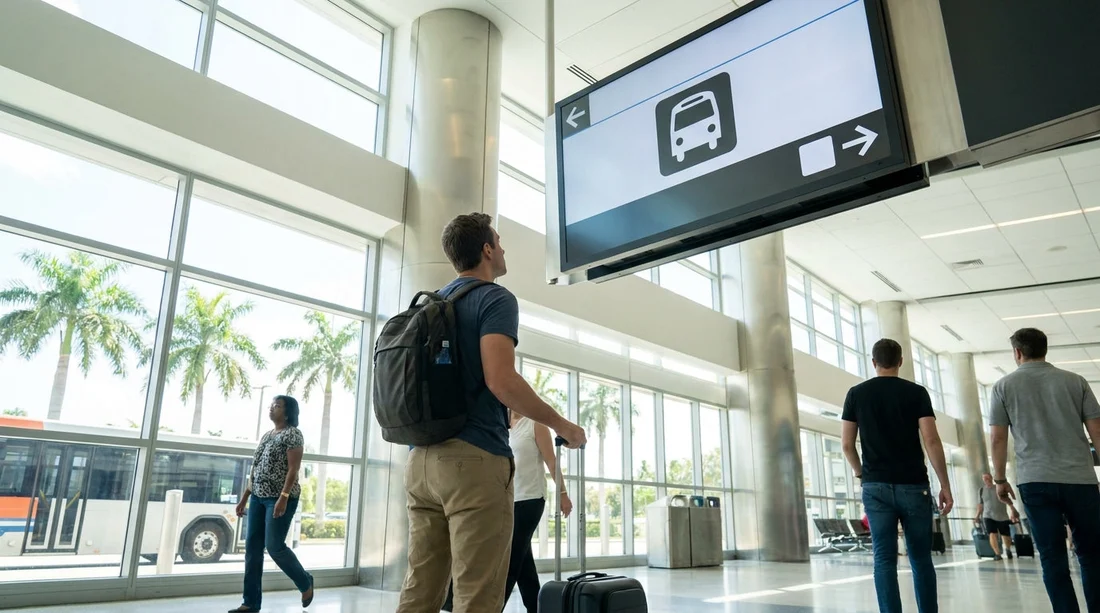
Mistake 1, waiting at the kerb for a bus. Many travellers assume every airport uses kerbside rental shuttles. At MIA, the standard route is the MIA Mover to the RCC. If you stand outside looking for a branded bus, you can waste time and end up in the wrong transport zone.
Mistake 2, following hotel shuttle signs. Hotel shuttles may be in a different place from car hire transport. If you see signage mentioning hotels or specific off-site services, stop and look again for “Rental Car Center” or “MIA Mover”.
Mistake 3, relying on memory of another airport. Miami’s layout and terminology might differ from your home airport. Use the airport’s own sign wording. The safest mental shortcut is “RCC and MIA Mover”.
FAQ
Is the rental car shuttle at Miami Airport a bus or a train? For most car hire pickups, you use the MIA Mover train to the Rental Car Center, not a kerbside bus.
What exact signs should I follow from arrivals? Look for “Rental Car Center” and “MIA Mover” signs, often shown in purple, starting near baggage claim and continuing into the station corridors.
Where do I ask for help if I get lost without data? Return to baggage claim or the nearest information desk and ask, “Where is the MIA Mover to the Rental Car Center?”
Do I need internet to collect my rental car once I arrive? Usually not. A printed confirmation or offline screenshot, plus your driving licence and payment card, is typically enough for the desk to find your booking.
What if my car hire booking is not at the airport? Go to the Rental Car Center only if your confirmation says Miami Airport or MIA. If it lists a neighbourhood branch, head there instead when you have transport arranged.




























































































