


Quick Summary:
- Use kiosks for standard pick-ups when details and payment already match.
- Visit the desk for licence issues, name mismatches, or extra driver changes.
- Bring licence, passport, card, and booking reference to speed car hire.
- Expect desk help for deposits, upgrades, child seats, or late changes.
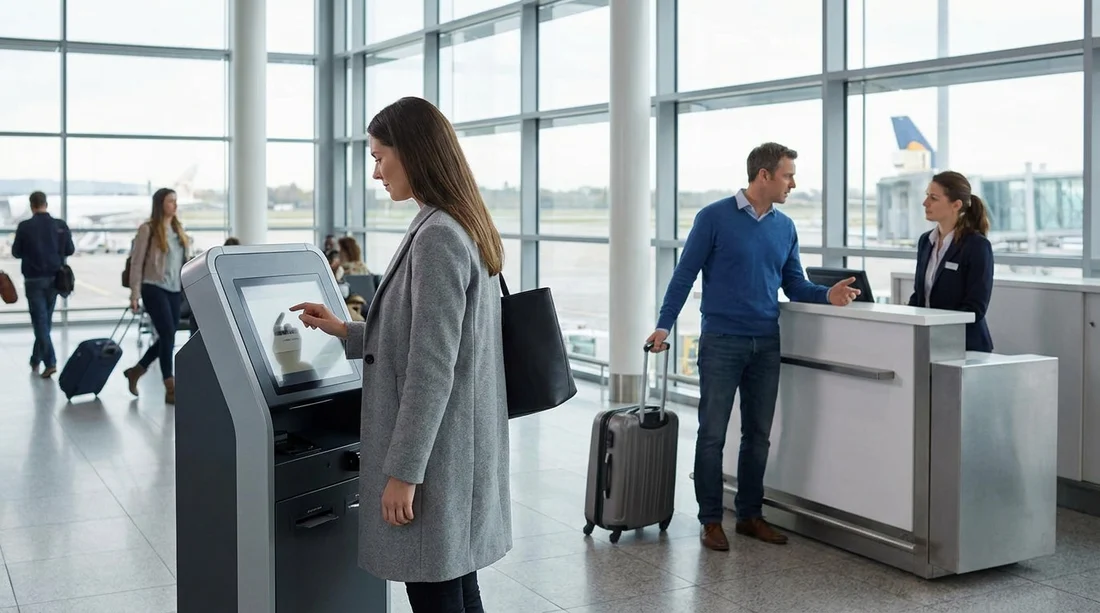
Self-service kiosks at JFK can make car hire quicker, but they do not remove the need for the rental desk in every situation. Think of a kiosk as a fast lane for straightforward rentals: your booking details are already correct, your documents pass automated checks, and you are not requesting changes at the last minute. If anything falls outside those conditions, the system will typically redirect you to a staffed counter for verification or approval.
At JFK, many brands operate from the airport’s rental car facilities rather than inside each terminal. Kiosks are usually located where the rental company runs its customer-service process, often near the counter or within the same area. If you are comparing options for car rental at New York JFK airport, it helps to plan for both possibilities: a smooth kiosk collection, or a short counter visit if the kiosk cannot complete your file.
When a kiosk is enough for car hire at JFK
Kiosks are designed for low-friction pick-ups. They work best when your rental looks routine to the system and your identity can be confirmed without a manual check.
Your booking details match your documents. The name on the reservation needs to match the name on your driving licence and passport or other ID. Even minor differences, such as missing middle names or swapped surnames, can trigger a desk referral.
You are the main driver and meet the standard requirements. If you are the primary driver listed and you meet the age rules without exceptions, a kiosk has fewer reasons to stop you. Where a young driver fee applies, or the system cannot confirm eligibility, a desk agent may need to approve the rental.
Your payment method and deposit rules are straightforward. Kiosks typically handle a standard credit card deposit more smoothly than complex cases. If the card type is not accepted for deposits, if the name on the card does not match the driver, or if a preauthorisation fails, you will be sent to the counter.
You are not changing anything. If you are collecting exactly what you reserved, at the time you reserved it, kiosks can issue a rental agreement quickly. If you need to alter dates, add extras, change driver details, or request a different vehicle class, you may need a person to confirm availability and pricing.
For travellers who prefer to compare suppliers and processes in advance, reviewing car rental in New York JFK can help you understand what a typical pick-up looks like and what may vary by provider.
What still requires a counter visit
Even with modern self-service, certain checks are usually handled by staff, either because policy requires judgement, or because the kiosk is not permitted to override rules. These are the most common reasons you still need the desk.
Licence validation issues. If your licence is newly issued, close to expiry, damaged, or hard to scan, expect a manual review. International visitors sometimes need extra confirmation, for example if the licence format is unfamiliar, or if an additional permit is required in the specific circumstances of your rental.
Identity verification and security flags. Kiosks may prompt you to see an agent if the system cannot confidently verify your identity, or if information in the booking does not match the profile on file. This can include a mismatch in date of birth, address formatting, or missing mandatory fields.
Adding or changing drivers. Many companies require each additional driver to be present with their own licence at pick-up. A kiosk may not be able to validate and sign multiple drivers properly, so the desk completes the paperwork.
Payment and deposit exceptions. Debit cards, prepaid cards, split payments, or third-party cards commonly need desk approval. If you are using an unusual card type, a company voucher, or anything that could require additional verification, plan for a counter visit.
Upgrades, vehicle swaps, and special requests. If you want an upgrade, a specific model, a child seat, a toll plan, or a particular type of vehicle, staff may need to check inventory, confirm charges, and record acceptance.
Supplier policies vary. For instance, the pick-up flow may differ between Avis car rental at New York JFK and other brands, even if both offer a kiosk. A kiosk is a tool, not a guarantee that you will bypass the counter.
What to have ready to avoid delays
If you want your car hire pick-up to move quickly, prepare as if you might need either channel. Having everything ready reduces the chance that a kiosk fails, and it also speeds up a desk visit if one is required.
1) Your driving licence. Bring the physical card, not just a digital copy. Make sure it is valid for the full rental period.
2) A second form of ID. International travellers should have a passport. Domestic renters may still be asked for additional identity confirmation depending on policy and circumstances.
3) The payment card used for the booking. Ideally, use a credit card in the main driver’s name for the deposit. If you plan to use a different card at pick-up, check the rules beforehand, as kiosks are less flexible with mismatches.
4) Your booking reference and reservation details. Have the confirmation number accessible offline. If mobile signal is weak in the facility, a saved screenshot can help you retrieve details quickly at the counter.
If you are landing at a different airport, it can help to compare processes for car hire at Newark EWR, since desk and kiosk availability can vary.
So, do you need the desk?
At JFK in New York, you do not always need the desk if a self-service kiosk is available, but you should expect that you might. If your car hire is standard and your documents and payment match perfectly, a kiosk can complete the agreement and send you straight to the vehicle area. If anything is non-standard, such as document scanning problems, extra drivers, payment exceptions, upgrades, or policy questions, the desk remains essential.
The best way to avoid delays is to prepare your documents and payment, ensure your reservation details match your ID, and decide on key items like coverage and extras before you arrive. That way, whether you use a kiosk or a counter, you can finish the process efficiently and start your journey with fewer surprises.
FAQ
Can I use a kiosk at JFK if I did not prepay? Often yes, but it depends on the supplier and whether your card can be authorised for the deposit. If the kiosk cannot approve the payment, you will be redirected to the desk.
What is the most common reason a kiosk sends me to the counter? Name mismatches, ID scanning failures, and payment or deposit issues are common triggers. Additional driver changes and special requests also frequently require staff.
Do I need my physical driving licence for kiosk car hire? Yes in most cases. Kiosks usually scan the physical licence, and staff may still request it even if the kiosk step succeeds.
Will a kiosk let me add child seats or upgrades? Sometimes you can request extras on-screen, but availability and pricing can require manual confirmation. If the kiosk cannot finalise the change, the desk will handle it.
If I arrive late, can I still pick up using the kiosk? Possibly, but significant lateness can put your booking outside the automatic pick-up window. In that case, the desk may need to reinstate or amend the reservation.




























































































