


Quick Summary:
- Use your FasTrak tag, but opt out of the rental toll programme.
- Add the rental car plate to your FasTrak account for backup billing.
- Keep the rental toll device switched off or stored as instructed.
- Compare FasTrak and rental invoices, then dispute any duplicates quickly.
Using your own FasTrak tag in a rental car in California can work well, but only if you prevent the rental company’s toll service from also charging you. Double billing usually happens when both systems, your personal transponder and the rental’s toll programme, capture the same trip and each creates a charge. The good news is that you can reduce that risk with a few checks before you drive, and by keeping clear records of your toll activity.
This guide explains how FasTrak billing works in California, what rental toll products do behind the scenes, and the practical steps that help you use your personal tag without paying twice. It is written for travellers arranging car hire for California driving, including airport pick-ups and longer road trips.
How FasTrak billing works in California
FasTrak is the statewide tolling system used across many California toll roads, express lanes, and bridges. When you drive through a tolled point, the system tries to identify your vehicle in one of two ways. If a transponder is detected, the toll is typically posted to the transponder account. If no transponder is detected, cameras may read the number plate, and the toll can be billed by plate depending on the facility and the account settings.
This matters in a rental car because there may be two possible identities attached to the same trip. Your personal FasTrak account might be set to charge by transponder or by plate. At the same time, the rental company’s toll service might be set up to charge by plate, using the vehicle’s registration, then pass that charge to you with added fees under the rental agreement.
Why double billing happens with rental toll programmes
Many rental fleets participate in toll services that automate billing. If the car is driven through a toll, the toll operator charges the rental company, often by plate, then the rental company charges the renter, usually adding a daily convenience fee or an administrative fee. This is helpful if you have no transponder, but it can conflict with your own FasTrak tag.
Double billing is most likely in these situations:
The rental vehicle has its own transponder or switchable toll device and it remains active while your tag is present. The toll system may detect one transponder and still generate a plate transaction, depending on lane technology and account configurations.
Your personal account is set to toll by plate for the rental car’s number plate and the rental company also bills by plate. If both parties have a claim to the same plate, the toll operator may route the transaction to one party, then a correction or duplicate posting can occur later.
You use express lanes that require a specific transponder mode such as carpool settings. If your tag is not read correctly, the lane may default to plate imaging, which can then be routed through the rental programme.
Step-by-step: using your own FasTrak tag without double billing
1) Read the rental agreement’s toll section before leaving the desk
Ask how tolls are handled for that specific vehicle. Some rentals include a pre-installed toll device or automatic enrolment in a toll programme. Others allow you to opt out if you have your own transponder. You want a clear answer on whether opting out is possible, and what you must do to ensure the car is not billed through the rental toll service.
If you are arranging car hire from an airport location, it can help to review local policies in advance, for example when collecting at Sacramento Airport or when planning a Bay Area arrival via San Jose Airport. Policies can vary by supplier and fleet.
2) Disable or isolate the rental vehicle’s toll device
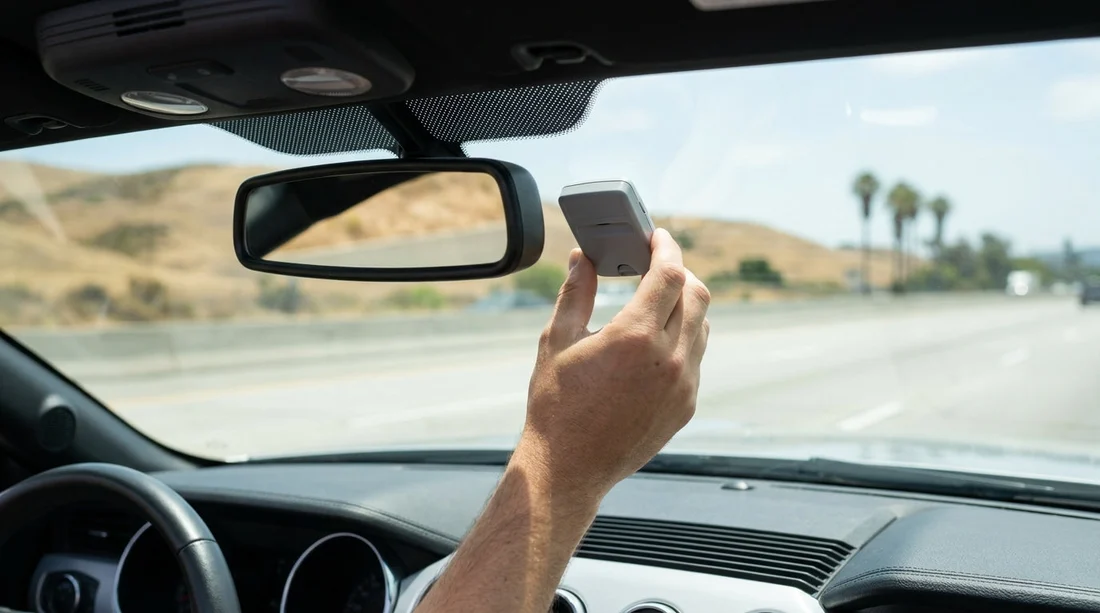
If the car has a built-in transponder or a toll pass device, often mounted on the windscreen, check whether it has an on or off switch, a slider, or a removable pouch. If the rental company instructs you to turn it off, do that before you reach the first toll point. If they provide a signal-blocking bag or ask you to keep it in the glove box, follow those instructions carefully.
Do not place your own transponder directly next to the rental’s device. Two transponders close together can cause misreads. Mount your tag correctly, in the recommended windscreen position, and keep any other toll device inactive.
3) Add the rental car’s number plate to your FasTrak account temporarily
Even when using a transponder, adding the rental’s number plate can protect you if the tag is not detected and the system falls back to plate imaging. Most FasTrak accounts let you add an additional vehicle, often with start and end dates or an easy removal later.
Enter the plate exactly as printed, including any spacing rules the portal uses.
Set dates that match your rental period, and remove the plate afterwards to avoid future mismatches.
Check whether your account is set to charge by plate when the transponder is not read. This is usually what you want for a short rental period.
4) Do not also activate the rental toll plan
If the rental company offers a daily toll product, do not accept it if you plan to use your own FasTrak tag, unless you are certain it can be set to do not bill for that rental. The simplest method is to have only one billing path active.
5) Keep proof and reconcile charges after the trip
Save your rental agreement, note the plate number, and keep your FasTrak transaction list for the rental dates. If a duplicate appears, you will need the trip date, toll facility, and time to dispute it. Also watch for delayed billing, as rental toll charges can appear days or weeks after return.
What to do if you get billed twice
If you see the same toll on both your FasTrak statement and the rental toll invoice, act quickly. Start by identifying which party charged you and when. In many disputes, one side can reverse the charge if you show that the toll was already paid through a valid FasTrak account.
Contact the rental toll administrator listed on your invoice and provide proof of your FasTrak charge for the same time and location.
Contact FasTrak customer service if the toll should have been billed by transponder but posted incorrectly by plate.
Ask for fee waivers if the duplicate arose from an opt-out not being applied correctly. Be factual and include documentation.
Common California situations to watch
Bay Area bridges and express lanes can involve a mix of transponder reads and plate imaging. If you are car hiring near Silicon Valley or the South Bay, plan ahead for express lane requirements, especially if your transponder has carpool settings.
Southern California toll roads often rely heavily on plate-based enforcement. Make sure your account has the rental plate added so that a missed transponder read does not default to rental billing.
Longer road trips can increase the odds of one missed read triggering the rental toll workflow. If you are combining California driving with other destinations, keep your toll approach consistent across the whole itinerary. Even if your broader trip involves places like Austin or a larger vehicle from Dallas, your California leg is where FasTrak settings matter most.
Tips specific to car hire in California
Inspect the windscreen before you drive off. If you see a built-in toll unit, ask how to set it to non-billing mode when using your own tag.
Choose one method, either your personal FasTrak account or the rental toll programme. Mixing methods is what triggers most double billing.
Mount the transponder properly and keep it stable. A loose tag can fail to read and lead to plate billing.
Remove the rental plate from your account after return. This avoids future transactions being associated with a plate you no longer control.
FAQ
Can I use my own FasTrak tag in a California rental car? Yes, in most cases you can, provided the rental’s toll programme is opted out or disabled and the vehicle’s plate is correctly handled on your FasTrak account.
Should I add the rental car’s number plate to my FasTrak account? Yes. Adding the plate helps if the transponder is not read and the toll defaults to camera plate imaging during your rental dates.
What if the rental car already has a toll transponder installed? Ask the rental company how to turn it off or place it in a non-billing mode, and keep your own tag separated so only one device is read.
How long do rental toll charges take to appear? They can appear days or even weeks after you return the vehicle, depending on the toll facility and the rental company’s processing timeline.




























































































