


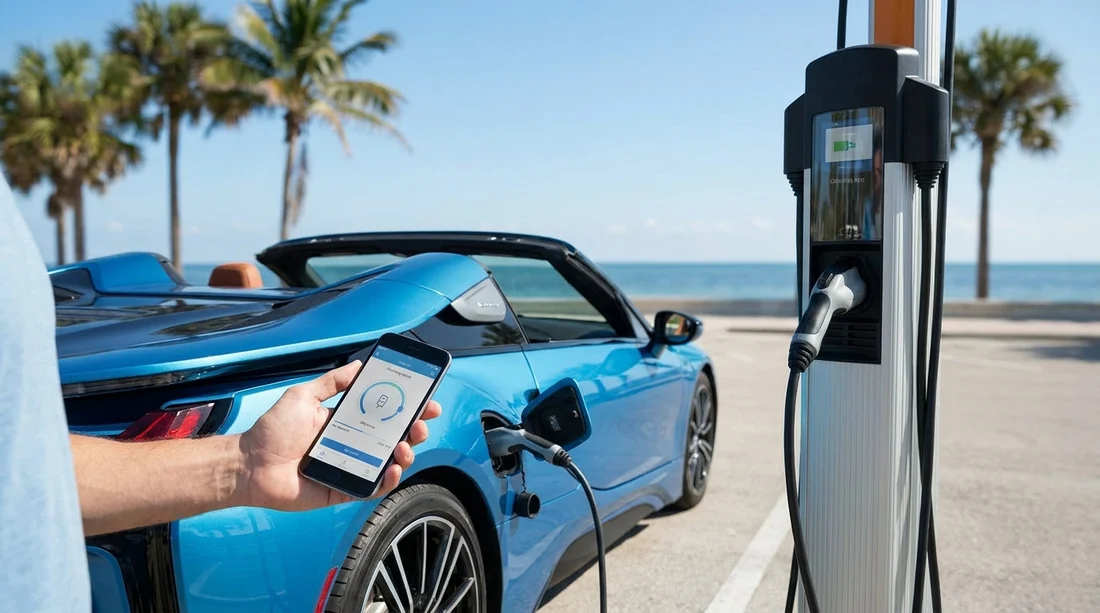
Quick Summary:
- Install Tesla, Electrify America, ChargePoint, and EVgo apps before travelling.
- Add a payment card, verify your email, and enable location services.
- Save logins, plan nearby chargers, and keep two backup options.
- If you lack US data, prepare Wi-Fi, eSIM, or roaming.
Picking up an electric rental car in Florida can be simple, but only if you prepare for the way US charging works. Most public rapid chargers expect you to start and pay for a session in an app, even when a card reader exists. That is why a pre-pickup checklist matters, especially if you are arriving from abroad and may not have US mobile service.
If your trip involves Miami, Fort Lauderdale, Tampa, or the Florida Turnpike, you will likely see a mix of charging providers. You do not need every app on the App Store, but you do want the main networks plus a few settings completed before you land, so you can focus on driving rather than troubleshooting at a charger.
If you are arranging car hire in Miami or collecting near the airport, you will benefit from having your charging setup finished before you reach the desk. The same preparation applies if you are starting in the suburbs or business districts, for example car hire in Doral.
How app-based payment works at US chargers
In the US, charging networks commonly use app-initiated sessions. You typically pick a station in the app, choose a charger number, then swipe to start. Pricing may be per kWh, per minute, or a hybrid, depending on local rules and the network. Your account will store a payment method and charge you after the session, sometimes with a small pre-authorisation first.
Many sites also support tap-to-pay or card readers, but you should not rely on them. Card readers can be out of order, and some stations are app-only. Apps also provide useful diagnostics like available status, charging speed, and whether a stall is down. This is crucial when you are travelling on a schedule.
The main charging apps to set up before Florida car hire
Tesla. Even if your rental is not a Tesla, some Tesla Supercharger locations now support non-Tesla vehicles through the Tesla app. Availability varies by site and vehicle compatibility, but it is worth installing because Superchargers are common on major Florida routes. Create an account, add your card, and familiarise yourself with the non-Tesla flow if it appears in your region.
Electrify America. This is one of the biggest DC rapid charging networks in the US, often found near motorways and retail parks. The app is frequently the fastest way to start a session, and it shows real-time stall status. Set up your account and add payment before you travel to avoid issues with first-time verification at the kerb.
ChargePoint. ChargePoint is widely used for AC destination charging, such as shopping centres, hotels, and municipal car parks, but you will also see DC fast sites. It is also a roaming platform, meaning one login can sometimes start partner chargers. For Florida driving where you will park for a few hours, ChargePoint is a high-value app.
EVgo. EVgo is common in urban areas and along major corridors. It supports plug-and-charge on some vehicles, but for a rental it is safest to assume you will use the app. EVgo can be helpful for quick top-ups around cities.
Where you collect also influences which network you see first. If you are starting near Miami Beach, you might top up at a nearby public station shortly after collecting, so plan ahead for car hire around Miami Beach. If your trip begins further north, you may want a fast charging option ready for I-95 or I-75, especially around Fort Lauderdale where car hire near FLL often leads into immediate motorway driving.
Pre-pickup checklist, do this before you fly
1) Create accounts and confirm access. Install the key apps and create accounts using an email you can access easily. Confirm verification emails before travel. If an app offers multi-factor authentication, choose a method you will still have abroad, such as an authenticator app rather than SMS.
2) Add a payment method that will work in the US. Add a credit or debit card and complete any address checks. Some apps ask for a billing postcode, which can trip up international travellers. Use the billing details exactly as your card issuer expects. If you have two cards, add a backup to reduce the risk of a failed session.
3) Enable phone permissions. Charging apps work best with Bluetooth and location enabled. Location helps you find chargers nearby. Bluetooth is sometimes required to start a session. If you disable these to save battery, turn them back on when you need to charge.
4) Learn the connector types you will use. Most non-Tesla EVs in the US use CCS for DC fast charging and J1772 for AC charging. Teslas use the NACS connector. Adapters may or may not be provided with a rental, so check what your vehicle supports and which adapter, if any, is in the boot. This affects which chargers you can actually use, regardless of which apps you install.
What to prepare if you do not have US mobile service
Lack of US mobile data is the most common reason app-based charging becomes stressful. Fortunately, you can prepare multiple fallbacks.
Use an eSIM or roaming plan. If your phone supports eSIM, purchase an eSIM that includes US data and activate it before arrival. If you prefer roaming, confirm that data works in the US and check any fair use limits. Even a small data allowance is enough for starting charging sessions.
Set up apps on reliable Wi-Fi before you leave the terminal. Airport Wi-Fi can be sufficient to sign in, verify emails, and add payment cards. Do this before you drive away. Some charging sites also have nearby shops with Wi-Fi, but do not count on it late at night.
Avoid SMS-only logins. If an app insists on SMS verification, you may struggle without a US-capable number. Where possible, enable email or authenticator-based verification. If SMS is unavoidable, ensure your home SIM is installed and can receive texts abroad, even if you keep data off.
Save credentials and keep your phone charged. Use a password manager that works offline once signed in. Bring a car charger cable and consider a power bank. If your phone dies, you may not be able to start a charging session.
FAQ
Do I need all charging apps to drive an EV in Florida? No. For most trips, installing Tesla, Electrify America, ChargePoint, and EVgo covers the majority of public charging situations, with one extra app only if your route requires it.
Can I pay at the charger with a bank card instead of an app? Sometimes, but not always. Card readers can be unavailable or unreliable, and some sites are app-only. Setting up apps in advance reduces the chance of being stuck.
What if my phone has no data when I arrive? Use airport Wi-Fi to sign in and add payment, then rely on an eSIM, roaming, or a local SIM for ongoing data. Also avoid apps that require SMS-only verification if possible.
Which plug types matter for US charging? Most non-Tesla cars use CCS for rapid charging and J1772 for slower charging. Teslas use NACS. Whether you can use a station depends on your car and any adapter provided.
Is rapid charging always the best option on a Florida trip? Not necessarily. Rapid charging is great for motorway legs, but AC destination charging near hotels or attractions can be cheaper and easier, especially overnight.




























































































