


Quick Summary:
- Exit Terminal D arrivals and follow MIA Mover signs to Level 3.
- Walk the connector to the MIA Mover station in 5 to 10 minutes.
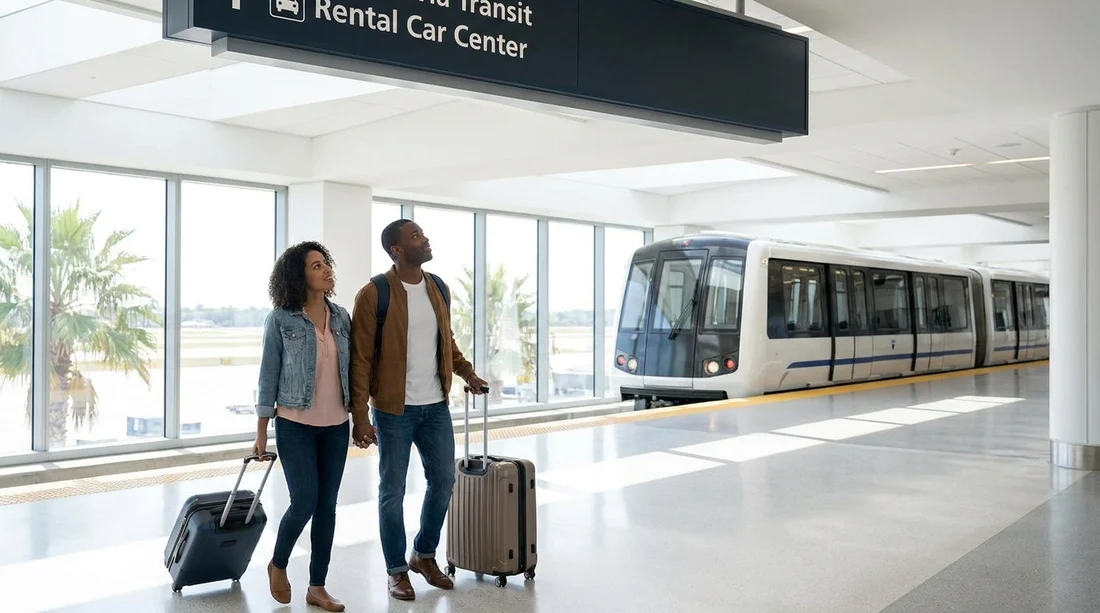
- Ride the free MIA Mover to the Rental Car Center in 3 minutes.
- Use lifts with luggage, keep documents ready, and expect queues at peak times.
If you are landing at Miami International Airport (MIA) and arriving through Terminal D, getting to the Rental Car Center (RCC) for car hire is straightforward once you know the sequence of levels, signs, and short connections. Terminal D is part of the North Terminal, and the airport’s car hire desks are not inside the terminal building itself. Instead, they are gathered in one dedicated facility, reached by a free automated train called the MIA Mover.
This guide walks you step by step from the arrivals area at Terminal D to the correct train, then on to the RCC, with practical time-saving tips that make the process calmer for first-time visitors.
Before you start: know what you are aiming for
Your destination is the Miami Airport Rental Car Center, a separate building where most major car hire companies have counters, along with toilets, information points, and access to the car park where vehicles are collected.
The quickest way there from Terminal D is always the MIA Mover. It is free, frequent, and clearly signposted. In normal conditions, many travellers reach the car hire desks within 15 to 25 minutes of stepping into the public arrivals area, depending on walking pace, lift waits, and queue lengths at the counters.
If you want to familiarise yourself with options tied to the airport, Hola Car Rentals maintains pages such as Miami MIA car rental information and Florida MIA car rental overview, which can help you compare providers and vehicle types before you fly.
Step-by-step: Terminal D arrivals to the MIA Mover
Step 1: Exit into the public arrivals area. After baggage claim in Terminal D, you will come out into the public arrivals hall. For car hire, you want to move towards signage for “Rental Car Center” and “MIA Mover”.
Step 2: Follow signs to the MIA Mover, usually via Level 3. In MIA, the MIA Mover station connects from the terminal area, and the wayfinding is generally consistent. Look for overhead signs reading “MIA Mover” or “Rental Car Center”. Depending on where you emerge in Terminal D, you may need lifts or escalators to reach the correct level for the connector. If you have a trolley, lifts are often the easiest option, even if you wait a minute longer.
Step 3: Walk the connector corridor to the station. Once on the signed route, you will follow a walkway corridor leading you towards the MIA Mover station. Expect a 5 to 10 minute walk for most people, longer if you are travelling with children, multiple suitcases, or reduced mobility. Keep an eye on signage for “Rental Car Center” to confirm you are still on track.
Time-saving tip: Keep your driving licence, payment card, and confirmation email (printed or on your phone) together so you are not searching for them at the counter.
Step-by-step: riding the MIA Mover to the Rental Car Center
Step 4: Enter the MIA Mover station and wait for the next train. The MIA Mover is an automated people mover, similar to a short airport metro. It runs frequently. Trains are typically every few minutes, and the ride is brief. Follow platform signs and stand back until doors open.
Step 5: Ride to the Rental Car Center. The journey itself is short, often around 3 minutes. You do not need a ticket. There are announcements and clear signage, so it is hard to miss your stop.
Step 6: Exit into the Rental Car Center and find your desk. When you arrive, follow the flow of passengers into the RCC. Inside you will see signs for each car hire company and counter. If you pre-selected a provider, head straight to that desk and join the correct queue.
For travellers who prefer to research specific brands and airport options ahead of time, you can review details like Alamo car hire at Florida MIA to understand the typical counter process, documents required, and what to expect at pick-up.
What to expect inside the Rental Car Center
The RCC is designed for high volume. Most counters follow the same pattern: you join the queue, present documents, confirm extras, then receive paperwork and directions to the pick-up area or a specific aisle.
Allow time for queues. Even though the trip from Terminal D to the RCC is quick, lines can fluctuate. Midday and late afternoon can be busy, especially at weekends and during school holidays.
Know the usual essentials. Most car hire pickups require a valid driving licence, a payment card in the main driver’s name, and your booking confirmation. If you will add another driver, bring their licence too.
Inspect the car before leaving. Once you are sent to the vehicle, take a moment to check the exterior and interior. Photograph any existing marks and confirm fuel policy and toll options, since Miami driving often involves toll roads.
Practical time-saving tips for first-time visitors
Pack smart for the walk. The connector walk to the MIA Mover feels longer if you have loose items. Consolidate bags, and keep your phone and documents easy to reach.
Charge your phone before landing. You may need your confirmation email, navigation, or to call your provider. A low battery slows everything down. A small power bank in hand luggage can be useful after a long flight.
Consider vehicle size for Miami roads and parking. If you are heading to beach zones or downtown, a smaller car can make parking easier. If you are travelling with family luggage, an SUV or van may be more comfortable. For example, if your trip includes extra passengers or bulky bags, you might compare a larger option elsewhere, such as van hire in Doral, to understand space and seating choices before you arrive at MIA.
Common pitfalls, and how to avoid them
Mistaking ground transport for the MIA Mover. At arrivals, you will see signs for taxis, rideshares, and hotel shuttles. For the Rental Car Center, ignore those and follow “MIA Mover” specifically. You are not looking for an outdoor shuttle bus.
Waiting at the wrong level. Terminal areas can be confusing if you switch levels without checking signs. If you are unsure, pause under a sign that mentions “Rental Car Center” and confirm you are moving towards the MIA Mover.
Arriving at the counter without key details. The fastest check-ins happen when the main driver has documents ready and can answer questions quickly, such as estimated return time, whether you want to add a second driver, and how you will handle tolls.
How long does it take from Terminal D to your car?
As a rough guide, count 5 to 10 minutes to walk from Terminal D arrivals towards the MIA Mover, a few minutes waiting for the train, about 3 minutes for the ride, then variable time in the RCC depending on queues. If the counter is quiet and your paperwork is straightforward, you may be at the vehicle area within 20 to 30 minutes of reaching public arrivals.
If you are collecting a car to drive into the city soon after pickup, it can help to review car hire for Miami Airport and downtown so you know what to expect once you leave the RCC.
FAQ
Is the MIA Mover free from Terminal D to the Rental Car Center? Yes. The MIA Mover is a free airport people mover, and you do not need a ticket.
Do I need to go outside to reach the Rental Car Center? No. The route to the MIA Mover station and the train ride are within airport-connected areas, then you enter the RCC building.
How do I find the correct direction from Terminal D arrivals? Follow overhead signs for “MIA Mover” or “Rental Car Center”, and use lifts or escalators as directed to the connector level.
How long should I allow from Terminal D arrivals to the car hire desk? Many travellers reach the RCC desks in 15 to 25 minutes, but add extra time for queues, luggage, and lift waits.
What should I have ready at the counter to speed things up? Keep your driving licence, payment card in the driver’s name, and booking confirmation accessible, and be prepared to confirm extras and return timing.




























































































