


Quick Summary:
- Digital confirmations are usually accepted, but save a copy for offline access.
- Make sure the booking name matches your driving licence exactly.
- Bring your payment card, ID and booking reference for check-in.
- Print only if the provider requests it, or your phone fails.
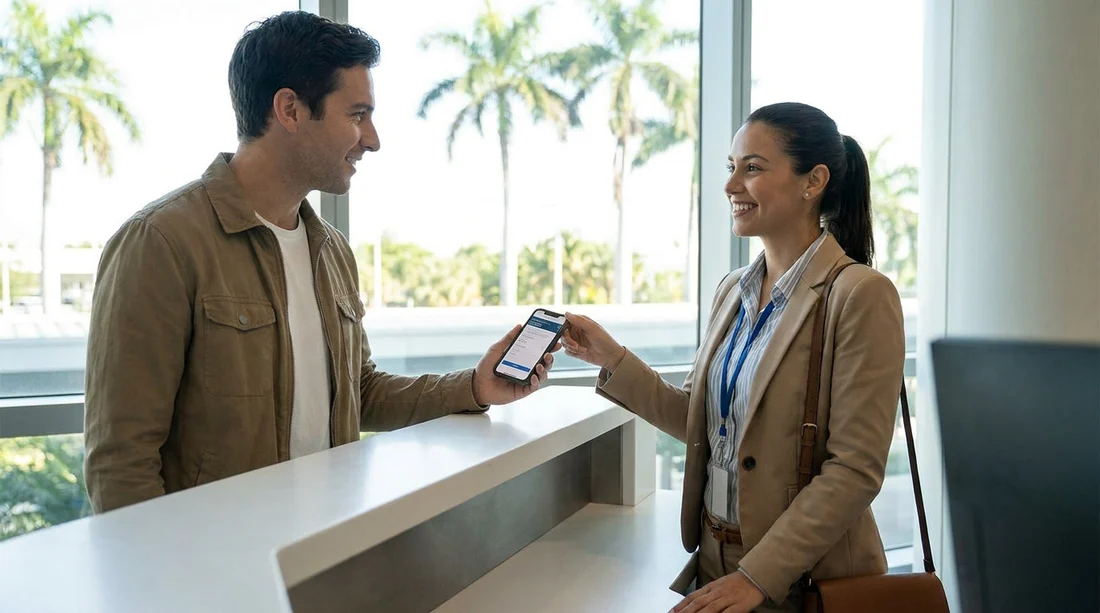
If you are arranging car hire in Miami, you might wonder whether you must print your booking confirmation to collect the car. In most cases, you do not. Rental desks generally accept a digital confirmation on your phone, as long as staff can clearly see the booking reference and the details match the driver and payment method. That said, there are a few situations where a printout helps, and a few details that matter more than the format.
This guide explains what is usually accepted at the counter, what must match, and what to have ready so collection is smooth whether you are picking up near the airport or in neighbourhood locations.
Is a digital confirmation usually enough in Miami?
For most major rental providers and brokered reservations, a digital confirmation is sufficient for car hire in Miami. Counter agents typically need two things from your confirmation, a booking or voucher number they can pull up in their system, and the essential rental details to verify. Showing the email, PDF voucher, or booking page on your phone usually covers this.
However, “usually” does not mean “always”. Some travellers run into problems not because they did not print, but because they cannot access the confirmation when they arrive. Common reasons include poor signal in multi-storey car parks, a flat battery after a long flight, or an email account that requires two-factor authentication without roaming. The simplest workaround is to save the confirmation as a PDF to your device for offline access, and take a screenshot that clearly shows the booking reference.
If you are comparing options for car hire in Florida and planning to collect in Miami, it is also worth checking any specific collection instructions in your confirmation. Some locations require a shuttle, an after-hours process, or a pre-arranged deposit authorisation that can affect what you need at the desk.
When a printed confirmation can still be useful
Printing is rarely mandatory, but it can be helpful in a few situations.
Your booking is via a broker with a voucher. Some brokers issue a voucher that the rental company treats as proof of prepaid charges. A digital voucher usually works, but a printout can make it quicker for staff to scan or read, especially if the PDF is detailed.
You need to dispute details. If the counter system shows a different rate, currency, or inclusion than you booked, having a clear copy of the booking terms helps. A PDF on your phone is generally enough, but printed terms can be easier to reference during a discussion.
What details must match for a smooth pickup
The most important factor is not paper versus digital, it is whether your documents and reservation details align. For car hire in Miami, focus on these match points.
Lead driver name should match the driving licence exactly, including middle names or initials if your licence shows them. If your booking says “Tom” but your licence says “Thomas”, it is usually fine, but mismatches can trigger extra checks. If you have two surnames or a hyphenated name, ensure the booking mirrors your licence.
Licence country and validity must align with the rental rules. If your licence is non-US, some providers may request an International Driving Permit depending on your issuing country and the provider’s policy. This is not about the confirmation format, but it is a common reason people are turned away.
Pickup and drop-off times should be accurate. If you arrive much later than planned, some bookings can be cancelled as no-shows or may require reissuing at the counter. Keep the confirmation accessible so you can quickly show the scheduled time and booking status.
Payment card and deposit rules often cause the most friction. Many locations require the lead driver to present a credit card in their own name for the deposit authorisation. A debit card may be accepted in some places but with extra conditions. Your confirmation may mention “payment at desk” or “deposit required”, so have it ready to avoid surprises.
Vehicle category matters more than the exact model. Your confirmation may list an example vehicle, but the booking is typically for a category. If you are choosing something larger for luggage or family travel, you may be looking at a category like an SUV. If you are considering options outside central Miami, you can compare neighbourhood availability such as SUV hire in Doral, where vehicle types and deposits can differ by provider.
What to have ready at the counter (digital or printed)
Whether you print or not, the fastest collections happen when you can present a complete set of items without searching through bags or email threads.
Your booking confirmation on-screen, saved offline, or printed. Make sure it includes the booking reference or voucher number, pickup location, dates and times, and the booked driver name.
Driving licence for all drivers you are adding.
Passport or ID may be requested, especially for international travellers.
Payment card that meets the provider’s deposit requirements, ideally in the lead driver’s name.
If you are collecting near the beach, it can help to know exactly which desk or partner brand is handling your reservation. Hola Car Rentals lists multiple pickup areas, including car hire in Miami Beach, where collection steps can differ slightly from airport processes.
Airport versus city locations, does it change the rule?
The acceptance of a digital confirmation is broadly consistent across airport and city locations, but the practical experience can differ.
Airport and airport-adjacent locations tend to be geared for volume. Staff are used to travellers presenting confirmations on phones, and systems are designed to find bookings quickly. Still, signal dead zones and battery issues are common right after landing, so offline access matters. If you are using an airport-area pickup, check your exact instructions for where to go and whether a shuttle is required, as listed on pages like car hire near Miami Beach airport areas.
City locations may have shorter queues, but can also have more limited staffing. If the desk is small and busy, a printed voucher can speed things up. City locations sometimes enforce card requirements more strictly due to vehicle availability and local fraud controls.
Tips to avoid pickup delays in Miami
Save your confirmation offline. Download the PDF voucher or email and store it in your phone’s files. Take a screenshot of the booking reference and pickup details.
Check the driver name format. Before you travel, ensure your reservation name matches your licence. If it is wrong, update it as early as possible.
Know your payment rules. If the confirmation mentions a deposit, assume a card authorisation will be taken at pickup. If you only have a debit card, confirm acceptance rules ahead of time with the provider listed on your booking.
For travellers who prefer to compare established brands by neighbourhood, Hola Car Rentals provides provider-specific pages such as Avis car rental in Brickell. Even when you book through a comparison service, these pages can help you understand where you are collecting and what documentation is commonly requested.
FAQ
Do I need to print my booking confirmation for car hire in Miami? Usually no. A digital confirmation or voucher on your phone is commonly accepted, provided the booking reference and driver details are clear and match your documents.
What if I cannot access my email at the rental desk? This is a common issue. Save the confirmation as a PDF for offline access and take a screenshot of the booking reference, pickup location, and dates.
What must match between my confirmation and my documents? The lead driver name should match the driving licence, and the payment card used for the deposit should generally be in the lead driver’s name. Dates and pickup location should also match the booking.
Is a screenshot of the confirmation enough? A screenshot is often enough to locate the reservation if it shows the booking reference and key details. If your voucher includes lengthy terms, keeping the full PDF saved offline is safer.
Can the rental company refuse handover without a printed voucher? It is uncommon, but it can happen if your booking terms specifically require a printed voucher or the desk cannot verify your prepaid details. Bringing offline digital copies reduces the need for printing.




























































































