


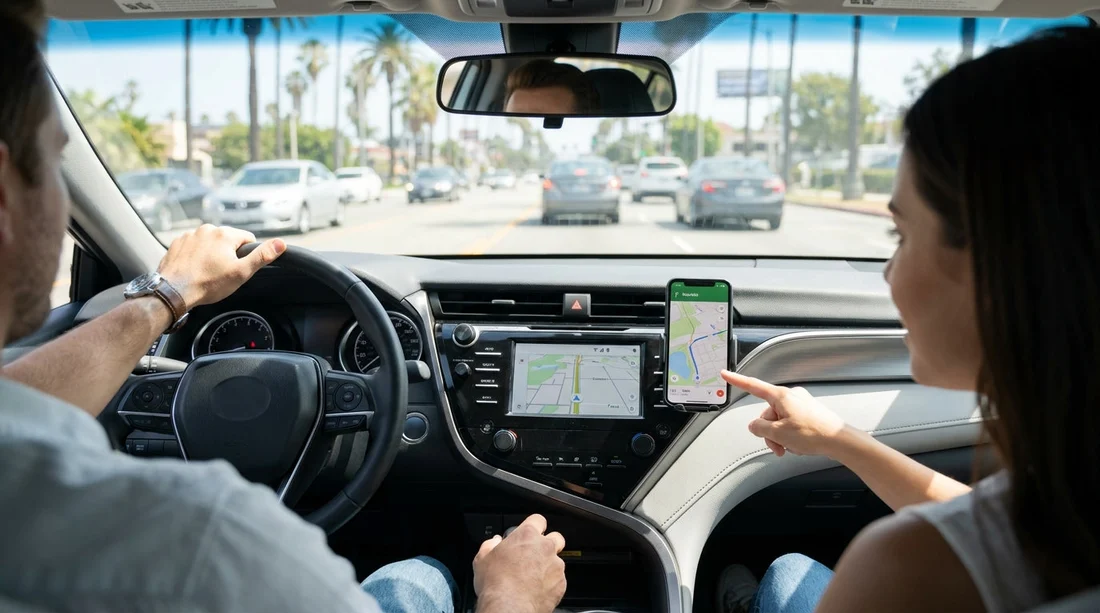
Quick Summary:
- Choose built-in sat nav if you lack US data or reliable roaming.
- Use your phone if you can download offline maps before flying.
- Built-in units reduce distraction when mounts, screens, or charging are limited.
- Test CarPlay or Android Auto, cables, and Bluetooth before leaving the lot.
When arranging car hire in Los Angeles, it is tempting to skip prebooking sat nav because your phone already knows the way. In many cases, phone navigation is the better value, but there are specific situations where a built-in unit saves money, stress, or time. Los Angeles is a city of long distances, complex interchanges, and frequent lane changes. Your navigation needs to be reliable, readable, and ready to go from the moment you leave the airport pickup area.
This guide breaks down when rental sat nav makes sense versus using your phone, with a practical focus on mobile data, offline maps, in-car connectivity, charging, and what to set up before you drive.
Why navigation choices matter more in Los Angeles
Los Angeles driving is often defined by freeways, multi-lane merges, and sudden exits. A missed turn can add significant minutes and extra miles, especially around LAX, downtown, and major junctions like the 405 and 110. Navigation that updates quickly, speaks clearly, and shows correct lane guidance reduces last-second decisions.
If you are collecting at the airport, the start of your trip can be the trickiest. Pickup zones can be busy, signage can be dense, and you may be dealing with jet lag. If your phone needs updates, a login, or a charging cable you cannot find, it is not the best moment to troubleshoot.
If you are comparing options for car rental at Los Angeles LAX, consider sat nav not as a luxury, but as a backup plan for connectivity and battery issues.
When built-in sat nav is worth prebooking
1) You do not have dependable US mobile data. If you are visiting from abroad and your plan relies on roaming, costs can rise quickly. Navigation uses less data than video streaming, but it still consumes data for map tiles, traffic, and rerouting. A built-in sat nav works without mobile data, which can be reassuring if you are unsure of coverage or charges.
2) You expect to drive in areas where coverage can drop. Greater Los Angeles is well covered, but there can still be weak spots in hilly areas, canyons, or while passing under complex freeway structures. A phone can handle some gaps if it has already cached the route, but constant rerouting needs data. A built-in unit can keep guidance consistent even during brief signal loss.
3) You will be driving a lot, over many days. On a multi-stop itinerary, you may be navigating for hours daily, often while also running music, calls, and travel apps. Heat and continuous screen use can cause phones to overheat or throttle, especially if charging in a sunny car. A built-in sat nav reduces battery and thermal strain because it is powered by the vehicle.
4) You prefer a larger, fixed display. A dash-integrated screen is typically easier to glance at than a phone balanced in a cup holder. If you do not have a proper mount, a built-in unit can be safer and more stable. This matters on LA freeways where you may need early lane positioning.
When your phone is usually the better option
1) You want the best live traffic and incident data. Phone apps typically excel at real-time traffic and rapid reroutes, which is valuable in Los Angeles where conditions shift quickly. Built-in systems vary by vehicle and may not update as frequently unless the car has an active connected service.
2) You want familiar controls and saved places. Your phone already has your contacts, favourites, hotel address, restaurant list, and calendar locations. That reduces typing and errors, especially with long street names or similar-sounding destinations.
3) You can download offline maps before you fly. Offline maps are the strongest argument for skipping rental sat nav. Download Los Angeles and surrounding areas over Wi-Fi before travel, then your phone can provide turn-by-turn directions with minimal or no data usage. You may still want data for live traffic, but you can navigate even if your signal drops.
4) You are planning to use CarPlay or Android Auto. If your rental car supports these, you can use your phone’s navigation on the car’s screen, which combines the benefits of a larger display with the app quality you prefer. For travellers arranging car hire at LAX car hire in California, it is worth planning your cable and connection method so it works from the first drive.
In-car connectivity prep, do this before leaving the lot
Whether you prebook sat nav or rely on your phone, the first five minutes in the car matter. Before you drive away, take a moment to set up safely while parked.
Confirm CarPlay or Android Auto support. Some vehicles require a USB connection rather than wireless pairing. Bring a quality cable that matches your phone, plus an adapter if needed. If you are hiring an SUV for family luggage and longer drives, the larger screens found in SUV rental at Los Angeles LAX can make on-screen navigation easier to follow.
Set audio routing. Ensure voice directions come through the car speakers, not the phone. Check volume for guidance prompts separately from music volume, as they can be controlled differently.
Mount and charge properly. If you are not using the car screen, use a proper mount positioned to avoid blocking your view. Make sure charging is stable, Los Angeles trips can involve long stretches of driving with the screen on.
Download what you need on Wi-Fi. If you plan to use offline maps, download them before pickup. If you need a local eSIM or SIM, set it up ahead of time so you are not standing in a car park trying to authenticate accounts.
If your trip includes starting or ending outside Los Angeles, such as flying into Orange County, consider your pickup context too. For example, car hire at Santa Ana airport may involve different driving patterns and routes compared with central LA, so your comfort with offline maps and coverage may influence the choice.
FAQ
Is built-in sat nav better than Google Maps or Apple Maps in Los Angeles? Usually no for live traffic and rerouting, but it can be more reliable without data and easier if you lack a proper phone mount.
How can I use my phone for navigation without using much data? Download offline maps for Los Angeles over Wi-Fi, pre-save key destinations, and keep map viewing to standard mode rather than heavy satellite imagery.
Will CarPlay or Android Auto work in most rental cars at LAX? Many newer vehicles support it, but not all. Test the connection while parked, and bring the correct cable because some cars require a wired setup.
What should I set up before leaving the rental pickup area? Confirm the navigation method, connect audio for voice prompts, start charging, and enter your first destination while stationary to avoid distractions.
Should I still bring a phone mount if I prebook sat nav? It is useful for flexibility, especially if you prefer your phone’s traffic data. If you will rely solely on the built-in screen, a mount is less essential.





























































































