


Quick Summary:
- Most Miami counters accept mobile vouchers when booking details display clearly.
- Match the lead driver name, locations, dates, and booked vehicle group.
- Bring your physical licence, passport, and the lead driver payment card.
- Save the voucher offline and screenshot key details before arriving.
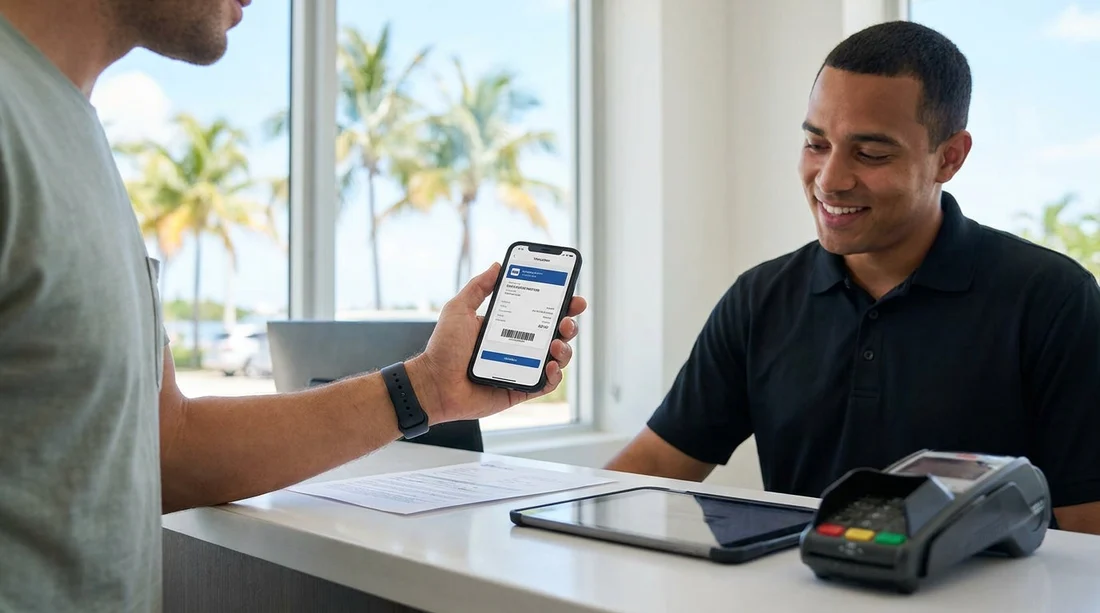
Yes, in most cases a mobile voucher is accepted when you pick up a rental car for car hire in Miami. Rental desks are used to travellers presenting confirmations on a phone, and many systems can pull up your reservation using a booking reference, QR code, or your name and pick-up details. The key is not the format, it is whether the voucher clearly matches a live reservation in the desk system and whether you can meet the supplier’s identification and payment requirements.
That said, delays at pick-up usually happen when the voucher is incomplete, hard to read, or the details on it do not line up with the person standing at the counter. Miami is a busy market, especially around airport arrivals, so small mismatches can mean extra checks.
What counts as a “mobile voucher” at the counter?
A mobile voucher is typically your booking confirmation shown on a smartphone, either as an email, a PDF attachment, or a confirmation screen in a travel app. At pick-up, staff usually need one or more of the following items from it: your reservation number, the supplier confirmation number (if different), a QR code or barcode (if provided), the pick-up location, and the lead driver name.
In Miami, counters commonly accept any clear on-screen version that staff can read or scan. Problems usually arise if your phone is out of battery, the PDF will not open, the brightness is too low to scan, or the email is buried in a weak data connection. A simple safeguard is to download the voucher to your phone before you travel and keep a screenshot of the key page showing the booking reference and lead driver.
When a mobile voucher is sufficient, and when it might not be
A phone-based voucher is generally sufficient when the reservation is prepaid or confirmed and the counter can retrieve it quickly. This is common for pick-ups at major locations such as Miami International Airport, where reservations are checked constantly. If you are arriving at MIA, review the location details on Miami International Airport (MIA) car rental so you know what the desk expects and where to go.
However, there are situations where the counter may ask for a printed copy or additional proof. This can happen if the voucher is missing a supplier confirmation number, if the rate requires specific proof (for example, a resident rate that requires local documents), or if your device cannot display the voucher clearly.
What details must match to avoid delays
The single biggest cause of hold-ups is a mismatch between the voucher and your documents. At pick-up, staff are verifying that the person collecting the car is the same person legally and financially responsible for it.
Lead driver name must match your driving licence exactly. If your voucher says “Tom Smith” and your licence says “Thomas John Smith”, it is usually fine, but if a different person is listed as lead driver, the counter may require a change to the reservation. If another traveller is collecting the vehicle, ensure they are listed as the lead driver before arrival.
Pick-up and return locations must match. Miami has multiple pick-up points, including airport, downtown, and nearby areas. If you accidentally arrive downtown when the booking is for the airport, you may need a new booking. If you are collecting centrally, check car hire in Downtown Miami to confirm the exact location you selected and what to bring.
Dates and times matter more than many travellers expect. A late flight is normal, but if your pick-up time is many hours different, some suppliers treat it as a no-show unless you notify them. Keep your voucher accessible so you can quote the booking number if you need assistance.
Payment method must match supplier rules. Even with prepaid bookings, many suppliers require a payment card for the security deposit and incidentals. If your voucher states “credit card required”, a debit card may be rejected or may trigger added requirements. The name on the card should match the lead driver.
What you should have ready at the counter
Think of the voucher as one piece of the puzzle. For car hire in Miami, most counters will ask for documents and details that prove identity, driving entitlement, and ability to cover the deposit.
1) Driving licence. Bring the physical card licence. A photo on your phone is usually not accepted.
2) Passport. For international visitors, a passport is standard ID.
3) Payment card in the lead driver’s name. Ensure the card has enough available credit for the deposit. If you are travelling as a couple or group, do not assume a companion’s card will be accepted if they are not the lead driver.
4) Your mobile voucher saved offline. Download the PDF or save the email to an offline folder. Then take a screenshot of the page showing booking reference, names, dates, and the supplier.
Practical tips for a faster Miami pick-up
Increase screen brightness before you reach the desk so any barcode can scan. If the desk cannot scan it, they will type the reference, which can slow things down during busy periods.
Check the voucher for extras such as additional drivers, child seats, or one-way fees. If the voucher does not show an extra you expected, clarify before signing the rental agreement.
Know your pick-up point. Miami visitors sometimes land at MIA but plan to stay near downtown, or vice versa. If your itinerary involves moving between cities, you might compare nearby locations. For example, if your plans shift north, see car hire at Fort Lauderdale (FLL) so you understand the difference between airports and what your voucher specifies.
What happens if something does not match?
If the voucher details do not match your documents, the counter will usually try one of three options: amend the reservation, reprice it, or decline the pick-up. Amendments may be possible for small errors, but they can take time and may change the price, particularly if you are changing driver details, dates, or location.
If you realise a mistake before you arrive, it is better to correct it in advance, rather than hoping the desk can fix it instantly. Similarly, if you intended to collect from a specific branch area, such as Doral, ensure your voucher reflects that. It can help to familiarise yourself with the local context using Avis car rental in Doral if that is where your trip requires collection.
FAQ
Can I show my voucher in an app instead of an email? Yes, app confirmations are typically fine if they display the booking reference, lead driver, dates, and location clearly.
Do I need mobile data at the rental desk in Miami? Not necessarily. Save the voucher offline or keep a screenshot, so you can present it without relying on signal.
What if the voucher name does not exactly match my licence? Minor differences are often acceptable, but a different lead driver name can cause rebooking or refusal. Aim for an exact match.
Is a debit card accepted if my voucher says credit card required? Sometimes, but it depends on the supplier and may involve extra checks or a larger deposit. Bring a credit card if possible.
Will I get the exact car shown on the voucher? Usually the voucher confirms a vehicle group, not a specific model. You will receive a car within that category, subject to availability.

























































































