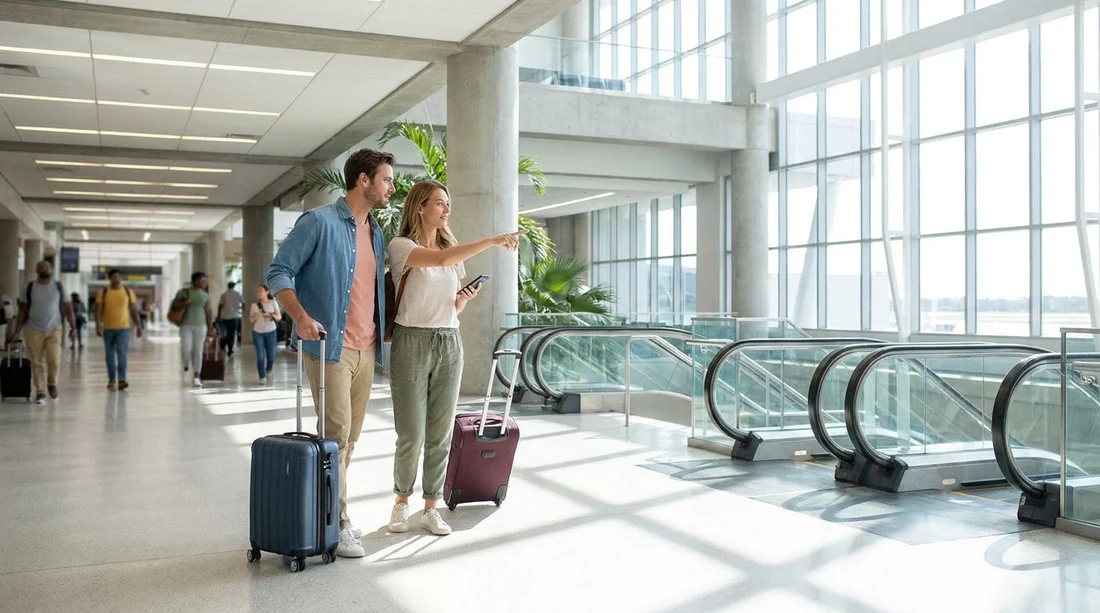
Quick Summary:
- Follow signs for Ground Transportation and Car Rental from Terminal A.
- Take lifts or escalators down to Level 1, then walk to the counters.
- Allow 8 to 15 minutes from arrivals to the car hire desks.
- If collecting bags, add 10 to 25 minutes before reaching desks.
Orlando International Airport (MCO) is set up to make on-site car hire straightforward, but the first time through Terminal A can still feel busy, especially after a long flight. The good news is that the rental desks are in the main terminal complex, signposted from the moment you enter the public areas. This guide walks you from Terminal A arrivals to the car hire desks as quickly as possible, including where to look for signs, when to use lifts, and how long the walk usually takes.
If you have already arranged a vehicle through Hola Car Rentals, you can also check the general Orlando Airport options here: car rental at Orlando MCO. For UK travellers, the overview is also covered on car hire Orlando MCO.
Step-by-step: Terminal A to the car hire desks
1) Start from the correct area in Terminal A. Terminal A serves multiple concourses, but most travellers begin this walk from Arrivals, Baggage Claim, or the public landside level after coming down from the gates. If you have just landed, you will typically follow the airport’s Arrivals flow towards baggage reclaim and then out to the main public area. As soon as you are landside, begin watching overhead signs for “Ground Transportation” and “Car Rental”. At MCO these are consistent, frequent, and usually mounted above the main walkways.
2) If you need to collect luggage, do that first. It is possible to head towards the rental area without bags, but most travellers will want to pick up checked luggage at baggage reclaim before moving on. Factor this into timing, because waiting at the carousel can easily exceed the walking time. Once you have your bags, keep to the main corridor, and look for the next set of “Car Rental” signs rather than exiting towards kerbside pick-ups.
3) Head towards Ground Transportation and the rental counters. From Terminal A’s baggage reclaim level, you should be able to follow signage that directs you to the car rental counters in the main terminal area. The route is largely indoors and level, but you may need to change floors depending on where you start. If you are travelling with heavy cases, prioritise lifts rather than escalators, since you will likely be moving between levels and you want to keep your luggage stable and close.
4) Use lifts or escalators to reach Level 1 (Ground Transportation). The most time-saving habit at MCO is choosing the first convenient lift bank you see near the Ground Transportation signage. In busy periods, escalators can bottleneck, especially with trolleys. Lifts may be slightly slower to arrive, but they often reduce stress and keep you on the correct route. Once you reach Level 1, continue following the overhead signs for “Car Rental”.
5) Walk straight to the rental desks and queue by brand. When you reach the car rental area, you will see multiple counters together. At this point, it is simply a case of finding your provider’s desk and joining the correct queue. If you have prearranged details, keep your driving licence, passport, and confirmation information accessible so you do not need to step aside and reorganise at the front.
If you are comparing providers and desk locations at MCO, Hola Car Rentals maintains pages for specific desks, including Alamo at Orlando MCO and Payless at Orlando MCO. Even if you are not using those brands, the pages can help you understand how the on-airport counter setup typically works.
What signage to follow (and what to ignore)
MCO signage is generally clear, but the airport is busy and there are many competing directions. To reach car hire desks efficiently from Terminal A, prioritise these sign words:
Look for: “Car Rental”, “Car Rental Counters”, and “Ground Transportation”. These guide you to the right level and keep you inside the correct flow of the terminal.
Be cautious of: “Hotel Shuttles”, “Ride Share”, “Taxis”, and “Buses”. These are useful if you are leaving the airport without a vehicle, but they can pull you toward kerbside areas that are not the quickest route to the rental desks.
If in doubt: Follow “Ground Transportation” first, then confirm “Car Rental” on the next overhead sign. This prevents the most common mistake, heading outside too early and having to re-enter through a different door.
Typical walking times from Terminal A to the desks
Walking times vary based on your exact arrival point, crowd levels, and whether you are managing luggage. As a realistic guide:
Arrivals area to car hire desks: about 8 to 15 minutes of walking and short waits at lifts or escalators.
Gate to car hire desks (including the walk through arrivals corridors): about 15 to 25 minutes, assuming you keep moving and do not stop for food or shops.
With checked luggage: add around 10 to 25 minutes, mainly depending on how quickly bags reach the carousel and how busy baggage reclaim is.
If you are travelling in a larger group and know you will need extra luggage space, you may want to review vehicle sizing before you reach the desk. Hola Car Rentals also covers larger vehicle options at MCO here: minivan hire Orlando MCO.
Lifts, escalators, and accessibility tips
Terminal A is suitable for travellers with pushchairs, mobility aids, or heavy bags, but choosing the right vertical route makes it noticeably easier.
Using lifts: Lifts are the best option when you have a trolley or multiple suitcases. Look for lift banks near major sign clusters. If one lift is crowded, it can be quicker to walk a short distance to the next set rather than waiting through several full cars.
Using escalators: Escalators can be fast when the terminal is quiet, but they slow down during peak arrival waves. If you do use them with luggage, keep cases in front of you and hold the handrail, because sudden stops are common when families are boarding.
Accessibility: If you require step-free routes, lifts will cover all necessary level changes. Staff at information points can also confirm the closest lift if you have ended up near an escalator-only section.
Common first-timer mistakes from Terminal A
Exiting to the kerb too soon: Travellers sometimes head outside when they see transport options, then have to re-enter to find the rental area. Stay indoors and follow the “Car Rental” signs.
Following a shuttle sign: Hotel and off-site shuttle signage is prominent. Unless you are deliberately using a shuttle, keep focused on “Car Rental Counters”.
Not allowing for baggage delays: The walk is usually shorter than you expect, but bags can be the variable. If you have a tight schedule, it is worth mentally separating “walking time” from “baggage time”.
Arriving at the desk unprepared: Have ID and driving licence ready before you join the final queue. It keeps the line moving and reduces stress at the counter.
After the desk: what happens next
Once you have completed paperwork at the car hire desk, you will be directed toward the pick-up area for your vehicle. The staff will confirm where to go and what to present at the next point, such as a rental agreement or a ticket. Build in a little time for this final transition, especially if you need to add a driver, review insurance details, or load child seats.
If you want a broader view of airport-to-theme-park driving logistics, Hola Car Rentals also provides information tailored for travellers heading toward the Disney area from MCO: car hire from Orlando Airport to Disney.
FAQ
Q: How long does it take to reach the car hire desks from Terminal A at Orlando Airport?
A: From Terminal A arrivals, allow roughly 8 to 15 minutes of walking, plus any time spent waiting for luggage.
Q: Which signs should I follow from Terminal A to reach car hire?
A: Follow “Ground Transportation” and then “Car Rental” or “Car Rental Counters”. Avoid being diverted by hotel shuttle and ride share signs.
Q: Are there lifts available from Terminal A down to the car rental level?
A: Yes. Use the lifts near the main corridors, especially if you have a trolley, pushchair, or heavy cases.
Q: Can I reach the car hire desks without going outside?
A: Yes. The quickest route keeps you indoors, using internal corridors and level changes via lifts or escalators.
Q: What should I have ready when I arrive at the car hire desk?
A: Keep your driving licence, passport, and booking details accessible, plus any information for additional drivers.