


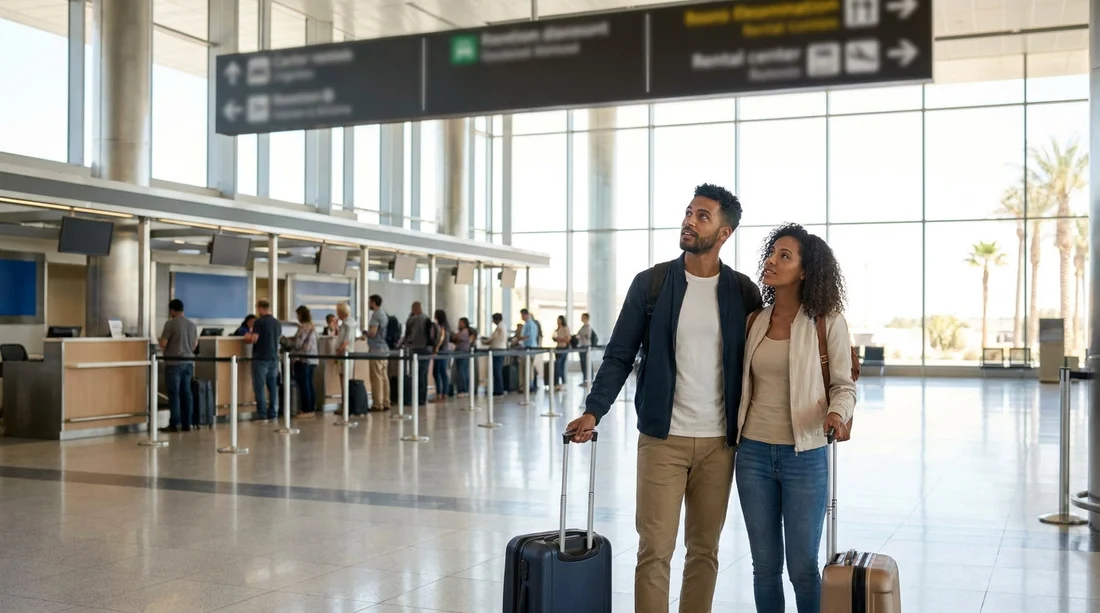
Quick Summary:
- Confirm your rental company name on your voucher before entering any line.
- Follow overhead signs to the correct brand zone, not the shortest queue.
- Check desk screens and staff triage points for “Next agent” instructions.
- Use online check-in, then join the express lane shown for your brand.
Shared counters at LAS can be confusing because multiple brands may use one service area, the same row of desks, or a common “next available agent” approach. That does not mean every queue is interchangeable. The key is to match what is on your confirmation to what you see on signs and screens in the facility, then follow the specific process for that brand.
LAS car hire pick-up is typically routed to the airport’s dedicated car rental facility, where brands are grouped and queues can merge and split depending on staffing and time of day. You may also see separate lanes for loyalty members, mobile check-in, or pre-assigned vehicles. The steps below help you identify the correct line quickly, even when the counters look shared.
1) Start with your paperwork and look for the operating brand
Before you join any queue, open your confirmation email or voucher and locate the exact operating company name. This matters because some bookings are marketed under one name but serviced at the desk by another brand within the same group. If your voucher states a specific desk name, that is the name you should follow in the building.
Also note whether your rental is a car hire or a van hire, because larger vehicle categories can be directed to different check-in points or different rows in the facility. If you are comparing vehicle types or groups, Hola Car Rentals has location pages that illustrate how brand-specific desks work, for example van hire LAS Vegas.
Practical tip, take a screenshot of the voucher showing the brand name, confirmation number, and lead driver name. If the desk staff are triaging queues, those three details are usually what they ask for first.
2) Follow brand signage first, then look for queue instructions
In a shared-counter environment, overhead signs and wall-mounted brand panels are more reliable than the direction of the crowd. Look for large brand logos above the desks, plus any “All customers form one line” instruction boards. At peak times, the facility may use a single serpentine queue feeding several desks, but it will still be limited to one brand group or one side of the hall.
If you see a single long queue in front of multiple logos, do not assume it serves every company. Walk the edge of the line and look for a sign that lists which brands it covers. If there is no list, look for a staff member holding a tablet or standing at the queue entrance. Their job is often to direct customers into the correct line and prevent cross-queuing.
If your booking is with Budget, it can help to review a brand page ahead of travel so you know what name you are looking for at the facility. See Budget car rental Nevada LAS for the brand wording used on Hola Car Rentals.
3) Use the desk screens and “next available agent” prompts
When counters are shared, desk screens often carry the clearest instructions. Common setups include:
Single-line, multiple-desk service: one queue, then the screen calls “Next customer” to the next free agent. In this case, you should stay in that single queue if the sign confirms your brand is included.
Multiple queues, same desk row: separate lanes are taped out on the floor, each feeding the same physical counters. You must match the lane sign to your brand or your membership type, such as “Preferred”, “Fastbreak”, or “Mobile”.
Queue plus self-serve kiosks: kiosks handle some check-ins, while the queue is for exceptions, counter contracts, or upgrades. If you completed online check-in, you may be eligible to skip the main line, but only if the screens state that your brand allows it at that time.
If you are unsure, step out of the flow and read the screen content at the head of each lane. Screens frequently show brand-specific prompts like “Have a reservation with X, queue here” or “All other brands, queue there”.
4) Ask one targeted question to staff, then commit to a lane
The fastest way to avoid a wrong queue is to ask a precise question at the entrance point, not at the front desk after waiting. A useful wording is, “My voucher says [brand name], is this the correct queue for counter service, or should I use the express lane?” This gives staff two decision points, brand validation and whether you qualify for a faster process.
Have your confirmation number ready. If your booking includes a pay-at-counter arrangement, staff may route you differently from a prepaid booking, even within the same brand group, because the payment step can change the workflow.
5) Know the common reasons queues split at LAS
Even when counters are physically shared, queues split for operational reasons. Understanding the usual split points helps you interpret signs correctly.
Loyalty or membership lanes: Some brands prioritise members, and the sign might reference a programme name rather than the company name. If you are not a member, do not join that lane even if it appears to move faster.
Pre-assigned vehicles: If you received a message that your vehicle is already assigned, you may only need to show ID and collect keys at a separate window. The general counter line may be for contracts and vehicle selection.
Different vehicle types: Vans, people carriers, and specialty categories can be processed at specific desks or sent to a different pick-up zone. This is one reason to double-check whether your booking is classified as car hire or van hire in your paperwork.
After-hours staffing: Late arrivals sometimes trigger shared staffing, where one desk handles multiple brands. In that case, you may see a sign like “All brands served here” during limited hours only. Confirm the hours printed on the sign.
6) Use online check-in to reduce counter time, but follow onsite rules
Online check-in can shorten the desk interaction, but it does not automatically mean you can skip every queue. At shared counters, the facility may still require you to present driving licence and payment card at a specific point, or they may direct you to a kiosk line instead of a staffed counter.
If you are arranging future trips and want a sense of how airport facilities differ, you can compare other airport pages on Hola Car Rentals, such as car hire Phoenix PHX or car hire Washington IAD. Different airports have different mixes of kiosks, shared desks, and brand clusters, which affects how “shared counter” is implemented.
7) Quick checks before you leave the desk area
Once you reach an agent or kiosk, confirm three things before you walk away: the brand on the agreement matches your voucher, the pick-up bay or zone is clearly stated, and the fuel policy and deposit terms are clear. If a shared counter has redirected you to another brand within the same group, the paperwork should make that obvious. If it does not, ask for clarification immediately, because sorting it later can be harder once you are at the car park.
Finally, if you realise you joined the wrong queue, step out as soon as you notice. It is normal at busy times, and staff would rather redirect you early than process you at the wrong desk.
FAQ
How do I know if the shared queue covers my car hire company at LAS? Look for a sign listing the brands served by that queue, then confirm the operating brand name on your voucher matches one of them. If there is no brand list, ask the staff member managing the queue entrance.
What if my voucher brand name differs from the desk logo I see? Follow the operating company name shown on your voucher or confirmation. Some reservations are fulfilled by partner brands, so the desk logo may be different from the marketing name used online.
Are express or loyalty lanes always faster at shared counters? Not always. They can move faster when staffing is strong, but they can also pause if agents are reassigned. Only use those lanes if you meet the eligibility shown on the signage.
Can I skip the counter completely with online check-in at LAS? Sometimes, but it depends on the brand, the time of day, and whether you need an ID or payment check. Follow the onsite instructions, which may route you to a kiosk or a dedicated window.
What should I do if I have a van hire booking and the counters look shared? Check whether vans are directed to a separate service point or pick-up zone. If signage is unclear, tell the queue marshal you have a van hire reservation so they can direct you correctly.

























































































