


Quick Summary:
- Follow MIA signs to the MIA Mover and Car Rental Center.
- Go to your supplier counter or kiosk to verify ID details.
- Complete credit-card authorisation and deposit, then sign the rental agreement.
- Collect the vehicle in the garage, inspect it, then exit barriers.
Online check-in for car hire can save time, but it does not usually mean you can skip the airport process entirely. At Miami International Airport (MIA) in Miami, the next step after online check-in is almost always the same: you still need to travel to the Miami Airport Car Rental Center (CRC), present your documents, and complete the payment and credit-card authorisation before you receive keys and bay details.
This guide walks you through where to go, what to bring, and what happens at the counter or kiosk so you can plan your arrival and avoid delays.
Step 1: Follow signs to the Miami Airport Car Rental Center
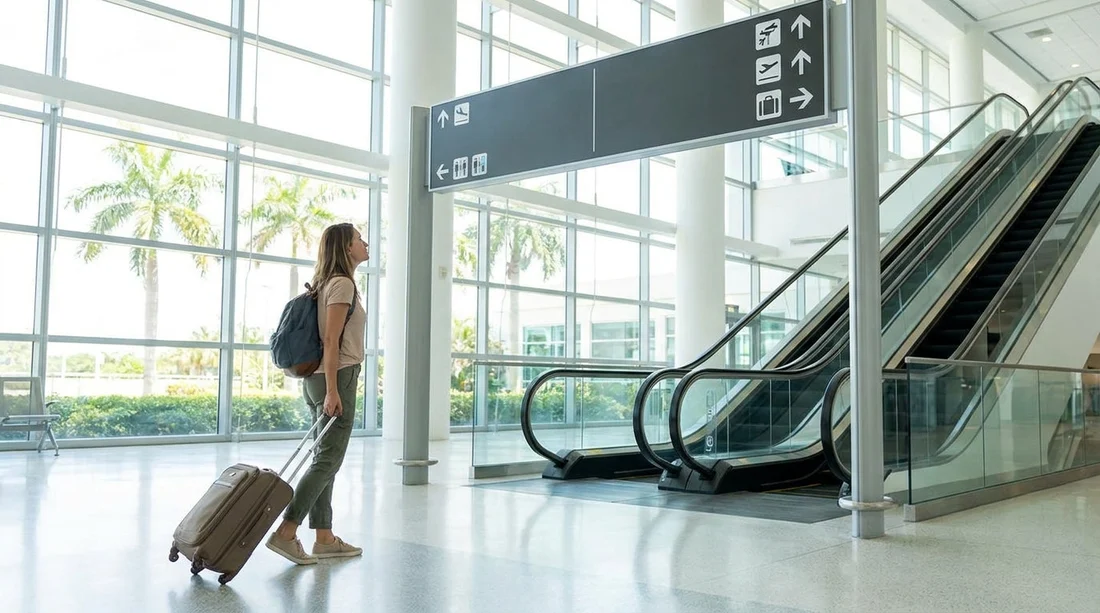
After you land and clear immigration (if applicable), baggage reclaim, and customs, look for airport wayfinding signs for “Rental Cars” or “Car Rental Center”. At MIA, the rental car facilities are located in a dedicated Car Rental Center, connected to the terminal area by an automated people mover.
Head to the MIA Mover station in your terminal area, ride it to the Car Rental Center, then enter the CRC building where the rental company counters and self-service machines are located.
If you have already arranged car hire for Miami, it can help to keep your confirmation accessible (digital or printed). For general airport pickup information and location context, see car hire Florida (MIA).
Step 2: Go to the correct counter, kiosk, or desk
Online check-in typically pre-fills your details and speeds up the paperwork, but you still need to be checked out in person or via a self-service kiosk. Once inside the Car Rental Center, find your supplier’s branding on overhead signs, then choose the right queue.
Counter service: You join a line, speak to an agent, show documents, authorise the card, and sign.
Self-service kiosk: Some suppliers allow you to scan your licence, verify your booking, and sign electronically, then collect keys from a desk or key dispenser. Staff may still ask to see your card and passport before releasing the vehicle.
Priority or express desks: If your online check-in created a ready to go status, staff may route you to a shorter line.
If you are comparing pickup arrangements by provider, you can also review supplier-specific pages such as Budget car hire Miami (MIA).
Step 3: Present documents, the most common checklist
The desk or kiosk stage is where your online information is verified. Have these ready before you reach the front of the queue.
Driving licence: The main driver’s valid licence.
Passport or photo ID: Many Miami airport rentals ask for a passport when the driver is visiting from abroad.
Booking confirmation: Printed or on your phone, especially if your booking was made through a broker or includes prepaid options.
Credit card in the main driver’s name: This is critical for the authorisation and deposit. Even if you prepaid online, the supplier usually still takes an authorisation at pickup.
Additional driver details: If adding a second driver, they often must be present with their licence at pickup.
Step 4: Complete the credit-card authorisation and deposit
The part many travellers find confusing is what credit-card authorisation actually means. It is not always a charge. Instead, the supplier places a temporary hold on your card, usually to cover the security deposit and any expected costs not already paid.
Practical tip: if you are using a travel credit card, make sure it is unlocked for US transactions and that your available credit comfortably covers the deposit, plus your travel spending.
Step 5: Review and sign the rental agreement
After documents and authorisation, you will receive the rental agreement. Confirm the basics: driver name(s), pickup and return locations and times, and vehicle group. Check the fuel policy, mileage terms, and any toll programme details.
If something looks wrong, ask for it to be corrected before signing. Fixing it at the counter is normally simpler than disputing charges later.
Step 6: Where you go next, the garage level and your assigned bay
Once the agreement is finalised, you will be directed from the counter area into the parking garage to collect your car hire. The agent will usually tell you the level or zone, the bay number, and where to pick up the keys.
If you are travelling with lots of luggage or a family group, factor in time for lifts, walking, and fitting child seats. If you expect to need a larger vehicle category, see SUV rental Florida (MIA).
Step 7: Inspect the vehicle before leaving
Before you drive to the exit barrier, do a quick, careful inspection. Look for dents, scratches, scuffed wheels, windscreen chips, and interior marks, and report any issues before you leave.
Also confirm you have what you need: any paperwork provided, a toll device if you accepted it, and any child seats that were requested.
Step 8: Driving out, exit gates and final checks
At the exit booth or barrier, a staff member may check your agreement and confirm the vehicle class. Once cleared, you can follow signs out of the CRC and join the airport road network.
If you are heading to Miami Beach, remember that traffic patterns can vary by time of day. For location context and planning, see car hire Miami Beach (MBC).
FAQ
After online check-in, can I go straight to the car at Miami Airport? Sometimes, but often you still need to stop at the counter or kiosk for document checks and credit-card authorisation. Follow your supplier’s instructions at the Car Rental Center.
Where do I show my driving licence and passport? You present them at your rental company counter, express desk, or self-service kiosk inside the Miami Airport Car Rental Center before keys are released.
What is the credit-card authorisation at pickup? It is a temporary hold placed on the main driver’s credit card to cover the deposit and any unpaid items. It is usually not a final charge unless costs are incurred.
What happens if my card does not have enough available credit for the deposit? The rental company may decline the rental, ask for a different eligible card, or adjust options that affect the deposit. It is best to check available credit before you reach the desk.
How long does collecting the car usually take after landing? Many travellers allow 45 to 90 minutes after baggage reclaim, depending on queues, document checks, and walking time within the Car Rental Center garage.





























































































