


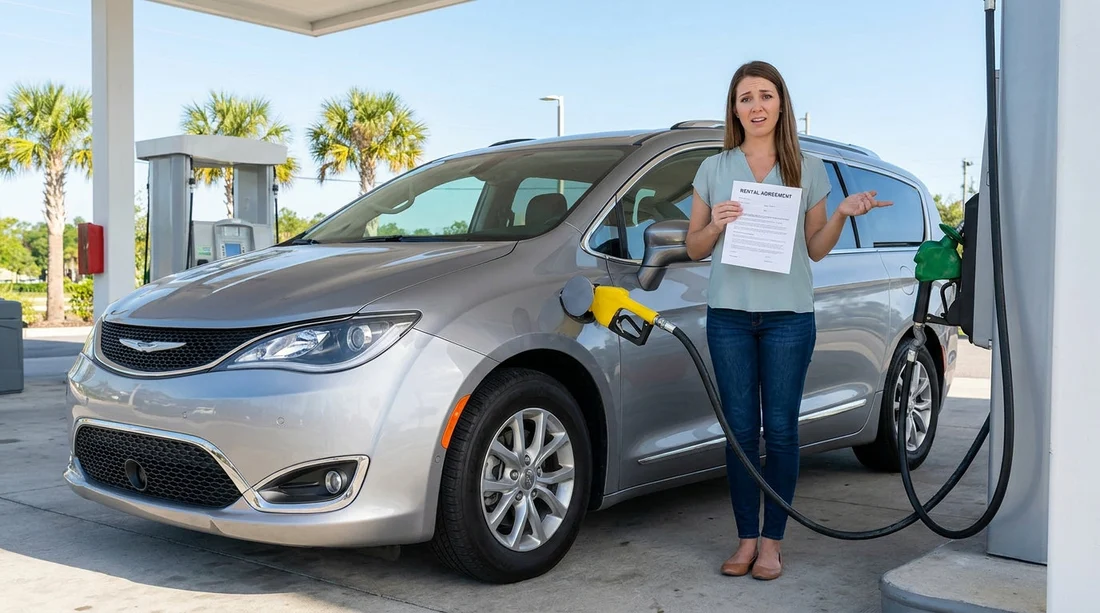
Quick Summary:
- Compare voucher, rental agreement, and fuel label before exiting the pick-up area.
- Check the fuel door sticker and dashboard icons for petrol, diesel, or EV.
- Ask the agent to amend the contract and rate, then reprint.
- Photograph paperwork, fuel label, and odometer as evidence before departure.
Fuel type mix-ups can happen in busy pick-up areas, especially around Orlando International Airport where multiple vehicle classes and trims look similar. If your car hire booking says one fuel type but the keys handed over appear to match another, treat it as an admin issue that must be corrected before you drive away. A wrong fuel type on your agreement can lead to confusion at the pump, accidental misfuelling, or disputes about charges and vehicle eligibility.
This guide shows exactly how to verify fuel type on your paperwork and on the vehicle, plus the questions to ask while you are still in the pick-up zone. The goal is simple, leave with a car that matches your booking, and a contract that matches the car.
Why a fuel type mismatch matters
At a practical level, the wrong fuel in the wrong vehicle can cause breakdowns and expensive damage. Even if you do not misfuel, a mismatch can still create problems. You might be charged for the wrong category, the contract could show a different vehicle type, or the fuel policy might be applied incorrectly at return. In Orlando, where you may be heading straight onto highways or to theme parks, you want to resolve this before you join traffic.
When collecting at MCO, it helps to know where your collection is based. Hola Car Rentals provides location pages that explain the pick-up context, such as car rental Orlando MCO and car rental airport Disney Orlando MCO.
Step 1: Verify fuel type on your booking documents
Start with what you can read, not what you assume. Open your confirmation email or voucher and look for “Fuel” or “Engine” fields. Many rentals are listed as petrol by default, but some fleet segments include diesel, hybrid, or EV options. If your paperwork does not explicitly state fuel type, look for clues like “electric” or “EV”, “hybrid”, or model notes that typically indicate diesel in some markets. In the US, diesel passenger cars are less common, so a diesel listing deserves extra attention.
Next, compare the voucher with the rental agreement you receive at the desk or kiosk. The agreement typically includes a vehicle description, sometimes a class code, and the vehicle identification details once assigned. Read the line items, and look for fuel-related notes and the fuel policy (for example, return full). If the agreement lists a different fuel type, ask for it to be corrected immediately, before you initial or sign anything.
Also check whether you booked through a UK-facing page, where wording may differ slightly. For instance, the car hire Orlando MCO page can reflect UK English terminology, so match what you see there with what appears on your voucher.
Step 2: Verify fuel type on the vehicle itself
Once you are at the car, do not rely on the badge or what a staff member says. Verify it in three quick places.
1) Fuel door label: Open the fuel flap and look for a sticker that states the required fuel. It may say “Unleaded gasoline only”, “Diesel fuel only”, or provide an octane recommendation. If it is an EV, there will be a charging port rather than a fuel cap.
2) Dashboard and instrument cluster: Turn the ignition on without driving off. Many vehicles show fuel type clues, such as a diesel glow plug symbol at start-up, an “EV” mode indicator, battery charge percentage, or “Ready” status on hybrids and EVs.
3) Key tag and fleet sticker: Some fleets add a fuel note on the windscreen tag or key ring. Treat this as a secondary check, the fuel door label is usually the most authoritative.
If the physical evidence does not match the rental agreement, stop there. Do not leave the pick-up area, and do not plan to “sort it out later”. Getting a correction after you have driven away can be harder because the system will show that you accepted the vehicle.
Step 3: Confirm the vehicle assignment matches the contract
Fuel type errors sometimes happen because the contract has one vehicle assigned while you are standing next to another. Compare the agreement with the car.
Licence plate: Ensure the plate number on the agreement matches the car.
VIN (or partial VIN): Many agreements show the last digits of the VIN. Compare them to the VIN visible through the windscreen on the driver’s side.
Make and model: If the agreement says one model but you have a different one, that alone is a red flag, even before fuel type.
If you booked a larger vehicle category where fuel type varies by model, such as some SUVs, check carefully. If you are looking at options for that category, the SUV rental Disney Orlando MCO page can help you understand what “similar” might mean, but your contract must still match the specific vehicle you take.
Step 4: What to ask the agent before leaving pick-up
When you go back to the desk, be clear and specific. Avoid general complaints, and focus on fixable items. Ask these questions.
“Can you confirm the fuel type for this specific vehicle on the contract?”
A: Ask them to point to where it appears in their system.
“Please update the agreement to match the car’s fuel type and reprint it.”
A: Do not accept verbal confirmation only. You want the printed or emailed agreement to reflect reality.
“Will the price, deposit, or fuel policy change due to this correction?”
A: Fuel type may affect vehicle category or availability. You should know if the rate changes before you accept it.
“If you cannot amend it, can you assign a different car that matches the booking?”
A: This gives a clean solution if their system will not reconcile the mismatch.
If you are working within a set budget, you may prefer to compare how suppliers describe their vehicles and inclusions. The budget car hire Orlando MCO page is useful context, but the key point remains, the agreement must match the car you drive away in.
Step 5: Document everything in two minutes
Take photos before you exit the garage. This is quick, and it can prevent long conversations later.
Photograph the rental agreement page showing vehicle details and fuel policy, the fuel door label, the dashboard indicators, and the odometer and fuel gauge or battery percentage at collection.
Keep the images until the rental is closed and your final receipt matches expectations. If you receive a revised contract, photograph the revision too.
Common scenarios and the safest response
Your booking says petrol, but the car is a hybrid: Hybrids still use petrol, so this may be acceptable, but the contract should reflect the correct vehicle model. Confirm the model and plate match, and ensure the rate has not changed unexpectedly.
Your booking suggests an EV, but the car is petrol: If you chose EV for charging access or to avoid fuel stops, insist on a vehicle that matches, or amend expectations and contract on the spot. Do not accept an EV rate if you receive a petrol car, and vice versa.
Your paperwork says diesel: In Orlando, diesel passenger rentals are less typical. Double-check the fuel door label. If it is petrol, treat it as a contract error, and get it corrected before driving.
The agent says “all cars take the same fuel”: That is not a reliable statement. Ask them to confirm based on the specific plate and fuel label, and to reflect that in the agreement.
What not to do
Do not guess at the pump, even if you are confident. Do not drive off planning to call later. Do not sign a contract that lists a different vehicle or unclear terms. Do not ignore small inconsistencies, because they can combine into a bigger dispute at return.
FAQ
Q: Where is the quickest place to confirm fuel type on the car?
A: The fuel door label is usually the fastest and clearest confirmation. Check it before you leave the pick-up area.
Q: What if my rental agreement does not mention fuel type at all?
A: Ask the agent to confirm the fuel type for the assigned plate in their system, and request a note or updated agreement that clearly matches the vehicle you are taking.
Q: If the car is a hybrid, should the contract still say petrol?
A: It may still be described as petrol for fuelling purposes, but the vehicle model and class must be correct. Ensure the agreement reflects the exact car and plate number.
Q: Can I switch cars in the garage if I spot the mismatch?
A: Not without authorisation. Switching vehicles without updating the contract can create insurance and billing issues, so return to the desk and have the assignment amended.





























































































