


Quick Summary:
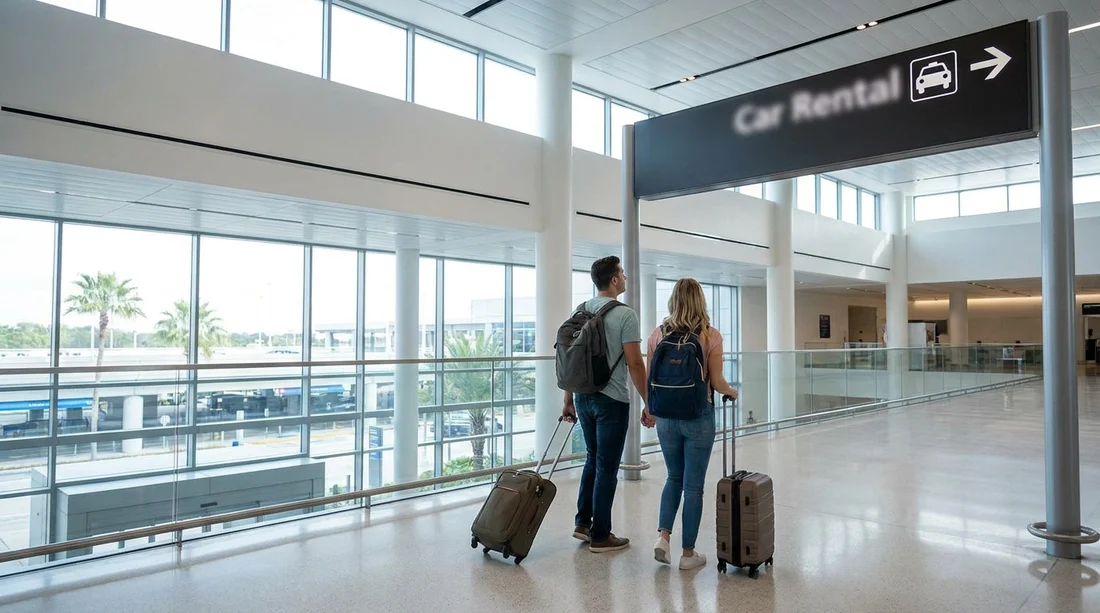
- Follow Ground Transportation and Rental Cars signs from Terminal C arrivals.
- Take lifts or escalators down to the transportation level.
- Use the people mover to reach the Rental Car Center.
- Allow 10 to 20 minutes, plus extra time for queues.
If you have landed into Terminal C at Orlando International Airport (MCO), reaching the rental car counters is designed to be straightforward, but it helps to know the exact sequence of signs, floors, lifts, and walking segments. Terminal C is newer and well signed, yet it can feel long after a flight, especially with children, prams, or heavy luggage. This step-by-step walkthrough takes you from Terminal C arrivals to the car hire desks at the Rental Car Center, with typical timings and a few practical tips that can save you time.
Before you set off, do a quick check while still in the arrivals area: confirm the name of your provider and whether you need to present a voucher, driving licence, and payment card at the counter. If you want to compare options for car hire at MCO, Hola Car Rentals provides helpful airport pages such as car hire at Orlando Airport and Orlando MCO car rental information, which can be useful for setting expectations about desks, opening hours, and vehicle pickup.
Step 1: Start at Terminal C arrivals and look for the right signs
From Terminal C arrivals, you will be in the public-facing part of the terminal, after baggage reclaim and customs if you arrived internationally. Your first goal is not the car hire desks themselves, because the main rental counters are located at the separate Rental Car Center. Instead, you are aiming for the transport connection that takes you there.
Look up and scan for overhead signage reading “Ground Transportation” and “Rental Cars.” At MCO, the terminology usually points you towards the automated people mover (sometimes labelled as a tram) that connects Terminal C with the Rental Car Center and the other terminal complex. The signs are frequent and typically placed at corridor junctions, so if you keep moving in the direction of Ground Transportation, you should see a confirming “Rental Cars” sign within a minute or two.
Typical time so far: 2 to 5 minutes from the arrivals doors, depending on where you start.
Step 2: Move to the transportation level using lifts, escalators, or ramps
Terminal C has multiple vertical connections, and the easiest choice depends on your luggage. If you have wheeled suitcases, escalators can be fine, but lifts are often smoother when you are juggling several bags or a pushchair. Follow the “Ground Transportation” signage to the appropriate bank of lifts or escalators.
In most cases you will be heading down to a lower level where transport links and access to the people mover are signposted. If you are unsure which way is down, look for floor level indicators near the lift call buttons. Staff are usually positioned around the main circulation areas during peak arrival times, and they can confirm you are heading towards the Rental Car Center connection.
Typical time for the vertical transfer and short corridor walk: 3 to 6 minutes.
Step 3: Walk to the automated people mover for the Rental Car Center
Once you reach the transportation level, continue following the “Rental Cars” signs. You are now looking for the entrance to the automated people mover. The route is generally indoors and accessible, with wide walkways suited to luggage trolleys.
Expect a steady stream of arriving passengers, so keep to the right and allow extra time if you are travelling in a group. If you have mobility needs, the route is step-free and lifts are available, but it can still take a bit longer due to crowds and lift wait times.
Typical time for this walking segment: 4 to 8 minutes, depending on your pace and congestion.
Step 4: Ride the people mover to the Rental Car Center
At the people mover platform, you will typically see digital displays and clear signage indicating the direction of travel. Trains run frequently, but you may still wait a few minutes, especially if a train has just departed. Keep your party together and make sure you have all bags before boarding, as the doors close quickly once the audible alert sounds.
The ride itself is short and is intended to bridge the distance between Terminal C and the Rental Car Center area. During busy periods, you may need to stand with your luggage, so position your bags close and keep the aisle clear.
Typical time including waiting and ride: 5 to 10 minutes.
Step 5: Enter the Rental Car Center and find your car hire counter
After exiting the people mover, follow signs for “Rental Car Counters” or “Rental Car Center.” You should enter a large, dedicated facility with multiple brands represented. Counters are normally grouped in a single hall or adjacent zones, with overhead signs and queue barriers.
If you have a specific provider in mind, look for the brand name above the desk. If you are collecting through a particular supplier page, you may find it helpful to check details in advance, such as on Hertz car hire at Orlando MCO or National car hire at Orlando MCO, so you know what to look for and what documents are typically requested at the desk.
Typical time from people mover exit to reaching the correct counter: 2 to 5 minutes.
Typical total walking time from Terminal C arrivals to the desks
For most travellers, the overall time from Terminal C arrivals to the rental counters is usually 10 to 20 minutes. If you walk briskly with light luggage and have minimal waiting for lifts and the people mover, you may do it in about 10 to 12 minutes. If you are travelling at peak times, using lifts with a trolley, or waiting longer for the people mover, 18 to 25 minutes is more realistic.
Remember that this is just the time to reach the counters. The time spent at the desk can vary widely. If you arrive during a rush, queues can add 10 to 40 minutes, and longer at holiday peaks. If you want to reduce desk time, have your documents ready before you join the queue and double-check you meet age and payment requirements.
What if you are hiring a van instead of a car?
The route from Terminal C arrivals to the Rental Car Center is the same whether you are collecting a compact car, SUV, or larger vehicle. The difference comes after the counter, when you go to the assigned pick-up area. If you are specifically arranging a larger vehicle, you may find it useful to review requirements and typical vehicle categories on van rental at Orlando MCO, as larger vehicles can have different availability patterns and may be located in specific rows in the garage.
Once paperwork is complete, staff will direct you to the correct level or aisle for your vehicle. Take a moment to photograph the space number and row, as the garage can feel repetitive when you are tired.
FAQ
Do I need to go outside to reach the car hire counters from Terminal C? No, most of the route is indoors, following Ground Transportation and Rental Cars signs to the people mover and the Rental Car Center.
How long does it take from Terminal C arrivals to the Rental Car Center? In typical conditions, allow 10 to 20 minutes. Add extra time for lift queues, crowded corridors, or waiting for the people mover.
Is the route accessible if I have limited mobility or lots of luggage? Yes, the route is step-free, with lifts available. Using lifts and moving at a steady pace is usually the easiest approach with heavy luggage.
Where exactly are the rental counters located once I arrive? After the people mover, follow signs into the Rental Car Center building. The counters are grouped together, with overhead brand signs and organised queue lanes.
What should I have ready before joining the queue at the counter? Have your driving licence, payment card, and booking confirmation to hand, plus any additional identification your provider requires, to reduce delays at the desk.





























































































