Quick Summary:
- Sat nav is not guaranteed unless your booking specifically confirms it.
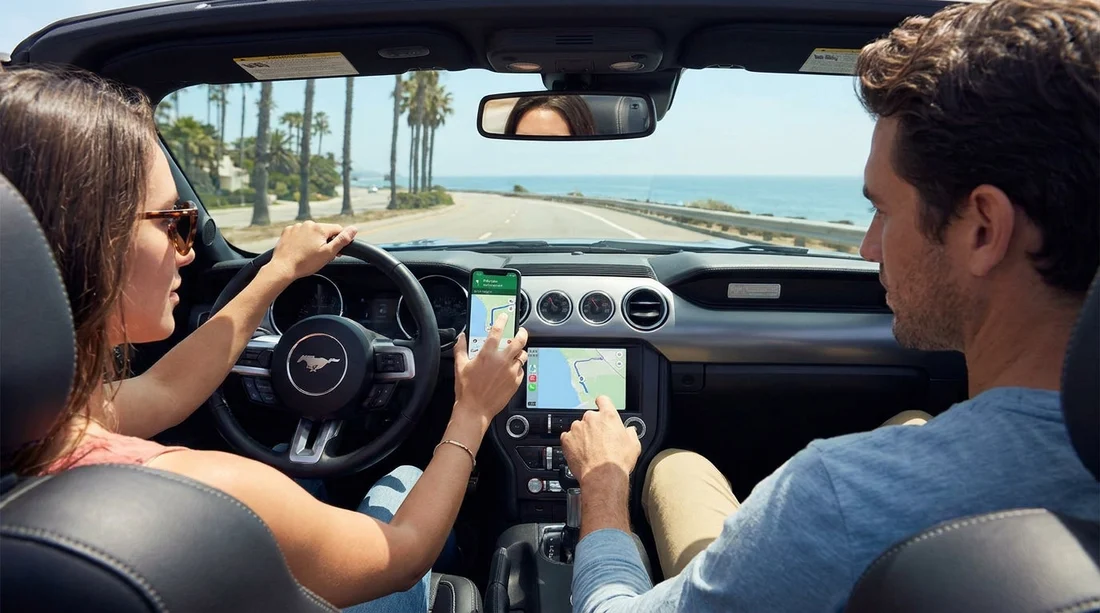
- Your phone with CarPlay or Android Auto usually gives better maps.
- Pack a windscreen mount, USB cable, and a reliable 12V charger.
- Download offline maps and save key pins before pick-up.
When you organise car hire in California, navigation is one of those details that can either be seamless or surprisingly expensive. Many travellers expect a built-in sat nav to be standard, but in the US rental market it often depends on the vehicle, the supplier, and what you selected during booking. The good news is that your phone can be an excellent navigation tool, especially if the car supports Apple CarPlay or Android Auto. The key is to plan ahead so you are not trying to set up maps in a busy airport car park with patchy signal.
This guide explains what navigation technology is commonly included with California car hire, when you might still want a dedicated sat nav, what to pack (cables, chargers, mounts), and how to prepare offline maps before you pick up the keys.
Do rental cars in California usually include sat nav?
In California, built-in sat nav is not guaranteed on a standard rental. Some cars have it as part of the manufacturer’s infotainment system, but rental companies may charge extra for enabling navigation, or offer a separate portable GPS unit as an add-on. Even when a car is advertised as having “navigation”, it can mean different things, including onboard maps, connected navigation that needs data, or smartphone integration rather than a standalone sat nav.
Airport locations are a common place to start a trip, for example if you are arranging pickup around Los Angeles LAX or San Francisco SFO. At these busy branches, fleets change quickly. That means you should treat sat nav as something you confirm in writing in your booking details, not something you assume based on the car category name.
If you would prefer not to rely on your phone, check whether your booking includes a GPS option, and confirm whether it is an in-dash system or a portable unit. Portable GPS devices can be useful, but they may feel dated compared with phone apps, and they often come with an additional daily fee.
Phone vs sat nav: which is better for California driving?
For most drivers, a phone is the better navigation tool in California. Map apps update constantly and are excellent at rerouting around congestion, which matters in Los Angeles, the Bay Area, and on key corridors like I-5 and US-101. You also get live information on incidents, closures, and realistic arrival times.
However, there are situations where you may prefer built-in sat nav or a dedicated GPS. Weak mobile signal can affect live navigation, especially in mountain areas, deserts, and some coastal stretches. Offline maps reduce this risk, but you must download them before you lose coverage.
A practical approach for California car hire is to plan to use your phone as the primary navigator, then prepare offline maps as your backup. That gives you the best of both worlds without paying extra unless you truly need a standalone device.
What to bring: cables, chargers, and a mount
A smooth navigation setup often comes down to a few small items. Pack a charging cable that matches your phone, plus a 12V car charger with at least one USB port, because in-car USB ports can be slow or awkwardly placed. If you expect to use the phone screen directly, bring a windscreen or dashboard mount so you can glance safely while parked.
If your trip includes picking up in Orange County, Santa Ana SNA rentals often include newer vehicles, yet sat nav still should not be assumed unless specified.
How to prep offline maps before pick-up
Do your map prep while you still have reliable Wi-Fi, ideally before you collect your rental car. Download offline maps for your first destinations, save key places as pins, and preview the first part of your route so you recognise the initial turns leaving the rental facility.
Consider saving your return location as well, especially if you are dropping at a different airport such as Sacramento SMF or back at LAX. If you are visiting from the UK or abroad, check your roaming costs and consider an eSIM or local SIM, because live traffic and satellite imagery can use data quickly.
Once you are in the car, connect your phone before you start driving. If the car supports CarPlay or Android Auto, plug in first, then select the relevant system on the infotainment screen.
Tips for a safer, less stressful navigation setup
Set your destination while parked, ideally before leaving the lot. Airport exits can be confusing, and you do not want to be searching for the right ramp while still learning the car’s controls.
Use voice guidance and keep volume high enough to hear over road noise. If your phone overheats or loses charge, pull over safely and switch to offline mode until it cools, or use the car’s built-in navigation if it is available.
If you are collecting a larger vehicle for a group trip, infotainment features can vary by model year. For travellers comparing people carriers and larger options, it can help to review vehicle details in advance, such as through van hire in San Jose SJC, where the route out of heavy traffic often benefits from reliable live guidance.
So, should you pay extra for sat nav on car hire in California?
Most travellers do not need to pay extra for sat nav when arranging car hire in California. If your phone is modern, you have the right cable and charger, and you download offline maps, you will usually get a better experience than a rental GPS. The main reasons to consider a paid sat nav option are if you will be without mobile data for long stretches, if you prefer not to use your phone for navigation, or if multiple drivers want a fixed system that is always ready.
Before you travel, check what your rental includes, plan your connectivity, and pack the small accessories that make phone navigation effortless. Do that, and you can focus on the drive rather than the device.
FAQ
Do California rental cars come with sat nav as standard? Not usually. Some vehicles have built-in navigation, but many rentals only include a basic screen and Bluetooth unless navigation is specified.
Is Apple CarPlay or Android Auto common on car hire in California? It is increasingly common, especially in newer cars. Availability still varies by supplier and model, so treat it as likely, not guaranteed.
What should I pack to use my phone for navigation in a hire car? Bring a suitable USB cable, a 12V charger, and a sturdy phone mount. A power bank is useful for long days or hot weather.
How do I prepare offline maps before I pick up the car? Download offline areas in your map app on Wi-Fi, save key places as pins, and preview your first route. This helps if signal is weak leaving the airport.
Will using my phone for navigation cost a lot in data? It can, particularly with live traffic and frequent rerouting. Offline maps reduce data usage, but consider an eSIM or local SIM if you will rely on live updates.