


Quick Summary:
- A phone voucher is usually fine, but keep it readable offline.
- Bring your driving licence, passport or ID, and matching booking name.
- Use a physical credit card in the main driver’s name.
- Screenshot the reference and pickup details to speed up the desk.
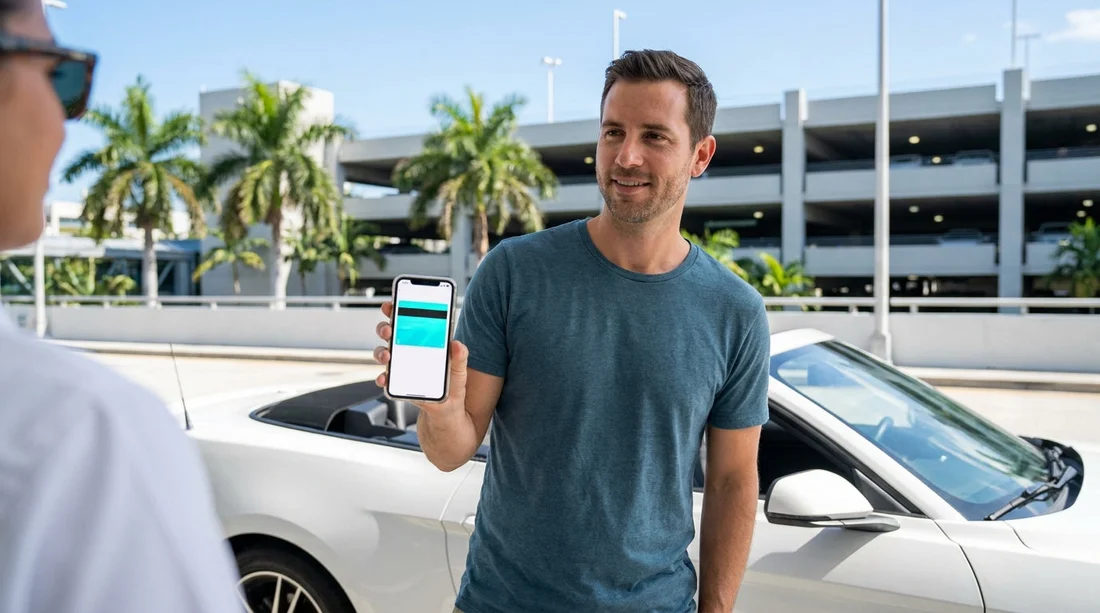
Yes, in most cases you can collect a Hola car hire vehicle in Miami using a digital voucher displayed on your phone. Rental desks are set up to scan barcodes, read confirmation numbers, and look up reservations by name. The voucher is typically used to confirm your booking reference, supplier details, and the inclusions you prepaid. However, the voucher is only one piece of what the counter agent needs to release a car. To avoid delays, you should treat the digital voucher as a convenient proof of booking, not as a replacement for ID, driving licence checks, and payment verification.
This matters in Miami because queues can build quickly at peak arrival times, and many travellers arrive with international licences, different card types, or roaming issues that make it harder to pull up emails. A little preparation makes the handover much smoother, whether you are collecting at the airport or in the city.
What a digital voucher covers at the Miami counter
A mobile voucher generally contains your booking reference, pick up location, dates and times, vehicle category, and information on what is included, such as mileage policy and basic insurance. At the desk, staff use it to locate your reservation and confirm you are collecting the correct car hire booking.
For example, if you are collecting at Miami International Airport, having your booking reference ready is helpful because airport desks often handle multiple brands and high volumes. If you are heading straight to the terminals area, it is worth checking the specific collection instructions for car hire at Miami Airport (MIA) so you arrive at the correct counter or shuttle point.
In city locations, agents can still use the same details, but they may rely more on name and time slot, particularly if several reservations are queued for the same hour. If you are collecting nearer the central districts, the general guidance for Miami car rental can help you align your pickup plans with local opening times and location specifics.
What the voucher does not replace
Even with a perfect digital voucher, you will still be asked for documents and details that prove you are eligible to drive and pay for the rental. The most common reasons for delays are not voucher related, they are identity and payment mismatches.
Driving licence and identity are checked to confirm the driver’s entitlement to drive and to meet insurance requirements. The name on your voucher should match the name on your driving licence and passport. If your name includes multiple surnames or middle names, ensure your booking reflects what is on your documents, or be ready to explain the difference.
Payment card acceptance is another frequent sticking point. Many suppliers require a physical credit card, not a debit card or mobile wallet, and it usually needs to be in the main driver’s name. The voucher alone does not guarantee your chosen payment method will be accepted at the counter, especially for security deposits.
Deposit and security checks still apply even if you prepaid. Prepayment covers the rental charges, but a deposit may still be pre-authorised. Make sure your card has sufficient available credit for the hold, and that your bank will not block an out-of-country transaction when you arrive in Miami.
How to present a digital voucher so it works smoothly
The easiest way to prevent delays is to assume you might have limited signal inside terminals, car parks, or dense parts of the city. Do these quick steps before you travel to the desk.
Save it offline. Download the voucher PDF to your phone and store it where you can access it without data. If your email app needs connectivity to load attachments, you could end up searching while at the front of the queue.
Take screenshots of key details. Capture the booking reference, supplier name, pickup address, and pick up time. Screenshots open instantly, which helps the agent locate the booking quickly.
Turn up brightness and disable auto-lock briefly. Scanners sometimes struggle with dim screens. If the desk scans a barcode, a bright screen can prevent repeated attempts.
Pickup location differences across Miami
Using a digital voucher works similarly across locations, but the practicalities differ.
Airport pickups (MIA) tend to be fast-paced, with more scanning and queue management. Arriving with an offline voucher and your documents in hand makes the experience smoother.
Beach and city pickups can feel calmer, but they often have tighter opening hours and limited staffing. If you are collecting near the coast, be mindful of timing and parking access around Miami Beach car rental, where traffic and drop-off restrictions can add time to your journey to the desk.
Downtown and business districts may see more corporate rentals, which can mean stricter card and ID checks. If you are collecting in the central area, it helps to familiarise yourself with local specifics for Downtown Miami rentals, particularly if you are arranging a larger vehicle category and want to minimise counter discussions.
Neighbourhood locations sometimes have less reliable mobile reception inside buildings, which is another reason to keep your voucher available offline.
Common problems with mobile vouchers, and how to fix them
No internet or poor signal: Use the downloaded PDF or screenshots. If you cannot access your email, search for the booking reference in your calendar or notes, where you stored it before travel.
Low battery: Bring a power bank. A dead phone can slow down the handover if the agent cannot locate your booking quickly. A printed backup is still useful even in a digital-first world.
Name mismatch: If your surname formatting differs, show your passport and explain the variation. Where possible, correct the booking details before arrival to avoid any doubt over who is the main driver.
Card type not accepted: If you arrive with a debit card or mobile wallet only, you may be unable to collect the vehicle. The simplest fix is to travel with a credit card in the main driver’s name, with enough available credit for the deposit hold.
FAQ
Can I collect my car hire in Miami with only the voucher on my phone?
You can usually use the digital voucher to locate the booking, but you will still need your driving licence, passport or ID, and an accepted payment card for the deposit.
Do I need to print the voucher for Hola car hire in Miami?
Printing is not typically required if your phone voucher is clear and readable. A printed copy is still a useful backup if your battery dies or you lose signal.
Will Apple Pay or Google Pay work for the deposit at the counter?
Often no. Many rental suppliers require a physical card for the security deposit, usually a credit card in the main driver’s name, even when the rental itself is prepaid.
What details should I screenshot from my digital voucher?
Screenshot the booking reference, supplier name, pick up address, pick up time, and vehicle category. Those are the details most likely to speed up the counter process.
What is the most common reason for delays when using a mobile voucher in Miami?
The most common issue is not the voucher, it is a mismatch between the booking name, driving licence, and payment card, or arriving without a suitable card for the deposit.





























































































