


Quick Summary:
- Download offline Florida maps before pick-up to handle sudden signal loss.
- Confirm roaming or US data details before long days of driving.
- Pack a fast car charger, correct cable, and backup power bank.
- Expect weaker reception in garages, rural stretches, and some beaches.
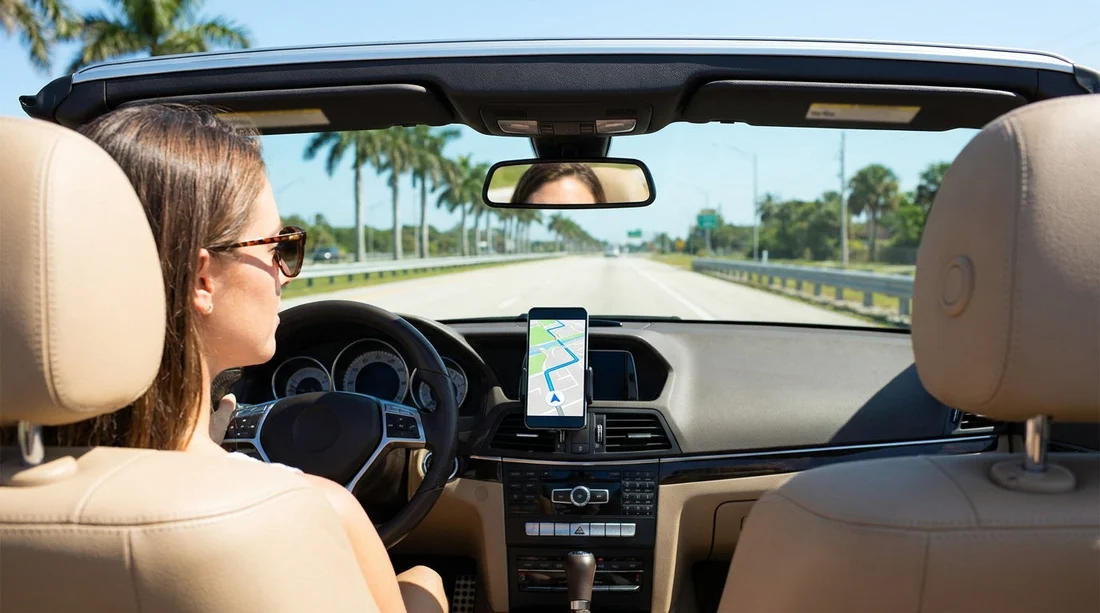
When you arrange car hire in Florida, it is tempting to skip a built-in sat nav and rely on your phone. For most travellers, a smartphone can handle day-to-day navigation very well, but only if you prepare for the two things that disrupt phone-based directions, coverage gaps and power drain.
This guide focuses on offline maps, mobile data and roaming, charging, and where signal can be unreliable, so you can decide what to set up before you collect your keys.
When a phone is usually enough in Florida
If you will mainly be driving around the bigger urban areas and tourist corridors, your phone is often sufficient. Orlando, Miami, Fort Lauderdale, and the surrounding suburbs generally have strong mobile coverage, and mapping apps handle lane guidance and real-time traffic well.
However, the experience depends on preparation. If you land, pick up your vehicle, and set off with no downloads, no charger, and no data plan confirmation, your phone becomes a single point of failure. For travellers collecting a car from Orlando Airport (MCO), having maps ready before you leave the car park makes a noticeable difference.
Offline maps, your best backup when signal drops
Offline maps are the simplest way to make phone navigation dependable. When your app has the map area saved, it can still show your position and calculate routes even with limited or no data.
Before pick-up, connect to Wi-Fi and download an offline area that covers where you will drive, not just your first destination. A practical approach is to save a wide region around your base plus any longer routes you already know you will take.
A few extra offline checks help in real-world conditions. Make sure your phone has enough storage for map downloads and that your mapping app is up to date. Switch your phone briefly into airplane mode at the hotel and test a route, so you know what will work without data.
Mobile data and roaming, avoid surprises
In Florida, map tiles, voice guidance, and traffic updates can use data steadily, and it adds up over a week of driving. If you are visiting from the UK or Europe, roaming packages range from affordable to expensive, and some networks throttle speeds after a threshold.
It can also help to reduce background data usage. Disable auto-updates over mobile data, stop cloud photo uploads while you are driving, and download playlists or podcasts over Wi-Fi. This keeps your plan focused on navigation and messages.
If you will be driving longer distances, stable data becomes more important. Travellers choosing larger vehicles like those described on SUV rental options in Florida often plan day trips outside the densest city areas, so it is worth treating your connectivity plan as part of trip preparation.
Charging, cables, and keeping navigation running
Navigation is one of the fastest ways to drain battery, especially when your screen stays on at high brightness. Add heat, background apps, and occasional poor signal, and battery percentage can drop quickly.
For car hire, assume you need a reliable in-car charging setup from the start. Bring a 12V car charger that supports fast charging and bring the right cable for your phone. A spare cable is sensible, and a small power bank is also useful for breaks.
Heat matters in Florida. Avoid leaving your phone on the dashboard in direct sun, as overheating can force the screen to dim and can pause charging. If your phone gets hot while navigating, place it near an air vent or in a shaded mount position.
Where signal gaps happen in Florida
Even with generally good coverage, Florida has predictable weak spots. Parking garages and airport structures often block signal, which can cause your map to lag just when you are trying to exit. Some beach areas and rural inland routes can have patchier coverage.
Another common issue is the first few minutes after picking up your car. You may be in a covered car park with limited reception, trying to start navigation while adjusting mirrors and reading signs. If your plans involve that area, you can compare pick-up locations such as Alamo car hire in Doral based on what suits your itinerary.
Sat nav vs phone, what you gain and what you risk
A built-in sat nav or dedicated unit can be convenient because it is designed for long drives and does not depend on your phone battery. On the other hand, phone navigation is often more current and can be better at rerouting around traffic.
Consider a sat nav if you know you will be driving through low-coverage areas for long periods, if multiple drivers will use the same directions without sharing phones, or if you want to keep your phone free for calls. Consider relying on your phone if you can download offline maps, have a stable data plan, and can charge reliably.
Prep checklist before you collect your car
Before your car hire pick-up time, take ten minutes to set yourself up. Download offline maps for your base area and any day trips. Confirm your roaming or US data plan and pack a fast car charger, the right cable, and a backup power bank.
If you will be collecting in South Florida, it can also help to familiarise yourself with the area around the pick-up point. If Fort Lauderdale is part of your plans, see practical location details for car rental at Fort Lauderdale (FLL) so you can anticipate the roads you will join first.
With those basics covered, your phone is very likely to be enough for navigating Florida confidently, without paying extra for sat nav.
FAQ
Can I navigate in Florida with no mobile data at all? Yes, if you download offline maps in advance. You will still get GPS positioning, but you may lose live traffic and incident updates.
Will my UK mobile plan work for navigation in Florida? Often yes, but costs and allowances vary. Check your roaming charges, data cap, and any speed limits, then use Wi-Fi for downloads where possible.
What should I bring to keep my phone charged during car hire? Bring a fast 12V car charger, your charging cable, and ideally a spare cable. A compact power bank is useful for stops and emergencies.
Where are signal problems most common? Parking garages, airport pick-up areas, and some rural or coastal stretches can cause dropouts. Offline maps reduce the impact of temporary weak signal.
Is a sat nav worth it if I am visiting multiple cities? It depends on your comfort level. If you have offline maps and reliable charging, your phone is usually enough, even for multi-city routes.





























































































