


Quick Summary:
- Zoomcar is app-based self-drive car hire, with ID checks and deposits.
- Pick a nearby vehicle, unlock it via the app, then start driving.
- Availability varies by country, the United States access is limited.
- In the US, traditional airport car hire often has broader coverage.
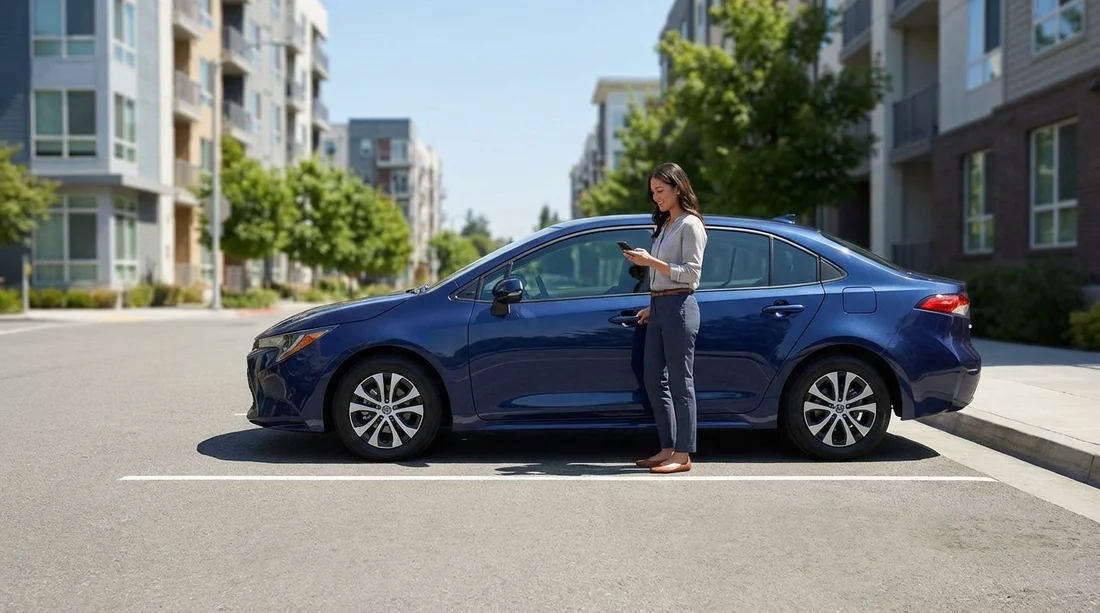
Zoomcar is best known for making car hire feel more like a tech product than a traditional rental counter experience. You browse vehicles in an app, complete verification, pay for a time window, then access the car with minimal face-to-face interaction. That model can be convenient, but it depends heavily on where you are, what inventory exists nearby, and how local rules around insurance and vehicle access are handled.
This article explains how Zoomcar generally works, what the typical end-to-end process looks like, and whether it is used in the United States. Because travellers often compare app-first platforms with conventional rentals, it also outlines practical differences you should know before choosing a car hire approach for a US trip.
What Zoomcar is, in simple terms
Zoomcar is a self-drive car hire platform that connects drivers with vehicles for short, fixed periods, commonly billed by the hour, day, week, or month depending on the market. In many places it operates like a managed fleet, where the company supplies cars and controls pricing and rules. In other contexts, the experience can resemble a marketplace model, where vehicles are distributed around neighbourhoods rather than concentrated at airport desks.
The value proposition is straightforward: reduce waiting, make pickup and return more flexible, and put most of the paperwork into digital flows. You typically do not stand at a counter to sign a stack of forms. Instead, you complete a digital agreement, confirm identity and licence details, and use the app as your key and trip manager.
How Zoomcar works step by step
While exact details vary by country and city, the typical Zoomcar journey follows a consistent pattern.
1) Create an account and complete verification. You start by registering in the app and submitting required documents. Most markets require a valid driving licence, identity document, and sometimes a selfie or additional checks. The platform may also ask for age confirmation and licence tenure, especially where under-25 driving restrictions or new-driver rules apply.
2) Search for a vehicle near you. You enter your pickup area and time window, then filter by car type, transmission, fuel policy, and price. Availability is the critical factor here. If there are few vehicles nearby, flexibility can drop quickly. In dense urban areas where inventory is high, the model feels much smoother.
3) Review pricing, deposits, and inclusions. App-based car hire pricing is usually quoted for a specific time slot. The quote may include a mileage allowance, late fees, cleaning fees, or fuel rules. Many platforms hold a refundable security deposit or pre-authorisation. Before confirming, look for what is included regarding insurance, roadside assistance, and damage responsibility.
4) Start the trip with a guided handover. At pickup time, you travel to the car’s location, then unlock it using the app or access instructions. Before you drive away, you are generally expected to inspect the car and record photos of existing damage. This step matters. With self-serve vehicles, your inspection photos are often your strongest evidence if a dispute arises later.
5) Drive, extend, or manage issues in-app. During the rental you can usually extend time (if the vehicle is not booked after you), message support, or report problems. Keep an eye on fuel level rules and toll policies. Also confirm whether cross-border travel, long-distance use, or parking in certain areas is restricted.
6) Return the car and end the booking. Return is typically to the same location or an approved parking zone. You lock the vehicle, confirm end-of-trip steps in the app, and upload closing photos. Deposits are then released subject to any claims or fees.
What you should check before relying on an app-first car hire
Even when the core workflow is smooth, the details determine whether self-serve car hire suits your trip. A few checks can save time and cost.
Licence and age rules: Confirm minimum age and required licence tenure. Some services are stricter than conventional rental brands, and some are more lenient, depending on the market.
Insurance and excess: Clarify what cover is included and what the excess is. With self-drive platforms, the claims process can be highly procedural, especially when damage reporting relies on uploaded photos.
Mileage and fuel: Hourly and daily rates can look attractive until mileage charges apply. If you plan day trips or longer drives, check whether unlimited mileage is offered or whether you will pay per mile or kilometre after an allowance.
Access and support: The convenience of app unlock is great when it works. If it fails, you will want responsive support. Consider your risk tolerance if you are arriving late at night, travelling with family, or heading to areas with weak mobile signal.
Is Zoomcar used in the United States?
Zoomcar is widely recognised in certain international markets, but in the United States its presence has been limited and not as broadly established as traditional car hire networks. Even where app-based rental concepts exist, availability tends to be patchy by city and can change over time due to fleet strategy, regulation, and insurance requirements.
For most travellers planning a typical US itinerary, especially one involving airports, long-distance driving, or multi-city routes, it is more reliable to plan around established rental providers and airport-based pickup locations. These networks generally offer predictable inventory, clearer insurance options for visitors, and standardised roadside assistance across states.
If you are specifically looking for car hire around major arrival points, airport-focused options can be easier to compare and often provide broader vehicle choice. For example, if your trip starts in Florida, it can help to review airport availability like car rental at Tampa Airport (TPA) so you understand what vehicle classes and rules are typical at a large US hub.
Why US travellers often choose traditional airport car hire instead
The United States is designed around driving, with long distances, interstate travel, and car-dependent suburbs. That reality puts a premium on predictable pickup, clear insurance, and a vehicle that can handle long days on the road. Traditional rentals tend to fit these needs better than neighbourhood-based self-serve models.
Wider geographic coverage: Airport networks usually serve more destinations, including smaller cities where app-based inventory may be minimal.
One-way and multi-city options: Many conventional rentals support one-way rentals, although fees may apply. That matters if you plan to land in one city and fly out of another.
Vehicle variety: Families and groups often need a larger vehicle, especially with luggage. It can be simpler to secure a people carrier at an airport location, such as minivan hire in Los Angeles (LAX), rather than hoping a suitable vehicle is parked nearby in a neighbourhood zone.
Counter support and established processes: If something goes wrong, an on-site desk can be reassuring, particularly for international visitors adjusting to US roads, tolls, and parking rules.
How app-based car hire compares with a standard rental
It helps to compare the two models in practical terms, so you can match the service to your trip.
Pickup experience: App-based services aim for self-serve pickup, while standard rentals often use counters or kiosks. The app route can save time, but only if the vehicle is exactly where it should be and app access works smoothly.
Pricing: Self-drive platforms can be competitive for short, local trips. Standard rentals may be more cost-effective for multi-day, high-mileage travel, especially when you factor in mileage allowances and vehicle class availability.
Insurance clarity: Traditional rentals in the US tend to present a familiar menu of protection products and clear state-specific insurance framing. With app-first models, coverage and claims steps can differ widely.
Vehicle condition and inspection: With self-serve car hire, your own inspection is central. With standard rentals, vehicles are usually turned over and checked by staff, though you should still inspect and photograph in both cases.
Practical tips if you are considering Zoomcar-style rentals
If you do find a self-drive option in your US destination, a few habits reduce risk.
Take comprehensive photos at pickup and return: Capture all sides, wheels, windscreen, interior, fuel gauge, and odometer if visible. Upload immediately if the app supports it.
Confirm parking and return rules in writing: Neighbourhood-based returns can be tricky in dense areas. Make sure you understand where you are allowed to park and how to prove you returned correctly.
Plan around connectivity: If the app is the key, you need mobile data. Consider downloading any trip details in advance and keep support contact steps handy inside the app.
Understand tolling: US toll roads are common, and some cities use cashless tolling. Check whether the car hire includes a toll device, how charges are billed, and whether you can opt out.
Choosing a reliable car hire setup for US airports
If your priority is dependable transport after a flight, start by matching the rental location to your route. Airport car hire tends to work well when you have luggage, are travelling with others, or expect to cover distance.
For example, travellers arriving in Texas often look at major hubs such as car rental at Dallas Fort Worth (DFW) to compare vehicle classes and understand what to expect for pickup logistics. Similarly, Southern California arrivals may compare airport options like car rental at Santa Ana (SNA) when planning routes around Orange County and nearby coastal areas.
No matter which model you use, you will get the best outcome by being precise about timing, mileage, and vehicle size. App-based rentals can be a good fit for short local errands or city-only trips, but for many visitors the simplest path is still an airport-based car hire with clear terms and a predictable handover process.
FAQ
How do you unlock and start a Zoomcar rental? In supported markets, you usually start from the app: confirm your booking, follow the pickup instructions, unlock the car digitally or via a provided method, then complete an inspection with photos before driving.
Does Zoomcar include insurance? It often includes some form of protection, but coverage, excess amounts, and claim steps vary by location. Always read the inclusions and exclusions for your specific booking before you drive.
Can international visitors use Zoomcar in the United States? Because Zoomcar availability in the United States is limited, many visitors will not find consistent access. Where similar services exist, eligibility can depend on licence type, verification rules, and insurance requirements.
Is app-based car hire cheaper than traditional car hire? It can be cheaper for short, local trips, especially if mileage is low. For longer journeys, traditional car hire may be better value once mileage, insurance options, and vehicle availability are considered.
What should I do before returning a self-serve rental car? Refuel if required, park only in the approved return area, take clear end-of-trip photos, and follow the in-app steps to lock and close the rental so the end time is recorded correctly.





























































































