


Quick Summary:
- Expect mixed USB‑C and USB‑A ports depending on vehicle age.
- Bring a USB‑C to USB‑C cable and a USB‑A backup.
- Pack a 12V car charger for reliable charging in any car.
- Ask at pick-up which ports support fast charging and CarPlay.
If you are collecting a car hire in Orlando and wondering whether you will get USB‑C for phone charging, the most accurate answer is, sometimes. US rental fleets are a blend of newer models with USB‑C ports and older or mid-cycle models that still rely on USB‑A and a 12V socket. Because you usually cannot guarantee the exact trim level at the counter, it is best to arrive prepared with a small, flexible charging kit.
This matters in Orlando in particular because many visitors use their phone for navigation between Orlando International Airport, theme parks, outlets, beaches and day trips. A dead battery can also affect app-based parking, hotel check-in messages, digital tickets and contactless payments. Planning your cables before you pick up the keys is the simplest way to avoid hassle.
If your collection is at the airport, the process and vehicle mix is similar across the major desks. Details for airport collections can be found on Hola Car Rentals pages like car rental Orlando MCO and car hire airport Orlando MCO, but the practical charging guidance below applies whichever supplier and desk you use.
What charging ports are common in US hire cars?
In Orlando, most car hire vehicles will give you at least one of these three ways to power a phone: USB‑A ports, USB‑C ports, or a 12V accessory socket (the old cigarette-lighter style). Which you get depends on model year, segment and whether the car has a modern infotainment system.
USB‑A: Still the most common. Many compact cars, saloons and older SUVs have one or two USB‑A ports near the infotainment screen or inside the centre console. These are widely compatible but often slower for modern phones, especially if the port is designed mainly for media playback rather than charging.
USB‑C: Increasingly common, especially on late-model vehicles and some higher trims. USB‑C is more likely to appear in newer SUVs and people carriers, and sometimes you will see multiple ports for front and rear passengers. Even when a USB‑C port is present, charging speed varies. Some ports are low-power data ports, others support higher wattage charging.
12V socket: Very common across all vehicle ages and segments. This socket is your safety net because you can plug in a dedicated car charger that delivers consistent power. In practice, a good 12V charger often charges faster than the car’s built-in USB ports.
How likely is USB‑C at Orlando pick-up?
USB‑C is now normal in many new cars in the US, but rental fleets turn over gradually. That means USB‑C availability at Orlando pick-up is variable. You might collect a recent model with USB‑C in the front and rear, or you might get a slightly older vehicle with USB‑A only.
Your odds of seeing USB‑C generally improve when you choose newer-feeling segments, for example a larger SUV. Visitors heading to the parks often prefer extra luggage space, and SUVs can sometimes offer more modern connectivity. For an overview of a popular segment, see SUV rental Disney Orlando MCO. However, even within a segment, trims can differ, so cables still matter.
Supplier does not guarantee port type either. Large suppliers run mixed fleets. If you are comparing desk options, pages such as Hertz car hire Orlando MCO can help with general pick-up expectations, but you should still assume port uncertainty until you see the car.
What cables and adaptors should you bring?
The easiest way to be ready for any Orlando car hire vehicle is to pack for all three power sources. This sounds like a lot, but it can fit into a small pouch.
1) USB‑C to USB‑C cable: Essential if your phone is USB‑C and the car has USB‑C ports. It is also useful if you use a USB‑C 12V car charger.
2) USB‑A to USB‑C cable: Critical as a backup because USB‑A is still common. If you have an iPhone with Lightning, bring USB‑A to Lightning as well.
3) A quality 12V car charger: This is the most reliable solution. Look for a charger that supports USB‑C Power Delivery (PD) and has at least one USB‑A port too. That way, it can handle almost any phone or passenger setup. If you travel as a family, a dual-port charger reduces arguments.
4) Optional, small adaptors: A USB‑C to USB‑A adaptor can rescue you when you have the wrong cable to match the port, but a dedicated cable is more robust. If you use a phone with wireless charging, you may prefer a magnetic mount charger, but ensure it can be powered by 12V rather than relying on the car’s built-in USB.
One practical tip, avoid very long, thin cables. In some vehicles the USB ports sit deep inside a console and a flimsy cable can work loose. A sturdy one-metre cable is often the most dependable.
CarPlay, Android Auto and which port to use
Some vehicles require a wired connection for Apple CarPlay or Android Auto, while others support wireless. The port that enables data connection is not always the same as the one that charges best. Occasionally, only one USB port is linked to the infotainment system for data, with additional ports being charge-only.
At pick-up, it is worth taking 30 seconds in the lot to identify:
Which port enables CarPlay or Android Auto (often marked with a phone or screen icon), and which port delivers useful power. If you need both data and fast charging, you may choose to connect your phone for data and charge a power bank, or charge the phone via 12V while using wireless CarPlay if available.
What to check before you drive away
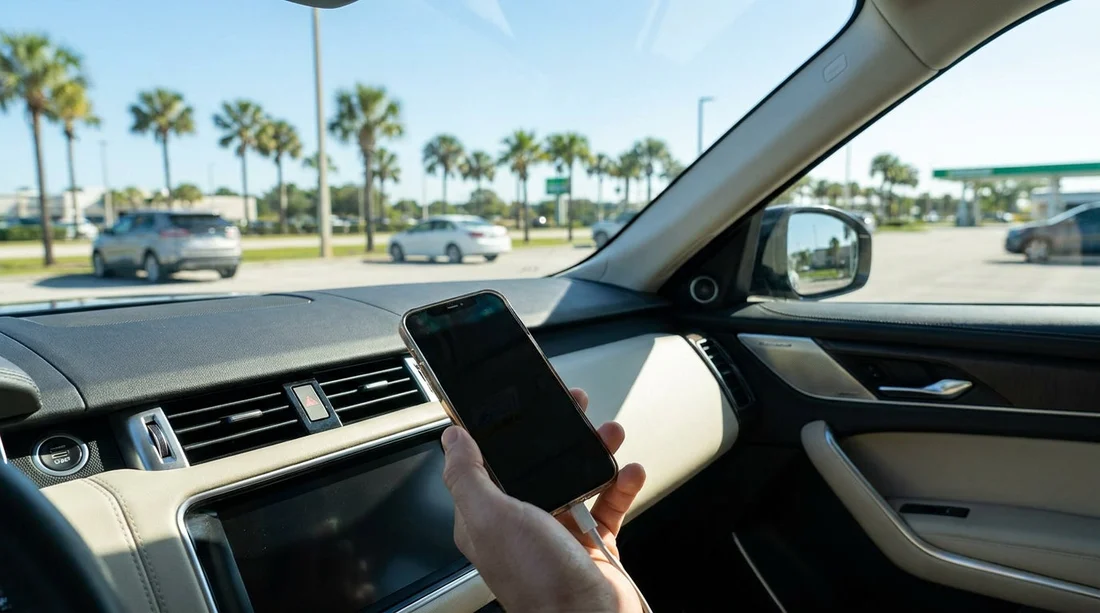
Before leaving the car hire area at Orlando MCO, do a quick connectivity check while you are still parked. Plug in your phone with the cable you expect to use, confirm the charging indicator appears, and confirm navigation audio works the way you want.
Also check the physical condition of the ports. High-use USB sockets can be loose. If a connector wiggles and cuts power, switch to another port or rely on your 12V charger. If the 12V socket is occupied by a fleet tracker or accessory in some vehicles, ask the staff for guidance or use another socket if available.
If you are collecting via an MCO-focused booking, you can review general airport collection guidance on car hire Orlando MCO, but the key takeaway is simple, test your setup in the car park, not later on the motorway.
FAQ
Do Orlando rental cars usually have USB‑C ports? Some do, especially newer models, but many still have USB‑A only. Assume mixed availability and bring cables for both.
If the car only has USB‑A, will my phone still charge? Yes, with the correct USB‑A cable, but it may be slower, particularly if you are using navigation. A 12V charger often improves speed.
Should I bring a 12V car charger for car hire in Orlando? Yes. A compact 12V charger with USB‑C PD and a USB‑A port is the most reliable way to charge in almost any hire car.
Will Apple CarPlay or Android Auto work through USB‑C? It depends on the vehicle. Some cars support wireless, others require a specific wired USB port for data. Test which port enables the connection before departing.
Can I request a car with USB‑C at the counter? You can ask, but specific ports are not always guaranteed because the exact vehicle and trim can vary. Preparing a small cable kit is more dependable.





























































































