


Quick Summary:
- A clear screenshot works if reference, name, dates and location are visible.
- Save the confirmation email offline as a PDF before you travel.
- Ensure driver name and cardholder details match to prevent extra checks.
- If signal fails at MCO, use Wi-Fi or a printed copy.
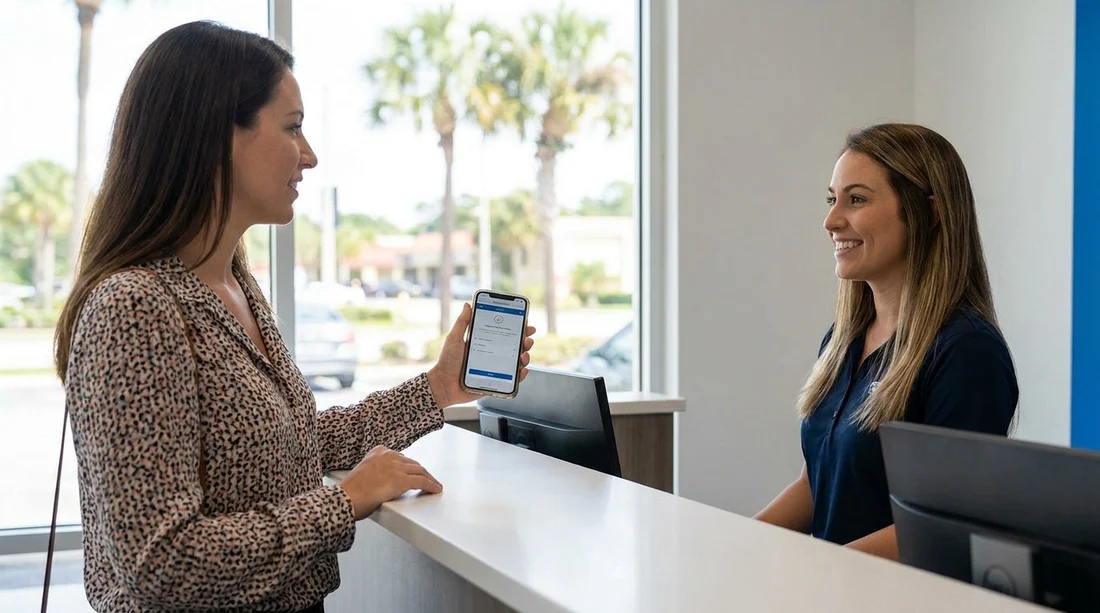
If you are picking up car hire in Orlando, a screenshot of your booking confirmation is often accepted at the counter. In practice, what matters is not the format but whether staff can quickly verify the reservation details against your identification and the supplier’s system. A screenshot can be enough when it clearly shows the booking reference, lead driver name, pick-up location, and dates, and when those details match what the agent sees on screen.
That said, relying on a single screenshot can still cause delays if it is cropped, blurry, out of date, or missing crucial information like the supplier name or vehicle category. Orlando International Airport (MCO) can be busy, and queue time can increase if the agent has to search manually for a reservation with incomplete details. Preparing a couple of offline proof options is the easiest way to keep your counter interaction quick.
If you are comparing pick-up options for Orlando airport, the Hola pages for car hire Orlando MCO and car rental Orlando MCO are useful for checking the location naming you should expect to see on confirmations. The naming matters because you want your proof to match the desk signage and the agent’s system labels.
What proof of booking is normally accepted at the Orlando counter?
Most suppliers at Orlando airport can locate your reservation using any of the following, as long as the details are consistent: your booking reference, your surname, or the email address used at checkout. Because of that, a screenshot can work, but only if it contains the information the agent actually needs to search and confirm.
A booking confirmation email shown on your phone, ideally available offline.
A PDF confirmation saved to your device, which is often clearer than a screenshot.
A printed confirmation page, helpful if your phone battery dies.
A screenshot of the confirmation page or email that includes all key details.
When you are collecting car hire, remember that the confirmation is only one part of what the desk checks. You will still need the documents and payment method required for the rental agreement. If those do not align, having a perfect screenshot will not prevent extra questions.
What your screenshot must show to avoid delays
To be useful, your screenshot should show enough information that an agent can find the booking in seconds, without having to ask you to open another screen. Before you fly, open the confirmation and take a full-page screenshot or multiple screenshots that cover these items.
Booking reference number, sometimes labelled reservation number or voucher number.
Lead driver name exactly as on the driving licence.
Pick-up and drop-off location, for example MCO or an Orlando off-airport site.
Pick-up and return dates and times, including the time zone if displayed.
Supplier/brand name, so you go to the correct counter.
Vehicle category, such as compact, SUV, or minivan.
Payment terms, especially whether it is pay now or pay at counter.
Will you need a printed voucher for car hire in Orlando?
In most Orlando car hire scenarios, a printed voucher is not required. Digital proof is standard, and staff are used to customers presenting confirmations on phones. However, printing can still be beneficial in a few situations.
No mobile signal or low battery. A printout is still readable when your phone is not.
Multiple drivers or separate payer. A printed copy helps everyone check details.
Complex bookings such as a larger people carrier, where inclusions matter.
If you are travelling with a larger group, you may find it helpful to know the vehicle class you reserved. The Hola page for minivan rental Disney Orlando MCO is a useful reference for the naming conventions commonly used for that category.
How to prepare if you have no signal at Orlando International Airport
Orlando airport is well set up, but connectivity can still be patchy when you land. To avoid delays, assume you will have no signal and prepare accordingly.
Save your confirmation as a PDF to your phone so it is available offline.
Take two screenshots: one with the reference and lead driver, and one with dates and location.
Store the details in your notes app as plain text: reference, supplier, dates, and location.
Use airport Wi-Fi if needed, but keep offline options in case sign-in takes time.
What else the counter will check besides your confirmation
A screenshot confirms you have a reservation, but it does not replace the standard requirements to start the rental agreement. Expect the agent to check your driving licence, passport, and a qualifying payment card for the deposit. If the driver name and cardholder details do not align with the booking, you can still face delays even with perfect proof.
Common screenshot mistakes that slow down pick-up
A few avoidable mistakes account for many counter delays. A cropped reference number, an unclear supplier name, or an old screenshot after changes can all slow the handover.
If you are using a specific supplier, the brand name on your confirmation should match the counter you approach. For example, the Hola pages for Enterprise car rental Orlando MCO and Enterprise car rental Disney Orlando MCO can help you sanity-check the naming so you do not waste time in the wrong queue.
FAQ
Can I collect car hire in Orlando with only a screenshot?
Often yes, provided the screenshot clearly shows the booking reference, lead driver name, location, and dates. If any key detail is missing, you may need to access the email or PDF confirmation.
What if my screenshot does not show the booking reference number?
Expect a delay. The agent may search by surname, but it can take longer, especially at peak times. Try to retrieve the reference from the confirmation email or saved PDF.
Does a screenshot replace my driving licence and payment card?
No. The screenshot only helps locate the reservation. You still need the required identification and a qualifying payment card for the deposit and rental agreement.
What is the best offline option if I have no signal at MCO?
A saved PDF confirmation is usually the most reliable, because it keeps all details in one file. Pair it with a screenshot of the reference number for quick access.
Will the counter accept a photo of my computer screen showing the confirmation?
Usually, as long as it is readable and contains the necessary details, but it is not ideal. A direct screenshot or downloaded PDF is clearer and less likely to cause confusion.





























































































