


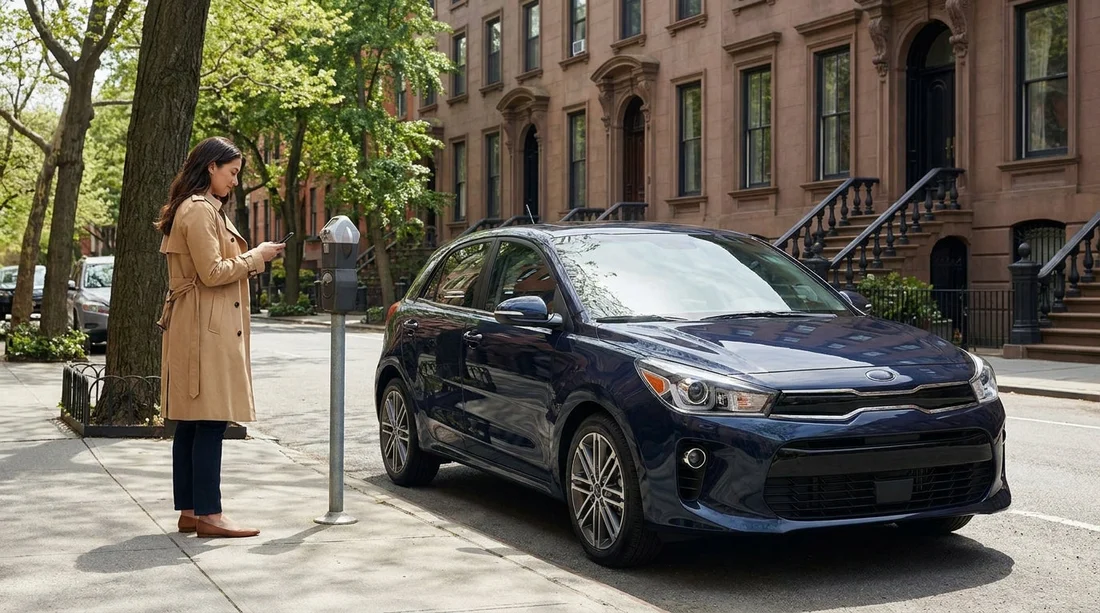
Quick Summary:
- Install a NYC parking app, add a card, and enable notifications.
- Set up navigation with offline maps, favourites, and audio guidance.
- Review toll handling, prepare notes, and organise receipts for later.
- Save rental documents, then add the licence plate at pick-up.
Picking up a car hire in New York is easier when your phone is ready for the city’s daily realities: kerbside meters that expect app payments, bridges and tunnels with cashless tolling, and traffic that changes by the minute. A small amount of set-up before you collect the keys can save time at the kerb, reduce missed notifications, and help you keep track of parking costs and tolls for your trip.
If you are collecting from an airport location, you can sort most of this while on Wi-Fi. For example, travellers arriving via Newark often arrange their rental through car rental at Newark Airport (EWR), while JFK pick-ups are commonly handled via car hire at New York JFK. Whichever location you use, the app preparation is largely the same.
1) Parking apps: what to install and what to set up
In New York City, on-street parking and many municipal meters are increasingly managed through mobile parking payments. Private garages may also use app-based reservations or contactless checkout. You do not need every app on the market, but you do want at least one widely accepted parking payment app installed and working before you start driving.
Payment method: Add a debit or credit card, confirm billing address, and complete any verification steps. Some apps place a small authorisation hold, so it is better to discover issues before you are standing by a meter.
Location permissions: Allow location access while using the app so it can show nearby zones and garages. Also allow notifications so you receive “session expiring” alerts and receipts.
Profile details: Add your name and email, then check that receipts are emailed automatically. Receipts are helpful if you need to track expenses or dispute a charge.
Vehicle details: Most parking apps ask for a licence plate. With car hire, you may not know the plate until pick-up. Create the account now, then add the plate and state once you have the vehicle.
Zone entry practice: Parking apps often require a zone number from a sign or meter sticker. Open the app once and find where the “start parking” button is, how to enter a zone, and how to extend time.
2) Navigation apps: configure them for NYC driving and parking
Navigation is not just about reaching a destination in New York. It helps you avoid restricted turns, understand lane choices, and arrive ready to park. A good set-up reduces last-second swerves and missed garage entrances.
Download offline maps: Coverage in tunnel approaches, underground garages, or dense areas can be inconsistent. Download an offline area for NYC and nearby New Jersey if your app supports it.
Preferred route options: Decide whether to avoid tolls, motorways, or ferries. Many visitors prefer to keep toll routes enabled for realism, then manage charges through the rental’s toll policy.
Home and favourites: Save your hotel, key attractions, and your planned return location. If you are returning to Newark-area locations, having the route saved can reduce stress, especially for early flights. Some travellers also compare providers for airport returns, such as National at Newark EWR, then set that address as a favourite.
Parking search settings: Many mapping apps can show “parking nearby” and, in some cases, live garage pricing. Turn on that feature and try a quick search now, so you know where it appears in the interface.
3) Tolls and crossings: be ready for cashless tolling
New York City area tolling is largely cashless, and many crossings use E-ZPass or bill-by-mail methods. With car hire, you usually have two practical jobs: understand how the rental company handles tolls, and keep good records in case you need to reconcile charges later.
Read your rental’s toll policy: Some rentals include a toll transponder option, others bill tolls to the plate and then add administrative fees. Know whether you should opt in, opt out, or do nothing.
Create a notes template: Make a note on your phone titled “NY tolls and parking” and be ready to log the date, time, crossing, and estimated cost. This helps if charges post later.
Save email folders and receipts: Set a mail rule or folder to keep toll and parking receipts together. The NYC area can post toll charges after your trip, and organisation makes it easier to verify.
If you are driving between New York and New Jersey often, toll costs can add up quickly. People collecting in New Jersey may compare options such as Budget car rental in New Jersey (EWR) depending on route plans and return logistics.
4) Accounts and details to have ready before pick-up
The biggest time-saver is entering information that does not depend on the specific vehicle. Then, at pick-up, you only need to add the licence plate and perhaps a transponder number if your rental provides one.
Identity and verification: Some apps ask for phone verification via SMS. Ensure your number can receive texts in the US.
Auto-fill and password manager: Use a password manager so you can log into parking and navigation apps quickly. This reduces errors when you are in a hurry.
Travel and rental documents: Save your rental confirmation, insurance documents, and roadside assistance number in an offline-accessible place on your phone. Taking screenshots can help when reception is weak.
5) At the counter: the three pieces of info to add immediately
Once you collect your car hire in New York, do a two-minute “digital handover” before you drive away. You are aiming to make parking payments accurate and defensible.
Licence plate: Enter the plate into your parking app(s) exactly as printed, including any letters that look like numbers. Select the correct state.
Vehicle colour and model notes: Some garage reservation systems ask you to confirm vehicle details. It also helps you find the car again in large lots.
Pick-up location and return plan: Save the return address as a favourite in your navigation app. If you are travelling with a larger group and using a people carrier, you may have arranged a van rental at New York JFK, so having the return route saved early can reduce end-of-trip stress.
FAQ
Do I need the licence plate to set up a parking app for car hire in New York? No. Create the account and add payment first, then add the plate right after pick-up so sessions match the rental car.
Will a parking app keep me safe from tickets in New York? It helps you pay correctly, but it cannot override street signs, time limits, or alternate-side rules. Always follow the posted regulations.
How do tolls usually work with a rental car in the New York area? Most crossings are cashless. Your rental may provide a transponder option or bill tolls to the plate, sometimes with added administrative fees.
Should I set navigation apps to avoid tolls in New York? Only if you are happy with longer routes. Many drivers keep tolls enabled for realistic journey times, then track charges using receipts and notes.
What should I do first after collecting the car? Add the licence plate to your parking app, save the return location in navigation, and confirm notifications are enabled for parking expiry alerts.































































































