


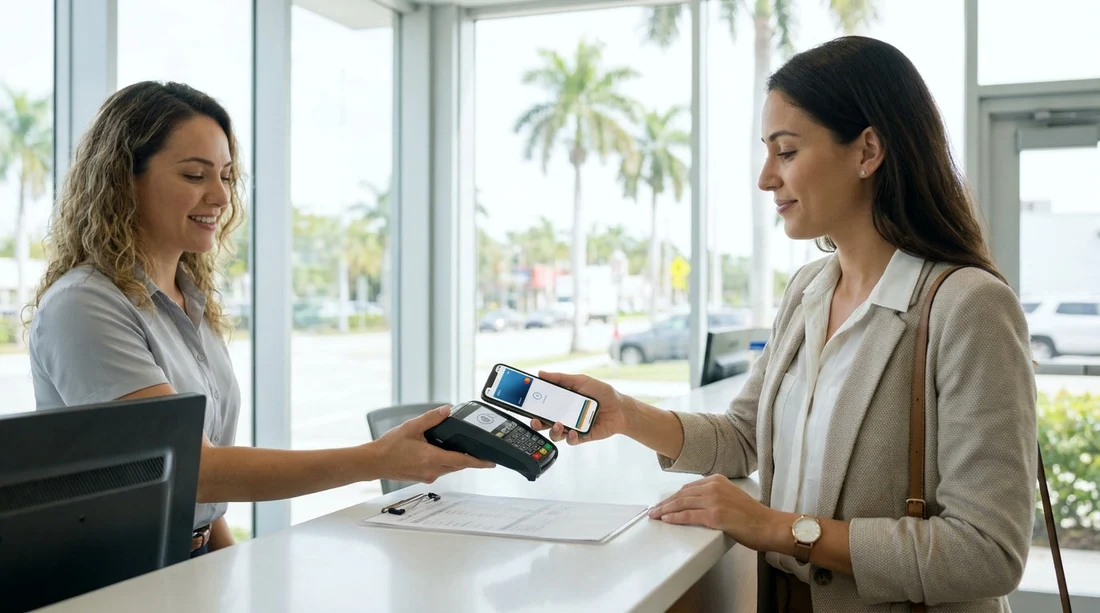
Quick Summary:
- Hola accepts a physical credit card only for payment at pick-up.
- Apple Pay and Google Pay are not accepted at the Miami counter.
- Bring the card used to reserve to avoid verification delays.
- If you planned mobile wallet payment, arrange a physical card beforehand.
If you are planning car hire in Miami, it is sensible to confirm payment rules before you travel. A common question is whether you can use a mobile wallet such as Apple Pay or Google Pay when you arrive at the pick-up desk. The practical answer is no, Hola requires a physical credit card for payment at pick-up. That single detail can make the difference between a smooth collection and an unexpected delay.
This guide explains what is accepted, why a physical card matters operationally, and what to do if you intended to pay by phone or smartwatch. While mobile wallets are widely used in shops and restaurants, car rental payment and deposit processes often follow stricter verification steps, particularly at airport and downtown locations.
Does Hola accept Apple Pay or Google Pay at pick-up in Miami?
For car hire pick-up in Miami, Hola accepts credit card only at the counter. Apple Pay and Google Pay are not accepted for the pick-up payment step. In practice, that means you should not rely on tapping your phone, presenting a digital card number, or using an in-app wallet as your primary payment method when you collect the vehicle.
This policy is most important at the moment you arrive to collect your car, because the rental desk needs to take payment and, where applicable, secure a deposit. Mobile wallets can obscure or tokenise card details, and that can prevent staff from completing the checks required to release the vehicle.
If your plans involve collecting in central areas, you can review local collection context through Hola’s Miami pages such as car rental in Downtown Miami and broader regional information on car rental in Florida.
Why a physical credit card helps avoid delays
A physical credit card is not just about paying, it supports the verification process that sits behind most car hire agreements. At pick-up, staff typically need to confirm that the card:
Matches the main driver’s details, including name and, in some cases, signature. If the renter cannot present the card, the desk may need additional checks or may be unable to proceed.
Can be processed for a deposit or pre-authorisation. Many rental systems rely on a pre-authorisation hold. With mobile wallets, the tokenised card number may not match the number used in the authorisation workflow, which can cause declines or manual intervention.
Is present for fraud prevention. Physical possession of the card reduces the risk of chargeback disputes and supports standard card-present transaction rules.
Works with the payment terminal setup. Even when a terminal supports contactless, rental desks may be configured for chip-and-PIN, card insert, or card swipe workflows due to deposit handling and reconciliation requirements.
The result is straightforward: bringing the correct physical credit card reduces the chances of having to pause the transaction, change driver details, contact your bank, or adjust the rental agreement at the counter.
What “credit card only” means for car hire at pick-up
When Hola says credit card only at pick-up in Miami, it means you should arrive with a physical credit card that can be used for the rental charges and any required deposit. A debit card, prepaid card, or mobile wallet may not meet the conditions at the desk.
It is also important that the card is in good condition and works for in-person transactions. If your card is close to expiry, has a damaged chip, or is frequently blocked for overseas use, you could face avoidable complications during pick-up.
If you are choosing between providers or vehicle categories, it can help to understand the location and fleet context. For example, Hola’s brand pages for Miami, such as Alamo car hire in Miami and Avis car hire in Downtown Miami, can give you a clearer picture of where you are collecting and what to expect at the counter.
If you planned to pay with Apple Pay or Google Pay, what should you do?
If your plan was to use Apple Pay or Google Pay for your car hire payment at pick-up in Miami, the safest approach is to switch to a physical credit card strategy before you fly. The goal is to ensure you can complete payment and any deposit requirements without relying on a wallet token.
1) Bring a physical credit card in the main driver’s name
Make sure the person named as the main driver has the physical card. If you are travelling as a couple or group, avoid assuming that someone else’s card can simply be used, the rental agreement is tied to the lead driver’s credentials.
2) Confirm your card is enabled for US and in-person transactions
Many UK and EU travellers use app-based banking and may not often use chip-and-PIN abroad. Before departure, check that international card-present payments are allowed and that any travel notices or security settings are correctly configured.
3) Avoid relying on a single payment method
Carry a back-up physical credit card if possible. Mobile wallets are convenient for day-to-day spending in Miami, but they should be treated as a secondary option for incidentals, not the key tool for pick-up.
4) If you only have a mobile wallet, plan a workaround early
If you do not have access to a physical credit card, consider arranging one with your bank in advance of travel, or adding an eligible cardholder who can be the main driver and present the physical card at pick-up. Trying to solve this at the desk is where time is typically lost.
Common misunderstandings about mobile wallets and car hire
It is easy to assume that because Apple Pay and Google Pay work for hotels, supermarkets, and public transport, they will also work for car hire deposits and counter payments. The difference is that car rental involves a higher-risk transaction type and often a pre-authorisation hold.
Another misunderstanding is that showing the card inside your Apple Wallet proves ownership. In most rental counter workflows, staff need the physical card because the terminal and agreement processes are designed around card-present verification. Tokenised numbers and device-based authentication do not always map neatly onto those systems.
Finally, travellers sometimes assume that if the reservation was made online, pick-up payment will be flexible. In reality, pick-up is the key compliance checkpoint. The desk needs to validate who is taking the vehicle and that the payment method meets the rental conditions.
Practical pick-up tips in Miami to keep things moving
Miami can be busy, and queues can build quickly at peak hours. Having the right payment method ready helps, but there are a few other simple steps that support a smooth car hire handover.
Arrive with your documents organised. Keep your driving licence, passport, and credit card together so the agent can complete checks quickly.
Use the same lead driver details throughout. Changing the main driver at the counter can trigger additional validation steps, especially if the payment card does not align with the agreement.
Know your pick-up area. Downtown and airport-adjacent locations can have different footfall patterns. If you are collecting near Brickell, reviewing Hola’s location overview at car hire Airport Brickell can help you plan timing and expectations.
Keep mobile wallets for fuel and day-to-day spending. Apple Pay and Google Pay can still be useful once you have the vehicle, just do not make them your plan for the counter transaction.
FAQ
Can I pay for my car hire in Miami with Apple Pay at pick-up? No. Hola requires a physical credit card at pick-up, so Apple Pay is not accepted for the counter payment step.
Is Google Pay accepted for the deposit or pre-authorisation? No. Deposits and pre-authorisations need a physical credit card, and Google Pay is not accepted for that requirement at pick-up.
What happens if I arrive with only a mobile wallet? You may not be able to complete the pick-up payment process, which can cause delays or prevent vehicle release until an eligible physical credit card is provided.
Does “credit card only” mean debit cards will not work? At pick-up, the requirement is a physical credit card. Debit cards and prepaid cards may not meet the conditions needed for payment and any deposit.
What is the simplest way to avoid issues at the Miami counter? Bring a physical credit card in the main driver’s name, ensure it is enabled for US in-person use, and keep it ready with your ID documents.































































































