


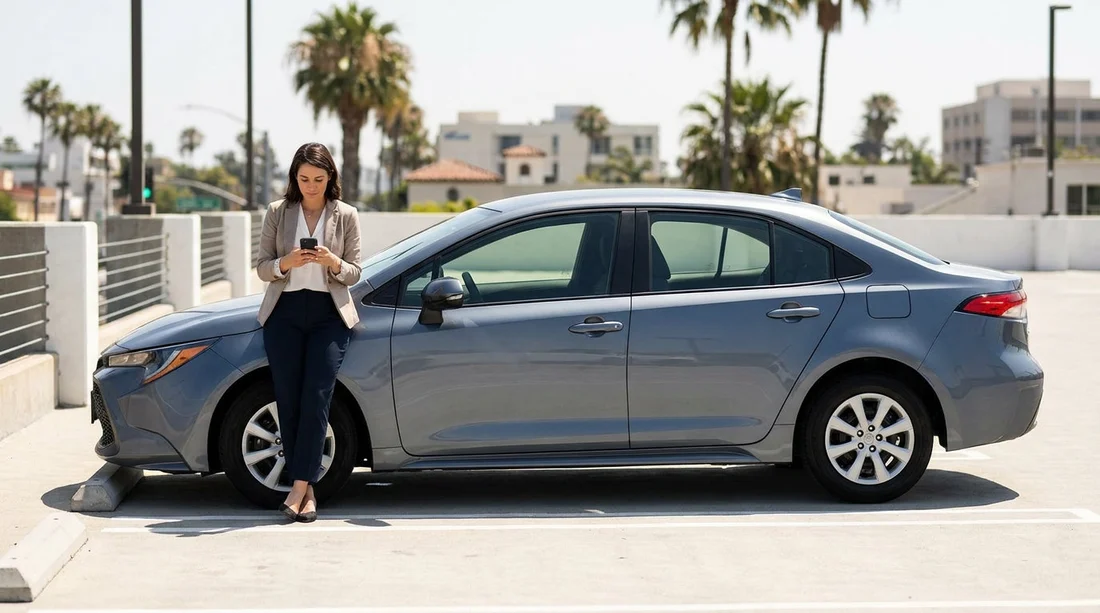
Quick Summary:
- Install ParkMobile, PayByPhone, and Passport, as LA areas vary.
- Add a payment card, verify SMS, and enable Face ID login.
- Save your licence plate, vehicle colour, and rental agreement photo.
- Turn on expiry notifications, and check transaction fees before paying.
Picking up a car hire in Los Angeles is exciting, but the first real test is often parking. LA parking rules can change street by street, and many meters now rely on mobile payments rather than coins or card taps. If you land, collect your keys, and then start downloading apps at the kerb with low signal, you can waste time and risk a ticket.
This checklist focuses on what to download and set up before pick-up, so you can park smoothly whether you are visiting beaches, museums, studios, or neighbourhood restaurants. If your trip starts at the airport, you might also be comparing options like car hire Los Angeles LAX or a larger vehicle via van hire Los Angeles LAX, and either way the parking prep is the same.
Why LA parking apps matter for car hire
LA drivers commonly use app-based payments for on-street meters and some council-run lots. Private garages may still take card at the barrier, but apps are very common around busy districts where kerb space is limited. The benefits for a rental car are practical, you can extend time remotely, you get expiry reminders, and you can keep digital receipts for expenses.
The main complication is coverage, one app will not work everywhere. Different cities within the greater Los Angeles area, and sometimes different meter vendors within the same city, use different providers. That is why most visitors are best served by installing a small set of widely used apps in advance.
The core apps to download before you collect the keys
ParkMobile is one of the most widespread in the US and appears frequently on street signage and meter stickers. You typically enter a zone number from the sign, choose your duration, and pay in-app. For car hire, the key advantage is speed, once your plate and card are saved, payment is a few taps.
PayByPhone is another common option and is popular in many US cities. It works similarly, with a location or zone code, your vehicle plate, and a duration. PayByPhone is worth having because you will often see it where ParkMobile is not supported, and vice versa.
Passport Parking is used by a range of municipalities and lots. The tell is usually the word “Passport” and a zone number on nearby signage. It is a good third app because it fills in gaps, especially if your itinerary includes multiple neighbourhoods and you do not want to hunt for a compatible meter.
SpotHero is best for planning ahead rather than feeding meters. It is a parking marketplace for garages and lots where you can compare prices and reserve a space. It can be handy near event venues where drive-up rates surge.
Pre-pick-up setup checklist (do this at home or on hotel Wi‑Fi)
1) Create accounts and verify your number. These apps may request SMS verification. Completing this before you are stood beside the car saves time and avoids issues if your UK number roams slowly.
2) Add a payment method you will actually use. Most travellers do best with a credit card for deposits and authorisations, but for parking apps, either credit or debit can work. Add your card, confirm the billing address, and complete any bank verification prompts. If your phone supports Apple Pay or Google Pay, enabling it can reduce friction, but keep a physical card as backup for garages.
3) Turn on notifications for session expiry. Expiry alerts are the feature that most reduces tickets. In each app, allow notifications and check that they are not silenced. If you use Focus modes, make sure parking alerts can still come through.
4) Enable biometric login. Face ID or fingerprint unlock saves time at the kerb and reduces password resets. It is a small setup step that pays off repeatedly.
5) Decide how you want receipts. If you will claim expenses, ensure receipts are emailed to you, and consider using a dedicated travel email folder. Also check whether the app shows a running history with time, location, and amount, as this is often enough for simple expense claims.
6) Check the fine print for convenience fees. Some app payments include a small service fee. It is not usually huge, but knowing it exists prevents surprises when you compare meter rates to your final charge.
What to do at pick-up when you do not yet know your plate
Many people want to set up parking apps fully before car hire pick-up, but you cannot enter the number plate until you have the vehicle. The workaround is simple.
Create the account and add payment first, then add the vehicle at the desk or in the car park. Once you are handed the keys, take a quick photo of the plate, plus a photo of the windscreen area if it helps you remember the state registration. Add the plate in the app immediately, double-check characters like O and 0, and save it as your default vehicle.
If you are comparing providers for your airport arrival, you may see brand options such as Avis car hire Los Angeles LAX, National car rental California LAX, or Hertz car hire Los Angeles LAX. Regardless of company, the parking app workflow is the same, add plate, start session, and keep an eye on limits.
How to read LA parking signs so the apps actually help
A parking app cannot override a restriction. Before you pay, scan the nearest signs for time limits, street cleaning days, permit-only windows, and loading zones. In many LA areas, the highest risk is paying the meter but missing a separate sign that changes the rules at certain hours.
When you start a session, make sure the zone number matches the sign by your exact bay. In busy streets, the next zone can be just a few spaces away. If you enter the wrong zone, you may pay successfully but still be ticketed.
Also watch for maximum stay rules. Some meters limit the total time you can remain, even if the app allows you to top up. If there is a posted maximum, treat it as final.
Battery, signal, and practical safeguards
Parking apps are only helpful if your phone works at the moment you need it. Bring a car charger, keep a spare cable, and consider a small power bank for walking-heavy days. If you are low on signal, you can sometimes step closer to the street entrance of a garage to complete payment, or use SMS-based options if offered, but that is exactly why pre-setup is important.
Finally, keep a simple fallback plan. Carry one card that you know works internationally, and keep some cash for rare pay stations that do not accept contactless. Most of the time you will not need it, but it prevents the worst-case scenario of circling while tired and jet-lagged.
FAQ
Do I need multiple parking apps for car hire in Los Angeles? Yes, it is common to need more than one. ParkMobile, PayByPhone, and Passport cover many areas, but no single app works everywhere.
Can I set up the apps before I know my rental car number plate? Yes. Create the accounts, add your payment method, and enable notifications first. Then add the plate immediately after pick-up.
Will paying in an app protect me from a parking ticket? Only if you follow the signs. Apps handle payment, but they do not override time limits, permit restrictions, or street cleaning rules.
What payment method works best for parking apps in the US? A credit card is often simplest, but debit cards can work too. Add one primary card, enable wallet pay if you prefer, and keep a physical card as backup.
What should I do if the app will not start a session due to low signal? Move a few metres to regain reception, try another installed app if the zone supports it, or use a nearby pay station or garage payment terminal if available.






























































































