


Quick Summary:
- Enter the exact plate shown on the car, not the VIN.
- If temporary tags exist, use the temp plate number, plus state.
- Screenshot the paid session screen and keep the emailed receipt.
- Photograph front and rear plates at pickup to dispute tickets.
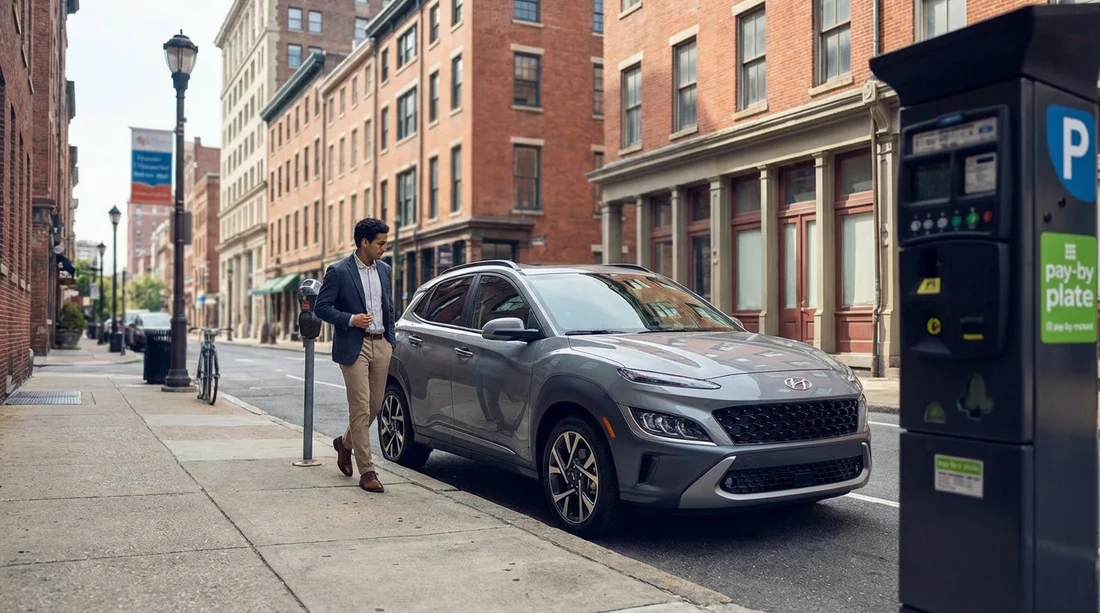
Philadelphia has moved heavily towards pay-by-plate parking, where you enter a vehicle registration number instead of printing a paper ticket. When you are using a rental, this can feel straightforward until you notice temporary tags, dealer-style paper plates, or a plate that does not match what your confirmation email shows. This guide explains what registration number to enter for Pennsylvania car hire in Philadelphia, how to handle non-standard plates, and the proof to keep so you can avoid a ticket, a penalty notice, or a double charge.
If you are collecting from the airport, you will often start parking in Centre City or around museums quickly after arrival, so it helps to confirm the plate details at pickup. For travellers comparing pickup points, Hola Car Rentals pages for car rental at Philadelphia Airport (PHL) and car rental in Philadelphia give you an overview of rental options and suppliers, but the pay-by-plate steps below apply regardless of who you rent from.
How Philadelphia pay-by-plate works, in plain terms
In pay-by-plate zones, the meter or app records your payment against a licence plate number and a parking location. Enforcement checks your plate electronically. There is no physical receipt on the dashboard that an officer needs to see, so entering the correct plate is essential. If you enter the wrong plate, you can pay successfully and still receive a ticket because the system does not see a valid session tied to your vehicle.
Most mistakes happen when drivers confuse “plate number” with other identifiers. Your rental agreement will show several numbers, including the vehicle identification number (VIN), the rental contract number, and sometimes an internal fleet unit number. Pay-by-plate wants the licence plate, as displayed on the vehicle. In Philadelphia, that means the characters printed on the metal plate or on the temporary tag that functions as the vehicle’s current registration display.
What registration number should you enter for a rental car?
Use the exact licence plate number currently mounted or displayed on the vehicle, and enter it exactly as shown. That sounds obvious, but it matters because rentals can have plate swaps between reservations, or a car can be re-tagged with a temporary plate while permanent plates are processed.
Before you drive away, take 30 seconds to confirm:
1) Check the physical plate or tag on the vehicle. Look at both the rear and front. Some states issue only a rear plate, but many vehicles will still carry a front plate bracket, or a dealer plate frame, which can confuse the eye. You want the registration characters on the official plate or temporary tag.
2) Check the rental agreement plate field. Many agreements list the plate. If it differs from the plate on the vehicle, trust the physical plate for pay-by-plate purposes, then ask the counter or exit booth staff to correct the contract so your paperwork matches.
3) Decide which characters are part of the plate. Ignore slogans, state mottos, and county names. Only enter letters and numbers that form the registration identifier. If the meter asks for state as well, select the state shown on the plate or temporary tag.
Temporary tags and paper plates, what to enter in Philadelphia
Temporary tags are common on newer fleet vehicles and on cars that have been moved between states. They can be displayed in a rear window, on a paper plate holder, or in a protective sleeve. The key rule is consistent: if the temporary tag is what enforcement will read, that is what you should enter.
If the car has a paper temporary plate in the rear window: Enter the temporary plate number exactly as printed, including any leading zeros. Do not use the VIN. If the system asks for a state, choose the state printed on the temp tag, which may not be Pennsylvania.
If the car has a metal plate plus a temporary paper tag: Use the plate that is actually mounted for identification. In most cases, if a metal plate is installed, that is what will be used for enforcement. The paper tag might be leftover paperwork, not the active identifier. If you are unsure, photograph both and ask the rental desk to clarify which plate is active.
If the plate looks “non-standard” (fleet, specialty, out-of-state): Still enter it. Pay-by-plate systems are designed to accept out-of-state plates, but you must select the correct state when prompted. If a kiosk does not offer the state, use a parking app that does, or park where the meter accepts your state selection.
Common entry mistakes that trigger tickets or double charges
These are the patterns that most often lead to enforcement issues for drivers on car hire in Philadelphia:
Mixing up 0 and O, 1 and I. Some plate fonts make these look similar. Compare characters carefully on the plate itself, not just from memory.
Dropping a hyphen or space incorrectly. Many systems ignore punctuation, but some ask for “plate number only”. Enter letters and numbers with no spaces unless the interface forces spacing. Consistency matters more than style, so match the system input rules and keep a screenshot.
Selecting the wrong state. If you have an out-of-state plate and choose Pennsylvania, enforcement may not match it correctly. Always choose the state printed on the plate or tag.
Entering the rental agreement plate when the car was swapped. Sometimes your contract prints a plate that belonged to the originally assigned car, but you were moved to another vehicle. Pay-by-plate will follow the plate on the car you parked, not what is on the paperwork.
Paying twice when extending a session. If you start a new session with a different plate entry (for example you correct a typo), you can end up with overlapping payments. It is not always refundable automatically. Keep proof of what you entered each time.
Exactly what screenshots and receipts to keep
To protect yourself from both a ticket and a billing dispute, keep evidence that links four things together: location, time, plate entered, and payment confirmation. Do this whether you use a kiosk or an app.
At the car, before you park: Take a clear photo of the rear plate or temporary tag. If there is a front plate, photograph that too. Make sure the image shows the characters sharply. If it is a rear-window temporary tag, photograph it straight on to avoid glare.
At the meter or in the app, after paying: Screenshot the final confirmation screen that shows the plate number you entered and the session end time. If the screen shows the zone number or block identifier, capture that as well.
Receipt backup: If the meter prints a receipt, keep it until after your trip. If the app emails a receipt, save it offline or star it so it is searchable. If possible, also screenshot the receipt in the app history, because email deliverability can be inconsistent when travelling.
One extra tip that helps disputes: Screenshot your phone’s time and location settings page if your device has been changing time zones automatically, as it can support your timeline if a ticket is issued incorrectly.
Step-by-step: parking with a rental that has temporary tags
When you pull up to a pay-by-plate meter or open a parking app, use this routine.
1) Identify the active plate. Look for what an enforcement officer would record, typically the rear plate or rear-window temp tag.
2) Enter the plate carefully. Type each character while looking at the plate, not from memory. Pay attention to leading zeros.
3) Select the correct state. If the tag says New Jersey, Delaware, or another state, choose that state.
4) Confirm zone and time. Ensure the zone matches the street signage and that you paid for enough time for your plans.
5) Save proof immediately. Take the confirmation screenshot before walking away. Do not assume you can pull it up later if your phone loses signal.
What if the pay-by-plate system rejects your plate?
Occasionally a kiosk or app will not accept a temporary tag format, or it may not recognise a state choice. If that happens, you have a few options that reduce risk.
Try another payment method. If you used a kiosk, try the official app, or vice versa. Some apps are better at unusual plate formats.
Re-check the characters. Many “rejections” are simple typos. Verify each character, especially if the tag uses a font that compresses letters.
Change parking location. If the zone equipment is outdated, move to a nearby block with a different kiosk. It is better to relocate than to guess a plate or skip payment.
Document the issue. Take a photo of the meter screen showing the error and a photo of the posted instructions. If you must move, this evidence helps show you attempted to pay.
How to handle a ticket when you paid correctly
If you receive a citation despite paying, the evidence you collected is what makes your case. Start by checking whether the plate on the ticket matches the plate on your car. If the ticket shows a similar plate, you may have been misread, especially with temporary tags behind glass.
Next, compare the citation time and location to your session receipt. If your proof shows you paid for that zone and time, keep all originals and share copies only. Rentals add another layer, because the rental company may receive notices later by mail. Keeping your own proof makes it easier to show you paid and to avoid administrative fees or duplicate payments.
If you rented through a major supplier, it can help to know which company will process any mailed notice. Hola Car Rentals pages like Avis car hire in Philadelphia and Hertz car rental in Philadelphia can be useful references when reviewing supplier terms and how parking or toll notices are handled.
Preventing double charges: apps, extensions, and plate changes
Double charges happen in three main ways: you start a second session instead of extending the first, you pay in two different systems (meter plus app), or you accidentally change the plate entry when trying to correct something.
To prevent this, use one method consistently for the same parking event. If you start with an app, extend within that app. If you start at a kiosk, extend at the same kiosk or follow the posted instructions for adding time. Before you confirm an extension, verify the plate field has not auto-corrected or reverted. Some phones remember old plates, which can cause you to pay for a previous rental’s registration number.
If you swap cars mid-trip, which can happen after a mechanical issue, do not reuse your saved plate profile without updating it. The new vehicle may have a different state plate or a temporary tag. Build a habit: new keys, new plate photos, new parking profile.
Philadelphia parking habits that make pay-by-plate easier
Park, then photograph. After you are within the marked bay, take the plate photo before you even open the app.
Use a dedicated album. Create a “Rental car” photo album so plate pictures and receipts are easy to find.
Keep the rental agreement handy. If an officer or attendant queries your plate, you can show your contract and your payment confirmation quickly, without debating what the registration should be.
Allow extra time in busy areas. Around event venues and in peak hours, rushing is how plate typos happen. A careful entry beats a fast entry.
If you need a larger vehicle for luggage or group travel, the same plate-entry rules apply to all vehicle types, including rentals arranged via SUV hire in Philadelphia.
FAQ
Q: Should I enter the licence plate from my rental agreement or from the car? Enter the plate displayed on the vehicle you parked. If the agreement differs, ask the rental company to correct the contract.
Q: My rental has a temporary tag in the rear window, what registration do I use? Use the temporary tag number exactly as printed, and select the state shown on the tag if prompted.
Q: What proof should I keep in case I get a ticket? Photograph the plate or temporary tag, screenshot the payment confirmation showing plate and end time, and save the receipt email or in-app receipt.
Q: The kiosk will not accept my temporary plate format, what should I do? Re-check characters, try the official app or another nearby kiosk, and document the error screen before relocating to pay correctly.
Q: Can I be charged twice if I extend parking? Yes, if you start a new session or change plate details. Extend within the same system and verify the plate field before confirming.






























































































