


Quick Summary:
- Follow Ground Transportation signs from Terminal C arrivals towards the terminal complex.
- Use the Terminal Link (tram) to reach A and B, then rental counters.
- Go up to Level 1 in the main terminal, where car hire desks sit.
- Have licence, card and booking details ready before joining queues.
Orlando International Airport (MCO) Terminal C is modern and easy to navigate, but the car hire desks are not in the Terminal C arrivals hall itself. The key is to follow the airport’s wayfinding to Ground Transportation, take the Terminal Link (the airport tram) to the main terminal area for Terminals A and B, then go to the level where the rental counters are located. This guide walks you through the route step by step, so you know exactly what to look for before you commit to a queue.
If you have arranged car hire at Orlando MCO in advance, these steps help you reach the desks calmly, confirm your provider’s counter location, and avoid doubling back with luggage.
1) Start in Terminal C arrivals, orient yourself before moving
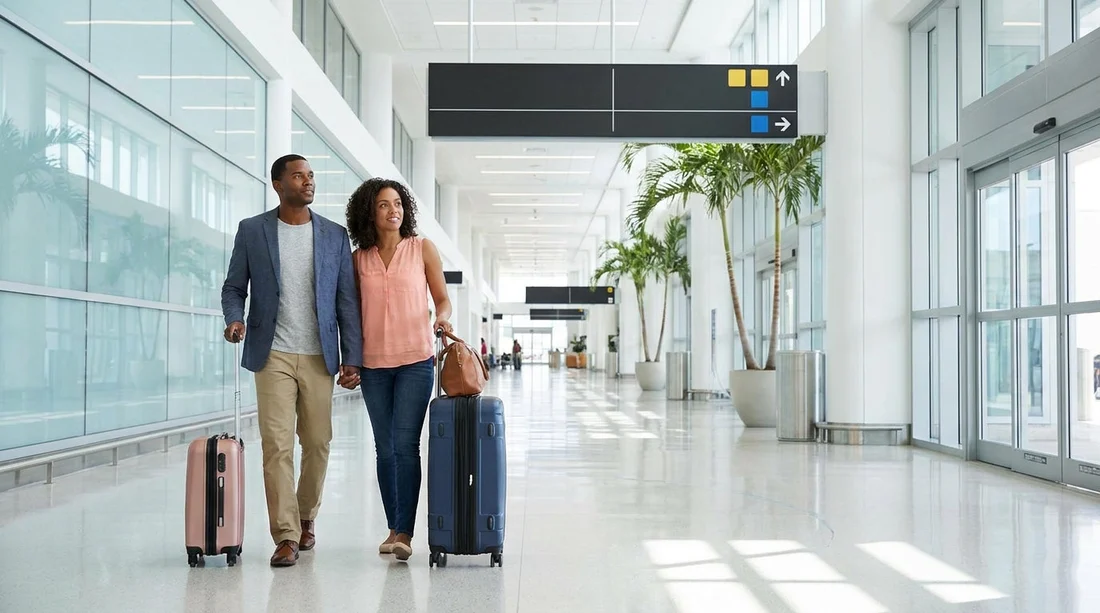
After you land in Terminal C, you will arrive at the terminal’s landside area after immigration, baggage reclaim, and customs. Once you have your bags, pause for a moment and look for overhead signs. You are aiming for Ground Transportation directions and the Terminal Link to the main terminal.
Practical tip: check that you have everything you will need at the counter, driving licence, a payment card in the main driver’s name, and your booking confirmation. Doing this here is easier than doing it in a busy line later.
2) Follow signs for Ground Transportation and Terminal Link
From Terminal C arrivals, follow the airport signage for Ground Transportation. You may see wording such as “Ground Transportation”, “Terminal Link”, or “Tram to Terminals A and B”. The overall goal is to reach the automated people mover that connects Terminal C to the main terminal complex.
Keep your group together and use lifts if you have a trolley or multiple cases. Orlando Airport wayfinding is generally clear, but it is still easy to drift towards rideshare pick-up areas if you follow the wrong set of arrows. If you see signs for rideshare, taxis, or hotel shuttles, confirm you are still tracking towards Terminal Link rather than exiting to kerbside transport.
3) Take the Terminal Link tram to the main terminal (A and B)
The Terminal Link is the fast connection between Terminal C and the main terminal serving Terminals A and B. Board the tram and stay with your bags. Announcements and displays will indicate the direction. Ride time is short, and you will exit into the main terminal area where most of the airport’s central services are located.
If you are travelling with children or have several bags, this is a good moment to make sure everything is secured. It is also worth checking your phone signal and opening any confirmation emails or saved documents so they load before you reach the desk area.
4) After the tram, follow signs to rental cars and car hire counters
Once you step off the Terminal Link, look immediately for signage pointing to rental cars or rental car counters. At MCO, the car hire desks are in the main terminal area rather than inside Terminal C. The signs will route you through the terminal interior, usually via escalators or lifts, to the level where the counters are grouped together.
If you are comparing providers or you want to confirm where your brand is located, Hola Car Rentals maintains helpful pages for the airport, including car rental at Orlando MCO and car hire from Orlando Airport for Disney-area stays. Use these as a reference point for what to expect at the airport, especially at busy holiday periods.
5) Go to the correct level for the desks, then choose the right queue
When you reach the rental car area, you will see multiple counters. Make sure you are joining the correct line for your provider, since queues can look similar and may be split by service type. Some brands separate lines for loyalty members, pre-paid bookings, or general assistance. If you are unsure, ask the staff member managing the queue at the front rather than waiting in the wrong line.
Before you commit to the queue, do two quick checks:
Check the counter name and logo. Orlando Airport has several brands side by side, and it is easy to drift one counter along when distracted by luggage.
Check your reservation details. Confirm your pick-up date and time, and whether your booking is under a specific brand name. If you arranged a particular vehicle type such as an SUV, you can also review typical options on SUV hire at Orlando MCO so you know what to ask about at the desk.
6) What to have ready before you reach the front
Most delays at the counter happen because key documents are buried in bags, or details do not match. While you wait, have these items ready:
Driving licence for the main driver, and for any additional drivers if you are adding them.
Payment card in the main driver’s name. If a deposit is required, the card must usually have sufficient available funds.
Booking confirmation with reservation number and the exact provider name.
Travel details such as your return time and terminal, in case the agent asks you to confirm drop-off plans.
Also decide in advance what matters to you, for example toll coverage for Orlando’s expressways, fuel policy, and whether you want to add another driver. Having those decisions made before you reach the front keeps the interaction quick and reduces pressure in a busy environment.
7) Common wayfinding mistakes from Terminal C arrivals
Heading outside too early. If you exit Terminal C towards kerbside ground transport, you can end up among buses, taxis, and rideshare pick-ups. For rental counters, stay indoors and follow Terminal Link signage first.
Confusing the garage with the desks. The desk area is where paperwork is handled, while the vehicle pick-up location may be elsewhere in the airport complex. Follow the sequence: counter first, then the instructions you are given for the car pick-up zone.
Joining the wrong queue. Some brands have similarly styled counters or multiple lines. Take ten seconds to confirm you are in the right place, especially when the hall is busy.
8) After the desk, getting to your car smoothly
Once your paperwork is complete, the agent will direct you to the pick-up location for your vehicle. Follow the posted signs and any instructions on your agreement. Keep the agreement accessible, since you may need it at the exit booth.
Before you drive off, do a quick walkaround and take clear photos of any existing marks. Adjust mirrors, connect your phone safely, and confirm how to return the vehicle and where to refuel if required. If you are renting with a specific provider, it can be useful to review brand-specific guidance ahead of time, for example Avis car rental at Orlando MCO.
FAQ
Are the car hire desks located inside Terminal C arrivals? No. From Terminal C arrivals you typically use the Terminal Link tram to the main terminal area, then follow signs to the rental car counters.
What is the fastest way from Terminal C to the car hire desks? Stay inside the terminal, follow Ground Transportation and Terminal Link signs, ride the tram to the main terminal, then go to the rental counter level and join your provider’s queue.
Do I need to go outside to reach the rental car counters? Usually not. The standard route from Terminal C uses indoor wayfinding to the Terminal Link and then indoor routes to the counters, which is easier with luggage.
What should I have ready before I queue at the desk? Have the main driver’s licence, a payment card in the same name, and your booking confirmation accessible. Decide on key extras like toll options and additional drivers.
If I cannot find the Terminal Link, what should I do? Look for overhead signs for Ground Transportation or “Terminal Link to A/B”. If you reach rideshare or taxi areas, you have likely gone too far towards exits, so turn back and follow indoor tram signage.






























































































