


Quick Summary:
- Check your voucher for the supplier name and any served by wording.
- Match desk signage to your supplier brand, not just car hire signs.
- Ask staff which queue covers your supplier before joining any line.
- Confirm terminal, desk location, and after-hours process for your booking.
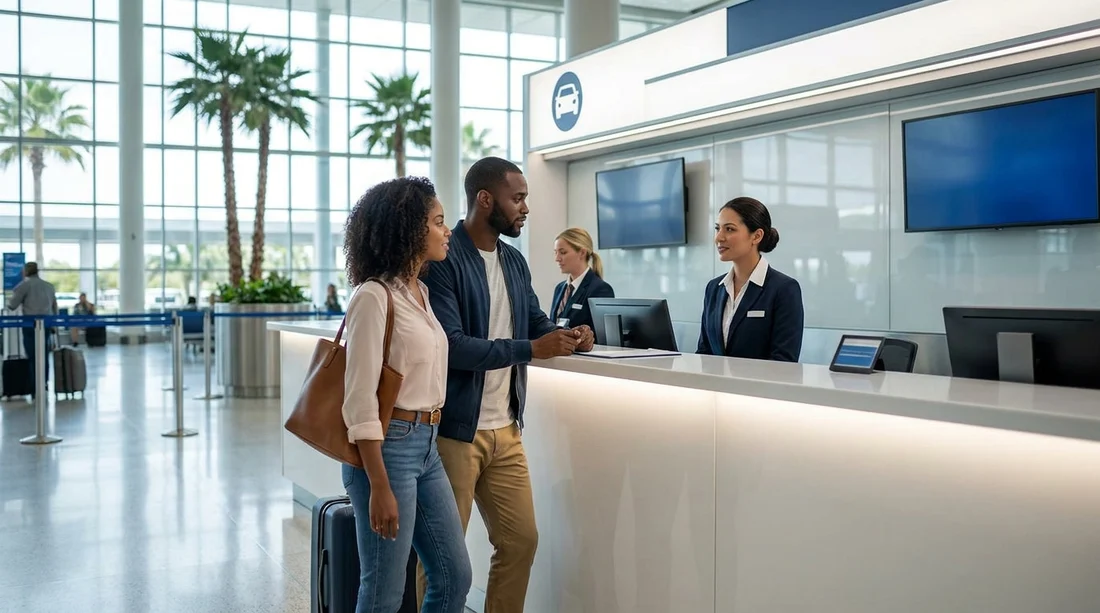
Orlando International Airport (MCO) is busy year-round, and the car hire area can feel confusing if you have not used it before. One common reason people end up in the wrong line is shared counters, where one desk processes rentals for multiple brands. The signage may show several logos, staff may handle different suppliers depending on time of day, and some suppliers use a service partner rather than their own counter.
This guide explains how shared counters work at Orlando Airport, exactly what to look for on your voucher, and what to ask at the desk so you do not waste time queueing for the wrong company.
What “shared counters” mean at Orlando Airport
A shared counter is a car hire desk that serves more than one rental brand. At MCO, this can happen in a few ways. First, several brands may sit side-by-side but funnel customers through a single queue, then direct you to the next available agent. Second, one brand may be “served by” another, meaning the staff and counter belong to a partner company, even though your booking is for a different supplier. Third, brands sometimes consolidate overnight or during quieter periods, with one team handling paperwork for multiple names.
Shared counters are not a problem by themselves, but they do increase the chance of joining a line that cannot check you in. The key is to identify the operating desk for your supplier before you commit to a queue.
Start with the basics, where the car hire desks are at MCO
At Orlando Airport, most on-airport rental counters are located in the Ground Transportation level of the main terminal building, with clear “Rental Cars” wayfinding from baggage claim. If you arrive at a busy time, you may see multiple queues and similar looking counters, which is where the voucher details become important.
If you want a quick overview of Orlando Airport car hire options and general pickup expectations, see car hire at Orlando MCO. If your trip includes theme parks and you are comparing pickup plans, Orlando Airport to Disney car hire can help you think through timing and routing.
What to check on your voucher before you queue
Your voucher is the single most useful tool for finding the right desk when counters are shared. Before you get in line, open the voucher on your phone or have a printout ready and look for these specific items.
1) The supplier name
Do not rely on the broker or platform name you used to arrange the booking. Focus on the actual rental supplier listed as “Supplier”, “Rental company”, or “Pick-up company”. That name should match the logo on the counter signage, or appear on a multi-brand sign.
2) “Served by” or “Provided by” wording
If your voucher says “served by”, “operated by”, or similar wording, treat that as the desk you should look for. For example, you may have booked one brand, but the voucher instructs you to check in with a partner counter. This is the most common reason people queue incorrectly, they search for the brand they recognise instead of the operator named on the voucher.
3) Pick-up location details
Some vouchers specify “Terminal A/B”, “Level”, or “Ground Transportation”. Others include an instruction such as “Follow signs to Rental Car Center”, or “Proceed to desk in terminal”. If the voucher mentions a shuttle, it may indicate an off-airport pickup, which means the on-airport counters will not be able to help.
4) Opening hours and after-hours instructions
If you arrive late, your supplier might be processed by a shared counter, or directed to a different counter after a certain time. The voucher often contains this detail in small print. If you skip it, you may stand in a line that is correct during the day but closed at night.
How to read desk signage when several brands share space
At MCO, signage can be large but still easy to misread when you are tired or travelling with family. Use a simple approach.
Look for the operator brand first
Find the brand named as the supplier or “served by” operator on your voucher. If you only look for the brand you searched for online, you can miss the correct desk entirely.
Check for multi-logo panels
A shared counter often has a panel listing multiple brands. If your supplier is listed there, you are in the right place even if the main sign above the desk shows a different primary logo.
Watch what the staff are asking in the queue
In shared setups, a queue marshal may ask “Which company are you collecting with?” before directing you to a specific line. If nobody is filtering, you should ask before you join, especially when multiple brands have similar colours or signage.
What to ask staff to avoid queueing at the wrong desk
You do not need a long conversation. Ask one clear question, show the voucher, and confirm the next step.
Use this exact question
“My voucher says the supplier is [name] and it is served by [name]. Which desk and queue should I use?”
This covers both the brand and the operator, which is the point of confusion with shared counters.
If your flight arrived late, add: “Are you still processing this supplier now, or is there an after-hours desk?” That one question can save you a long wait in a line that is not currently handling your brand.
Common shared-counter scenarios at Orlando MCO
Scenario 1: You booked a known brand, but the desk says another brand
This is often a “served by” situation. If your voucher shows a partner operator, follow the voucher. If it does not, ask staff to check the supplier on your reference number rather than guessing.
Scenario 2: You joined a generic-looking queue and no one mentions company names
Step out early and ask the first available staff member which suppliers that queue is currently serving. At peak times, separate lines can exist for different brands even within the same counter area.
Scenario 3: You are collecting a van or people carrier
Larger vehicle types can have different rules, availability checks, or separate pickup directions, even if the paperwork starts at the same counter. If you arranged a larger vehicle, it can help to read guidance specific to vans at van rental at Orlando MCO.
Scenario 4: Your voucher includes a “budget” or “Dollar” supplier
Some brands are more frequently seen on shared signage or grouped desks. If your supplier is one of these, it is especially important to match the exact brand on your voucher and confirm the correct line. You can also compare practical pickup expectations for specific suppliers, such as Budget car hire at Orlando MCO and Dollar car hire at Orlando MCO.
FAQ
Why are car hire desks shared at Orlando Airport?
Shared counters help manage staffing, peak arrivals, and brand partnerships. One desk may process rentals for several suppliers, especially during quieter hours or when a brand is “served by” an operating partner.
What is the most important thing to check on my voucher?
Check the supplier name and any “served by” or “operated by” wording. That information tells you which counter can actually issue your rental agreement.
What should I do if I cannot find my supplier on the signs?
Do not guess. Go to an agent or queue marshal, show your voucher, and ask which desk and queue matches your reference. This is common when the booking is served by a partner brand.
Can the correct counter change depending on the time I arrive?
Yes. Some suppliers consolidate processing late at night or direct customers to a different desk after certain hours. Your voucher’s opening hours and after-hours notes are the best guide.






























































































